If you’ve ever downloaded an app on an Android phone, you’ve used an APK file—even if you didn’t realize it. But what exactly is an APK file? How does it work? And why should you care?
Think of an APK file like a lunchbox that holds everything needed to make an app work. Whether you download an app from the Google Play Store or install one manually, it all comes down to APK files. Let’s break it down in simple terms so you’ll never be confused about APKs again.
What Does APK Mean?
APK stands for Android Package (or sometimes Android Package Kit). It’s the file format that Android uses to install apps, just like Windows uses .exe files for programs or macOS uses .dmg files.
How Does an APK Work?
When you download an app from the Play Store, your phone is actually downloading an APK file in the background and using it to install the app. You usually don’t see this process happening, but it’s how apps get on your device.
If you want to install an app that’s not available on the Play Store, you can download its APK file and install it manually. This is called sideloading, which we’ll discuss more later.
What’s Inside an APK File?
An APK file is like a zip folder containing everything an app needs to run. Inside, you’ll find:
Component
Purpose
Manifest File (AndroidManifest.xml)
Provides essential app information, like its name and permissions.
DEX Files (classes.dex)
Contain the actual code that makes the app work.
Resources (res/ folder)
Stores images, sounds, and other visuals used in the app.
Libraries (lib/ folder)
Includes additional code that helps the app function on different devices.
META-INF Folder
Holds security and verification information.
How to Open and Install an APK File
If you want to install an APK file manually, follow these steps:
Download the APK file – Only get it from a trusted source.
Enable installation from unknown sources – Go to Settings > Apps & Notifications > Special App Access > Install Unknown Apps and allow your browser or file manager to install APKs.
Open the APK file – Tap the file and select ‘Install’.
Wait for installation – Once done, you can open the app and use it like any other.
Can You Open an APK on a PC?
You can’t run an APK on a Windows or Mac computer by default. However, you can use an Android emulator like BlueStacks or NoxPlayer to run APK files on your PC.
Why Would You Install an APK File Manually?
There are several reasons you might want to install an APK outside of the Google Play Store:
Get New App Versions Early – Some app updates take weeks to roll out. With an APK, you can install the latest version instantly.
Install Apps Not Available in Your Region – Some apps are restricted in certain countries, but you can still install them with an APK.
Access Apps Not on the Play Store – Some apps get removed from Google Play but are still safe to use.
However, downloading APKs from unknown sources comes with risks, so always get them from reputable sites.
Are APK Files Safe?
Not all APK files are safe. Since APKs let you install apps outside the Play Store, hackers sometimes use fake APKs to spread malware. Here’s how to stay safe:
Download from trusted sites – Use reputable sources like APKMirror or the app’s official website.
Check app permissions – If an APK asks for unnecessary permissions (like a flashlight app wanting access to your contacts), it might be suspicious.
Scan APKs before installing – Use antivirus apps like VirusTotal to check for malware.
What Is Base.APK?
You may have come across a file called base.apk on your phone. This is the original APK file that Android uses to install an app. It’s hidden in the system folders, so you don’t normally need to worry about it.
An APK file is the backbone of every Android app. Whether you download apps from Google Play or sideload them manually, you’re dealing with APKs. While they offer great flexibility, always be cautious when downloading them from outside the Play Store to avoid security risks.
Now that you understand APK files, you’ll never look at app installations the same way again!
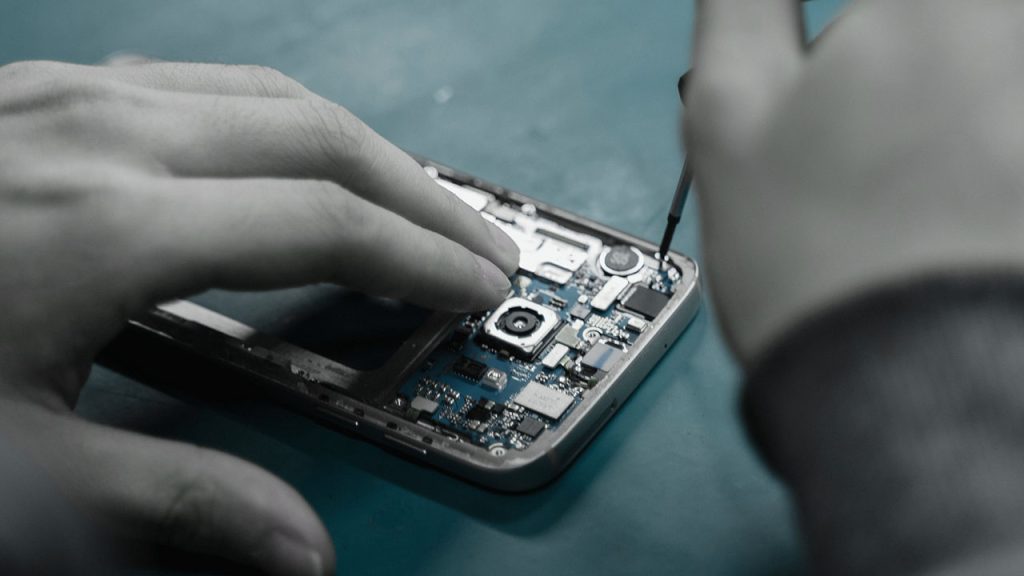
Flashing your Android phone without a computer might sound like a high-tech hacker move, but it’s actually something you can do yourself if you follow the right steps.
Think of it like giving your Samsung or Xiaomi phone a fresh start, like resetting a video game when things aren’t going your way. Whether your device is sluggish, buggy, or you want a new custom ROM, this guide will walk you through everything in a simple, easy-to-follow way. Let’s get started!
What Does Flashing Mean?
Flashing your phone means installing a new version of its operating system (called a ROM) or fixing software issues by replacing the current system files. It’s like wiping off an old chalkboard and drawing something new. Sometimes, flashing is needed to:
Fix software issues and crashes.
Remove bloatware that slows your phone down.
Install a custom ROM for more features and better performance.
And the best part? You don’t need a computer to do it!
Things to Do Before Flashing
Before we jump in, there are a few important steps to take. Skipping these could lead to losing your data or even bricking your phone (which means turning it into an expensive paperweight).
1. Back Up Your Data
Flashing erases everything, so you’ll want to back up your contacts, messages, photos, and apps. Here’s how:
Data Type
How to Back Up
Contacts
Sync with Google Account
Photos
Use Google Photos, OneDrive, or an SD card
Messages
Use SMS Backup & Restore app
Apps & Settings
Use your phone’s built-in backup feature
2. Charge Your Phone
Your phone should have at least 70% battery to avoid shutting down in the middle of flashing, which could cause major issues.
3. Enable Developer Options
Developer Options give you access to settings that aren’t usually available. Here’s how to enable them:
Go to Settings > About Phone.
Find Build Number and tap it 7 times until you see “You are now a developer!”
Go back to Settings, and you’ll see Developer Options.
4. Enable OEM Unlocking and USB Debugging
Still in Developer Options:
Turn on OEM Unlocking (this allows you to unlock your bootloader).
Turn on USB Debugging (this lets your phone communicate with external tools).
Steps to Flash Your Android Phone Without a PC
1. Download Required Files
You’ll need:
Custom Recovery (like TWRP) to install the new ROM.
A new ROM (official firmware or a custom ROM like LineageOS).
Make sure the files match your phone model exactly!
2. Move Files to Your Phone
Once downloaded, move the files to your phone’s internal storage or SD card so they’re easy to find later.
3. Boot into Recovery Mode
This step lets you access special tools for flashing your phone. Here’s how:
Power off your phone.
Press and hold Volume Up + Power (or Volume Down + Power depending on your phone model).
Keep holding until the Recovery Mode menu appears.
4. Backup Your Current ROM (Optional but Recommended)
If anything goes wrong, you can restore your phone to how it was.
In TWRP recovery, select Backup and choose System, Data, and Boot.
Swipe to start the backup process.
5. Wipe Data and Cache
Before flashing the new ROM, you need to clean out the old files:
In recovery mode, select Wipe > Advanced Wipe.
Check Dalvik Cache, System, Data, and Cache.
Swipe to confirm the wipe.
6. Flash the New ROM
Now comes the main part!
Go back to the main recovery menu.
Select Install.
Navigate to where you saved the ROM file.
Tap it and swipe to flash.
Wait a few minutes while the ROM installs.
7. Reboot Your Phone
After installation, go back to the main menu and tap Reboot System. Your phone will restart, and the first boot might take 5-10 minutes—that’s normal!
What to Expect After Flashing
Your phone will feel fresh and clean.
You may need to reinstall apps and log into your accounts.
If you flashed a custom ROM, you’ll have new features and a different interface.
Troubleshooting Common Problems
Problem
Solution
Phone stuck on logo
Try booting into recovery mode and wiping cache and data.
Can’t boot into recovery
Check if you installed a compatible TWRP version.
No SIM detection
Flash the correct modem firmware for your ROM.
Flashing your Android phone without a PC might seem intimidating, but once you understand the steps, it’s pretty straightforward. Just remember to back up your data, download the right files, and follow each step carefully.
Now go ahead—breathe new life into your phone and enjoy the freedom of customizing your Android experience!
So, you want to enjoy Apple Music, but your Nigerian debit card keeps getting declined? Frustrating, right? Don’t worry—you’re not alone, and luckily, there are easy workarounds. Whether it’s Apple rejecting your card or Nigerian banks blocking international transactions, you can still subscribe without the headache.
Below are five simple ways to pay for Apple Music without a Nigerian bank card. Each method is reliable, and I’ll walk you through them like we’re chatting over a cup of coffee. Let’s dive in!
1. Use Family Sharing
Did you know you can get Apple Music without making the payment yourself? With Apple’s Family Sharing, someone with an accepted payment method (like a relative abroad) can add you to their plan. It’s like when your parents used to pay for cable TV, and you got to enjoy all the channels.
How It Works:
Ask a family member or trusted friend with a working Apple Music subscription to add you to their Apple Music Family Plan.
They can add up to six people under one subscription.
Once you’re in, you get full access without needing a bank card.
Just make sure they’re cool with covering your share or agree to reimburse them some other way.
Plan
Monthly Cost
Number of Users
Individual
₦900
1
Family
₦1,400
Up to 6
Student
₦450
1
The Family Plan is not only convenient, but it’s also cheaper per person if split properly. If you can join a group, you’re saving money while avoiding the payment stress.
2. Pay with Apple Gift Cards
Think of Apple gift cards as prepaid vouchers for Apple Music. They work just like a mobile recharge card—you buy a code, load it into your account, and boom! Your subscription is covered.
How It Works:
Buy an Apple/iTunes gift card from platforms like Prestmit, Konga, or Cardtonic.
The seller will send you a 16-digit code.
Open your iPhone or iPad and go to the App Store.
Tap your profile, select Redeem Gift Card or Code, and enter the digits.
Your account balance updates, and Apple deducts your subscription from there.
Gift cards are a one-time purchase, meaning no auto-renewals. If you don’t want recurring deductions, this is a great option.
3. Use a Virtual Dollar Card
Nigerian banks might block your card, but virtual dollar cards bypass that issue. These are online prepaid cards loaded with USD, which work like regular debit cards for international transactions.
How It Works:
Sign up for a virtual dollar card from services like Chipper Cash, Geegpay, or Grey.
Fund your card with naira—it converts to dollars.
Use the virtual card details to pay for Apple Music like you would with a normal debit card.
Platform
Supports Apple Music?
Deposit Methods
Chipper Cash
Yes
Bank transfer, crypto
Geegpay
Yes
Bank transfer
Payday
Yes
Bank transfer, mobile money
This is one of the most seamless methods since you’re essentially paying the way Apple expects—through a card that works internationally.
4. Pay with MTN Airtime
Yes, you read that right. MTN lets you pay for Apple Music directly from your airtime balance. If you’re an MTN subscriber, this could be the most convenient method for you.
How It Works:
Ensure you have at least ₦1,000 airtime on your MTN line.
Send “MUSIC” to 8000 via SMS.
MTN will deduct the subscription fee directly from your balance.
You’ll receive a confirmation SMS, and your Apple Music will be activated.
The only catch? Not all MTN users are eligible, so you’ll need to check if it works for your line first.
5. Use an International Payment Service (Wise, Payoneer, etc.)
If you have a Payoneer or Wise (formerly TransferWise) account, you can generate a virtual international bank card that works for Apple Music.
How It Works:
Sign up for an account on Wise or Payoneer.
Get a foreign virtual card (USD, EUR, or GBP).
Fund the card through a bank transfer.
Use the card details to subscribe to Apple Music.
This is a great long-term solution if you plan to make multiple international transactions, not just for Apple Music.
Final Thoughts
There you have it—five easy ways to pay for Apple Music in Nigeria without a local debit card. No more declined payments, no more frustration. Here’s a quick recap:
Method
Pros
Cons
Family Sharing
Cheapest if shared with others
Requires a family member with a working card
Gift Cards
One-time payment, no auto-renewal
Needs to be repurchased manually
Virtual Dollar Card
Works for multiple subscriptions
May have extra charges
MTN Airtime
Simple and accessible
Not available for all users
International Payment Services
Works for multiple services
Requires account setup
So, which one works best for you? If you have a friend or family member with an Apple Music subscription, Family Sharing is the easiest. If you prefer a one-time purchase, go for gift cards. If you need a recurring payment method, try virtual dollar cards or Wise/Payoneer.
No more missing out on your favorite songs—pick the best method for you and start streaming today!
If you’ve ever wondered if you can mine cryptocurrency straight from your phone, the answer is yes—but with a few catches. While mobile crypto mining won’t make you rich overnight, it’s a fun and accessible way to earn small amounts of crypto without investing in expensive mining hardware. The trick is finding apps that are trustworthy, easy to use, and actually pay out. That’s exactly what this guide will help you with.
We’ll break down six of the most reliable crypto mining apps for Android and iPhone, explaining how they work, their pros and cons, and what you need to get started. Let’s dive in!
What Is Crypto Mining on Mobile?
Before we get to the apps, let’s quickly explain what mobile crypto mining is. Traditional crypto mining requires powerful computers (or ASIC miners) to solve complex math problems and validate transactions on a blockchain. This process is energy-intensive and not practical for smartphones.
Instead, mobile mining apps use cloud mining or browser-based mining. Here’s the difference:
Cloud mining: You rent mining power from a remote data center. The mining happens on powerful machines elsewhere, and you earn a share of the rewards.
Browser-based mining: Some apps let you earn crypto while browsing the internet by using your phone’s idle processing power (although earnings are usually small).
Now that we understand the basics, here are the six best crypto mining apps available for Android and iPhone.
1. Binance Pool
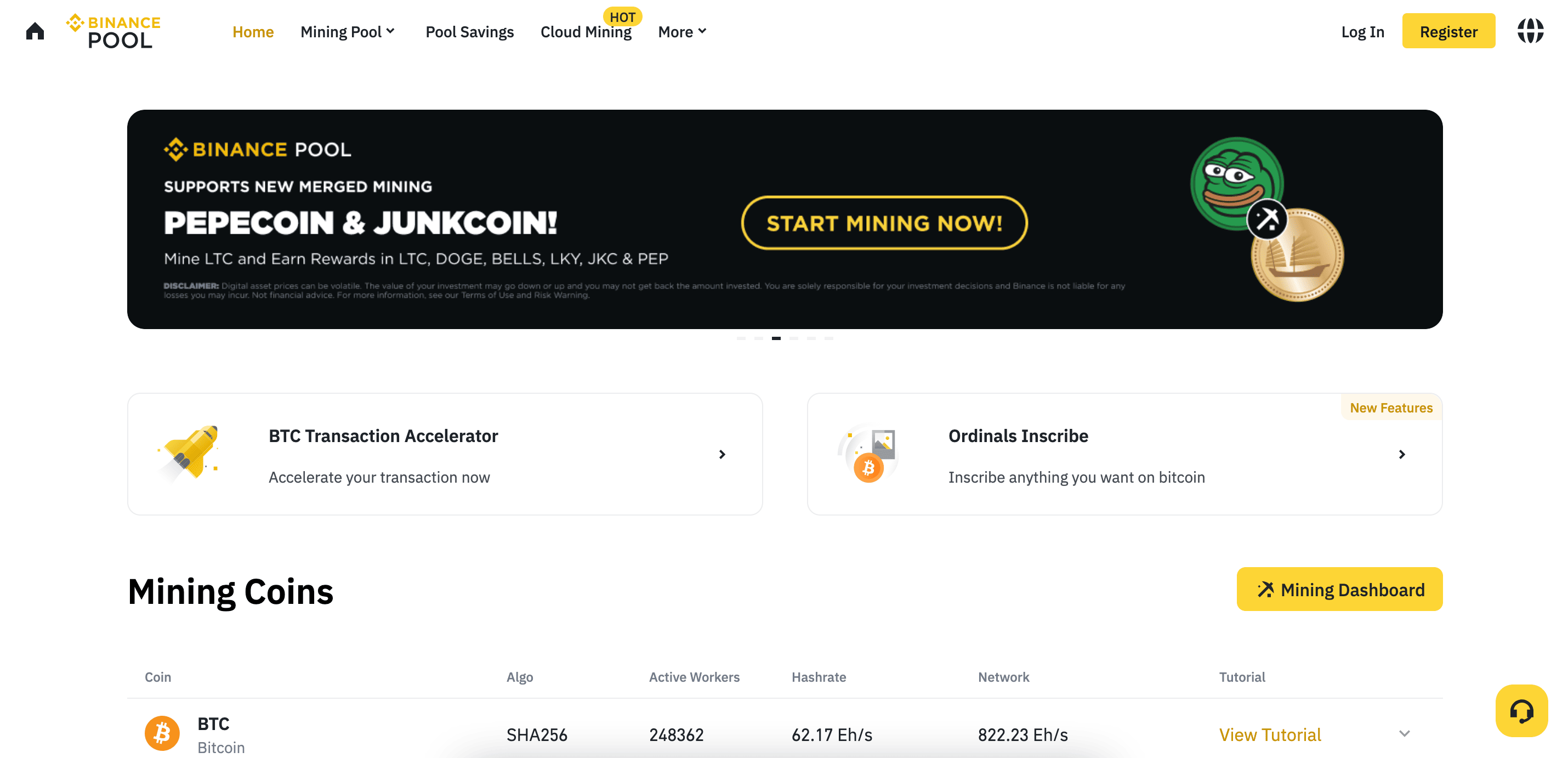
Binance, one of the largest cryptocurrency exchanges, offers Binance Pool, a cloud mining service that lets you mine Bitcoin without needing special hardware.
Features:
Integrated with Binance’s trading platform
Daily payouts in Bitcoin
Easy tracking through the Binance app
How It Works:
Create a Binance account (if you don’t have one).
Purchase a cloud mining contract (starting at $23.04).
Sit back and track your earnings in the Binance app.
Pros & Cons:
Pros
Cons
Trusted and reputable platform
Contracts sell out quickly
No need for hardware
No free mining options
Daily payouts
Requires an initial investment
2. CryptoTab Browser
CryptoTab is a web browser that lets you mine Bitcoin while browsing the internet. It’s available in Lite, Pro, and Max Speed versions, with paid versions offering higher mining speeds.
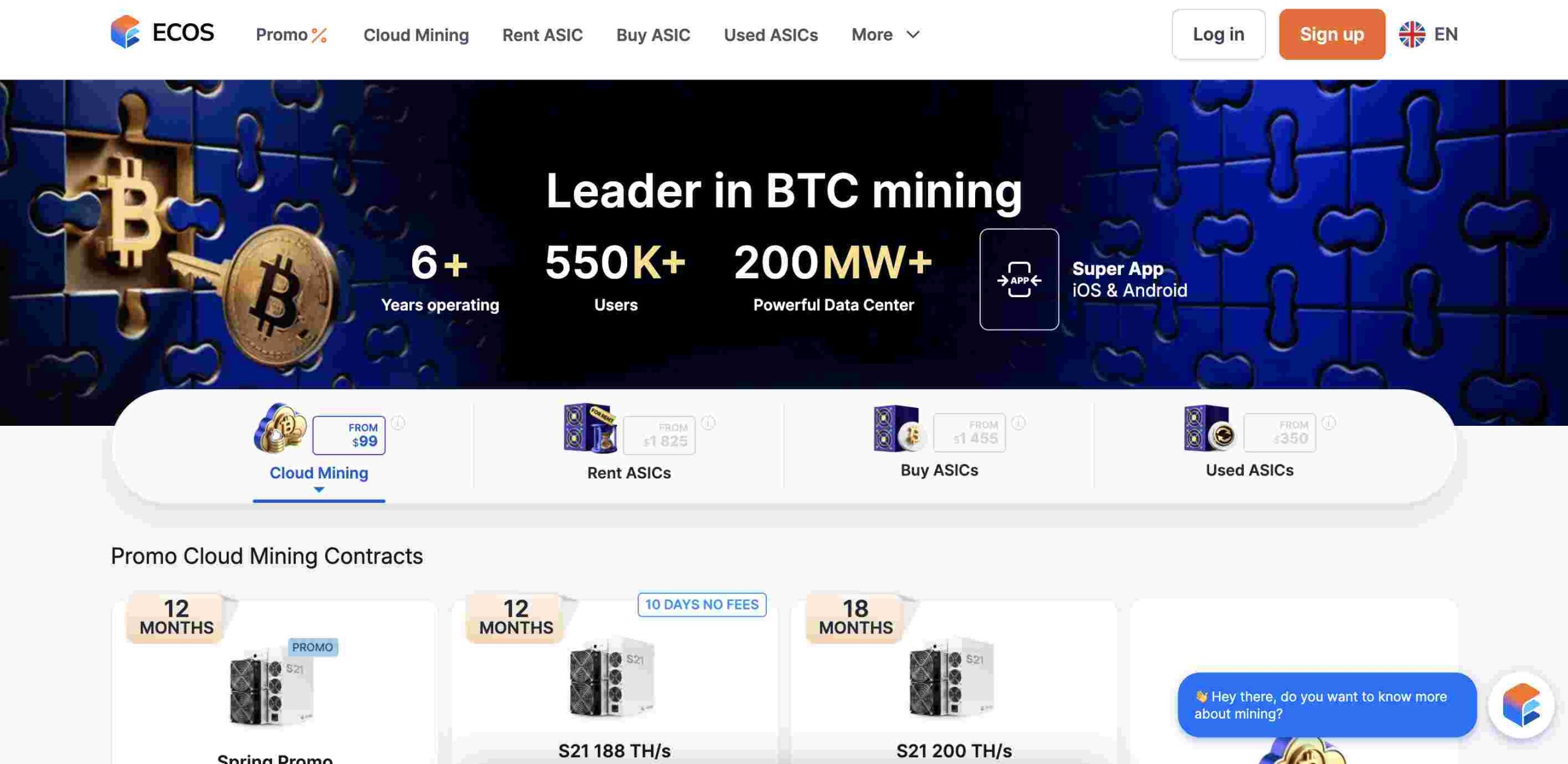
ECOS offers cloud mining contracts, a Bitcoin wallet, and even an option to buy and host your own Bitcoin miners at the ECOS Data Center.
Features:
Cloud mining options
Bitcoin wallet included
Option to host real mining hardware
How It Works:
Download the ECOS app and create an account.
Choose between cloud mining, building a mining farm, or buying hardware.
Start earning and tracking your progress.
Pros & Cons:
Pros
Cons
Multiple ways to earn
Requires upfront purchase
User-friendly interface
Minimal earnings from cloud mining
Reliable platform
Withdrawal limits apply
5. NiceHash
NiceHash is a cloud mining marketplace that lets you mine Bitcoin and other cryptocurrencies with both free and paid plans.
Features:
Free and paid mining contracts
Monitor mining rigs remotely
Supports over 60 cryptocurrencies
How It Works:
Sign up on NiceHash and choose a mining plan.
Use their app to track performance.
Withdraw your earnings in Bitcoin or other cryptos.
Pros & Cons:
Pros
Cons
Free plan available
Requires PC software for mining
Supports multiple cryptos
Can be overwhelming for beginners
Remote monitoring
Service fees apply
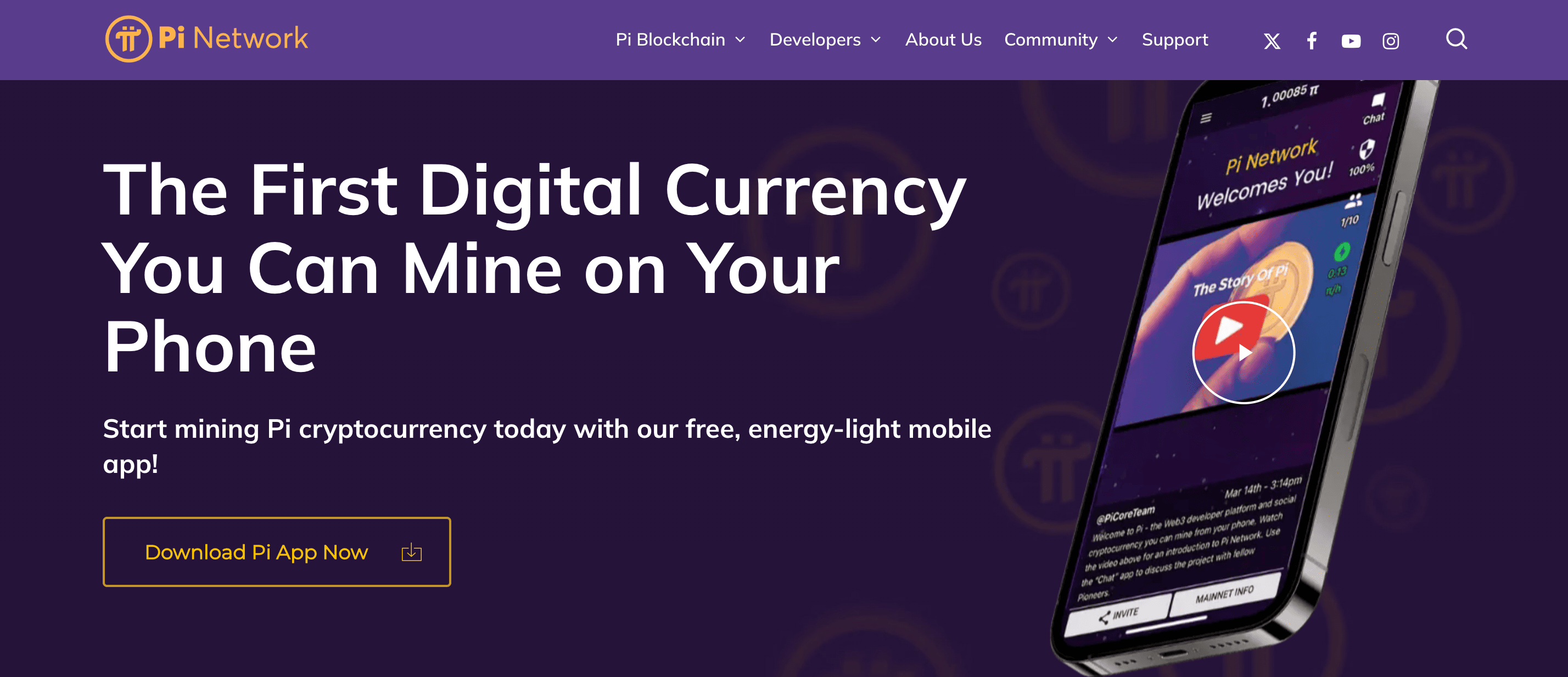
6. Pi Network
Pi Network lets you mine Pi coins directly from your phone with minimal processing power.
Features:
No battery drain or extra hardware required
Easy to use
High user engagement
How It Works:
Download Pi Network and create an account.
Click the mining button once per day.
Earn Pi coins for free!
Pros & Cons:
Pros
Cons
Completely free
Pi coins aren’t listed on exchanges yet
No hardware needed
Limited earning potential for now
Easy to use
Requires daily engagement
How to Choose a Legit Crypto Mining App
When picking a mining app, keep these factors in mind:
Factor
Why It Matters
Security
Ensure the app is from a trusted developer to avoid scams.
Ease of Use
A good mining app should have a simple interface.
Earnings Potential
Check reviews to see if the app actually pays out.
Fees
Some apps have hidden charges that reduce profits.
Customer Support
In case of issues, responsive support is a must.
Crypto mining on mobile isn’t a get-rich-quick scheme, but it can be a fun way to earn small amounts of crypto with minimal effort. If you’re serious about mining, cloud mining services like Binance Pool and Hashshiny are your best bet. If you just want to experiment, CryptoTab and Pi Network offer easy, low-effort ways to get started.
Whichever app you choose, always do your research, read user reviews, and never invest more than you can afford to lose. Happy mining!
FAQs
Can I mine crypto on my iPhone?
Direct mining on iPhones is not feasible because of hardware limitations. Nonetheless, certain apps allow users to engage in cloud mining or earn cryptocurrency through other means:
Bitdeer: This platform facilitates cloud mining by enabling users to lease mining hardware remotely, eliminating the need for personal mining equipment.
Can I mine crypto on my Android phone?
Similar to iPhones, Android devices lack the necessary power for effective cryptocurrency mining. Yet, some apps provide alternative avenues:
Pi Network: This project allows users to “mine” Pi coins through the app without intensive computational requirements. It’s important to note that Pi Network’s mining mechanism differs from traditional Proof-of-Work systems.
Are there any real crypto mining apps for Android?
While traditional mining isn’t practical on Android devices, apps like Pi Network offer participation in cryptocurrency ecosystems without heavy resource consumption.
What is the best device for mining crypto?
Effective cryptocurrency mining typically requires specialized hardware:
ASIC Miners: Application-Specific Integrated Circuit miners are tailored for specific algorithms, offering high efficiency and performance, especially for cryptocurrencies like Bitcoin.
GPU Mining Rigs: High-end Graphics Processing Units can mine various cryptocurrencies, particularly those resistant to ASIC mining.
Which crypto is fastest to mine?
The ease of mining a cryptocurrency depends on its algorithm and network difficulty:
Monero (XMR): Known for its ASIC-resistant algorithm, Monero can be mined using CPUs or GPUs, making it accessible for individual miners.
Dash: Utilizing the X11 hashing algorithm, Dash is compatible with both ASIC and GPU mining, offering flexibility in mining approaches.
Can I mine Bitcoin for free?
Mining Bitcoin without investment is challenging due to high competition and resource requirements. Some platforms claim to offer free mining, but they often come with limitations or potential risks. It’s essential to exercise caution and research thoroughly before engaging with such services.
The internet is like a giant marketplace where people buy, sell, and make money every single day. In Nigeria, many online businesses allow you to earn daily without needing a physical shop. Whether you’re a student, stay-at-home parent, or someone looking for extra cash, there’s an online business for you. Let’s explore 15 of them and how they work!
Freelancing means offering your skills online to people who need them. If you’re good at writing, designing, or coding, you can find work on platforms like Fiverr, Upwork, and PeoplePerHour. Businesses and individuals post jobs, and you get paid per task.
Example: A Nigerian writer on Fiverr can earn between ₦5,000 to ₦50,000 per article, depending on the quality and length.
2. Affiliate Marketing
Affiliate marketing is like being a middleman. You promote other people’s products using special links, and when someone buys through your link, you earn a commission. Platforms like Jumia Affiliate, Konga Affiliate, and Amazon Associates allow you to earn daily.
Example: If you promote a phone that costs ₦100,000 and the company gives you 5% commission, you earn ₦5,000 per sale.
3. Blogging with Ad Networks and Sponsored Posts
Blogging involves creating a website where you write about topics people are interested in. You make money by displaying ads from Google AdSense, Mediavine, or Adsterra, and through sponsored posts where brands pay you to write about them.
Example: A Nigerian blogger earning ₦500 per 1,000 views can make ₦5,000 daily if they get 10,000 visitors.
4. Selling Food Online
If you love cooking, why not sell homemade meals online? You can take orders through WhatsApp, Instagram, or Facebook and deliver them via dispatch riders.
Example: If you sell 10 plates of jollof rice at ₦2,000 each, that’s ₦20,000 daily!
5. Print-on-Demand Business
With print-on-demand, you design custom T-shirts, mugs, or phone cases and sell them online. Websites like Printivo and Teespring handle printing and delivery while you focus on marketing.
Example: If a T-shirt costs ₦3,000 to make and you sell it for ₦6,000, you earn ₦3,000 per sale.
6. Social Media Management
Many businesses need help managing their social media pages. If you understand how to create posts, reply to comments, and grow followers, you can offer social media management services.
Example: Some Nigerian businesses pay ₦30,000 to ₦100,000 monthly for social media managers.
7. YouTube Content Creation
YouTube pays content creators through ads, sponsorships, and product promotions. If you can create engaging videos, this is a great way to earn daily income.
Example: A YouTube channel with 10,000 views per day could earn around ₦10,000 – ₦30,000 daily from ads.
8. Forex Trading
Forex trading is buying and selling currencies to make a profit. It requires learning, patience, and the right strategy, but once mastered, it can be very profitable.
Example: A skilled trader making ₦5,000 profit per trade could do 3-5 trades daily, making ₦15,000 – ₦25,000 per day.
9. Cryptocurrency Trading
Crypto trading involves buying and selling digital currencies like Bitcoin and Ethereum. It works like forex trading, but the market runs 24/7.
Example: If you buy ₦50,000 worth of Bitcoin and sell it for ₦55,000, you just made ₦5,000 profit.
10. Virtual Assistant Services
A virtual assistant helps business owners with tasks like email management, data entry, and scheduling meetings.
Example: Many Nigerian VAs earn between ₦5,000 to ₦15,000 per day depending on the tasks.
11. Online Tutoring
If you’re good at a subject, you can teach others online via Zoom or WhatsApp and get paid.
Example: Teaching five students at ₦2,000 per class gives you ₦10,000 daily.
12. Selling Digital Products (Ebooks, Courses, Templates)
You can create ebooks, online courses, or business templates and sell them repeatedly without worrying about inventory.
Example: Selling 20 copies of a ₦2,500 ebook makes ₦50,000 daily.
13. Data Entry Jobs
Data entry involves typing information into a computer system. Many companies outsource this work, and you can do it from home.
Example: You could earn ₦3,000 – ₦10,000 per day, depending on the workload.
14. Mobile Money Agent Business
With a mobile money business, you help people withdraw, deposit, or transfer money using fintech services like Opay, Paga, or Moniepoint.
Service
Charge per Transaction
Daily Transactions
Daily Earnings
Cash Withdrawal
₦100 per ₦5,000
50 transactions
₦5,000
Cash Deposit
₦50 per ₦5,000
50 transactions
₦2,500
Bills Payment
₦100 per bill
20 transactions
₦2,000
Total Estimated Daily Earnings: ₦9,500+
15. Domain Flipping
Domain flipping is buying domain names (e.g., bestnaijadeals.com) at a low price and selling them for a profit.
Example: If you buy a domain for ₦5,000 and sell it for ₦50,000, that’s a ₦45,000 profit!
Starting an online business in Nigeria is easier than ever. Whether you love writing, teaching, or trading, there’s an option for you. The key is consistency, patience, and learning the right skills. Which of these businesses sounds most interesting to you? Start today and make money daily!
If you love shopping but prefer breaking your payments into smaller chunks, you’re probably familiar with Fingerhut. It lets you buy now and pay later, making it easier to afford big purchases without stressing your wallet. But Fingerhut isn’t the only option out there. Plenty of other websites offer flexible payment plans, whether you’re shopping for furniture, electronics, clothes, or even gifts.
Let’s dive into 15 great alternatives to Fingerhut, explaining what makes each one special and why they might be the right fit for you.
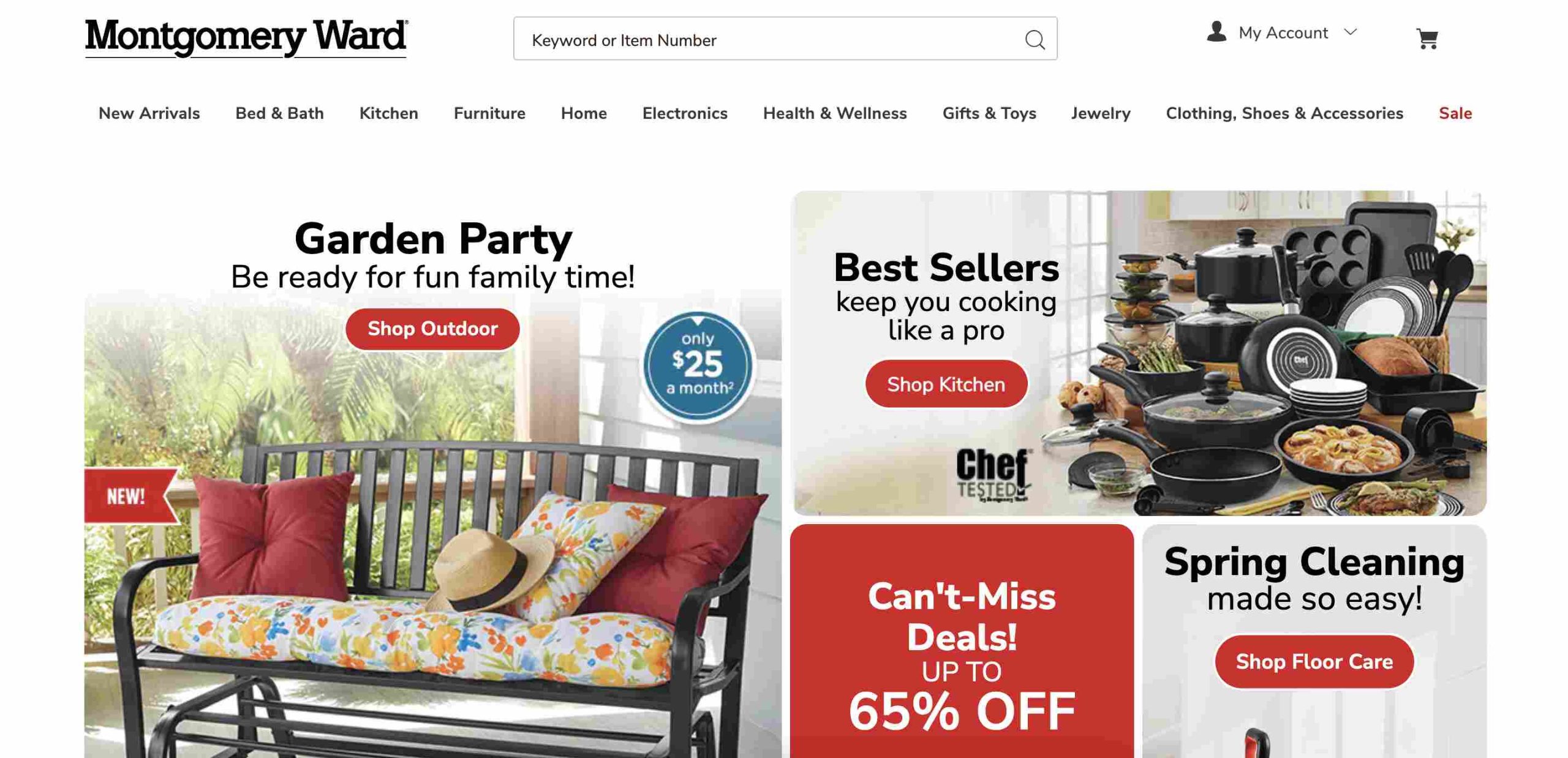
1. Montgomery Ward
Montgomery Ward has been in the buy now, pay later (BNPL) game for over a century. They offer furniture, home décor, electronics, and more, all with affordable monthly payment plans through their own credit system.
Why You’ll Like It:
Long history of reliable service
Offers a wide variety of products
Monthly payments with their store credit
2. Seventh Avenue
Seventh Avenue focuses on stylish home décor, furniture, and gifts. If you like decorating your space or finding unique home items, this is a great option.
What Makes It Stand Out:
Flexible payment plans
Great for furniture and home décor lovers
Easy credit approval process
3. Miles Kimball
If you’re into personalized gifts, kitchen gadgets, and home décor, Miles Kimball is a fun alternative. They offer BNPL options similar to Fingerhut, making it easier to grab unique finds without paying upfront.
Why You Might Like It:
Specializes in personalized gifts
Flexible payment plans
Great for home organization items
4. Walmart
Yes, Walmart! While it’s known for low prices, Walmart also offers BNPL options through services like Affirm and Klarna. Whether you’re buying electronics, groceries, or furniture, you can spread out payments.
What’s Great About Walmart BNPL:
Huge product selection
Available online and in stores
Partnered with multiple BNPL providers
5. Harriet Carter
Harriet Carter focuses on unique gifts, home solutions, and personal care products. Their flexible credit plans make it easy to shop for practical household items without immediate full payment.
Why It’s Worth Considering:
Affordable home essentials
BNPL options available
Personalized and practical gifts
6. Kohl’s
Kohl’s is a well-known department store offering everything from clothing to electronics. They have a “Buy Now, Pay Later” option through Affirm, making it easier to budget your purchases.
Why You Should Check It Out:
Frequent discounts and deals
Wide variety of products
Flexible payment plans via Affirm
7. Home Shopping Network (HSN)
HSN is great for finding daily deals on beauty, electronics, and home goods. Their Easy Pay system allows you to split payments into smaller amounts over time.
What You’ll Love:
Great for TV shoppers who love deals
Installment payments without interest
Large variety of products
8. Stoneberry
Stoneberry works just like Fingerhut, offering flexible credit terms on electronics, fashion, and more. Payments can be as low as $5.99 per month.
What Stands Out:
Low monthly payments
Easy credit approval
Wide product range
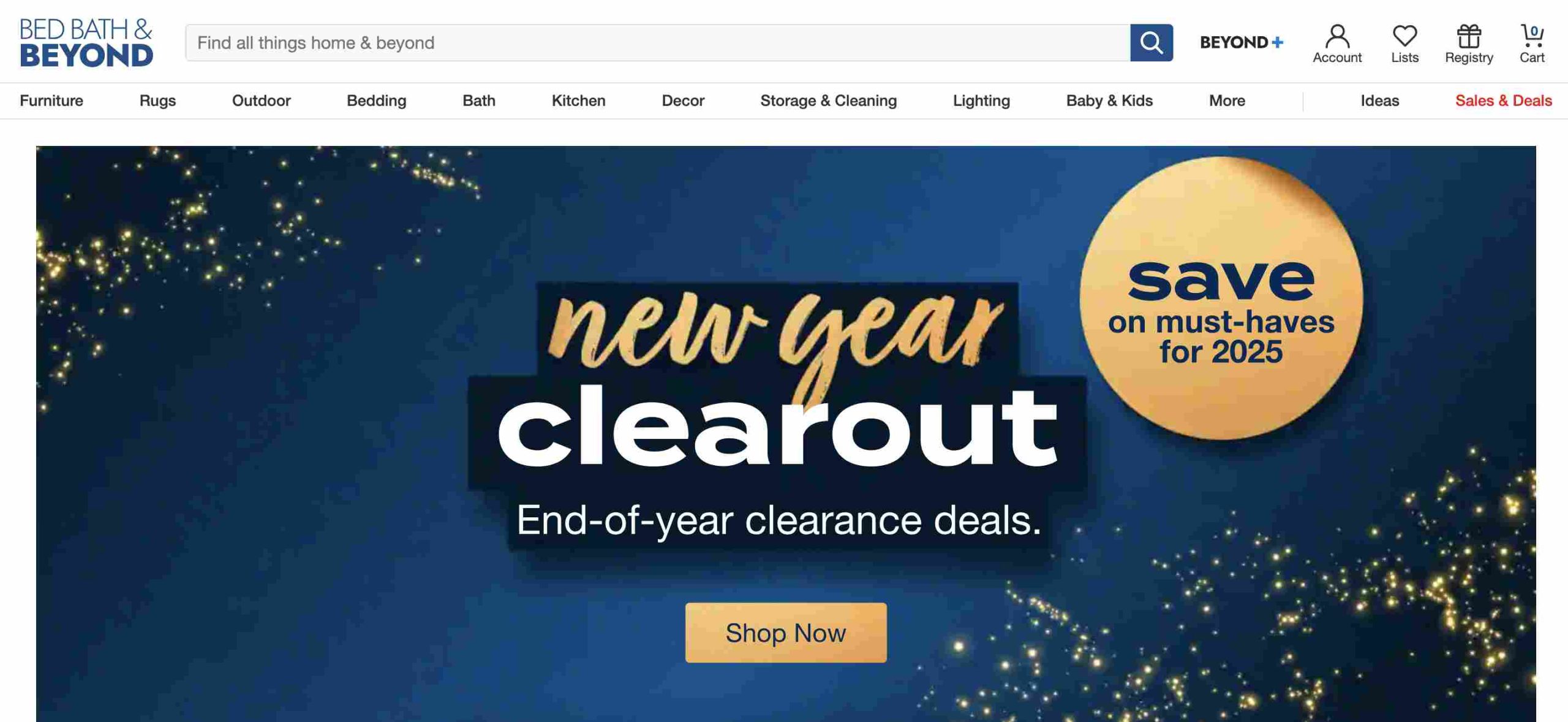
9. Bed Bath & Beyond
Though known for home goods, Bed Bath & Beyond partners with BNPL services to let you split payments on furniture, kitchen gadgets, and décor.
Why Consider It?
Frequent sales and discounts
Flexible payment options
Great for home essentials
10. ShopHQ
ShopHQ specializes in home appliances, beauty products, and jewelry. They offer BNPL plans to help customers spread out costs on bigger-ticket items.
Why Shop Here:
Niche product selection
Installment payments available
Personalized shopping experience
11. Afterpay
Afterpay isn’t a store but a BNPL service that partners with many retailers. It lets you shop and split your payment into four interest-free installments.
What’s Good About Afterpay:
No interest if paid on time
Accepted at thousands of stores
Ideal for fashion, beauty, and home goods
12. Klarna
Klarna works like Afterpay but gives you multiple payment options, such as paying within 30 days or splitting purchases into four payments.
Why It’s a Strong Alternative:
Accepted at many retailers
Different payment plan choices
Easy-to-use app for tracking payments
13. Affirm
Affirm lets you spread payments over 3 to 36 months. It’s a great alternative for big purchases like furniture and electronics.
Why People Love Affirm:
Transparent pricing with no hidden fees
Long-term financing options
Works with major retailers
14. QVC Easy Pay
QVC is famous for its home shopping channel, but its Easy Pay option lets you split payments into five equal, interest-free installments.
Why It’s a Solid Choice:
No interest on installment payments
Wide variety of products
Trusted brand with great customer service
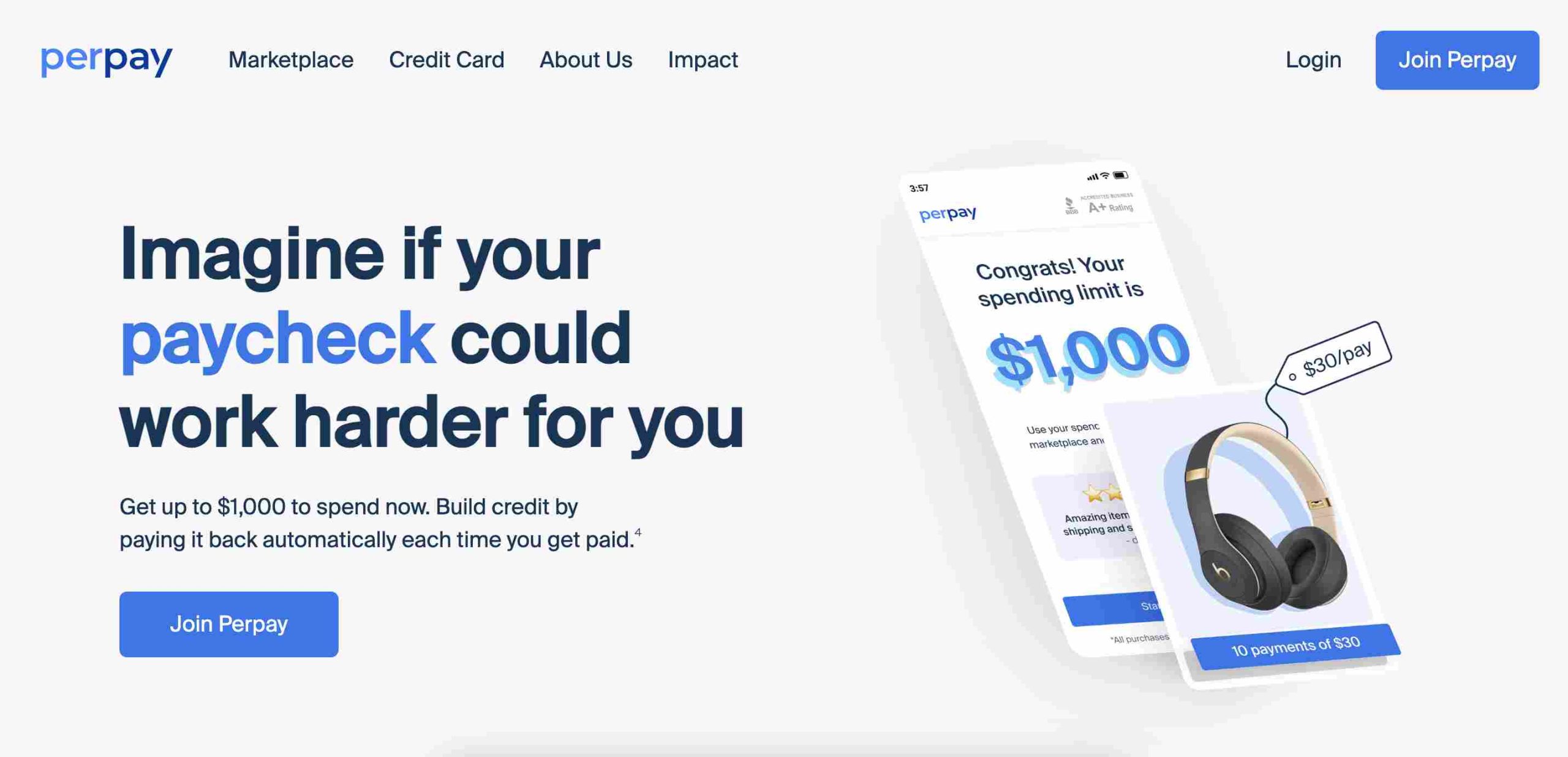
15. Perpay
Perpay is designed for people with low credit scores. It lets you shop and pay off purchases through payroll deductions, helping you build credit.
What’s Unique About Perpay:
No credit check required
Helps improve your credit score
Easy payroll-deducted payments
Comparison Table: Best Fingerhut Alternatives
Website
Product Focus
Payment Plan Type
Montgomery Ward
Furniture, electronics
Store credit
Seventh Avenue
Home décor, gifts
Monthly payments
Miles Kimball
Personalized gifts
Flexible payments
Walmart
Everything
BNPL via Affirm, Klarna
Harriet Carter
Home & personal care
Installments
Kohl’s
Clothing, electronics
Affirm BNPL
HSN
Beauty, home goods
Easy Pay
Stoneberry
Electronics, fashion
Low monthly payments
Bed Bath & Beyond
Home goods
BNPL options
ShopHQ
Jewelry, beauty
BNPL options
Afterpay
Various retailers
4 interest-free payments
Klarna
Various retailers
Flexible BNPL options
Affirm
Electronics, furniture
3-36 month financing
QVC Easy Pay
Home shopping
5 equal installments
Perpay
General shopping
Payroll-deducted payments
FAQs
Is there another website like Fingerhut?
Yes, similar websites include Zebit, Stoneberry, and MDG, which offer buy now, pay later (BNPL) options with flexible payment plans.
Fingerhut offers a revolving credit account, which functions like a store credit card but can only be used for purchases through Fingerhut.
Why is Fingerhut so expensive?
Fingerhut’s prices tend to be higher due to financing costs, interest rates, and the convenience of its credit-based purchasing system.
What is a cheaper BNPL option compared to Fingerhut?
Afterpay and Klarna provide interest-free installment plans, making them some of the most cost-effective alternatives.
Can BNPL services be used for daily purchases?
Yes, many BNPL platforms support purchases of everyday essentials, including groceries, clothing, and household goods.
Is Afterpay a better choice than Fingerhut?
Since Afterpay offers interest-free payments, it is often a more budget-friendly alternative to Fingerhut, which typically has higher interest rates.
Finding the right Fingerhut alternative depends on what you’re looking for. If you want easy monthly payments, Montgomery Ward or Stoneberry might be best. If you prefer interest-free installments, Afterpay and QVC Easy Pay are solid choices. And if you’re looking to improve your credit, Perpay is a smart option.
No matter your shopping needs, there’s a BNPL option that fits your lifestyle. Happy shopping!
Buy Now, Pay Later (BNPL) services are transforming how Africans shop, making it easier for people to afford everyday items without paying the full price upfront.
Instead of waiting months to save up, BNPL allows customers to get what they need now and spread the payments over time. While global platforms like Fingerhut have long offered similar installment-based shopping options, Africa’s BNPL startups are now making waves in this growing industry. Let’s explore the top BNPL startups in Africa driving this change.
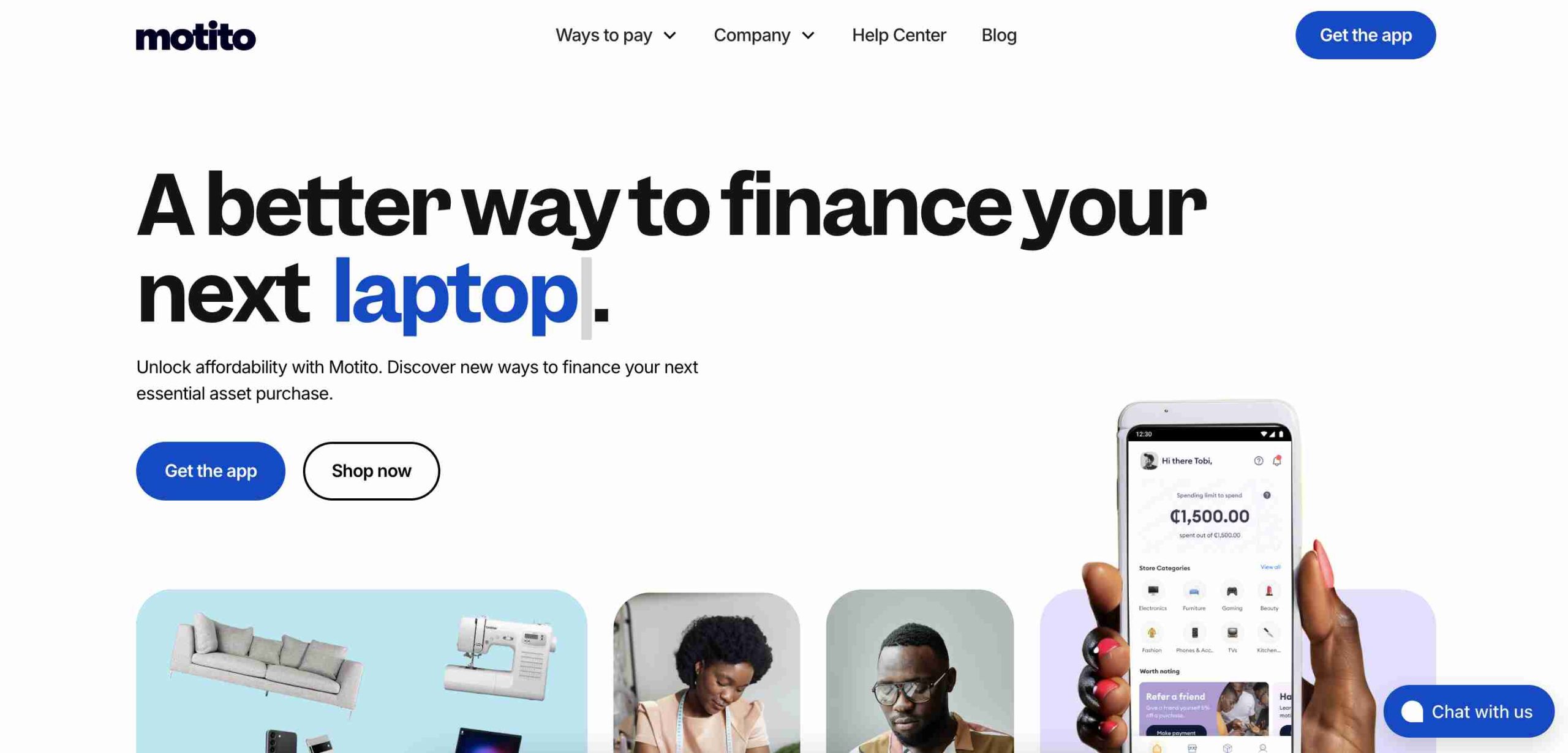
1. Motito
Founded in 2021, Motito is a fast-rising BNPL platform that enables shoppers to purchase a wide range of products, from fashion to electronics, and pay in installments. Customers can choose flexible repayment options that match their budget, making big purchases more manageable.
Why Motito Stands Out:
Quick approval process
Easy-to-use platform
Multiple payment plans
Partnerships with local merchants
Motito’s ability to collaborate with retailers has made it a top choice among African shoppers.
2. CDcare
CDcare was founded in 2020 by Oluwatobi Odukoya and Ayodeji Farohun to help Nigerians acquire electronics and smartphones without paying the full cost upfront. The platform requires a small deposit, after which users can pay the balance in monthly installments.
What Makes CDcare Special:
Ideal for buying smartphones and electronics
Simple tracking of installment payments
Affordable options for premium devices
Growing popularity among tech-savvy Nigerians
3. Payflex
Based in South Africa and founded in 2017, Payflex has revolutionized online shopping by allowing customers to split payments into four interest-free installments. This makes it easier for people to afford items without financial strain.
Feature
Details
Founded
2017
Location
South Africa
Installments
4 interest-free payments
Growth Rate
119% over 5 years
Payflex’s strong performance is backed by $500K in funding and a growing base of satisfied customers.
4. Mobicred
Mobicred, founded in 2013, is one of South Africa’s oldest BNPL platforms. Instead of a fixed installment plan, it offers customers a revolving credit facility, allowing them to make multiple purchases and repay at their own pace.
Key Benefits of Mobicred:
Access to thousands of retailers
Single monthly repayment option
Credit limit that resets as payments are made
This approach has made Mobicred a go-to option for South Africans looking for flexible credit solutions.
5. Carbon
Carbon started as a digital bank in Nigeria but later introduced BNPL services. Since 2016, it has helped users make purchases both online and in-store with a four-installment, zero-interest payment plan.
What Makes Carbon Unique:
Interest-free installment plans
User-friendly app
Expanding network of partner stores
Supports financial inclusion in Nigeria
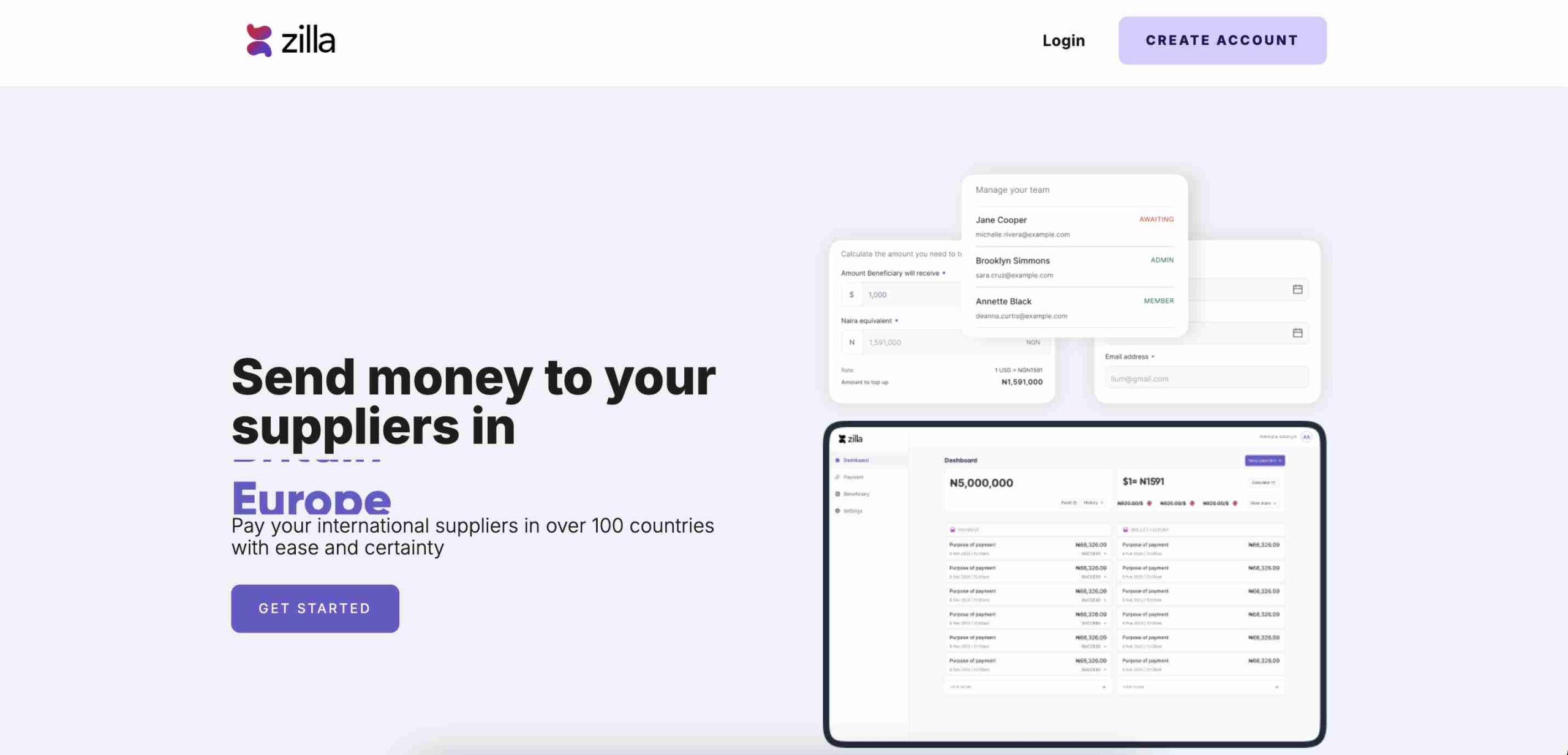
6. Zilla
Launched in 2020 in Lagos, Zilla simplifies BNPL by allowing shoppers to split payments into smaller chunks, reducing financial stress. Merchants also benefit from increased sales as more customers can afford to shop.
Why People Love Zilla:
Boosts sales for merchants
Flexible installment plans
Popular among small and big retailers
Strong presence in Nigeria’s e-commerce space
7. Lipa Later
Lipa Later is a leading BNPL provider in East Africa, founded in 2018 in Nairobi, Kenya. The company operates in Kenya, Uganda, and Rwanda, offering installment payments for electronics and household goods.
Feature
Details
Founded
2018
Headquarters
Nairobi, Kenya
Countries
Kenya, Uganda, Rwanda
Focus
Electronics, household items
Lipa Later’s strategic partnerships with e-commerce platforms have made it a major player in East Africa.
8. CredPal
CredPal, founded in 2018, is one of Nigeria’s top BNPL platforms. It works by allowing customers to make purchases using credit at the point of sale, which they can pay off later in flexible installments.
What Makes CredPal a Market Leader:
Large network of merchants
Easy access to credit
Expanding services beyond Nigeria
CredPal continues to attract users looking for simple and reliable financing options.
9. EasyBuy
EasyBuy, founded in 2019, specializes in helping Nigerians afford smartphones and electronics through installment payments. It has built a strong reputation by partnering with phone retailers to offer installment plans directly in stores.
EasyBuy’s Key Features:
Focuses on smartphones and gadgets
In-store financing available
Accessible to a wide range of income levels
10. PayJustNow
PayJustNow is a major BNPL provider in South Africa, offering shoppers a way to divide their payments into three equal, interest-free installments. Since its launch in 2019, the platform has gained popularity for its ease of use and focus on responsible spending. In 2022, Weaver Fintech acquired PayJustNow, boosting its expansion and market presence. The service is available at numerous online and physical stores, giving consumers greater flexibility in managing their purchases.
Why PayJustNow Is Gaining Traction:
Seamless payment process
Attractive to younger demographics
Helps businesses increase customer spending
11. LayUp
LayUp is a South African BNPL provider that simplifies payments for consumers. Founded in 2019, the platform enables customers to pay in interest-free installments, offering better financial control. LayUp has grown by integrating its service into various industries, including healthcare, education, and retail. Unlike many BNPL services focused on everyday shopping, LayUp prioritizes essential purchases, making financial flexibility available for critical expenses beyond consumer goods.
The Future of BNPL in Africa
BNPL services in Africa are growing fast, making shopping more affordable for millions of people. With companies expanding into more regions and improving their offerings, customers can expect even more flexible and accessible payment solutions.
As financial technology (fintech) continues to evolve, BNPL is set to play a bigger role in bridging the credit gap in Africa, making essential goods and services more accessible to everyone. Whether you’re looking for a new smartphone, household appliances, or even fashion items, there’s a BNPL provider ready to help you buy now and pay later!
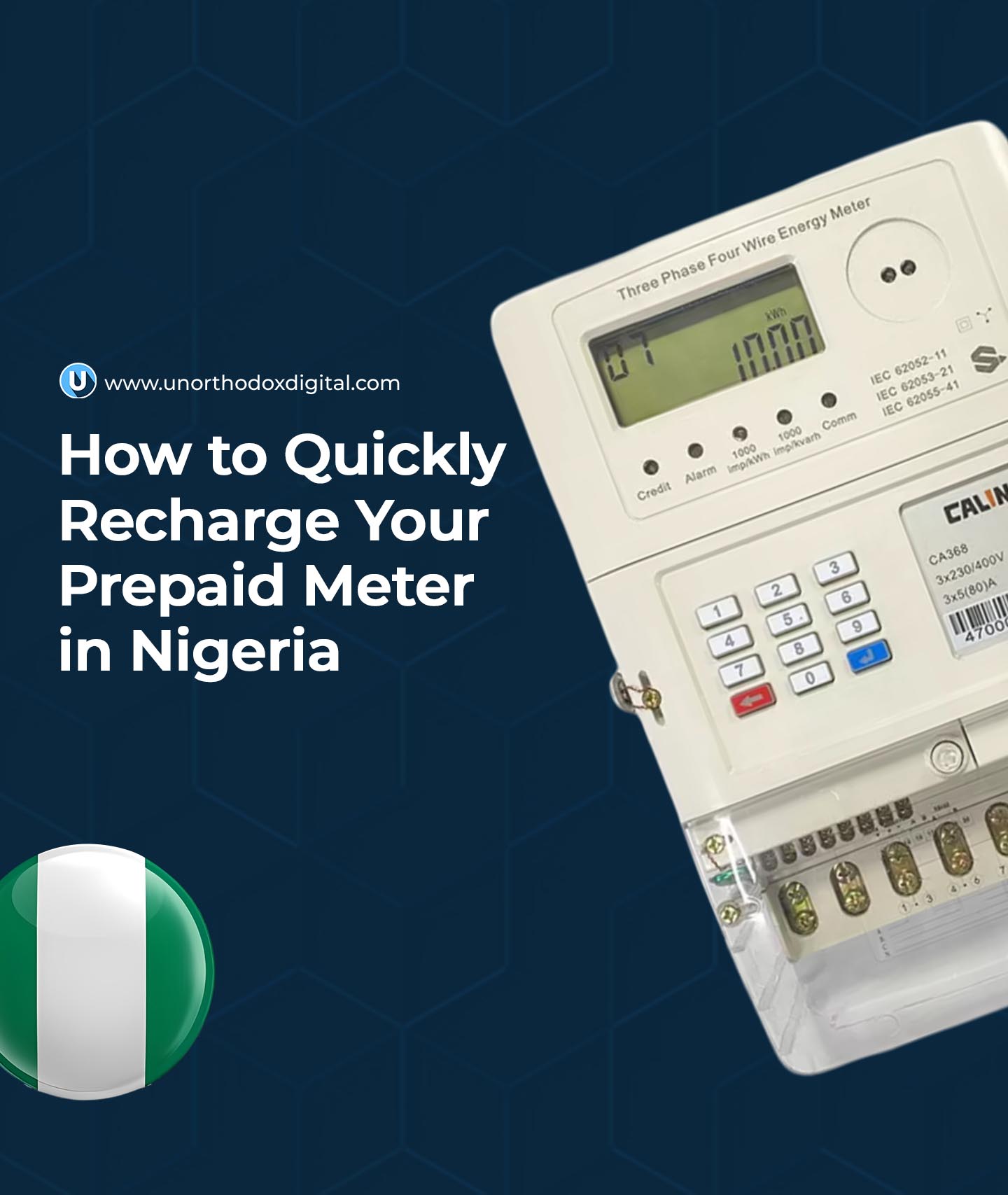
Owning a prepaid meter in Nigeria is a game-changer. It puts you in charge of your electricity usage, ensuring you never have to deal with surprise bills. But if you’ve ever found yourself in the dark because your meter ran out of units, you know how crucial it is to recharge quickly and easily.
This guide will show you exactly how to top up your prepaid meter in Nigeria using both online and offline methods. Whether you’re new to prepaid meters or just need a refresher, you’ll find everything you need right here.
What You Need Before Recharging
Before you start, make sure you have the following:
Your Meter Number – This is a unique number assigned to your meter. You can find it on the body of your meter or on past electricity receipts.
Internet Access – Required for online recharges.
A Payment Method – This can be:
ATM/Debit Card (for online recharges)
Bank App (if your bank supports prepaid meter payments)
Cash (if paying at a bank or an electricity distribution office)
A Phone Number & Email Address – Online transactions often require these for confirmation and token delivery.
Finding Your Electricity Distribution Company (DisCo)
Nigeria is served by multiple electricity distribution companies (DisCos). It’s important to know which one serves your area because each has its own payment portals. Below is a quick reference:
DisCo
Coverage Areas
PHEDC
Rivers, Cross River, Akwa Ibom, Bayelsa
JEDC
Plateau, Bauchi, Benue, Gombe
KEDC
Kano, Jigawa, Katsina
KAEDC
Kaduna, Sokoto, Zamfara, Kebbi
IKEDC
Lagos, parts of Ogun
IBEDC
Oyo, Ogun, Osun, Kwara, parts of Ekiti, parts of Niger
AEDC
FCT, Niger, Kogi, Nasarawa
How to Recharge Your Prepaid Meter
1. Online Methods (Fast & Convenient)
These methods are quick, allowing you to recharge from anywhere.
A. Using Your Electricity Company’s Website
Visit your DisCo’s official website.
Log in or create an account using your meter number.
Enter the token into your meter to complete the recharge.
B. Using a Bank Mobile App
Open your bank’s mobile app (GTBank, Zenith, Access, etc.).
Select “Bills Payment” or “Prepaid Meter Recharge.”
Choose your DisCo from the list.
Enter your meter number and desired amount.
Confirm and make payment.
Get your token via SMS.
Enter the token on your meter to load the units.
C. Using Third-Party Platforms (Like Selar, BuyPower, or Quickteller)
Visit the website or mobile app of the platform.
Select “Prepaid Meter Recharge.”
Enter your meter number and amount.
Pay using your debit card or bank transfer.
Receive your token instantly.
Enter the token on your meter.
2. Offline Methods (For Those Without Internet Access)
If you prefer in-person payments, here’s how:
A. At Your DisCo Office
Visit the nearest office of your electricity company.
Provide your meter number and amount.
Make payment and collect your printed token.
Enter the token into your meter.
B. At a Partner Bank
Walk into a bank that processes prepaid meter payments.
Request a recharge for your meter.
Provide your meter number and amount.
Pay at the counter and receive a printed token.
Enter the token into your meter.
How to Load the Token Into Your Prepaid Meter
Once you receive your token, follow these steps to load it:
Ensure your meter is powered on.
Enter the 20-digit token carefully on the meter’s keypad.
Press the “Enter” button (usually blue or green).
Your units should update immediately. If they don’t, try entering the token again.
Frequently Asked Questions
What is NEPA called now in Nigeria?
NEPA was renamed the Power Holding Company of Nigeria (PHCN) in March 2005 as part of the government’s power sector reform. This change was aimed at restructuring and eventually privatizing the country’s electricity generation and distribution systems.
What Is a Prepaid Meter?
A prepaid meter allows you to pay for electricity before using it. You load money into your meter, and it deducts from your balance as you consume electricity.
Why Is My Token Not Working?
A few reasons why your token might be rejected:
You entered the wrong number. Double-check the digits.
The token has already been used.
The token is expired.
There’s a connection issue with your meter. Try again after a few minutes or contact your DisCo.
How Do I Check My Meter Balance?
The simplest way to check your balance is typically via your electricity company’s website or app. You canalso check your balance using the keypad on your meter:
Press 07 and then the “Enter” button.
Your remaining balance will appear on the screen.
How Many Units Will I Get for My Money?
The number of units depends on your electricity tariff, which varies based on your location and DisCo.
Amount (₦)
Estimated Units
₦10,000
146 units
₦20,000
294 units
₦50,000
730 units
(Note: Tariffs change, so check with your DisCo for current rates.)
How Much Does a Prepaid Meter Cost?
The cost of a prepaid meter depends on your DisCo. You can visit their office or website to get the latest prices and application process.
Now that you know exactly how to recharge your prepaid meter, you’ll never have to worry about being left in the dark. Whether you prefer online or offline methods, there’s always a quick and easy way to top up your meter. Just keep your meter number handy, choose the method that works best for you, and stay connected!
If you’ve ever wondered how people are making money on Facebook in Nigeria, you’re in the right place. Whether you’re just scrolling through your timeline or posting for fun, Facebook can actually be a goldmine if you know what you’re doing. Let’s break down 15 ways you can start making money today.
1. Earn Money by Completing Tasks and Referrals on Hawkit
Hawkit is a platform where you can get paid for simple tasks like liking posts, sharing content, or referring friends. It’s like being rewarded for things you already do on social media. If you refer others, you can earn even more.
2. Profit from Buying and Selling on Facebook Marketplace
Think of Facebook Marketplace like an online shop where you can sell anything—clothes, gadgets, furniture, even cars. If you find cheap items in your area, you can flip them for a profit. Just take clear photos, write a good description, and set a fair price.
3. Make Money Through Virtual Events and Live Tipping
If you have a skill—like singing, cooking, or giving advice—you can host live events on Facebook. People can send you tips using features like Facebook Stars or external platforms like Buy Me a Coffee.
4. Build and Monetize a Valuable Facebook Page
Creating a popular Facebook Page can open doors to multiple income streams. If you post engaging content and build a loyal audience, you can make money through ads, sponsorships, and promotions. Just pick a niche that interests you—like comedy, fashion, or tech—and stay consistent.
5. Leverage Influencer Marketing to Secure Brand Deals
Brands love working with people who have an audience. If you have a good number of followers and high engagement, companies will pay you to promote their products. This could be in the form of sponsored posts, reviews, or shoutouts.
6. Generate Revenue Through Crowdfunding and Fan Support
If you have a project—like a creative idea or a community cause—you can ask your followers for financial support. Platforms like GoFundMe or Patreon can help you collect donations from those who appreciate your work.
7. Drive Traffic to Affiliate Links for Commissions
Affiliate marketing allows you to earn a commission when people buy products through your unique referral links. You can post reviews, tutorials, or recommendations on your Facebook page, linking to products from platforms like Jumia, Konga, or Amazon.
8. Offer Community Management as a Paid Service
If you’re good at keeping conversations lively and engaging online, businesses will pay you to manage their Facebook pages or groups. Your job will be to interact with customers, post updates, and keep things running smoothly.
9. Sell Digital Products Like E-Books, Courses, or Templates
Have knowledge in a particular field? Package it into an e-book, an online course, or ready-made templates (like CV designs or business plans). You can sell these directly through Facebook groups, pages, or Messenger, or list them on a platform like Selar in Nigeria.
10. Monetize Facebook Reels with In-Stream Ads
Facebook pays content creators who make engaging short videos. If your videos meet the platform’s requirements, you can earn from in-stream ads. Just create fun or informative content, and the more views you get, the more money you make.
11. Resell Facebook Accounts or Pages with High Engagement
Some businesses want an already active audience rather than starting from scratch. If you can grow a Facebook page or group to thousands of active followers, you can sell it for a good price.
Page Size
Estimated Selling Price (₦)
5,000 – 10,000 followers
₦20,000 – ₦50,000
10,000 – 50,000 followers
₦50,000 – ₦150,000
50,000+ followers
₦150,000 and above
12. Earn from Exclusive Memberships in Facebook Groups
If you have valuable content—like business advice, investment tips, or industry secrets—you can create a private Facebook group and charge a membership fee. People are willing to pay for exclusive information and networking opportunities.
13. Partner with Brands for Sponsored Facebook Content
This is similar to influencer marketing but on a larger scale. Companies might ask you to post sponsored articles, videos, or even run their ads on your page. The bigger your audience, the more you can charge.
14. Launch and Promote Your Own Business Using Facebook
Facebook isn’t just a place for fun—it’s a powerful tool for running a business. Whether you’re selling physical products, running an online store, or offering services, Facebook helps you reach customers through pages, groups, and ads.
15. Offer Facebook Ad Management Services to Businesses
Many businesses don’t know how to run Facebook ads effectively. If you learn the basics of Facebook advertising, you can manage ads for companies and charge them a fee for your expertise.
Service Offered
Potential Earnings (₦ per campaign)
Ad setup and management
₦10,000 – ₦50,000
Facebook ads training
₦20,000 – ₦100,000
Full social media marketing
₦50,000+ per month
Facebook is more than just a social media platform—it’s a money-making machine if you use it wisely. Whether you’re selling products, offering services, or creating content, there’s a way for you to make money. Pick one or two methods that match your skills and start today!
FAQs
Can I get paid on Facebook in Nigeria?
Yes, you can get paid on Facebook in Nigeria through various monetization options like in-stream ads, Facebook Stars, brand partnerships, affiliate marketing, and selling products or services. However, some features, like in-stream ads, require eligibility based on Facebook’s Partner Monetization Policies, and earnings are usually processed via PayPal or bank transfers, depending on the method used.
How do I start getting paid on Facebook?
To start earning on Facebook, follow these steps:
Create and grow your page or profile – Build a strong audience with engaging content.
Check Facebook’s monetization eligibility – Visit the Creator Studio and ensure your page meets the requirements.
Enable monetization features – Apply for in-stream ads, Facebook Stars, or other revenue streams.
Explore other income options – Consider affiliate marketing, brand collaborations, and direct sales.
Stay active and consistent – Post regularly to keep your audience engaged and increase your earning potential.
How much does Facebook pay for 1,000 views in Nigeria?
The amount Facebook pays for 1,000 views varies based on factors like audience location, content type, and engagement. On average, in-stream ads generate around $0.20 to $3 per 1,000 views, but Nigerian creators often earn on the lower end of this range due to lower ad rates in the region.
How many followers do I need to get paid on Facebook?
The number of followers required depends on the monetization method:
In-stream ads – At least 10,000 followers and 600,000 minutes of watch time in the last 60 days.
Facebook Stars – No minimum follower requirement, but you need an engaged audience.
Brand collaborations and affiliate marketing – No strict limit, but at least 1,000 to 5,000 followers improves your chances.
Selling products/services – No follower requirement, but more followers mean better sales potential.
How much does 1,000 views pay on Facebook?
The earnings per 1,000 views depend on factors like video length, audience demographics, and ad engagement. On average, creators in Nigeria can earn between $0.20 and $3 per 1,000 views, but rates fluctuate based on advertiser demand.
What kind of Facebook page can earn money?
Almost any Facebook page can earn money if it provides valuable content and engages an audience. Some of the most profitable page types include:
Entertainment and viral content – Memes, short videos, and trending topics.
Educational pages – Tutorials, DIY tips, and business insights.
Gaming pages – Live streaming and gameplay videos.
Social media is a huge part of our daily lives. We scroll, like, comment, and share posts every day. But what if you could make money just by doing these things? That’s exactly what many Nigerians are doing on Hawkit—a platform that pays users for simple social media tasks. Sounds interesting, right? Let’s break it down step by step.
How Does Hawkit Work?
Imagine a business wants to become more popular on social media. They need more followers, likes, comments, and shares to look trustworthy and attract real customers. Celebrities and influencers also want more engagement to stay relevant. This is where Hawkit comes in.
Businesses and individuals pay Hawkit to boost their social media presence. Hawkit then distributes these tasks to registered users like you. When you complete a task—like following an account or sharing a post—you get paid! It’s that simple.
Example:
A company called Unorthodox Media wants 10,000 new Instagram followers. They pay Hawkit to make it happen. Hawkit then gives the task to 10,000 users, each of whom gets paid for following Unorthodox Media’s account.
Now, let’s talk about the different ways you can earn on Hawkit.
9 Ways to Make Money on Hawkit
Hawkit offers multiple earning opportunities. Here’s a breakdown of what you can do and how much you can earn per task:
Task
Earnings per Task (₦)
Following accounts on Instagram, Twitter, or TikTok
3
Liking Facebook business pages
3
Liking posts on Facebook, Instagram, Twitter, or TikTok
3
Commenting on social media posts
15
Posting adverts on WhatsApp status
20
Sharing or retweeting posts on Facebook and Twitter
10
Subscribing to YouTube channels
30
Downloading apps & posting reviews (Google Play Store)
30
Downloading apps & posting reviews (Apple Store)
60
The more tasks you complete, the more you earn. If you do 50 social media tasks in a day, you could make a few thousand naira without breaking a sweat!
Extra Ways to Earn Even More
If you want to boost your earnings, Hawkit has some additional money-making opportunities:
Referral Bonus: Earn ₦500 instantly for every person you invite to join Hawkit.
Referral Commission: Earn an extra 20% commission when your referrals buy likes, followers, comments, or shares.
Sell Airtime & Data: Buy airtime and data at up to 50% discount and sell to friends and family at normal prices.
Sell Products & Services: List your products on the Hawkit marketplace and reach thousands of buyers. On Hawkit, you can sell physical and digital products.
Who Can Join Hawkit?
Anyone with a smartphone and internet access can join Hawkit. Whether you’re a student, stay-at-home parent, or just someone looking for extra cash, this platform is open to all.
Hawkit is changing the way Nigerians use social media. Instead of just scrolling for fun, people are now earning real money. If you’re looking for an easy way to make extra income, Hawkit is worth checking out. Why not start today and turn your social media activity into cash?
The popular crash game Aviator has found its way into prominent platforms like Bet9ja NG and 1xBet. Aviator offers something new for Nigerian punters seeking something different from the classic slots, roulette, and card games.
Aviator is all about time and excitement, unlike other casino games where you fight against the house or other players. This guide covers certain information you should be aware of if you want to play Aviator on 1xBet or Bet9ja in Nigeria.
Understanding the Aviator Game
In the exciting crash-style game Aviator, you wager, witness a virtual aircraft take flight, and then decide when to pay out before it disappears. The amount of time the aircraft stays in the air determines your probable winnings. However, if you wait too long and the plane crashes, you lose everything.
This is how the Aviator game works.
Place your bets: You have to determine how much money you want to stake before every game starts. Aviator’s dual betting feature—which lets you make two simultaneous bets—is one of its cool features. You can cash out one bet early for a safe win while letting the other bet ride for a bigger risk (and reward).
Monitor the progress: Once the round gets underway, a little red aircraft shows on the screen and starts to ascend. A multiplier begins ticking from 1x as it soars higher. This multiplier shows your profits if you cash out at that point.
Cash out: This is when the actual fun comes in! You can cash out whenever the aircraft vanishes. The possible payoff increases with increasing patience but if you wait too long, you walk away with nothing.
Features That Make Aviator Exciting
Features
Description
Auto Bet & Auto Cash Out
In every round, the auto bet lets the game place bets for you automatically. The auto cash-out allows you to choose a multiplier at which your wager will be paid out automatically.
Fair and Transparent Gameplay
Aviator relies on provably fair technology—that is, the result of each round is random and cannot be controlled.
Live Multiplayer & Chat Feature
Aviator lets you see real-time bets and cash-outs of other players. You may even converse with other players, exchange tactics, and find out who is most likely to take the biggest chances.
Tips and Strategies for Playing Aviator on Bet9ja and 1xBet
While the game is based on chance, there are smart strategies you can use to improve your odds and maximize your winnings. Some of them are listed below.
1. Start Small and Observe the Game
Jumping in with large bets is risky. A smart approach is starting with modest stakes and seeing how the game unfolds. Observe the average multipliers throughout numerous rounds at which the aircraft falls. This will enable you to see patterns and guide your timing for cashing out.
2. Create a Target Multiplier
Have a predefined multiplier at which you will pay out rather than acting impulsively. If you choose to always pay out at 2x or 3x, for instance, you remove emotions from the game and follow a plan that will enable you to win regularly over time.
3. Use Auto Cash-Out
An auto cash-out function is available on Aviator in Bet9ja and 1xBet, which allows you to choose a multiplier at which your wager will be automatically withdrawn. This is a good strategy for those who prefer not to engage in unwarranted risk. Set it at a reasonable level (e.g., 2x to 3x) to secure steady profits.
4. Manage Your Bankroll Wisely
One of the biggest mistakes players make is betting too much at once. To stay in the game longer and avoid losing everything quickly, set a budget and stick to it.
How to Play Aviator on Bet9ja
How to Play Aviator on Bet9ja
Ready to play Aviator on Bet9ja NG? Let us walk you through the entire process, step by step.
Visit the official Bet9ja website to register for an account.
Use your Bet9ja Aviator login details to access your account and make your first deposit.
Click on the Aviator game icon to open it.
You will see choices for placing bets before the round begins after the game launches.
As the virtual plane ascends and the multiplier increases, decide the optimal moment to cash out before the plane flies away to secure your winnings.
How to Play Aviator on 1xBet
How to Play Aviator on 1xBet
Though the approach is somewhat similar to Bet9ja, let’s go over the particular steps to get you playing the Aviator game 1xBet.
Create an account on the 1xBet official website using one of the registration methods.
Go to the “Deposit” area to make your initial deposit using any of the available choices.
Launching the game by clicking on the aviator game link.
One Aviator hack for 1xBet is to try the demos to become acquainted with the game principles before making any money bets.
When ready, choose your wager amount and choose whether to make single or many bets.
We have gone over what you need to know about playing Aviator on 1xBet and Bet9ja. Just follow the registration procedure we have described for your selected platform if you are ready to start playing. Remember to keep to a strategy, play responsibly, and most importantly—have fun playing!
The cost of internet data keeps rising, but what if you could browse for free on MTN Ghana? While MTN doesn’t officially offer unlimited free browsing, there are several ways you can get free data through rewards, promotions, and smart usage. This guide breaks it down step by step in a simple, practical way so you can stay connected without spending extra money.
Ways to Access Free Browsing on MTN Ghana
MTN Ghana provides various ways to earn and enjoy free data. Let’s explore them in detail:
1. MTN Rewards – Earn Free Data for Being a Loyal User
MTN Rewards is a loyalty program that gives you points when you use your MTN number for calls, data, and Mobile Money transactions. You can exchange these points for free data.
How to Check Your MTN Rewards Points:
Dial *550#.
Select MTN Rewards.
Select 99 for More.
Select Check Point Balance.
You will receive an SMS with your available points.
How to Redeem Free Data Using MTN Rewards Points:
Dial *550#.
Select MTN Rewards.
Select 99 for More.
Select Redeem Points.
Select Data Bundle.
Choose a package (daily, weekly, or monthly).
Select the data amount based on your points.
Confirm your selection.
You’ll receive an SMS confirming your free data credit.
Points Required
Data Bundle
500 Points
50MB
1000 Points
100MB
2500 Points
250MB
5000 Points
500MB
10,000 Points
1GB
2. myMTN App – Get Free 500MB Just for Signing In
MTN offers a simple way to earn free browsing data through the myMTN Ghana app.
How to Get 500MB Free Data:
Download the myMTN Ghana app from the Google Play Store or Apple App Store.
Once you successfully log in for the first time, you’ll receive 500MB free data.
The free data is valid for three days.
3. Ayoba App – 1GB Free Every Month
MTN partners with Ayoba, a messaging app similar to WhatsApp. If you’re an MTN user, you automatically get 1GB of free data every month to use on the Ayoba app.
How to Access Free 1GB on Ayoba:
Download the Ayoba App from the Play Store or App Store.
Register with your MTN number.
Enjoy 1GB of free data monthly (limited to 250MB per day).
The data can only be used within the Ayoba app.
MTN Free Data Option
Amount of Free Data
How to Get It
Validity
MTN Rewards
Up to 2.5GB
Redeem points
Varies
myMTN App
500MB
First-time login
3 Days
Ayoba App
1GB (250MB/day)
Use Ayoba app
1 Month
How to Make Your Free Data Last Longer
Getting free data is great, but making it last even longer is even better! Here’s how:
Use Data-Saving Modes – Apps like YouTube, Facebook, and Instagram have data-saver settings. Turn them on!
Reduce Streaming Quality – Lowering video resolution from HD to 480p can save huge amounts of data.
Restrict Background Data – Prevent apps from using data in the background by turning off auto-sync and updates.
Set Data Limits – Use your phone’s settings to limit data usage and avoid unnecessary consumption.
Connect to Wi-Fi When Possible – Always switch to Wi-Fi when available to preserve your mobile data.
FAQs About Free Browsing on MTN Ghana
1. Can I get unlimited free browsing on MTN Ghana?
No, MTN Ghana doesn’t provide unlimited free browsing. However, you can take advantage of promotions, rewards, and partner apps to enjoy free data.
2. Does MTN’s free data expire?
Yes. Ayoba’s free data lasts for a month, myMTN’s 500MB expires in three days, and MTN Rewards data has different expiry options (daily, weekly, monthly).
3. How can I borrow data on MTN Ghana?
If you run out of data, you can borrow using MTN XtraTime:
Dial *506#.
Follow the prompts to borrow data (up to your available limit).
The borrowed data will be deducted from your next recharge.
Staying connected doesn’t have to break the bank. By using MTN Rewards, the myMTN app, and Ayoba, you can enjoy free browsing on MTN Ghana. Be smart with your data, use saving techniques, and maximize every free MB you get. Try out these methods today and browse without stress!
You’ve probably heard that creating a great article title is important. It helps grab people’s attention and makes them want to click and read more. But did you know there’s another title lurking behind the scenes that could help your article get more views and clicks? It’s called the meta title, and although it might not be as visible as your main article title, it plays a big role in getting your content found on the internet.
If you’ve ever wondered what exactly the meta title does or why it matters for SEO (Search Engine Optimization), you’re in the right place. Today, we’re going to dive into why using a different meta title from your article title can be a smart move for your website and help you get more traffic.
Let’s break it down step by step. Ready? Let’s go!
What’s the Meta Title, Anyway?
Before we dive into how it works, let’s first understand what a meta title actually is. Think of the meta title as the title of your article for search engines. It’s like your article’s headline, but it doesn’t always look the same as the title that appears on your page. When you search for something on Google or another search engine, the meta title is the text you see in the search results. It appears as a clickable link that leads you to your article or website.
For example, imagine you’re searching for tips on “How to Train Your Dog.” You might see a result that says:
“10 Easy Dog Training Tips for Beginners – Pet Care Guide”
That’s the meta title! It’s a little different from what the actual article title might say, but it’s carefully written to encourage you to click.
Why Does the Meta Title Matter?
Here’s the thing: Your meta title helps search engines decide what your article is about, which can impact how it ranks on search results pages. If the meta title doesn’t match the content of your article or it’s not optimized for the right keywords, you might not show up in searches for topics you want to be found for.
But wait, there’s more! The meta title also affects how people decide whether to click on your link when they see it in the search results. So, not only does it help your article rank better, but it can also encourage people to actually click and read. Let’s look at how all this works.
1. Targeting Different Keywords with Your Meta Title
Here’s a cool trick: You can use your meta title to target keywords that might not quite fit in your main article title. This helps you show up for more search queries, which means more people might find your article.
Let’s say you’ve written an article titled “Tips for First-Time Dog Owners.” That’s a great title for your readers, but it might not be as optimized for search engines. What if you changed the meta title to something like:
“Essential Dog Care Tips for First-Time Owners – Dog Training Guide”
This meta title targets keywords like “dog care tips” and “dog training guide,” which could help your article show up for searches related to training dogs, not just owning them.
By carefully selecting keywords for your meta title, you can reach more people who are searching for what you’re writing about, even if they don’t use the exact words from your article title.
2. Boosting Your Click-Through Rate (CTR)
Your meta title is often the first thing people see when they search for something on Google or other search engines. So, it needs to be enticing—a little like a sign in a store window that makes you want to go inside.
A great meta title can convince someone to click on your article instead of the one right next to it. You want to make sure your meta title is clear, interesting, and useful to the person searching.
Imagine you’re searching for a recipe for chocolate chip cookies. You might see two results:
“Chocolate Chip Cookie Recipe”
“The Best Homemade Chocolate Chip Cookie Recipe You’ll Ever Try”
Which one sounds more exciting? The second one, right? It grabs your attention and makes you think, “I have to click on this!” That’s the power of a well-crafted meta title. It’s all about making the searcher want to find out more.
3. Making the Most of Character Limits
Google and other search engines have a character limit for meta titles, usually around 60–70 characters. If your meta title is too long, it might get cut off in the search results, which means people might miss out on key information.
So, when you’re writing your meta title, you need to be smart about how you use those characters. This is one reason why you might want to make your meta title a little different from your article title. Your article title might be longer or more detailed, but your meta title should be punchy and concise.
“Multi TV Installation Guide: Setup, Channels & Frequencies”
It’s still clear, and it fits within the character limit, making it more likely to show up properly in search results.
4. Better Alignment with Search Intent
When people search for something on Google, they’re looking for answers. The meta title is your chance to show them exactly what they’re going to find in your article. If the meta title matches what they’re hoping to see, they’ll be more likely to click.
Let’s say someone searches for “dog training tips for puppies.” If your meta title is “Training Tips for Puppies: A Beginner’s Guide,” they’ll know right away that your article is what they’re looking for. On the other hand, if your meta title is “How to Take Care of Your Dog” (which is related but less specific), they might skip your link and click on one that’s more tailored to their exact search.
By tweaking your meta title to match the search intent of the person looking for information, you improve your chances of ranking higher in search results and getting more clicks.
5. Avoiding Keyword Cannibalization
Keyword cannibalization is when you use the same keywords for multiple articles on your site. This can confuse search engines, because they might not know which article to rank for that keyword. By creating different meta titles for similar articles, you can avoid this problem.
For example, let’s say you have two articles about dog training:
“The Ultimate Guide to Dog Training for Beginners”
“10 Tips to Train Your Dog Like a Pro”
If both articles have the same meta title, like “Dog Training Tips,” search engines might not know which one to rank. But if you use different meta titles, like:
“Dog Training for Beginners: A Complete Guide” for the first one
“Expert Tips for Professional Dog Training” for the second one
It’s clear to search engines (and readers) that these articles are different, even though they’re both about dog training.
In the world of SEO, the meta title might not get as much attention as the article title, but it’s still super important. It helps your article rank better, encourages people to click on your link, and makes sure your content reaches the right audience. By crafting a meta title that’s different from your article title, you can target more keywords, improve your click-through rates, and keep everything aligned with what people are searching for.
So, the next time you’re writing an article, don’t forget about your meta title! It’s a small change that can make a big difference in how many people find and read your content.
FAQs About Meta Titles and SEO
1. What is the difference between title and meta title in SEO?
The title is what appears on your webpage, usually as a headline at the top of an article or blog post. The meta title, on the other hand, is the title that search engines display in search results. The meta title is often written differently to optimize for SEO and encourage more clicks, while the article title is usually written to engage readers once they land on the page.
2. Does changing the meta title affect SEO?
Yes! Changing the meta title can impact your search rankings and click-through rate (CTR). A well-optimized meta title with relevant keywords can help improve your ranking on Google, while a more compelling and click-worthy title can increase the number of people who click on your link in search results.
3. Why is a site’s meta title important when it comes to SEO?
The meta title helps search engines understand what your page is about, making it easier for your content to appear in relevant searches. It also influences whether people click on your link when they see it in search results. A strong, well-optimized meta title improves visibility, attracts more visitors, and enhances your site’s overall SEO performance.
4. What is the meta title tag in SEO?
The meta title tag is an HTML element (<title>) that defines the title of a webpage for search engines and browsers. It appears in search engine results as the clickable headline for a webpage. This tag is placed inside the <head> section of the HTML code.
5. Do meta tags matter for SEO?
Yes, but some matter more than others. The meta title and meta description tags are still important for SEO because they impact how your page appears in search results and influence click-through rates. However, other meta tags, like the meta keywords tag, are no longer used by Google for ranking purposes.
6. Is the meta tag placed between <title> and </title>?
No, the meta tag is separate from the title tag. The <title> tag is used for the meta title, while other meta tags (such as meta descriptions and meta keywords) are placed within the <head> section but outside of the <title> tag.
For example:
<head>
    <title>Best Dog Training Tips for Beginners</title>
    <meta name="description" content="Learn essential dog training tips to help your puppy become well-behaved.">
</head>
The <title> tag contains the meta title, while the <meta> tag provides additional information like the page description.
Have you ever wondered how banks know it’s really you when you walk in or make a transaction? Well, it’s all about something called your Bank Verification Number (BVN). In this article, we’ll explore exactly what a BVN is, why it’s so important, and how it helps keep your money safe.
Imagine your BVN as a super important, secret code that only belongs to you, and it helps banks and other financial institutions know exactly who you are. Let’s break this down in a way that’s simple to understand!
What Is a BVN?
A Bank Verification Number is an 11-digit number that acts like your bank ID. It’s a special number that’s unique to you, like a fingerprint, and it’s used across all banks in Nigeria. The goal of the BVN is to help keep your banking experience safer by ensuring that only you can access your bank accounts and make transactions.
Think of it this way: In school, you probably had a student ID, right? Your BVN is a little like that, but for the banking world. It’s like your passport to the banking system. If you’ve got a Bank Verification Number, you don’t need to keep showing your ID every time you go to the bank. It’s that important!
Why Do You Need a BVN?
Let’s talk about why BVNs were introduced in the first place. Have you heard of something called identity theft? It’s when someone pretends to be you to steal your money. Scary, right? The Bank Verification Number is there to protect you from people who might try to trick the system and take your hard-earned cash.
By linking your biometrics (like your fingerprints and face) with a unique 11-digit number, banks can verify that it’s really you making the transaction. It’s much harder for someone to steal your money when the bank can make sure it’s you.
One Person, One BVN
Here’s a rule to remember: One person gets only one BVN. You might be tempted to think, “Hey, if I open an account at another bank, maybe I can get a new BVN.” But nope, that’s not how it works. Your Bank Verification Number is attached to you and all the accounts you have, no matter which bank you’re using.
So, if you open an account at Bank A, Bank B, and Bank C, they’ll all be linked to the same BVN. This makes banking easier because all your accounts can be tracked under one unique number.
But here’s the thing—don’t ever try to get more than one BVN. It’s illegal and could cause major problems. So, just stick to the one you’ve got.
How Do You Get a BVN?
Now you might be wondering, “How do I actually get my BVN?” Well, it’s pretty simple! You’ll need to visit a bank (yes, physically), because you can’t register for a BVN online. When you get to the bank, they’ll ask for your personal details, take your fingerprints, and snap a photo of you. All this info helps to make sure no one can steal your identity.
Once you’ve done all that, you’ll get your 11-digit BVN sent to your phone via SMS in a day or so. It’s that easy! You can then link that BVN to your other bank accounts.
What Happens If I Change My Details?
People’s details change from time to time—maybe you move to a new house, change your name, or get a new passport. Don’t worry! If anything changes about your details, you can go back to the bank where you registered your BVN and update your information. The great news is that your BVN stays the same, no matter what changes.
How Does BVN Protect You?
Remember the biometric system we talked about earlier? It’s not as fancy as a retina scan, but it’s still pretty smart. The bank takes your fingerprints and your photo, and these are stored in the bank’s system along with your BVN.
This is where it gets cool: If someone tries to steal your bank account and pretend to be you, the bank will compare their fingerprints and face to the ones they have on file. If they don’t match, the fraudster can’t get into your account. That’s why it’s so important to protect your BVN—because it keeps your accounts safe.
What If I Forget My BVN?
It happens to the best of us—sometimes we forget things. If you forget your BVN or misplace it, don’t panic! You can always go back to the bank where you registered your BVN and ask them to look it up for you. It’s just one of those things that’s easy to fix.
BVN and International Banking
Another cool thing is that Bank Verification Numbers aren’t just useful for Nigerian banks. International banks are starting to recognize the BVN system too, so it can help you when you travel abroad or make transactions with international banks.
What If I Don’t Have a BVN?
Okay, so here’s the catch: If you don’t have a Bank Verification Number, you won’t be able to make certain banking transactions. Banks are serious about this. For example, if you want to withdraw money from a Bureau de Change or do international money transfers, they’ll ask for your BVN.
But don’t worry—if you still don’t have one, you won’t lose access to your accounts. You’ll just be limited to what you can do with them until you get that number.
The BVN Card
After you get your BVN, some banks will issue you a BVN card. Think of it like your ATM card, but with your Bank Verification Number on it. This card will make your banking experience much easier because, instead of showing different ID cards every time, you can simply flash your BVN card. Pretty cool, right?
What’s the Bottom Line?
Your Bank Verification Number (BVN) is much more than just an 11-digit code. It’s your personal ID in the banking system, and it keeps your accounts safe from fraud. Whether you’re withdrawing cash, making payments, or applying for a loan, your BVN will make banking more secure and faster.
To sum it up:
One person = one BVN
Your BVN is unique to you and linked to all your accounts
It helps protect your accounts from fraud
You can update your details at the bank if needed
And if you lose or forget your Bank Verification Number, it’s easy to find it again!
So, next time you hear someone talking about their BVN, you’ll be able to confidently explain how it works and why it’s so important. And remember, your Bank Verification Number is like your special ID card—take care of it and keep it safe!
Ready to Get Your BVN?
Head to your nearest bank today, and get your unique BVN so you can enjoy safe, smooth banking. No more worries about fraud or identity theft—just secure, easy transactions!
Let’s make banking safer, one Bank Verification Number at a time!
If you use MTN in Ghana, you’ve probably noticed that everything you need is just a short code away. But remembering all those codes? That’s another story. Don’t worry—this guide breaks everything down into simple categories so you’ll never be scratching your head again. Let’s dive in and make your life easier!
What Are Short Codes and Why Should You Care?
Think of short codes as tiny keys that unlock MTN’s services. Instead of heading to an MTN office or navigating a confusing app, you can dial a simple code to do things like buy airtime, check your data balance, or transfer money. It’s like having a remote control for your phone services. Pretty neat, right?
MTN Short Codes for Voice Calls and Airtime
Note that (02XXXXXXXX) represents a phone number. Some MTN Ghana phone numbers begin with 05 by the way so take note.
Think of this as your ultimate cheat sheet. Whether you’re buying data, transferring money, or just checking your balance, these codes are your shortcuts to a hassle-free experience. Bookmark this guide so you’re never stuck wondering what to do.
MTN short codes are like magic spells for your phone. The more you know, the easier life gets. Now that you’ve got this guide, you’re practically an MTN pro.
Hey there! So you’ve got an Airtel SIM, and you’re wondering, “How much data do I even have left?” Don’t worry—I’ve got you covered. Checking your Airtel data balance in Nigeria is super easy, and by the time you’re done with this guide, you’ll feel like a pro. Let’s dive in!
Why Check Your Data Balance?
Imagine you’re streaming your favorite show or chatting with friends, and suddenly, boom—your internet stops. Frustrating, right? Knowing how much data you have left helps you avoid that. Plus, it’s always good to stay on top of things so you don’t blow through your data unexpectedly.
Step-by-Step Guide: How to Check Your Airtel Data Balance
Here’s a super simple breakdown:
Step 1: Open Your Phone’s Dialer
First things first, unlock your phone and head to your dialer app. That’s the app you use to make calls. Easy peasy.
Step 2: Dial *323#
Now, type *323# into your dialer. Think of this as the secret code to unlock your data information. Once you’ve entered the code, hit the call button. Don’t worry—you won’t get charged for this.
Step 3: Check the Menu Options
After pressing call, you’ll see a pop-up menu on your screen. This menu will have options like “Check Data Balance” or something similar. It’s like a digital vending machine for your data info. Select the option for checking your balance (usually it’s labeled clearly).
Step 4: Wait for the Message
The system will process your request in a few seconds. Once it’s done, you’ll get an SMS. This message is your golden ticket to knowing how much data you’ve got left. It’ll tell you the remaining data in MB or GB and when it’s set to expire. Keep an eye out for that!
Step 5: Use the Airtel App (Optional)
If you’re more of a tech-savvy person, you can also check your balance using the Airtel app. It’s free to download from your app store. Once installed, log in with your phone number, and voila—you can view not just your data balance but also detailed usage stats. This is great if you want to know which apps are gobbling up your data.
Step 6: Troubleshooting (If Needed)
Sometimes, things don’t go as planned. If the USSD code doesn’t work or you’re having issues, don’t panic. You can call Airtel customer support by dialing 300 from your phone number. Their team will sort you out in no time.
Pro Tips for Managing Your Data
Here are a few extra tips to keep you ahead of the game:
Check Regularly: Make it a habit to check your data balance often, especially if you’re streaming or downloading large files.
Monitor Usage: Use the Airtel app or your phone’s built-in data tracker to see where your data is going. Is it social media? Streaming? Knowing this helps you manage your usage better.
Activate Data Alerts: Some phones allow you to set data usage alerts. These will notify you when you’ve used up a certain percentage of your data.
Save Data: Switch to Wi-Fi when possible, and turn off background data for apps you don’t use often.
Why Use the Airtel App?
The Airtel app isn’t just for checking data balances. It’s like your digital personal assistant for all things relating to the network provider. You can:
Recharge your account.
Buy new data bundles.
View detailed usage stats.
Access exclusive offers.
Plus, it’s user-friendly and saves you the hassle of remembering USSD codes. If you haven’t tried it yet, give it a shot—it’s worth it!
Wrapping Up
And there you have it—checking your Airtel data balance is as simple as dialing *323# or opening the Airtel app. Whether you’re a casual user or someone who’s online 24/7, keeping tabs on your data ensures you stay connected without interruptions. Got any questions or tips of your own? Feel free to share them. Happy browsing!
Frequently Asked Questions (FAQs)
1. Which other countries does Airtel operate in?
Airtel operates in over 14 African countries, serving more than 300 million users. These countries include Nigeria, Ghana, Uganda, Madagascar, Kenya, Tanzania, Malawi, Zambia, and more.
2. What types of services does Airtel offer?
Airtel provides services such as mobile voice calls, data plans, SMS, mobile money, and broadband internet, catering to various customer needs.
3. Does Airtel offer roaming services?
Yes, Airtel offers roaming services that allow you to stay connected while traveling abroad. You can activate roaming by contacting customer care or enabling it through the Airtel app.
In today’s fast-paced world, where technological advancements are reshaping industries, real estate stands as a pillar of stability and growth. For Nigerians seeking to capitalize on the lucrative opportunities in the real estate market, Cribstock offers a modern solution that revolutionizes the investment experience. From its user-friendly platform to its transparent processes, here are 8 compelling reasons why Nigerians should consider investing in real estate with Cribstock.
1. Collaborative Ownership of Property
True to its name, Cribstock offers a unique opportunity for individuals to buy stocks in ‘cribs’, or properties, through shared ownership options. With Cribstock as the facilitator, this collaborative model democratizes property ownership, enabling investors to pool their resources. This collective effort not only breaks down financial barriers but also spreads risk and enhances diversification, ultimately maximizing the potential for profitability and long-term appreciation. Whether through cooperative ownership structures, REITs, or crowdfunding, shared ownership paves an inclusive pathway to property ownership and wealth accumulation.
2. Accessibility and Convenience
Gone are the days of tedious property searches and endless paperwork. With Cribstock, investing in real estate has never been easier. Our platform provides users with instant access to a diverse range of properties, complete with detailed descriptions, high-resolution images, and virtual tours. Whether you’re on the go or relaxing at home, Cribstock puts the power of real estate investment at your fingertips.
3. Transparency and Security
Transparency and security are paramount in real estate transactions, and Cribstock takes both seriously. By leveraging blockchain technology, we ensure immutable records of property ownership, minimizing the risk of fraud or disputes. Additionally, our platform employs encryption to safeguard sensitive financial information, providing users with peace of mind throughout the investment process.
4. Diverse Investment Options
Whether you’re looking to invest in residential properties, commercial spaces, or land development projects, Cribstock offers a diverse array of investment opportunities to suit your preferences and financial goals. From high-rise condominiums in bustling cities to serene waterfront properties, our platform caters to a wide range of investment strategies and risk appetites.
5. Expert Guidance and Support
Navigating the real estate market can be daunting, especially for first-time investors. That’s why Cribstock provides users with access to expert advisors and a vibrant community of fellow investors. Whether you have questions about market trends, financing options, or legal procedures, our knowledgeable support team is here to provide guidance and assistance every step of the way.
6. Flexibility and Control
Unlike traditional real estate transactions, which often involve lengthy negotiations and rigid terms, Cribstock empowers investors with flexibility and control over their investments. With our platform, users can customize their investment portfolios, diversify their holdings, and track performance in real-time, giving them the freedom to adapt to changing market conditions and investment objectives.
7. Potential for High Returns
Real estate has long been regarded as a stable investment with the potential for high returns, and Nigeria is no exception. With rapid urbanization, population growth, and infrastructure development driving demand for property across the country, investing in real estate with Cribstock offers the opportunity to capitalize on this growth potential and generate attractive returns over the long term.
8. Contribution to Economic Development
By investing in real estate through Cribstock, Nigerians not only stand to benefit financially but also contribute to the country’s economic development. Real estate investment stimulates job creation, drives infrastructure development, and fosters economic growth, thereby creating a positive ripple effect that benefits society as a whole.
In conclusion, the decision to invest in real estate is one that holds immense potential for Nigerians seeking to build wealth and secure their financial future. With Cribstock leading the way in digital real estate investment, there has never been a better time to embark on this journey. Join us today and unlock the countless opportunities awaiting you in Nigeria’s dynamic real estate market.
Frequently Asked Questions (FAQs)
Q1: Can a foreigner own property in Nigeria?
Yes, foreigners can own property in Nigeria, subject to certain restrictions and regulations. It’s advisable to consult with legal experts familiar with Nigerian property laws to ensure compliance and smooth acquisition.
Q2: Is it good to invest in real estate in Nigeria?
Investing in real estate in Nigeria can be lucrative, given the country’s growing population, urbanization trends, and expanding middle class. However, like any investment, it comes with risks and considerations. Conduct thorough research, assess market dynamics, and seek professional advice before making investment decisions.
Q3: What do I need to know before buying property in Nigeria?
Before buying property in Nigeria, it’s essential to understand the legal framework governing real estate transactions, including land tenure systems, title documentation, and regulatory requirements. Conduct due diligence on the property, assess its market value, and clarify ownership status to avoid potential pitfalls.
Q4: How to own a house in Nigeria?
To own a house in Nigeria, you can either purchase a property outright or opt for alternative ownership structures such as leasehold or cooperative ownership. Work with reputable real estate agents or platforms like Cribstock to find properties that align with your budget and preferences, and ensure proper documentation and legal procedures are followed during the acquisition process.
Q5: How many years can one own land in Nigeria?
In Nigeria, land ownership is typically governed by leasehold or freehold tenure systems. Leasehold grants the holder the right to use the land for a specified period, while freehold confers absolute ownership indefinitely. Leasehold durations can vary, ranging from 99 years to shorter terms, depending on the terms of the lease agreement.
Q6: Can $15 million build a house in Nigeria?
The cost of building a house in Nigeria depends on various factors such as location, size, materials, and labor costs. While $15 million can certainly fund a substantial residential or commercial development project, the actual feasibility and scope of construction would need to be assessed in consultation with architects, contractors, and real estate professionals.
In today’s digital era, the versatility of smartphones extends beyond their compact screens. Whether you’re looking to enhance your video streaming experience, share content with friends and family, or leverage bigger displays for online courses, connecting your smartphone to your TV wirelessly is an invaluable capability. This guide explores three effective methods to connect your phone to a TV, allowing you to enjoy a bigger display from the comfort of your couch.
How to Connect a Phone to a TV Wirelessly
Connecting your phone to your TV can be achieved either with wires or wirelessly. Opting for a wireless connection offers the convenience of not having to keep your phone tethered to your TV. You might wonder, “How can I connect my phone to my TV without a USB cord?” This section will address that question by detailing several wireless methods to connect your phone to your TV, keeping in mind that compatibility depends on both your phone and TV models.
Method 1: Using Google Chromecast
Chromecast is a compact device that plugs into the HDMI port of your TV and allows you to stream content directly from your phone. Here’s how to set it up:
Connect Chromecast: Plug the Chromecast device into your TV’s HDMI port.
Wi-Fi Connection: Ensure that both your TV and your phone are connected to the same Wi-Fi network.
Open a Supported App: On your phone, open any app that supports casting (like YouTube).
Initiate Casting: Look for the Cast icon, which appears as a rectangle with a Wi-Fi symbol at the corner. Tap on this icon.
Select Your Device: Choose your Chromecast from the list of available devices.
Start Streaming: Your TV will now display the content from your phone.
Method 2: Screen Mirroring with Android
Screen mirroring is available on most Android phones, although the specific terms and settings can vary by manufacturer.
Access Quick Settings: Swipe down twice from the top of your screen to open the Quick Settings panel.
Find Screen Cast Option: If the Cast option isn’t visible, tap on the Edit button and add the Screen Cast toggle to your Quick Settings.
Enable Screen Casting: Tap the Screen Cast button and select your smart TV from the list of available devices.
AirPlay is a feature integrated into Apple devices that allows wireless streaming to your TV.
Connect to the Same Wi-Fi: Ensure your Apple device and Apple TV are connected to the same Wi-Fi network.
Open a Compatible App: Open an app that supports AirPlay (like Apple TV or YouTube).
Select AirPlay: Tap the AirPlay icon (a rectangle with a triangle at the bottom).
Choose Your TV: Select your Apple TV from the list.
Start Viewing: Your selected content should now play on your TV.
Connecting your phone to your TV wirelessly is simpler than ever with these methods. Whether you use Chromecast, Android’s screen mirroring, or Apple’s AirPlay, each provides a seamless way to enjoy your phone’s content on a bigger screen. No longer bound by cables, you can effortlessly stream videos, share presentations, or enhance your learning experience on your TV.
This guide has answered how to pair your phone with your TV, broken down into straightforward steps. By leveraging these wireless methods, you can maximize the utility of your mobile devices and enhance your viewing experience.
Frequently Asked Questions (FAQs) About Connecting Your Phone to a TV
Q1: How to connect phone to TV wirelessly?
To connect your phone to a TV wirelessly, you can use a streaming device like Google Chromecast, Apple TV, or Roku. These devices allow you to cast or mirror content from your phone to the TV over a Wi-Fi network. Simply plug the device into your TV’s HDMI port, set up the device on your Wi-Fi network, and use the casting feature on your phone to begin streaming your content to the TV.
Q2: Can I connect my phone directly to the TV?
Yes, you can connect your phone directly to your TV using wireless methods such as Chromecast, Apple AirPlay, or screen mirroring features on Android. These require your TV to either have built-in smart capabilities or be connected to a smart device that supports these functions.
Q3: How do I connect my phone to my TV without a cord?
Connecting your phone to a TV without a cord can be done using wireless casting or mirroring technologies. Use Chromecast (with Google Home app), Apple TV (using AirPlay for iPhones), or Miracast (for Android phones) to connect without needing any physical cables.
Q4: How do I connect my phone to my TV without WiFi?
To connect your phone to your TV without Wi-Fi, you can use technologies like Miracast that create a direct wireless connection between your phone and the TV—this doesn’t require an internet connection. Ensure both your phone and TV support Miracast or similar direct connection technologies. Samsung phones and TVs often support a feature called Smart View or Samsung Connect.
Q5: How can I connect my phone to my TV without HDMI or Wi-Fi?
If you need to connect your phone to your TV without HDMI or Wi-Fi, you can use older technologies such as AV cables with adapters. For instance, if your phone has a USB-C port, you can use a USB-C to AV adapter to connect to your TV’s composite (AV) input ports. Keep in mind that this will not support HD video and audio quality.
Q6: How to connect non-smart TV to Wi-Fi wirelessly?
To connect a non-smart TV to Wi-Fi wirelessly, you’ll need an external device that turns your TV into a smart TV. Devices such as Google Chromecast, Amazon Fire Stick, or Roku can be plugged into your TV’s HDMI port. These devices connect to Wi-Fi and allow you to stream content from the internet directly to your TV.
These solutions cover a range of scenarios for connecting your phone to a TV, with or without wires, HDMI, or Wi-Fi. Choose the method that best suits your device capabilities and your specific needs.
In today’s digital age, mobile phones are integral to our daily activities, but they are also prone to damage over time. Whether you’re facing hardware or software issues, having the right tools is crucial for effective phone repair. This guide will introduce you to the essential tools for mobile phone repair, suitable for both beginners and seasoned technicians.
Understanding the Basics of Phone Repair
Before attempting any repair, it’s important to diagnose the problem accurately. A mishandled repair can cause more harm than good, potentially leading to irreversible damage.
Essential Tools for Repairing Mobile Phones
1. Soldering Iron
This tool is indispensable for repairing minute components like power ICs, capacitors, and other chipset elements. A typical soldering iron should ideally be around 50 watts to efficiently handle most mobile repair tasks without overheating the components.
2. Soldering Station
A soldering station, which includes both a station and an iron, offers better temperature control and stability during the repair process. This is crucial for delicate tasks where precision is key.
3. PCB Holder
A PCB (Printed Circuit Board) holder is essential for securing the phone’s motherboard during repairs. This tool prevents movement, reducing the risk of damage to small, sensitive components during soldering or examination.
4. Multimeter
A multimeter is versatile enough to diagnose various electrical issues. It’s particularly useful for checking the continuity of phone components and identifying electrical faults that might not be visible to the naked eye.
5. Antistatic Mat
Using an antistatic mat helps protect both the technician and the device from static electricity, which can damage electronic components. Some mats also feature magnetic sections to hold screws and small parts, preventing loss during disassembly.
6. Magnifying Lamp or Microscope
Given the small size of phone components, a magnifying lamp or microscope is essential for identifying and repairing minute damage. These tools help technicians work with precision on densely packed circuit boards.
7. Precision Screwdriver Set
A precision screwdriver set is necessary for the disassembly and reassembly of mobile devices. These screwdrivers are designed to fit the unique screws used in mobile phones.
8. LCD and Battery Tester
These testers are crucial for diagnosing issues with the phone’s display and battery. An LCD tester can help determine whether screen issues are due to the display or underlying hardware, while a battery tester assesses the health and functionality of the phone’s battery.
9. Tweezers
Precision tweezers are used for manipulating small components within the phone. They are especially useful for positioning or removing parts from the circuit board during repairs.
10. Desk Lamp
Adequate lighting is essential for mobile phone repair, reducing eye strain and improving accuracy. A good desk lamp should provide clear, adjustable lighting to illuminate the work area without creating glare or shadows.
Considerations Before Repairing Your Own Phone
While having the right tools is half the battle, knowing how to use them effectively is equally important. If you’re new to phone repairs, consider practicing on older or less valuable devices before attempting to fix your primary phone. For complex issues, especially those involving the motherboard or integrated circuits, consulting a professional repair technician might be safer and more cost-effective.
Repairing mobile phones requires not only skill and patience but also the right set of tools. From basic screwdrivers to sophisticated testing equipment, each tool plays a pivotal role in the repair process. Whether you’re a hobbyist looking to fix your own devices or a professional aiming to enhance your toolkit, these essential items will help you perform repairs efficiently and safely.
Remember, if the repair feels out of your depth, it’s always best to consult with or hand over the task to a professional. This ensures your device’s longevity and functionality, keeping it running smoothly for longer.
In the dynamic world of online content creation, Google AdSense stands out as a lucrative opportunity for bloggers, website owners, and digital marketers in Nigeria. It allows publishers to easily monetize their online content by displaying targeted ads to their audience. However, making substantial income requires more than just placing ads on your website. Here, we’ll explore several strategies to help you maximize your earnings with Google AdSense in Nigeria, ensuring you get the most out of your online efforts.
Understanding Google AdSense
What is Google AdSense?
Google AdSense is an advertising program that allows you to run ads on your website, blog, or YouTube videos and get paid when visitors click on them. The service is designed for website publishers who want to display targeted content, video or image advertisements on website pages and earn money when site visitors view or click the ads.
Strategies to Maximize Your AdSense Earnings
1. Quality Content is King The foundation of a successful AdSense account is high-quality content. Google prioritizes websites that offer valuable and relevant information to their users. Your content should not only attract but also engage visitors, keeping them on your site longer, which increases the potential for ad clicks.
2. Effective Ad Placement Where your ads are placed on your page significantly affects your click rates. Key places that typically receive the most attention are above the fold (the portion of the page visible without scrolling) and at the end of content. Experiment with different placements to find what works best for your audience.
3. Mobile Optimization With the increasing use of mobile devices to access the internet, ensure your website is mobile-friendly. Ads should be clearly visible and appropriately sized for mobile screens. Google also rewards mobile-optimized sites with better search rankings, which can lead to increased traffic and AdSense earnings.
4. Traffic is Essential More traffic generally translates to more clicks. Utilize search engine optimization (SEO) techniques to increase your site’s visibility in search results. Additionally, leverage social media platforms to drive traffic to your website.
5. Monitor Your Ads’ Performance Google AdSense provides tools that allow you to track how different ads are performing. Use this data to tweak underperforming ads and optimize those that are doing well. Regular monitoring and adjustments can significantly enhance your earnings.
6. Adherence to Google AdSense Policies Google has strict policies regarding the type of content that can display ads. Ensure your content is in compliance with these guidelines. Violations can lead to a ban, which would stop your earnings immediately.
7. Regularly Update Your Content Frequently updated websites attract more return visitors and potentially more clicks on your advertisements. Keeping your content fresh is essential for retaining and growing your audience.
Frequently Asked Questions (FAQs)
Q1: Is AdSense now only using the CPM model?
No, Google AdSense uses both Cost Per Click (CPC) and Cost Per Thousand Impressions (CPM) models. Advertisers can choose which type of ad buying they prefer, and this affects how you earn.
Q2: Does CPC still matter in Google AdSense?
Yes, CPC is still a significant aspect of Google AdSense. Many ads are still paid out on a per-click basis, which can be very profitable, particularly if you have high-quality, well-targeted traffic.
Q3: Does Google AdSense pay Nigerians?
Yes, Google AdSense does pay publishers in Nigeria. You can receive payments through direct deposit, checks, and other payment methods available in Nigeria.
Q4: How to apply for Google AdSense in Nigeria?
To apply for Google AdSense, you need to have a Google account, a well-designed website with quality content, and a significant amount of traffic. You can apply through the AdSense website, and after submitting your application, it will undergo a review process.
Q5: How do I make $100 a day on AdSense?
Making $100 a day on AdSense involves having high traffic, engaging content, effective ad placement, and a good CPC rate. SEO and high-quality content targeted to a profitable niche are essential.
Q6: How much does AdSense pay per 1000 views?
The amount AdSense pays per 1000 views (CPM) can vary widely based on factors like the visitor’s geographic location and the niche of the website. It typically ranges from $1 to $3.
Q7: How to qualify for Google AdSense?
To qualify for Google AdSense, your website should have high-quality content, comply with Google’s publishing policies, and attract a sufficient amount of traffic. Your site should also be at least 6 months old, particularly for applicants in some geographic locations, including Nigeria.
Q8: How much AdSense pay for 50k views?
The earnings for 50k views can vary significantly. Assuming an average CPM of $2, 50k views could potentially earn around $100.
Q9: How to start Google AdSense?
To start with Google AdSense, create quality content on your website or blog, apply for an AdSense account, and once approved, place the AdSense code on your site according to Google’s guidelines.
Q10: How much does AdSense pay for 1 click?
The payment for one click can vary widely, typically ranging from a few cents to several dollars. It largely depends on the competitive and commercial nature of the niche.
By applying these strategies and maintaining a quality site, you can significantly boost your AdSense earnings in Nigeria. Remember, success in AdSense is not overnight but requires persistence, smart work, and constant optimization.
Dial *703# to check your AirtelTigo (AT) number in Ghana. This USSD code lets you instantly view your phone number.
Have you ever been asked for your phone number on the spot and realized, with a mild panic, that you can’t recall it? You’re not alone! It happens to the best of us, especially if you’re juggling multiple numbers or have recently switched networks. For AT (formerly known as AirtelTigo) customers in Ghana, there’s a quick and easy way to retrieve your number without having to scramble through your wallet for a piece of saved paper. Here’s a step-by-step guide on how to find your AirtelTigo number using a simple USSD code.
The Importance of Knowing Your Phone Number
Your phone number is essentially your mobile identity; it’s how people and services connect with you. It’s needed for everything from signing up for apps to linking digital banking services. Moreover, in emergency situations or when setting up vital services, knowing your number offhand can save time and streamline the process.
Retrieving Your AirtelTigo (AT) Number: A Simple USSD Solution
AirtelTigo has made it extremely easy for its subscribers to view their phone numbers via a USSD code. This is particularly useful for new subscribers who might not have their number memorized or for those who switch between multiple numbers.
To check your AirtelTigo (AT) phone number in Ghana, follow these steps:
Open your phone’s calling app: This is the app you typically use to dial out phone numbers.
Dial the USSD code: Enter *703# on your phone and press the call button. This is the code to check AirtelTigo phone number.
View your phone number: Your AirtelTigo number will be displayed on the screen. You can note it down or just remember it for future use.
This method is quick, straightforward, and, importantly, free of charge. It’s accessible to all AirtelTigo customers, whether you’re on a pay-as-you-go plan or a monthly subscription.
Why USSD Codes Matter
USSD codes are a crucial feature of the GSM network services, providing a real-time and instant communication channel between the service providers and their customers. These codes are used for various purposes, from checking balances and subscribing to data plans to retrieving your own phone number. They do not require an internet connection and are accessible on even the simplest of mobile phones, making them highly inclusive.
Tips for Managing Your AirtelTigo Number
While checking your number via USSD is easy, keeping your number handy can be just as simple. Consider saving your number in your phone’s contact list under ‘My Number’ or a similar name. Alternatively, keeping a backup written down in a safe, memorable place can also prevent any future number-amnesia moments.
Leveraging Your Phone Number for More
In today’s digital age, your phone number is linked to more than just phone calls and texts. It is increasingly used as a verification tool for online accounts and services. It can enhance your security by serving as a recovery option for many digital services, making its memorization and management more critical than ever.
Frequently Asked Questions (FAQs)
Q1: What is the USSD code to check my AirtelTigo (AT) phone number in Ghana?
You can check your AirtelTigo phone number by dialing *703#.
Q2: Is there a charge for using this service?
No, AirtelTigo does not charge any fees for using the USSD code to check your phone number. It’s completely free.
Q3: Can I use this code on any handset?
Yes, the USSD code to check your AirtelTigo number can be used on any mobile device, from feature phones to the latest smartphones.
Q4: What should I do if the code doesn’t work?
If the USSD code doesn’t work on your first try, attempt it again as there may be a network delay. If repeated attempts fail, contact AirtelTigo customer service for assistance.
Q5: Why is it important to know my own phone number?
Your phone number is crucial for identity verification, signing up for services, and ensuring you can be contacted or can contact others in both personal and professional capacities.
Being able to quickly retrieve and know your AirtelTigo phone number in Ghana is more than just a convenience—it’s a necessity in our connected world. Whether you’re filling out forms, signing up for a new app, or facilitating quick exchanges of contact information, knowing your number is key. The USSD code provided by AirtelTigo makes this process seamless and hassle-free, ensuring that you’re always ready and connected, no matter the situation.
Navigating the world of business can often feel like trying to solve a complex puzzle. For entrepreneurs and business enthusiasts in Ghana, one essential piece of this puzzle is verifying the registration status of a company. This process not only ensures compliance with local laws but also builds trust with customers and partners. Here’s your guide to efficiently checking whether a business is registered in Ghana, keeping the process straightforward and ensuring that you can focus more on your business strategy than bureaucratic hurdles.
Understanding the Importance of Business Verification
Before diving into the “how,” let’s clarify the “why.” Verifying a business in Ghana is crucial for several reasons:
Legal Compliance: Ensures that the business adheres to the Ghanaian laws applicable to registered businesses.
Trust and Credibility: A registered business is seen as more credible in the eyes of partners, investors, and customers.
Financial Security: Registered businesses are more likely to secure loans and financial support from banks and other financial institutions.
How to Verify a Business in Ghana
The process of verifying a business in Ghana is managed by the Registrar General’s Department (RGD), which is the main body responsible for the registration of companies and businesses. Here’s how you can conduct a verification:
Step 1: Access the RGD Website
Start by visiting the official Registrar General’s Department website. This digital platform is the hub for all queries related to business operations in Ghana.
Step 2: Use the Online Search Tool
The RGD website offers an online search tool where you can enter the name of the company you want to check. It’s important to have the correct name as registered or at least the company registration number if you know it.
Step 3: Analyze the Search Results
Once you input the business name or number, the search tool will provide details about the company if it is registered. These details often include the registration status, the type of business, date of incorporation, and the registered office address.
Step 4: Obtain an Official Extract
For a more formal verification, you can request an official extract from the RGD, which serves as a legal document proving a company’s registration details and status. This might be necessary for legal or more formal business purposes.
Alternative Verification Methods
Aside from the main digital search, there are other ways you can verify a business in Ghana:
Physical Verification at RGD: You can visit the nearest Registrar General’s Department office to conduct a physical search. This might be helpful if you encounter issues with the online system or need additional information that the website does not provide.
Consulting Legal and Business Professionals: If you’re looking at a significant investment or partnership, consulting with legal and business professionals might be prudent. They can perform due diligence that includes but goes beyond just registration verification.
Keeping Up with Updates
Business laws and registration processes can evolve, so keeping up-to-date with any changes made by the Registrar General’s Department is crucial. Regular visits to their website or subscribing to updates can help you stay informed.
Frequently Asked Questions (FAQs)
Q1: What information do I need to verify a company’s registration in Ghana?
You need the exact registered name of the company or its registration number. This information ensures that the search results are accurate.
Q2: Is there a fee to verify a company’s registration online in Ghana?
Accessing basic registration information on the RGD website is typically free, but obtaining detailed reports or official extracts may require a fee.
Q3: How reliable are the details provided by the RGD’s online search tool?
The details provided are generally reliable as they are sourced directly from the RGD’s official records. However, for the most current and comprehensive details, obtaining an official extract is recommended.
Q4: Can I verify the registration of any business type in Ghana?
Yes, the RGD’s search tool allows you to verify different types of businesses, including sole proprietorships, limited liability companies, and public corporations.
Q5: What should I do if I can’t find the company I’m looking for on the RGD website?
First, ensure that you’ve entered the correct company name or registration number. If the company still doesn’t appear, it may not be registered, or there could be a technical issue with the website. In such cases, contacting or visiting an RGD office may provide further assistance.
Q6: How much does it cost to register a business in Ghana?
The cost of registering a business in Ghana varies depending on the type of business entity. For instance, registering a Private Company Limited by Shares might cost approximately GHC 330, a Company Limited by Guarantee might be around GHC 270, and a Sole Proprietorship might be about GHC 60. These fees can vary slightly based on additional services like expedited processing or other administrative fees.
Q7: How many days does it take to register a business in Ghana?
Typically, the process to register a business in Ghana can take from 1 to 2 weeks. This timeframe can vary depending on the type of business entity being registered and the completeness of the submitted documents. Using expedited services can reduce the waiting period.
Q8: How many types of business registration are there in Ghana?
In Ghana, you can register various types of business entities, including:
Private Company Limited by Shares: A limited liability entity where the shareholders’ liability is limited to their investment in share capital. This is also referred to as (Limited Liability Company) LLC.
Company Unlimited by Shares: A less common form where there is no limit to the shareholders’ liability.
Company Limited by Guarantee: Typically used for non-profits, where members’ liability is limited to amounts they agree to contribute in case of liquidation.
External Company: A foreign company that has established a business presence in Ghana.
Partnership: A business owned by two or more individuals or entities.
Sole Proprietorship Business: A business owned and operated by one individual who is personally liable for all business debts.
Q9: Can I register my business name by myself in Ghana?
Yes, you can register your business name by yourself in Ghana through the Registrar General’s Department. The process involves conducting a name search, filling out the appropriate forms, and paying the required fees.
Q10: Can I register my business as an LLC in Ghana?
Yes, in Ghana, you can register your business as a Limited Liability Company (LLC). This type of entity provides limited liability to its shareholders, meaning that their personal assets are protected from business liabilities. It is suitable for businesses looking for investment or those wanting to limit the owners’ financial risk.
Q11: What is the most popular form of business ownership in Ghana?
The most popular form of business ownership in Ghana is the Private Company Limited by Shares. This type of business structure is favored due to the liability protection it offers to its owners (shareholders) and its flexibility in terms of ownership and management. It is particularly attractive to small and medium-sized enterprises that wish to limit their risk while maintaining control over the business.
Understanding how to verify a company’s registration in Ghana empowers you to make informed decisions in your business dealings, ensuring that your ventures stand on solid legal ground. Whether you’re an established business or a curious entrepreneur, mastering this process is key to navigating the business landscape in Ghana effectively.
When running a small business in Lagos (Nigeria), managing logistics effectively is paramount.
The sprawling urban landscape of Lagos, coupled with its bustling markets and intricate supply chain demands, can pose unique challenges. For small business owners looking to streamline their operations, choosing the right logistics partner is a critical decision.
Here, we’ve rounded up the top 10 logistics companies in Lagos that are ideally suited to meet the needs of small businesses, offering reliability, efficiency, and customized logistics solutions.
1. GIG Logistics
GIG Logistics is renowned for its robust technology-driven services and extensive network, which make it a top choice for small businesses. With real-time tracking features and a variety of delivery options, GIG Logistics provides flexible and reliable services that can adapt to the dynamic needs of small enterprises.
Specializing in international freight and cargo services, Valuehandlers International Limited offers exceptional handling of import and export goods. They provide comprehensive logistics solutions that include air, sea, and ground freight, making them a go-to for businesses involved in international trade.
3. AB Logistics
This local favorite is known for its cost-effective and reliable logistics solutions. AB Logistics offers a personalized service, understanding the unique challenges faced by small businesses in Lagos. Their services are tailored to ensure timely delivery and customer satisfaction.
4. Aerologistics
Aerologistics stands out with its specialized services in air freight, particularly valuable for time-sensitive shipments. The company prides itself on speed and efficiency, ensuring that your business can rely on fast delivery times across both domestic and international routes.
5. Zenith Carex International
Zenith Carex provides integrated logistics services tailored to the Nigerian market. They offer a blend of traditional and innovative logistics solutions, ensuring that they can handle everything from warehousing to distribution with ease and expertise.
Distinctcushy Freight is ideal for small businesses looking for a partner in navigating the complexities of customs clearance and freight forwarding. Their expertise in logistics planning and customs brokerage services makes them a valuable asset for businesses dealing with international shipments.
7. Fortune Global Limited
As a player on the global stage, Fortune Global Limited offers comprehensive logistics services that include freight forwarding, project logistics, and supply chain management. They are well-equipped to support small businesses looking to expand beyond local markets.
8. Courier Plus
Courier Plus is perfect for small businesses that need reliable and speedy local delivery services. With an emphasis on customer service, Courier Plus ensures that all parcels are handled with care and delivered on time, every time.
An international leader in logistics, FedEx offers unmatched global reach with local expertise. Their range of services, from express shipping to freight solutions, makes them a formidable partner for small businesses aiming for growth and international market penetration.
10. DHL
Similar to FedEx, DHL provides comprehensive logistics services with a wide international network. Known for their prompt and reliable services, DHL can help small businesses in Lagos connect to customers across the globe efficiently and effectively.
Frequently Asked Questions (FAQs)
Q: What should I consider when choosing a logistics company in Lagos?
Key factors include the specific needs of your business, such as the type of goods you are distributing, required delivery speeds, international shipping needs, and your budget. Additionally, consider the company’s reputation, reliability, and the scalability of their services.
Q: Can these companies handle international shipments?
Yes, many of the companies listed, such as FedEx, DHL, Valuehandlers International Limited, and Fortune Global Limited, specialize in both local and international logistics services, making them great options for businesses involved in global trade.
Q: Are there logistics companies in Lagos that cater specifically to small businesses?
Yes, companies like AB Logistics and Courier Plus are particularly focused on meeting the needs of small businesses, offering flexible and affordable services that are ideal for smaller scale operations.
Q: How can logistics companies help my business grow?
Efficient logistics companies can help streamline your operations, reduce transportation costs, and improve delivery times. This can enhance your customer satisfaction and allow you to focus more on core business activities and growth.
Q: What are the benefits of using a tech-driven logistics company like GIG Logistics?
Tech-driven companies offer advanced features such as real-time tracking, electronic proof of delivery, and analytics that can help you manage your deliveries more effectively and make informed decisions based on logistics performance.
Choosing the right logistics partner is crucial for leveraging your business’s potential and navigating the competitive landscape of Lagos. With the right support, your business can enhance operational efficiency, improve customer satisfaction, and ultimately achieve sustained growth.
In Nigeria, ensuring that a business or company is properly registered is crucial for various legal and operational purposes.
Whether you’re an investor, a business owner, or a curious consumer, verifying a company’s registration status helps foster trust and transparency. Thanks to the Corporate Affairs Commission (CAC), the process has been simplified and can largely be completed online.
This article will guide you through the steps to verify business or company registration in Nigeria using various online resources provided by the CAC.
Why Verify Company Registration?
Verifying a company’s registration status in Nigeria is essential for:
Ensuring the legitimacy of business entities.
Enhancing business credibility when dealing with other companies or consumers.
Fulfilling legal requirements for formal business dealings or partnerships.
Safeguarding against fraud and other business risks.
Step-by-Step Guide to Verifying a Company’s Registration In Nigeria
1. Visit the Corporate Affairs Commission (CAC) Website: The first step in verifying a company’s registration is to visit the CAC’s official website. This platform provides various services related to business registration and verification.
2. Navigate to the Public Search Function: The CAC website offers a “public search” feature which allows anyone to search for a company by its name. This feature is available directly on the homepage or under specific services menus.
3. Input the Company Name: In the search box provided, enter the full registered name of the company you wish to verify. It’s important to use the exact name as any deviation might not yield accurate results.
4. View Search Results: After entering the name, the search results will display the company’s details if it is registered. Key details provided typically include the company’s registration number, the date of registration, and the company’s status.
5. Verify Additional Details (Optional): For more detailed verification, you can search using the company’s registration number (RC number) to confirm other details like the registered business address and directors’ names.
Alternative Methods for Verification
CAC Mobile App: The CAC also offers a mobile application that provides access to search and verification services on the go. This can be particularly useful for quick verifications away from your desk.
Physical Verification at CAC Offices: For those who prefer an in-person verification or need additional details that might not be available online, visiting a CAC office can be an alternative. There, you can access more comprehensive information and also receive guidance on complex verification processes.
Legal Implications of Non-Registration
Operating a business without proper registration is not just risky — it’s illegal. Unregistered entities might face penalties, lose business opportunities, or encounter difficulties in legal processes. It’s always advisable for businesses to comply with the registration requirements stipulated by the CAC to avoid these complications.
Ensuring Continuous Compliance
After verifying a company’s registration status, it’s also important for businesses to ensure they remain compliant with any changes in corporate laws or CAC requirements. Regular checks and updates with the CAC help maintain business legitimacy and operational peace of mind.
Frequently Asked Questions (FAQs)
Q1: How accurate is the information from the CAC public search?
The information provided through the CAC public search is generally very accurate, as it is sourced directly from the CAC’s official records. However, users are advised to ensure they input the exact name or RC number for precise results.
Q2: Can I verify a company’s registration status without any cost?
Yes, the CAC provides a free public search feature on its website and mobile app where you can verify a company’s registration status at no charge.
Q3: What should I do if the company I searched for isn’t found?
If a search returns no results, it could mean the company is not registered, or there might have been an error in the name or details provided. Double-check the information entered and try again. If the company still doesn’t show up, it might be advisable to reconsider dealing with them.
Q4: Is online verification available for all Nigerian companies?
Online verification should cover all legally registered companies in Nigeria. However, if a company was registered very recently, there might be a delay in the online records update.
Q5: How often should I verify the registration of a business I frequently deal with?
It’s wise to verify the registration status of a business periodically, especially before conducting significant transactions or entering into new contracts.
Q6: Are there any legal implications of not registering your company in Nigeria?
Yes, there are significant legal implications for not registering a company in Nigeria. Operating without registration is illegal and prevents the business from obtaining a legal identity, which is crucial for entering enforceable contracts and accessing financial services like bank accounts and loans. Unregistered businesses cannot benefit from legal protections that registered companies enjoy, such as liability coverage. Additionally, they face potential penalties from regulatory authorities, may suffer reputational damage, and encounter difficulties in financial transactions, including receiving payments. To avoid these issues and maintain business integrity, it is crucial for businesses to comply with registration requirements.
Q7: How much does it cost to register a business in Nigeria?
The cost of registering a business in Nigeria varies depending on the type of business entity. For a sole proprietorship or partnership, known as a business name, the registration fee is typically around ₦10,000. Registering a limited liability company (LLC), however, can cost between ₦20,000 to ₦120,000 depending on the share capital and other factors. Additional fees may apply for professional services if you are using a lawyer or an accountant to assist with the registration process.
Q8: How do I register my business in Nigeria?
To register a business in Nigeria, follow these steps:
Check for Availability of Name: Submit your proposed business name to the Corporate Affairs Commission (CAC) to check for availability.
Complete the Pre-Registration Form: Once your business name is approved, complete the pre-registration form (CAC1.1) online via the CAC website.
Pay the Filing Fee: Pay the necessary filing fee based on your business type.
Prepare the Required Documents: Prepare necessary supporting documents, such as identification of directors/shareholders, proof of address, and memorandum and articles of association for companies.
Submit Your Application: Submit your application along with the documents for approval.
Collect Your Certificate of Incorporation: Once processed, collect your business registration certificate.
Q9: How many types of business registration are there in Nigeria?
In Nigeria, there are several types of business registrations available for different business structures. These include:
Sole Proprietorship: A business owned and operated by one individual without any formal legal entity separation.
Partnership: A business owned jointly by two or more people who agree to share all assets, profits, and legal and financial liabilities of the business.
Limited Liability Company (LLC): A flexible form of enterprise that blends elements of partnership and corporate structures. It is legal to separate from its owners, who are not personally liable for company debts.
Public Limited Company (PLC): A company whose shares can be publicly traded, typically requires a minimum share capital and complies with various strict regulatory requirements.
Company Limited by Guarantee: Typically used by non-profit organizations where the liability of the members is limited to the amount they agree to contribute to the assets of the company in the event of its winding up.
Incorporated Trustees: This structure is often used by religious organizations, clubs, and charities, where the organization is registered as a legal entity separate from its founders or trustees.
Each type of registration caters to specific business needs and offers different benefits and legal implications.
Q10: Can I register my business name by myself in Nigeria?
Yes, you can register your business name by yourself in Nigeria through the Corporate Affairs Commission’s online portal. The process is user-friendly and designed to guide you through filling out forms and uploading necessary documents. However, if your registration involves more complex business structures or if you are unfamiliar with the process, you may benefit from professional assistance.
Q11: What is LLC in Nigeria?
An LLC in Nigeria refers to a Limited Liability Company, which is a type of business entity that offers limited liability to its owners (called shareholders). It is a legal entity separate from its shareholders, meaning the personal assets of the shareholders are protected in case of business liabilities or debts. LLCs are preferred for their flexibility in management and limited liability protection.
Q12: What is the most popular form of business ownership in Nigeria?
The most popular form of business ownership in Nigeria is the Private Limited Company (Ltd). This type of business is favored for its ability to protect the personal assets of its owners from business liabilities, its credibility in the eyes of customers and investors, and its potential for business growth and investment. It is suitable for entrepreneurs who are looking to establish a formal and structured business presence with a relatively straightforward setup process.
By following these guidelines, you can effectively verify the registration of any business or company in Nigeria, ensuring that your dealings are always secure and legally compliant.
As technology continues to reshape industries worldwide, Africa is emerging as a significant player in the global tech landscape. With its burgeoning tech hubs and a thriving community of tech talent, understanding the hiring costs for software developers across the continent can offer businesses valuable insights and opportunities.
The Dynamic African Tech Scene
Africa’s tech sector is experiencing rapid growth, spearheaded by nations like Nigeria, Kenya, South Africa, and Egypt. This surge is fueled by increasing investments in tech startups, a rising number of coding bootcamps, and a strong push towards digital literacy among the continent’s youthful population.
Key Factors Affecting Developer Hiring Costs in Africa
Location: Tech hotspots like Lagos and Nairobi often feature higher cost structures compared to other areas due to their developed tech ecosystems and higher living costs.
Experience Level: Salaries differ markedly between junior developers and their more experienced counterparts, reflecting the premium on seasoned professionals who can manage complex projects.
Technical Skills: Specializations in cutting-edge fields such as cybersecurity, artificial intelligence, and mobile development can command higher salaries due to the high demand and limited supply of these skills.
Comparing Costs: Africa and Beyond
Hiring in Africa can be more economical compared to other regions such as North America or Europe, where developer salaries are significantly higher. This cost-effectiveness does not imply a compromise in quality, as many African developers are highly skilled and have proven their mettle on various international platforms.
For instance, while the average salary for a U.S. developer ranges between $70,000 and $100,000 annually, African developers often earn between $10,000 and $40,000, depending on their location and expertise. However, to provide more specific insights, here’s a breakdown of average hourly rates for software developers in some key African countries:
South Africa: $19.85
Morocco: $9.52
Zimbabwe: $7.15
Kenya: $15.94
Nigeria: $8.96
Ghana: $6.50
Benefits of Hiring African Developers
Cost Efficiency: Leveraging lower salary demands, companies can build larger teams or extend development without breaking the bank.
Diverse Talent Pool: Developers in Africa often bring unique perspectives that can enhance creativity and innovation within tech projects.
Adaptability: Many African developers are adept at navigating cross-cultural environments, making them valuable assets for companies operating on a global scale.
Potential Challenges
Businesses must also consider potential hurdles:
Infrastructure Variability: Internet and power issues can affect productivity, especially in remote areas.
Cultural Differences: Understanding local work cultures is essential for effective team integration.
Time Zone Logistics: Managing teams across different time zones requires flexible scheduling and clear communication.
Exploring the option to hire software developers from Africa offers not just significant cost advantages but also access to a pool of enthusiastic and skilled tech professionals. As Africa continues to rise as a key player in the global tech arena, businesses worldwide stand to gain from its dynamic markets and innovative capabilities.
Frequently Asked Questions (FAQs)
Q: What is the cost of hiring a software developer in South Africa?
The average hourly rate for a software developer in South Africa is approximately $19.85.
Q: What is the cost of hiring a software developer in Morocco?
In Morocco, the average hourly rate for a software developer is about $9.52.
Q: What is the cost of hiring a software developer in Zimbabwe?
Software developers in Zimbabwe have an average hourly rate of around $7.15.
Q: What is the cost of hiring a software developer in Kenya?
The average hourly rate for a software developer in Kenya is $15.94.
Q: What is the cost of hiring a software developer in Nigeria?
In Nigeria, the average hourly rate for software developers is $8.96.
Q: What is the cost of hiring a software developer in Ghana?
Software developers in Ghana typically earn an average hourly rate of $6.50.
Q: What are the average hiring costs for software developers in Africa?
The costs vary by country and expertise, but generally range from $10,000 to $40,000 annually, depending on various factors.
Q: Which countries in Africa have the largest tech hubs?
Nigeria, Kenya, South Africa, and Egypt are known for their significant tech hubs.
Q: Are there quality assurance risks when hiring African developers?
Like any region, quality varies. However, many African developers are highly skilled and internationally competitive. Due diligence in the hiring process is recommended.
Q: What is the advantage of hiring developers from Africa?
The primary advantages include cost-effectiveness, access to a diverse talent pool, and the flexibility and adaptability of the workforce.
Q: What challenges might companies face when hiring developers from Africa?
Challenges include potential infrastructure issues, cultural differences, and managing time zone variations.
With this detailed breakdown, companies can make informed decisions tailored to their specific development needs and budgetary considerations.
In recent years, there’s been a noticeable surge in the demand for African software developers on the global tech scene. This phenomenon is driven by a combination of factors including cost efficiency, diverse talent pools, and the unique perspectives these developers bring to the table. Let’s dive into why African software developers are becoming a go-to resource for companies around the world.
Expanding Tech Education and Training
The rise in quality tech education and training across Africa is a significant contributor to this trend. Numerous tech hubs, bootcamps, and universities across the continent are producing skilled developers well-versed in the latest programming languages and technologies. For instance, Andela, a company that identifies and develops software talent in Africa, has launched the careers of many developers by connecting them with tech companies globally.
Cost-Effective Hiring Solutions
Economic factors play a crucial role in the burgeoning demand for African developers. Companies in the US and Europe are discovering that hiring software developers from Africa can be incredibly cost-effective. Due to lower living costs in many African countries, developers there often accept salaries that are competitive on the continent but lower than those in Western countries, resulting in cost savings for hiring companies without a compromise in quality.
Diverse Perspectives Enhance Innovation
Diversity drives innovation, and this is particularly true in software development. African developers bring diverse perspectives that can inspire innovative solutions and products. Their insights into local markets and user behaviors can be invaluable for companies looking to expand globally or enhance their offerings to be more inclusive.
Proven Expertise and Reliability
African software developers have a growing reputation for their strong work ethic and high level of professionalism. Many are proficient in several programming languages and development frameworks, and they maintain an impressive track record of reliability and dedication, managing projects efficiently and often going above and beyond to meet deadlines.
Remote Work Facilitates Global Integration
The rise of remote work has also facilitated this trend. With companies becoming more comfortable with remote teams, geographical boundaries are becoming less of an issue. This shift has opened the door for African developers to work for companies thousands of miles away, providing their skills where they’re needed without the logistical complexities of relocation.
Supportive Community and Collaborative Spirit
The tech community in Africa is notably collaborative and supportive. Developers often engage in continuous learning and knowledge sharing, helping each other to solve problems and build better applications. This community spirit is highly valued by employers who seek to foster a collaborative and innovative work environment.
Frequently Asked Questions (FAQs)
Q: What skills are most common among African software developers?
Many are proficient in popular programming languages such as JavaScript, Python, and Ruby. They also have expertise in mobile development, cloud services, and user experience design.
Q: Why are companies in the US and Europe particularly interested in hiring African developers?
Beyond cost-effectiveness, companies value the diverse perspectives and innovative potential that African developers bring to their projects, which can be crucial for global expansion and technological innovation.
Q: How do African developers compare in terms of quality?
African developers often match or exceed the quality standards of their counterparts in other regions, with many showcasing exceptional problem-solving skills and a strong commitment to quality.
Q: What challenges do African developers face when working for global companies?
Challenges can include navigating different time zones, overcoming occasional infrastructure issues such as internet speeds, and adapting to various corporate cultures.
Q: Are there specific industries that benefit more from hiring African developers?
While African developers are versatile, industries such as fintech, health tech, and e-commerce often benefit greatly from their unique insights and expertise, especially those aiming to engage with African markets.
The growing recognition of African software developers on the global stage is a testament to their skill, versatility, and the broad range of benefits they bring to international tech ecosystems. As this trend continues, it’s clear that the integration of African talent into global tech projects will deepen, further bridging the gap between African tech professionals and the international markets.
In the bustling digital landscape of Nigeria, mobile wallets are not just a convenience—they’re a necessity. Among the top contenders in this rapidly growing market are Paga and OPay, each offering unique features and services that cater to the diverse needs of Nigerian users. This article delves into the nuances of both mobile wallets, comparing their features, usability, fees, and customer experiences to determine which might be the better choice for Nigerians.
Overview of Paga and OPay
Paga was founded in 2009 with the mission to make money transfers accessible for all Nigerians, whether they have a bank account or not. It has since evolved into a multifunctional mobile wallet that allows users to pay bills, buy airtime, and handle both personal and business transactions.
OPay, launched by Opera in 2018, originally started as a payment system integrated into the Opera browser but quickly expanded into a standalone mobile wallet app. OPay offers a wide range of services including bill payments, food delivery, a bike hailing service, investment options, and more.
Feature Comparison
Services Offered:
Paga allows users to send and receive money, pay bills, have access to merchant services, and offers a robust platform for business transactions.
OPay provides similar basic services but adds unique features such as investment options, an OBus service, OKash loans, and OWealth, making it more of a lifestyle app than just a payment service.
Usability:
Paga boasts a user-friendly interface that is easy to navigate for beginners, which makes it an excellent choice for users who are not tech-savvy.
OPay, while offering more services, can be overwhelming to new users but provides an integrated experience for those who appreciate having multiple services under one roof.
Transaction Fees:
Paga generally has competitive transaction fees, especially for Paga-to-Paga transfers and bill payments, which are often free.
OPay often runs promotions offering zero fees on transfers and bill payments, which can be very appealing but these promotions may change frequently.
Security:
Both platforms employ robust security measures. Paga uses a multi-factor authentication system to protect user accounts, while OPay utilizes PIN and pattern lock features, alongside encryption technology, to secure transactions and personal data.
Market Impact and Customer Satisfaction
Both Paga and OPay have significantly impacted the Nigerian financial market by providing financial services to the unbanked and simplifying transactions for everyone else. Customer reviews highlight satisfaction with the ease of transactions and the customer service responsiveness of both apps. However, some users express concerns over transaction delays and account blocking during fraud suspicion, common issues in the digital payment space.
Frequently Asked Questions (FAQs)
Q: Which offers better transaction fees, Paga or OPay?
OPay frequently offers zero transaction fees as part of promotional campaigns, whereas Paga tends to have low but consistent fees. User preference may depend on the stability of fees versus occasional promotions.
Q: Can I use both Paga and OPay simultaneously?
Absolutely, many Nigerians use multiple mobile wallets to maximize the benefits offered by each, depending on their specific needs at any given time.
Q: Which is more secure, Paga or OPay?
Both platforms prioritize security with advanced encryption and authentication measures. The choice between the two will often come down to personal preference and the specific security features you value most.
Q: How do Paga and OPay compare in terms of customer service experiences?
Both services receive praise for their responsiveness. However, as with any service, user experiences can vary. It’s recommended to check recent reviews for the latest customer service trends.
Q: Which app is better for a small business owner in Nigeria?
Paga might be more suited for small business transactions due to its streamlined business services and merchant focus. However, OPay also offers competitive services that cater to small business needs.
Choosing between Paga and OPay depends largely on individual needs and preferences. If you prioritize a straightforward, easy-to-use interface and consistent fees, Paga might be the better choice. However, if you are looking for an all-encompassing lifestyle app that offers a wide range of services beyond just financial transactions, OPay could be more appealing. Both platforms continue to evolve, constantly adding new features and improving services to meet the dynamic needs of Nigerian users.
In an increasingly digital world, the convenience of global payment platforms like PayPal cannot be overstated. They connect businesses and individuals across continents, facilitating smooth transactions and opening up international markets. However, for countries like Ghana where PayPal is not officially available, some residents resort to unconventional methods to create and use PayPal accounts. This article explores the risks associated with using such unofficial methods to access PayPal in Ghana.
The Allure of PayPal
PayPal’s global acceptance makes it a coveted service for online transactions. It provides security for online purchases, broad merchant acceptance, and ease of managing payments. For Ghanaians engaged in international business, e-commerce, or freelancing, PayPal appears as a gateway to economic opportunities that are otherwise limited by local transaction services.
Unofficial Access Methods
Typically, these unofficial methods involve using false information to set up a PayPal account, such as using an address or phone number from a country where PayPal operates without restrictions. Some might use VPN services to mask their IP address, making it appear as though they are accessing the service from another country. Others might rely on friends or relatives in PayPal-friendly countries to set up an account in their name.
The Risks Involved
Account Suspension or Termination: PayPal has stringent policies against fraudulent account information. If discovered, the account is likely to be suspended or terminated, and the funds within it could be frozen. This not only cuts off the user from their funds but can also disrupt ongoing transactions and business operations.
Legal and Financial Repercussions: Using falsified information to create a PayPal account can have legal consequences. Users risk breaching international laws concerning identity fraud and false declarations. Financial losses may also incur from frozen funds and failed transactions.
Security Risks: Relying on VPNs or proxies to access PayPal can expose users to security vulnerabilities. Such connections can potentially be intercepted, putting sensitive financial information at risk of theft or misuse.
Limited Recourse and Support: With an unofficial account, users have limited, if any, access to customer support. In the event of an account being compromised, resolving issues with PayPal’s support can be nearly impossible without revealing the illegitimacy of the account setup.
Impact on Business Reputation: Businesses using unofficial methods to access PayPal might face reputational damage if their account activities are deemed fraudulent. This could lead to loss of client trust and future business opportunities.
Safer Alternatives
Given the risks associated with unofficial PayPal use, Ghanaians should consider safer, legitimate alternatives for international transactions. These include:
International Money Transfer Services: Services like Western Union, MoneyGram, or direct bank transfers, although sometimes costlier, offer legal and secure ways to send and receive money internationally.
Other Online Payment Platforms: Platforms like Payoneer, Skrill, or Stripe might be available in Ghana and are good alternatives to PayPal. They provide similar services with legal support in the country.
Cryptocurrency: For tech-savvy users, cryptocurrencies offer a decentralized alternative for cross-border transactions without the need for traditional banking systems.
Frequently Asked Questions (FAQs)
Q: Why can’t Ghanaians use PayPal officially?
PayPal has not officially entered the Ghanaian market, likely due to regulatory, economic, and operational considerations.
Q: What are the penalties for using PayPal through unofficial means?
Penalties can include account suspension, loss of funds, inability to access customer support, and potential legal action.
Q: Are there any efforts to make PayPal officially available in Ghana?
While specific efforts by PayPal to enter the Ghanaian market are not publicly disclosed, the growing digital economy could potentially attract PayPal in the future.
Q: How can Ghanaian businesses safely engage in international e-commerce?
Businesses should explore other reputable international payment gateways and digital banking solutions that legally operate in Ghana.
Q: What should Ghanaians do if their unofficial PayPal account is suspended?
There is little to no recourse for recovering funds or reinstating a suspended account used with falsified information. The focus should be on transitioning to a legitimate payment method.
Understanding and navigating the complexities of international online transactions requires a cautious approach. For Ghanaians, using unofficial methods to access services like PayPal is fraught with risks that could have severe financial and legal consequences. Exploring legal and secure alternatives not only ensures compliance with international financial regulations but also safeguards one’s assets and business reputation.
In Ghana, the adoption of mobile wallets has transformed the financial landscape, offering users unprecedented convenience for daily transactions and financial management. Among the frontrunners in this digital revolution are Zeepay and expressPay, two platforms that have garnered attention for their user-friendly features and robust service offerings. This article delves into a comparative analysis of both mobile wallets, helping Ghanaians decide which service might suit their needs best.
Overview of Zeepay and expressPay
Zeepay is a pioneering Ghanaian digital finance platform that focuses on integrating digital assets through mobile money services across Africa. It allows users to send and receive money, pay bills, and buy airtime across different networks, among other services. With its remittance solution, Zeepay is particularly popular among those looking to receive international money transfers directly into mobile money accounts.
expressPay, on the other hand, is an end-to-end payments platform that offers services similar to Zeepay but with a particular strength in utility payments and e-commerce integration. Users can pay for a wide array of services including utilities, school fees, and online shopping. expressPay also facilitates travel bookings directly from the app, which adds a unique layer to its functionality.
Feature Comparison
Services Offered:
Zeepay: Apart from the usual mobile money functions, Zeepay excels in international remittances and currency exchanges, making it a great option for those with international financial needs.
expressPay: Beyond basic mobile money services, expressPay supports a broad range of bill payments and is integrated with several e-commerce platforms, making it ideal for shoppers and commercial users.
Usability:
Zeepay: Offers an intuitive interface that is user-friendly, especially for those who are not tech-savvy. Its process flows are simple, making navigation and transaction execution straightforward.
expressPay: Features a clean, modern interface that caters to tech-savvy users. It is highly intuitive for online shopping and bill payments, although the plethora of options might overwhelm new users.
Transaction Fees:
Both platforms strive to keep transaction fees competitive. Zeepay has structured its fees to be especially favorable for international transactions and remittances. expressPay, meanwhile, often runs promotions that reduce or eliminate fees for certain types of transactions, particularly bill payments and online purchases.
Security:
Zeepay and expressPay both use advanced security protocols to protect user data and transactions. This includes SSL encryption, two-factor authentication, and continuous monitoring for fraudulent activities.
Market Impact and Customer Satisfaction
Both Zeepay and expressPay have significantly impacted the mobile wallet scene in Ghana, each carving out a niche in terms of their specialized services. User reviews generally praise Zeepay for its efficiency in handling remittances and its straightforward user interface. expressPay users often highlight the convenience of integrating various payment options and the ease of handling utility and commercial transactions.
Customer service experiences tend to vary, with both platforms working continuously to improve user interaction and response times to inquiries and issues. Delays in transaction processing or account verification are among the most common concerns reported by users of both services.
Frequently Asked Questions (FAQs)
Q: Which service is more affordable in terms of transaction fees?
It depends on the type of transactions. Zeepay tends to be more cost-effective for international transactions, while expressPay might offer lower fees for domestic services and e-commerce.
Q: Can I use both Zeepay and expressPay?
Absolutely, many Ghanaians use multiple mobile wallets to take advantage of specific features and promotions offered by each.
Q: Which platform offers better security?
Both Zeepay and expressPay employ robust security measures. Your choice might depend more on personal preference for the user interface and specific features rather than security alone.
Q: Which app should I choose if I frequently make international transactions?
Zeepay is generally preferred for international remittances and currency exchange due to its optimized services in these areas.
Q: What should I do if I encounter a problem with my transaction on either platform?
Both platforms have customer service channels including hotlines and email support. It is advisable to contact them directly for any transaction issues.
Choosing between Zeepay and expressPay depends largely on your specific needs. If your focus is on international remittances or you frequently deal with currency exchange, Zeepay might be the better choice. If you prioritize versatility in local payments, e-commerce, and utility bill management, expressPay could be more suitable. Both platforms continue to evolve, adding features that respond to the dynamic needs of Ghanaian users and expand their services beyond traditional transaction boundaries.
In today’s globalized economy, digital payments have become crucial for international transactions and e-commerce. Platforms like PayPal simplify online purchases, making them accessible and secure. However, despite the widespread adoption of PayPal around the world, it remains notably absent in some countries, including Ghana. This article explores the various factors contributing to the absence of PayPal services in Ghana, and how it affects the local economy and tech sector.
Historical Context and Current Landscape
Ghana has seen significant technological advancements and has a burgeoning e-commerce sector. With a growing middle class and increasing internet penetration, the demand for digital payment solutions is higher than ever. Mobile money services like MTN Mobile Money, Vodafone Cash (now Telecel Cash), and AirtelTigo Money have filled this gap to some extent but lack the global reach and user base of PayPal.
Regulatory Challenges
One of the primary reasons why PayPal has not yet entered the Ghanaian market is the complex regulatory environment. Financial regulations in Ghana are designed to control money laundering and ensure the stability of the financial system. PayPal, with its global operations, must ensure that it complies with these regulations comprehensively before it can operate in Ghana. This involves navigating both local regulations and international financial laws, which can be time-consuming and costly.
Economic Factors
Another significant factor is the economic environment. While Ghana’s economy is growing, issues such as currency stability and inflation pose risks for international financial service providers. PayPal typically operates in markets where there is a certain level of economic stability to mitigate potential financial losses that could arise from currency fluctuations.
Market Viability
For PayPal, the decision to enter a new market also depends on the market’s profitability potential. This includes the number of potential users and the volume of transactions. Despite the high demand for such services in Ghana, the current volume and value of digital transactions may still be deemed insufficient by PayPal to warrant the establishment of services, especially considering the costs associated with setting up and maintaining operations.
Financial Infrastructure
The financial infrastructure in Ghana, though improving, is still developing. The readiness of the banking system to integrate with international payment platforms like PayPal is crucial. This integration involves technological upgrades and compliance with international security standards, which are still underway in many Ghanaian banks.
Risk of Fraud
The risk of financial fraud is a concern for any financial service provider. In regions where digital fraud tactics are prevalent, PayPal might be cautious in rolling out its services to mitigate potential losses. Ensuring that robust security measures are in place is a prerequisite for PayPal’s operations, which could delay its introduction in such markets.
Alternative Solutions and the Future
In the absence of PayPal, other services have been gaining traction in Ghana. These include other international payment platforms like Skrill, Payoneer, and local innovations that provide similar services. The Ghanaian government and financial institutions continue to work towards improving financial regulations and infrastructure, which could pave the way for PayPal in the future.
Frequently Asked Questions (FAQs)
Q: Why is PayPal not available in Ghana?
PayPal is not available in Ghana primarily due to regulatory challenges, economic factors, market viability concerns, the developing financial infrastructure, and the risks associated with financial fraud.
Q: How does the absence of PayPal affect the Ghanaian economy?
The absence of PayPal limits the options for international e-commerce and may slow the growth of Ghana’s digital economy by making it more difficult for businesses and freelancers to engage with global markets.
Q: What are the alternatives to PayPal in Ghana?
Alternatives to PayPal in Ghana include other international payment services like Skrill and Payoneer, as well as local mobile money services that support international transactions.
Q: Is there a possibility of PayPal entering the Ghanaian market soon?
While it is difficult to predict, the possibility exists if Ghana continues to improve its financial regulations and infrastructure, and if economic conditions stabilize to meet PayPal’s operational standards.
Q: What can be done to expedite PayPal’s entry into Ghana?
Efforts can be made to strengthen financial regulations, enhance the security and infrastructure of the banking system, and ensure economic stability to create a more favorable environment for international payment platforms like PayPal.
Q: Which African countries is PayPal available in?
As of 2024, PayPal is available in several African countries, including South Africa, Kenya, Morocco, Egypt, Nigeria, Algeria, Angola, Benin, Botswana, Burkina Faso, Burundi, Cameroon, Cape Verde, Chad, Comoros, Ivory Coast, Democratic Republic of the Congo, Djibouti, Eritrea, Ethiopia, Gabon Republic, Gambia, Guinea, Guinea-Bissau, Lesotho, Madagascar, Malawi, Mali, Mauritania, Mauritius, Mozambique, Namibia, Niger, Republic of the Congo, Rwanda, Saint Helena, São Tomé and Príncipe, Senegal, Seychelles, Sierra Leone, Swaziland, Tanzania, Togo, Tunisia, Uganda, Zambia, and Zimbabwe. These countries allow residents to open and operate a PayPal account for secure international payments and money transfers.
Q: Which other African countries is PayPal not available in?
PayPal is not available in some African countries due to various regulatory and operational constraints. Notable exclusions include Libya, Sudan, and Somalia. In these countries, residents cannot officially open or operate a PayPal account, limiting their access to this global payment platform.
Understanding why PayPal is not yet available in Ghana provides insight into the complexities of financial services in emerging markets and highlights the need for ongoing improvements in financial infrastructure and regulations to support economic growth and global integration.
Discover the top 20 social media platforms for brand engagement, ranging from Facebook and Instagram to Twitch and Mastodon.
In the ever-evolving landscape of social media, navigating the multitude of platforms available can be daunting for brands seeking to establish a meaningful online presence. With a wide variety of options catering to diverse demographics and interests, selecting the most suitable platforms to engage with audiences is crucial for maximizing brand visibility and fostering community connections.
Here’s a curated list of the top 20 social media platforms that have garnered significant user bases as of 2025, offering unparalleled opportunities for brand exposure and interaction.
1. Facebook
With a staggering 3.05 billion Monthly Active Users (MAUs), Facebook continues to reign as the titan of social networking, providing a comprehensive suite of features for businesses to engage with their target audiences through pages, groups, and advertising campaigns.
2. WhatsApp
Boasting 2.78 billion MAUs, WhatsApp remains a dominant force in the realm of messaging apps, offering seamless communication channels for brands to connect with customers in real-time, share updates, and provide personalized support.
3. YouTube
As the preferred social media platform for video content consumption, YouTube commands a massive audience of 2.49 billion MAUs, making it an indispensable tool for brands to showcase their products, share tutorials, and engage with followers through compelling visual storytelling.
4. Instagram
With 2.04 billion MAUs, Instagram continues to captivate users with its visually-driven interface, making it an ideal platform for brands to curate aesthetic feeds, leverage influencer partnerships, and drive engagement through visually appealing content formats like Stories and Reels.
5. WeChat
A dominant force in the Chinese market, WeChat boasts 1.32 billion MAUs, offering a multifaceted platform that integrates messaging, social networking, and e-commerce functionalities, presenting brands with unique opportunities to reach Chinese consumers and facilitate transactions within the app ecosystem.
6. TikTok
With 1.22 billion MAUs, TikTok has emerged as a cultural phenomenon, particularly among younger demographics, offering brands a platform to showcase their creativity through short-form videos, capitalize on trending challenges, and cultivate brand authenticity through user-generated content.
7. Telegram
With 800 million MAUs, Telegram provides a secure messaging platform favored by users seeking privacy and control over their communications, making it an appealing option for brands to deliver exclusive content, conduct surveys, and engage with niche communities.
8. Snapchat
With 750 million MAUs, Snapchat remains a popular choice among younger audiences, offering innovative features like AR lenses, Discover content, and ephemeral messaging, enabling brands to experiment with immersive storytelling and foster authentic connections with Gen Z consumers.
9. Kuaishou
With 673 million MAUs, Kuaishou has emerged as a formidable competitor to TikTok in the Chinese short-video market, offering brands opportunities to tap into its user-generated content ecosystem, leverage live streaming capabilities, and engage with regional audiences.
10. Sina Weibo
With 599 million MAUs, Sina Weibo remains a prominent microblogging platform in China, facilitating real-time conversations, content sharing, and influencer collaborations, making it a valuable social media platform for brands seeking to establish a presence in the Chinese social media landscape.
11. X (formerly Twitter)
With 550 million MAUs, X continues to serve as a global platform for real-time news updates, public discourse, and brand advocacy, providing brands with a voice to participate in relevant conversations, share timely updates, and gather feedback from their audience.
12. Pinterest
With 465 million MAUs, Pinterest remains a go-to destination for inspiration and discovery, offering brands a visual discovery platform to showcase products, drive website traffic, and inspire purchase decisions through curated boards and engaging Pins.
13. Reddit
With 430 million MAUs, Reddit serves as the front page of the internet, hosting thousands of communities (subreddits) where users discuss a myriad of topics, presenting brands with opportunities to engage with passionate communities, conduct AMAs (Ask Me Anything), and gather valuable insights.
14. LinkedIn
With 424 million MAUs, LinkedIn remains the premier professional networking platform, enabling brands to build thought leadership, expand their professional networks, and recruit top talent through content marketing, company pages, and targeted advertising.
15. Quora
With 300 million MAUs, Quora serves as a knowledge-sharing platform where users ask questions and receive answers from experts and enthusiasts, providing brands with opportunities to establish authority in their niche, address customer queries, and drive website traffic through insightful responses.
16. Discord
With 154 million MAUs, Discord has evolved from a gaming-centric chat platform to a versatile community hub, offering brands a space to build engaged communities, host events, and provide customer support through text, voice, and video channels.
17. Twitch
With 140 million MAUs, Twitch remains the leading platform for live streaming content, particularly in the gaming and esports sectors, offering brands opportunities to sponsor streams, collaborate with content creators, and engage with highly engaged audiences through interactive live chat.
18. Tumblr
With 135 million MAUs, Tumblr continues to attract a diverse community of creators and enthusiasts, offering brands a platform to share visual content, memes, and fandom-related content, fostering connections with niche communities and driving brand awareness through viral content.
19. Threads by Instagram
With 100 million MAUs, Threads by Instagram provides a dedicated space for intimate sharing with close friends, offering brands opportunities to deliver exclusive content, conduct influencer collaborations, and strengthen relationships with loyal customers.
20. Mastodon
With 1.7 million MAUs, Mastodon represents a decentralized alternative to traditional social media platforms, comprised of interconnected communities (instances), offering brands a privacy-focused environment to engage with niche audiences and foster meaningful connections.
As brands navigate the ever-expanding social media landscape, understanding the unique strengths and audience demographics of each platform is essential for crafting effective strategies that resonate with target consumers, foster meaningful interactions, and drive sustainable growth in an increasingly competitive digital ecosystem.
In personal finance management, finding the right tool to navigate the often complex landscape of budgeting, saving, and investing can be daunting. However, with innovative solutions like Phundit, Ghanaians now have access to a streamlined platform that simplifies financial management and empowers individuals to make informed decisions about their money. Founded by Peter Tokor in response to his own struggles with financial accountability, Phundit stands out as a beacon of financial wellness in Africa. Here are 5 compelling reasons Ghanaians should consider investing with the Phundit app.
1. Enhanced Financial Literacy:
One of the cornerstone features of Phundit is its commitment to improving financial literacy among users. Before diving into the world of budgeting and investing, Phundit encourages individuals to take a Financial Health Test. This assessment provides valuable insights into one’s understanding of financial concepts and serves as a foundation for tailored financial guidance. By equipping users with essential knowledge and resources, Phundit empowers them to make informed decisions and build a solid financial future.
2. Efficient Budgeting Tools:
Effective budgeting is key to achieving financial stability, and Phundit offers a suite of tools to simplify this process. With intuitive budgeting features, users can easily track their income and expenses, set spending limits, and identify areas for potential savings. By providing a clear overview of one’s financial standing, Phundit enables users to make strategic adjustments to their spending habits and work towards their financial goals with confidence.
3. Guidance Towards Investment Goals:
Investing can seem daunting for many, especially those new to the world of finance. Phundit acts as a trusted guide on the journey towards investment success. Through personalized recommendations and expert insights, the app helps users identify investment opportunities aligned with their financial goals and risk tolerance. Whether saving for retirement, building wealth, or planning for future expenses, Phundit equips users with the tools and knowledge needed to navigate the complexities of the investment landscape effectively.
4. Facilitation of Emergency Funds:
Life is unpredictable, and having a financial safety net in place is essential for weathering unexpected expenses or emergencies. Phundit recognizes the importance of an emergency fund and provides users with the tools to establish and maintain one. By setting aside funds for unforeseen circumstances, individuals can mitigate financial stress and maintain stability even in the face of adversity. With Phundit’s support, Ghanaians can proactively prepare for the unexpected and safeguard their financial well-being.
5. Community and Support:
Beyond its array of features and tools, Phundit fosters a sense of community among its users. Through forums, educational resources, and interactive sessions, individuals can connect with like-minded peers, share insights, and learn from each other’s experiences. This sense of camaraderie and support creates a conducive environment for personal growth and financial empowerment, ensuring that users feel motivated and supported on their journey towards financial success.
Phundit represents a paradigm shift in personal finance management, offering Ghanaians a comprehensive solution for achieving financial wellness. From enhancing financial literacy to providing practical tools for budgeting, saving, and investing, Phundit empowers users to take control of their financial destiny. By leveraging the power of technology and innovation, Phundit is poised to make a meaningful impact on the lives of Ghanaians and Africans, guiding them toward a brighter and more prosperous future.
In this guide, we highlight 10 websites where you can stream movies online for free from the comfort of your home.
In the digital age, the convenience of streaming has revolutionized how we consume entertainment. With numerous platforms offering a variety of movies, finding the best ones can be overwhelming. Here’s a concise rundown of the top 10 websites where you can watch free movies online.
1. Fmovies:
Fmovies is a popular choice among movie enthusiasts. Its user-friendly interface and vast library of films spanning various genres make it a go-to destination for streaming.
2. Tubi:
Tubi boasts an extensive collection of movies and TV shows that are available for free streaming. With content refreshed regularly and minimal ads, Tubi offers a seamless viewing experience.
3. YouTube:
While primarily known for user-generated content, YouTube also hosts a diverse array of movies that can be streamed for free. From classics to contemporary releases, YouTube has something for everyone.
4. sWatchSeries:
sWatchSeries is a treasure trove for TV show enthusiasts, offering a vast selection of series to binge-watch. Additionally, it features a decent collection of movies for viewers to enjoy.
5. Fandango At Home:
Fandango At Home provides a convenient platform for streaming movies, including recent releases. With options to rent or purchase films, it caters to both casual viewers and cinephiles alike.
6. FreeVee:
FreeVee offers an expansive catalog of movies and TV shows that can be streamed at no cost. Its intuitive interface and high-quality streaming make it a reliable choice for entertainment seekers.
7. Filmzie:
Filmzie is a hidden gem for independent and international cinema lovers. It showcases a curated selection of movies that are often overlooked by mainstream platforms, providing a unique viewing experience.
8. Yidio:
Yidio serves as a comprehensive aggregator for streaming services, allowing users to discover and watch movies from various sources. Its search and filtering options simplify the process of finding the perfect film to watch.
9. The Roku Channel:
The Roku Channel is a one-stop destination for free streaming content, including movies, TV shows, and live channels. With its seamless integration with Roku devices, it offers a hassle-free viewing experience.
10. Plex:
Plex not only serves as a media server for organizing and accessing your personal library but also offers a selection of free movies and TV shows for streaming. Its user-friendly interface and robust features make it a favorite among home entertainment enthusiasts.
Whether you’re in the mood for a Hollywood blockbuster or an indie gem, these 10 websites provide ample options for streaming free movies online. So grab some popcorn, settle into your favorite spot, and enjoy a cinematic experience from the comfort of your own home.
Explore 10 profitable digital products for your tech blog, offering additional income streams beyond traditional ad networks.
In the dynamic realm of tech blogging, finding sustainable revenue streams while delivering value to your audience is paramount. While traditional methods like advertising and affiliate marketing are effective, offering digital products tailored to your readers’ needs can significantly boost your income and establish you as an authority in the field. Here are 10 lucrative digital products you can sell on your tech blog to earn a good living.
1. E-books:
Craft comprehensive guides or delve into specific tech topics relevant to your audience’s interests. Whether it’s a beginner’s guide to coding or an in-depth analysis of emerging technologies, e-books provide valuable insights packaged into a convenient format.
2. Online Courses:
Share your expertise through structured online courses covering a wide range of tech-related subjects. From web development boot camps to digital marketing masterclasses, online courses offer a scalable way to monetize your knowledge while providing immense value to learners.
3. Premium Content Subscriptions:
Offer exclusive access to premium content such as in-depth articles, tutorials, or video content through subscription-based models. Subscribers gain access to valuable resources while supporting your blog’s sustainability.
4. Software Tools:
Collaborate with developers or create your own software tools, apps, or plugins to address common pain points or enhance productivity within the tech community. Whether it’s a project management tool or a code optimization plugin, software tools provide practical solutions for tech enthusiasts.
5. Templates and Themes:
Design and sell customizable templates and themes tailored to various niches within the tech industry. From website templates to presentation themes, these digital assets help businesses and individuals create professional-looking designs effortlessly.
6. Digital Workbooks and Worksheets:
Provide downloadable resources such as workbooks, checklists, or worksheets to facilitate learning and implementation of tech strategies. These practical resources empower your audience to apply their newfound knowledge effectively.
7. Membership Communities:
Establish a paid membership community where tech enthusiasts can connect, collaborate, and access exclusive content. By fostering a supportive environment and offering valuable perks, you can create a thriving community while generating recurring revenue.
8. Webinars and Virtual Events:
Host paid webinars or virtual events featuring expert speakers, panel discussions, or hands-on workshops on trending tech topics. These live events provide valuable insights and networking opportunities for attendees while generating revenue for your blog.
9. Consulting Services:
Offer personalized consulting sessions or group coaching programs to provide tailored advice and guidance to individuals or businesses seeking tech-related solutions. Your expertise can help clients navigate complex challenges and achieve their goals effectively.
10. Merchandise and Merch Kits:
Design and sell branded merchandise such as T-shirts, mugs, or stickers featuring your blog’s logo or popular tech-related slogans. Consider bundling these items into merch kits for added value, offering a tangible way for your audience to support your blog.
By diversifying your income streams with these digital products, you can create a sustainable revenue model while providing immense value to your audience. Focus on delivering high-quality, relevant content that addresses your readers’ needs and interests, and you’ll establish yourself as a trusted authority in the tech niche. With creativity, dedication, and a customer-centric approach, you can turn your tech blog into a thriving online business.
Unlock the essential insights for aspiring bloggers with these 10 must-know tips before starting your journey into the world of blogging.
Blogging has become an increasingly popular avenue for sharing ideas, expertise, and experiences with a global audience. However, diving into the world of blogging requires careful consideration and preparation. To help aspiring bloggers embark on this journey with confidence, we have compiled a list of 10 things to know before starting a blog.
1. Find Your Niche:
Before starting your blog, it’s crucial to choose a niche or topic that you’re passionate about and have expertise in. By focusing on a specific niche, you’ll attract a dedicated audience and position yourself as an authority in your field. For example, at Unorthodox Digital, we selected the tech niche due to its numerous opportunities, including seamless brand partnerships and high CPC for Ads, helping other people find solutions to tech problems, among other reasons.
2. Consistency is Key:
Maintaining consistency in your blogging efforts is crucial for building a loyal readership. Set a regular posting schedule and stick to it to keep your audience engaged and coming back for more.
3. Prioritize Quality Over Quantity:
While consistency is important, prioritize creating high-quality content that provides value to your readers. Invest time in research, writing, and editing to ensure that each post is informative, well-written, and engaging.
4. Build Relationships:
Building relationships with your audience and fellow bloggers is essential for success in the blogging world. Engage with your readers through comments, social media, and email, and collaborate with other bloggers in your niche to expand your reach.
5. Learn SEO Basics:
Understanding the fundamentals of search engine optimization (SEO) can help improve the visibility of your blog. Learn how to optimize your content for relevant keywords and implement SEO best practices to increase your blog’s organic traffic.
6. Be Patient and Persistent:
Building a successful blog takes time and effort, so be patient and persistent in your efforts. Keep creating valuable content, engaging with your audience, and refining your strategies, and you’ll gradually see your blog grow and succeed.
7. Embrace Continuous Learning:
The blogging landscape is constantly evolving, so embrace a mindset of continuous learning. Stay updated on the latest trends, tools, and techniques in blogging, content marketing, and technology to stay ahead of the curve.
8. Select The Right Hosting Platform:
Choosing the right hosting platform is crucial for the success of your blog. Research different hosting options and select one that offers reliability, security, and scalability to support your growing website.
9. You Don’t Become Rich Overnight:
It’s important to manage your expectations when it comes to monetizing your blog. While blogging can be lucrative, it takes time and effort to build a profitable income stream. Be patient and focus on providing value to your audience before expecting financial rewards.
10. Adsense is Not the Only Way To Monetize Your Blog:
While Google AdSense is a popular monetization option for bloggers, it’s not the only way to make money from your blog. Explore other revenue streams such as affiliate marketing, sponsored content, digital products, and services to diversify your income sources.
Starting a blog can be a rewarding and fulfilling endeavor, but it requires careful planning and execution. By keeping these ten insights in mind, you’ll be better equipped to launch and grow a successful blog that resonates with your audience and achieves your goals.
We discuss the compatibility of PS3 games on the PS4 console, exploring whether PS3 games can be played on PS4 console.
In gaming, compatibility between consoles has been a topic of curiosity and interest for players worldwide. With the transition from one gaming generation to the next, many wonder if their favorite titles from the past can be enjoyed on newer systems. One common question that arises is whether PlayStation 3 (PS3) games can be played on the PlayStation 4 (PS4).
Can You Play PS3 Games on a PS4? The straightforward answer is no, you cannot directly play PS3 games on a PS4 console. Unlike some backward-compatible systems, the PS4 lacks the hardware and software capabilities necessary to run PS3 games natively. This means that if you insert a PS3 game disc into a PS4 console, it won’t recognize or play the game.
Alternative Methods:
However, there are alternative ways to experience PS3 games on a PS4, albeit with some limitations.
1. PlayStation Now:
One method is through PlayStation Now, a subscription-based service offered by Sony that allows users to stream a library of PS2, PS3, and PS4 games to their PS4 console or compatible devices. By streaming the game over the internet, players can enjoy select PS3 titles on their PS4 without needing the original disc or backward compatibility.
2. Digital Purchase:
Another option is to purchase digital versions of select PS3 games from the PlayStation Store. While not all PS3 titles are available for purchase on the PS4’s digital storefront, Sony periodically adds new titles to the catalog, giving players the opportunity to revisit classic games on their PS4 consoles.
3. Remastered Versions:
Additionally, some PS3 games have been remastered or re-released for the PS4, either as standalone titles or part of a collection. These remastered versions often feature updated graphics, improved performance, and sometimes additional content, providing players with a fresh experience on their PS4 consoles.
Things to Consider:
Despite these workarounds, it’s important to note that not all PS3 games are accessible on the PS4 through streaming, digital purchase, or remastering. Licensing agreements, technical constraints, and other factors may prevent certain titles from being available on newer systems. Therefore, it’s advisable to check the availability of specific games before attempting to play them on a PS4.
Although PS3 games aren’t compatible with the PS4 in their original form, there are alternative methods to enjoy them on your PS4 console. From subscribing to services like PS Plus Premium to exploring the array of remastered editions, there are avenues available to relish many of the beloved PS3 titles on your PS4.
Fortunately, the PS5 is backward-compatible with nearly all PS4 games, offering gamers the opportunity to continue playing their favorite titles seamlessly. However, it’s worth noting that despite this advancement, the PS5 still lacks native compatibility with PS3 titles.
Shortcuts are a great way to work smartly. One can easily and quickly get some work done by memorizing a few combinations of keys. Here are 10 Google Chrome keyboard shortcuts that will make your desktop browsing experience fun and efficient.
1. Open Incognito Window With Ctrl+Shift+N
Do you need to perform an online transaction that you want to keep private and untrackable by another user of your computer? You can easily open an incognito window right-clicking on the Google Chrome taskbar shortcut and choosing the “new incognito window” option or you can use the keyboard shortcut “Ctrl+Shift+N“
If you do not have anything to hide but still have to open a new window, enter the combination- Ctrl+N.
2. Use Ctrl+Shift+T to Reopen an Accidentally Closed Tab
This is by far one of my most useful shortcuts. If by mistake, you close an important tab, you can easily use Ctrl+Shift+T to reopen it. You can press it several times to not just locate just the recently closed tab but you can locate all pages you closed whether accidentally or not.
If you want to just open a new tab to work with the shortcut is Ctrl+T.
3. Use Ctrl+W To Close a Tab
When you are done working with a particular tab, you can use Ctrl+W to close it. Don’t forget if you mistakenly close it, you can go back to with Ctrl+Shift+T.
4. Use Ctrl+J To Access Your Downloads Page
If you are actively into downloads, you might already be conversant with this shortcut. Use Ctrl+J to quickly access your download page. You can now easily track the progress of all your downloads or quickly access your downloaded file.
If you are a Developer you can access the browser’s developer tools window with Ctrl+Shift+J.
5. Use Ctrl+Shift+Delete To Access The “clear browsing data” Page
If you are in a hurry to clear your browsing data for whatever reason, use Ctrl+Shift+Delete to quickly get to the “clear browsing data” page.
This is ideal if you are surfing the net in an internet cafe or using a shared computer.
6. Use Ctrl+L To Quickly Add Your Cursor to the Search/Address Bar
To add your cursor to the search/address bar, you can either direct your pointer to it and click or use this easy to memorize shortcut- Ctrl+L.
One may say this shortcut is needless since the cursor automatically appears in the search/address bar when you open a new tab but this is an essential shortcut if you don’t necessarily have to open a new tab.
7. Use Ctrl+P To Save A Webpage As A PDF
You can use Ctrl+P to easily save a webpage as a PDF. When you find some relevant information you want to save for later, you can save it as a PDF instead of an HTML file.
After hitting these magical keys, head over to the “Destination” field and select the “Save as PDF” option and click on “Save“. A dialogue box will appear where you can enter the file name and where you want to save the PDF to.
8. Use Ctrl+Enter to Add “.com” to web adress
This key combination is used to quickly complete a web address. For instance, when you type “unorthodoxdigital” in the address bar and press Ctrl+Enter to get https://www.unorthodoxdigital.com.
This, however, does not work for sites that end in “.org” or “.co.uk”. People who want to visit such sites have to do it the normal way.
9. Use Ctrl+1 to Ctrl+8 To Switch Between Tabs
This shortcut can be used when you aren’t in the mood to use your mouse. Simply press and hold the Ctrl key with any number between 1-9 to switch between the open tabs.
Ctrl+1 will help you switch to your first tab, Ctrl+2 will switch to the next and so on. However, even if there are 50 tabs open, by default, Ctrl+9 will always switch to your last one.
Don’t keep this to yourself, do share this new tech knowledge with your friends and family.