Author: Cynthia Bediako

  • Kenyan Fintech Lipa Later Struggles After Failed Fundraising

    Kenyan Fintech Lipa Later Struggles After Failed Fundraising

    Kenyan buy-now-pay-later (BNPL) fintech Lipa Later has officially entered administration as of March 24, 2025, following months of financial trouble and unsuccessful fundraising efforts.

    The move means the company’s directors no longer have control over its assets or operations, with decision-making now in the hands of Joy Vipinchandra Bhatt from Moore JVB Consulting LLP, the appointed administrator. A gazette notice confirming this was seen by TechCabal.

    Lipa Later’s financial struggles have been ongoing since its last successful funding round in September 2023, when it secured $3.4 million in debt financing. Since then, the company has been unable to attract fresh capital, leading to difficulties in paying employees and suppliers. As the company navigates administration, creditors have until April 23 to submit their claims.

    “We are currently engaging all key stakeholders of the company to elicit their cooperation in order to achieve the best possible outcome for the company,” Bhatt said.

    Employees have borne the brunt of the crisis, with at least five staff members revealing to TechCabal that they had not received their salaries for several months as of December 2024. Suppliers have also been affected, including London-based consultancy Africa Foresight Group (AFG), which took legal action against Lipa Later over an unpaid $13,516 consultancy fee. Court documents indicate that the dispute dates back to April 2022 when AFG was contracted to prepare a market report. Lipa Later withheld payment, arguing that the work did not meet expectations. However, in December 2024, Kenya’s High Court ruled against Lipa Later, stating the company had admitted to the debt in internal correspondence.

    “It is therefore clear to me that the amount demanded in the statutory demand is, in fact, not disputed, and the debtor (Lipa Later) is estopped from claiming so having admitted to the debt,” Justice Mong’are stated in the ruling.

    The court also determined that Lipa Later did not provide sufficient evidence to show a genuine dispute over the debt.

    Lipa Later’s struggles are a sharp contrast to its earlier success when it was seen as a rising star in the fintech space. The company raised $12 million in seed funding in January 2022 from investors like Cauris and Lateral Frontiers. Prior to that, it secured backing from Orbit Startups in 2021 and Founders Factory Africa in 2019. Despite this early investor confidence, Lipa Later failed to raise additional funding in 2024. A top executive, speaking anonymously, claimed that a major funding deal was close in late 2024 but ultimately fell through.

    Financial concerns surrounding the company grew after it acquired struggling e-commerce platform Sky.Garden in December 2023 for KES 250 million ($1.9 million). At the time, Lipa Later was already facing financial pressure, and the acquisition raised questions about whether it could sustain its operations.

    Now, the company’s future depends on whether the administrator can successfully restructure the business or find a buyer willing to take a chance on its BNPL model.


  • How Nigeria’s $40M Startup Fund Aims to Fuel Tech Innovation

    How Nigeria’s $40M Startup Fund Aims to Fuel Tech Innovation

    The Nigerian government is stepping up its support for tech startups with a new $40 million fund aimed at early-stage companies.

    For years, Nigeria’s booming tech scene has relied on private investors, but this move signals a more structured government-backed approach to fueling innovation.

    Nigeria has been the dominant startup hub in Africa, attracting over $2 billion in funding between 2015 and 2022. This fund is a major step under the 2022 Nigeria Startup Act, designed to keep the momentum going and provide a clear investment framework for emerging companies.

    The Breakdown

    So, where’s the money coming from? Here’s how it’s structured:

    SourceContribution
    Japan International Cooperation Agency (JICA)$20 million
    Nigeria Sovereign Investment Authority (NSIA)$20 million

    The NSIA, which manages over $2 billion in Nigeria’s sovereign wealth, will be in charge of the fund as outlined in the startup law. According to Kashifu Inuwa Abdullahi, the head of the National Information Technology Development Agency (NITDA), the final agreement is set to be signed next month.

    Putting It Into Perspective

    Nigeria has already produced some of Africa’s biggest tech successes. Companies like Paystack (acquired by Stripe), Flutterwave, Andela, and Opay all reached billion-dollar valuations, largely driven by their operations in Nigeria. The startup law aims to build on this by creating a smoother, more predictable path for new startups to thrive.

    What’s Already Happening

    One major outcome of the startup law is the formal registration of around 13,000 businesses as startups under NITDA’s guidelines. These registered startups enjoy perks such as:

    • A three-year income tax exemption
    • Tax credits for their investors

    These incentives are designed to ease financial pressures on new businesses and encourage more investment in Nigeria’s growing tech ecosystem.

    What Comes Next

    While the fund is a promising step, awareness remains a challenge. Many entrepreneurs across Nigeria still don’t know about these opportunities. To address this, NITDA plans to visit all 36 states and Abuja before the end of the year, ensuring that startups nationwide can access the fund and other benefits.

    With structured government backing, tax incentives, and a growing pool of startups, Nigeria’s tech ecosystem is set for another big leap forward. The key question now is whether awareness efforts will be enough to help entrepreneurs take full advantage of these opportunities.

  • How to Buy ECG Prepaid with Mobile Money in Ghana

    How to Buy ECG Prepaid with Mobile Money in Ghana

    You can easily buy ECG prepaid with MoMo by dialing *226#, using the ECG PowerApp, or through MTN, Telecel, and AT Ghana services.

    Keeping your electricity prepaid meter topped up shouldn’t feel like a chore. Thanks to mobile money (MoMo), you don’t have to stand in long queues or scramble for a vendor late at night when the lights go off. Whether you’re using the ECG Power App, a USSD code, or your mobile network provider’s MoMo service, this guide will walk you through the process in the simplest way possible.

    By the end of this article, you’ll know exactly how to buy ECG prepaid with MoMo, troubleshoot common issues, and keep your electricity running smoothly. Let’s dive in!

    Buying ECG Prepaid Using the ECG Power App

    The ECG Power App is a straightforward way to purchase prepaid electricity. Here’s how to use it:

    1. Download and Install the ECG Power App
      • If you haven’t already, download the ECG Power App from the Google Play Store or Apple App Store.
      • Open the app and register or log in with your details.
    2. Add Your Meter (If Not Already Added)
      • Tap on the Meters tab at the bottom of the screen.
      • Swipe through and select Add Prepaid Meter.
      • Enter your meter number and follow the prompts to register it.
    3. Buy Prepaid Credit
      • In the Meters section, select the meter you want to top up.
      • Tap Buy Credit.
      • Enter the amount you want to purchase.
      • Select Top Up.
    4. Choose a Payment Method
      • Select your preferred MoMo wallet (MTN, AirtelTigo, or Telecel).
      • If you haven’t added a wallet, tap the + icon to link one.
    5. Confirm and Complete Payment
      • Review your transaction details and tap This Is Correct.
      • Wait for the MoMo prompt and enter your PIN.
      • Tap I Have Paid to confirm.
    6. Receive Your Token
      • After payment, tap Check Status to view your token number.
      • ECG will also send a confirmation SMS with the token.
      • If your credit doesn’t load automatically, enter the token manually into your meter.
    How to Buy ECG Prepaid with Mobile Money in Ghana

    Buying ECG Prepaid Using the ECG USSD Code (*226#)

    If you don’t have access to the app, you can use ECG’s USSD code to buy prepaid. First, ensure your MoMo wallet is linked by logging into the ECG Power App and adding it. Then, follow these steps:

    1. Dial *226# on your phone.
    2. Select Pay Prepaid/Postpaid.
    3. Choose your meter or select Add Meter to register a new one.
    4. Enter the amount you want to purchase.
    5. Select your MoMo wallet.
    6. Enter 1 to confirm transaction details.
    7. Enter your MoMo PIN.
    8. Select 1 to approve the payment.
    9. Wait for an SMS confirmation and the token from ECG.

    Buying ECG Prepaid Through Mobile Network Providers

    Each mobile network in Ghana (MTN, Telecel, and AT Ghana) allows you to buy ECG prepaid directly through their MoMo platforms. Here’s how:

    Buying ECG Prepaid with MTN MoMo

    1. Dial *170# on your phone.
    2. Select MoMoPay & Pay Bills.
    3. Choose Pay Bill.
    4. Select Utilities.

    5. Choose ECG.
    6. Select Pay ECG Bill.
      • If your meter is not linked, select ECG Link Meter to add it.
    7. Choose your meter.
    8. Enter the amount you want to buy.
    9. Enter your MoMo PIN to confirm.
    10. Wait for ECG’s SMS with your token.

    Buying ECG Prepaid with Telecel T-Cash

    1. Dial *110#.
    2. Select Make Payments.
    3. Choose Pay Bill.
    4. Select Utilities.
    5. Choose ECG.
    6. Select Make Payment.
      • If your meter is not linked, select Add Meter first.
    7. Choose your meter.
    8. Enter the amount to buy.
    9. Enter your PIN to confirm.
    10. Wait for the SMS confirmation and ECG token.

    Buying ECG Prepaid with ATMoney

    1. Dial *110#.
    2. Select Pay Bill.
    3. Choose Pay Bill again.
    4. Select Utilities.
    5. Choose ECG.
    6. Select Prepaid.
    7. Choose Pay Bill.
      • If your meter is not linked, select Add a Meter first.
    8. Choose your meter.
    9. Enter the amount.
    10. Enter your PIN to confirm.

    Note: Some users experience failed transactions with ATMoney. If this happens, try using ECG’s direct payment options.

    How to Buy ECG Prepaid with Mobile Money in Ghana

    Troubleshooting Common Issues

    IssueSolution
    No token received after paymentCheck the ECG app or dial *226# to retrieve your token. If still missing, contact ECG support.
    Payment deducted but no credit addedWait a few minutes and check again. If unresolved, call ECG customer service with your transaction details.
    Token not loading onto the meterEnsure you’re entering the correct token. If it still doesn’t work, restart the meter or contact ECG.

    Tips to Manage Your Electricity Usage

    • Track your balance: Use the ECG Power App to check your remaining credit.
    • Set usage limits: The app’s Daily Consumption Calculator helps identify power-hungry appliances.
    • Unplug devices: Leaving appliances on standby mode still uses electricity.
    • Use energy-efficient appliances: LED bulbs and inverter air conditioners save power.

    Safety and Security Tips

    • Always double-check your meter number before making a payment.
    • Never share your MoMo PIN with anyone.
    • Beware of fraud: ECG will never ask for your MoMo PIN via SMS or call.
    • Save receipts: Keep transaction records for reference in case of issues.

    Retrieving Lost ECG Prepaid Tokens After Payment

    You can retrieve your ECG prepaid token through the ECG PowerApp, customer service, or by visiting an ECG district office. Have your meter number, MoMo transaction ID, and purchase amount ready. You can also reach ECG for assistance via phone call at (+233 302 611 611), email, or social media.

    Frequently Asked Questions (FAQs)

    Does MoMo charge a transaction fee for ECG prepaid purchases?

    No, ECG does not charge a transaction fee for prepaid purchases via MoMo.

    How long does it take for my purchase to show up?

    Purchases usually reflect immediately. In rare cases, it may take a few minutes due to network delays.

    What should I do if my ECG prepaid payment doesn’t go through?

    If your payment goes through but you don’t receive credit, contact ECG at +233 302 611 611 with your transaction ID and meter details.

    Now that you know how to buy ECG prepaid with mobile money, keeping your electricity running is easier than ever. Whether you prefer using the ECG app, USSD codes, or your network provider’s MoMo service, you have multiple hassle-free options. Try it out and say goodbye to last-minute power cut panic!

  • How to Get Your TIN Number in Nigeria Fast

    How to Get Your TIN Number in Nigeria Fast

    If you’re planning to open a business, apply for a government loan, or even just open a bank account in Nigeria, you need a Tax Identification Number (TIN).

    It’s like a unique ID that helps the government track taxes and ensures you’re eligible for certain financial transactions. But don’t worry—it’s not as complicated as it sounds! This guide breaks down everything you need to know in a simple, easy-to-follow way.

    What is a TIN, and Why Do You Need It?

    A Tax Identification Number (TIN) is a unique number issued by the Federal Inland Revenue Service (FIRS) to individuals and businesses for tax purposes. Think of it like a student ID, but instead of tracking your school activities, it tracks tax payments and financial transactions.

    Here’s why you need a TIN:

    • Opening a Business Bank Account – Banks require a TIN before setting up a corporate account.
    • Applying for Government Loans – If you’re hoping to get financial assistance from the government, you must have a TIN.
    • Filing and Paying Taxes – Whether you run a business or work for yourself, having a TIN keeps you compliant with tax laws.
    • Registering a Business – If you want to legally operate a business, you’ll need a TIN to complete the process.
    • Engaging in Import/Export Activities – Businesses that import or export goods need a TIN to obtain licenses.

    Who Needs a TIN in Nigeria?

    Anyone involved in financial activities needs a TIN. That includes:

    • Individuals who earn taxable income
    • Freelancers and self-employed professionals
    • Business owners
    • Companies registered with the Corporate Affairs Commission (CAC)
    • Importers and exporters

    Documents Required for TIN Application

    The documents you need depend on whether you’re applying as an individual, a business, or an incorporated company. Here’s a breakdown:

    CategoryRequired Documents
    Individuals– Valid ID (National ID, Driver’s License, or Passport)
                          - Recent utility bill (Electricity bill, water bill, etc.)  
                          - Completed TIN application form |

    | Registered Businesses | – Business registration certificate
    – Utility bill
    – Completed TIN application form | | Incorporated Companies | – Certificate of Incorporation
    – Memorandum and Articles of Association (MEMART)
    – Particulars of directors and share capital statement |

    Make sure all your documents are accurate and up to date to avoid delays.

    How to Get Your TIN in Nigeria Fast: Step-by-Step Guide

    There are two main ways to apply for a TIN—online and in person. The online process is faster and more convenient.

    For Individuals

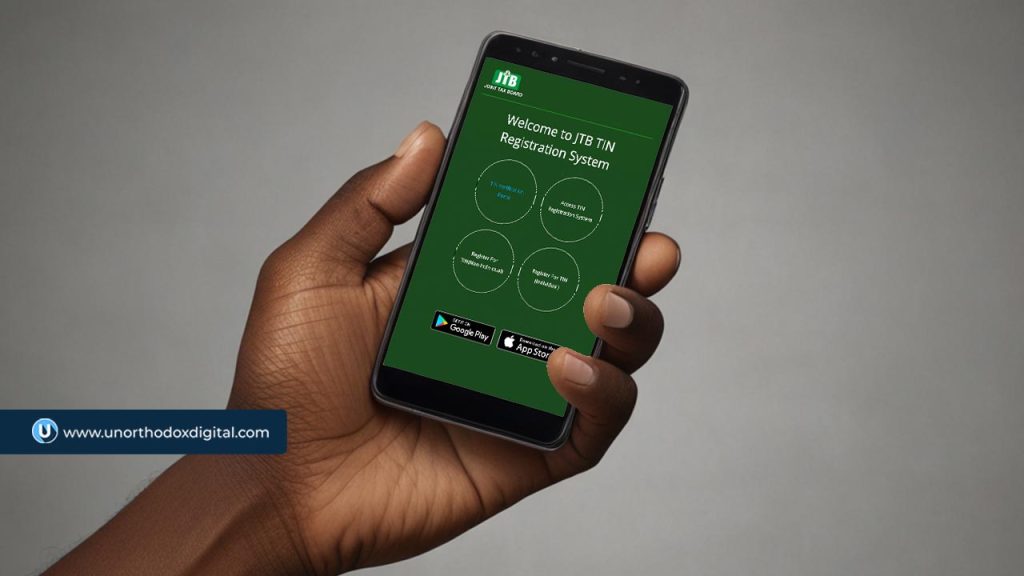
    1. Visit the Joint Tax Board (JTB) Website – Go to JTB TIN Registration portal and click on “Register For TIN (Individual).”
    2. Fill Out the Application Form – Provide your personal details, such as your name, date of birth, BVN (Bank Verification Number), and NIN (National Identification Number).
    3. Upload Your Documents – Attach a scanned copy of your ID and a recent utility bill.
    4. Submit the Application – Review your details and submit the form.
    5. Get Your TIN – If your application is approved, you’ll receive your TIN via email or SMS within a few days.

    👉 Tip: If you already have a BVN or NIN, you might already have a TIN assigned to you. You can check on the JTB’s TIN Verification Portal before applying.

    For Businesses and Companies

    1. Visit the FIRS Tax Office or JTB Website – Go to Register For TIN (Non-Individual) on the JTB TIN Registration Portal or visit the nearest Federal Inland Revenue Service (FIRS) office.
    2. Provide Business Details – Enter your business name, registration number, and company address.
    3. Upload Required Documents – Submit copies of your CAC registration certificate, MEMART, and director details.
    4. Submit the Application – Double-check all details and send in your application.
    5. Receive Your TIN – If everything is in order, your TIN will be issued within 7–10 business days.

    👉 Tip: If there’s a delay, follow up with the FIRS office where you applied.

    How to Get Your TIN Number in Nigeria Fast

    How to Verify Your TIN

    Once you’ve gotten your TIN, you should confirm that it’s valid and properly registered. Here’s how:

    1. Go to the FIRS Trade Portal – Click on the TIN Verification Portal.
    2. Enter Your TIN and Email Address – Provide your details in the verification form.
    3. Complete the Security Check – Solve the CAPTCHA to verify you’re not a robot.
    4. Click “Validate” – If your TIN is valid, you’ll receive a confirmation message and an email with final registration details.

    Common TIN Application Issues & How to Fix Them

    Even though the process is straightforward, some applicants face issues. Here’s how to solve them:

    IssuePossible CauseSolution
    Delayed ProcessingHigh application volumeFollow up with FIRS office
    Incorrect DetailsMistyped name or ID numberDouble-check and reapply
    Missing DocumentsIncomplete submissionEnsure all documents are provided
    No Response After SubmissionSystem error or wrong emailVisit FIRS office to confirm status

    Final Tips for a Smooth TIN Application

    To make sure you get your TIN without any stress, keep these tips in mind:

    Provide Accurate Information – Errors can delay processing. Double-check all entries.

    Use Online Platforms – Applying online is usually faster than going in person.

    Keep Copies of Your Documents – Always save digital and physical copies of your submitted documents.

    Follow Up If Needed – If you don’t get a response within the expected timeframe, contact the FIRS office.

    Verify Your TIN – Check the JTB portal to ensure your TIN is active before using it for transactions.

    Getting a TIN in Nigeria doesn’t have to be complicated. Whether you’re an individual or a business, following the right steps can make the process fast and stress-free. By applying online, ensuring your documents are accurate, and verifying your TIN after registration, you’ll be ready to access essential financial services without any issues. If you haven’t gotten your TIN yet, now is the time to do it!

    Need more help? Visit the Federal Inland Revenue Service (FIRS) website or your nearest tax office for additional support.

  • How to Transfer MTN Airtime in South Africa Instantly

    How to Transfer MTN Airtime in South Africa Instantly

    Learn how to transfer MTN airtime in South Africa instantly using simple USSD codes or SMS, with step-by-step instructions.

    Have you ever needed to send airtime to a friend or family member on MTN but weren’t sure how? Maybe your sibling ran out of airtime while chatting, or a friend needed an urgent top-up. Whatever the case, transferring airtime on MTN in South Africa is quick and easy. In this guide, I’ll walk you through the different ways to transfer airtime instantly. No complicated jargon—just simple steps you can follow right away!

    What You Need to Know Before Transferring Airtime

    Before we dive into the methods, here are some key points about MTN airtime transfers:

    • You can only transfer airtime to another MTN number.
    • The minimum transfer amount is R2.
    • The maximum transfer per transaction is R1,000.
    • You can transfer up to R10,000 per month.
    • The recipient can receive a maximum of R200 per day and R1,000 per month.
    • Transfers are free—no extra charges!

    Method 1: Transfer Airtime Using USSD

    One of the fastest ways to send airtime is through USSD. You don’t need an internet connection, just your phone’s dialer.

    Steps:

    1. Dial *136*3# on your MTN phone.
    2. Follow the prompts to enter the recipient’s number and the amount you want to send.
    3. Confirm the transaction.
    4. You and the recipient will receive an SMS confirmation.

    Quick Shortcut: If you want to skip the menu and send airtime instantly, use this direct code:

    *136*6328*RecipientNumber*Amount#

    Example: To send R10 to 0831234567, dial:

    *136*6328*0831234567*10#

    Simple, right? Now let’s move on to the next method.

    Method 2: Transfer Airtime Using the myMTN App

    If you prefer apps over USSD, the myMTN app makes it easy to transfer airtime. Here’s how:

    Steps:

    1. Download and install the myMTN app from the Google Play Store or Apple App Store.
    2. Open the app and log in with your MTN number.
    3. On the home screen, tap Airtime Share.
    4. Enter the recipient’s MTN number and the amount you want to send.
    5. Confirm the transfer using your app PIN.
    6. The recipient will receive an SMS notification.

    The myMTN app is a great option if you send airtime frequently and want to keep track of your transactions.

    Method 3: Transfer Airtime as a PayAsYouGo Customer

    If you’re an MTN PayAsYouGo user, you can send airtime just like regular MTN users. But here’s something to note: the airtime you transfer will be deducted from your available balance.

    Steps:

    1. Ensure you have enough airtime in your balance.
    2. Use the USSD method (*136*3#) or the myMTN app to complete the transfer.
    3. After the transfer, you’ll receive an SMS with the transaction details and your remaining balance.

    Important: If you have an airtime expiry wallet, transfers will be deducted from that first before your main balance.

    How to Request Airtime from Another MTN User

    Running low on airtime and need someone to send you some? You can request airtime using the Me2U Request feature.

    Steps:

    1. Dial *136*3# and select the option to request airtime.
    2. Enter the MTN number of the person you’re requesting from.
    3. They will receive an SMS request and can approve the transfer.

    Quick Shortcut: Use this code to request airtime directly:

    *136*6328*SenderNumber#

    Example: To request airtime from 0837654321, dial:

    *136*6328*0837654321#
    How to Transfer MTN Airtime in South Africa

    MTN Airtime Transfer Limits and Rules

    To keep things clear, here’s a table summarizing the key limits:

    Transfer LimitAmount
    Minimum transferR2
    Maximum per transactionR1,000
    Maximum per dayR1,000
    Maximum per monthR10,000
    Max amount recipient can receive per dayR200
    Max amount recipient can receive per monthR1,000

    Frequently Asked Questions (FAQs)

    1. How do I check my airtime balance on MTN?

    Dial *136*1# to check your airtime balance instantly.

    2. Is there a fee for transferring airtime?

    No, MTN airtime transfers are free.

    3. Can I transfer airtime to a non-MTN number?

    No, you can only transfer airtime to another MTN user.

    4. What happens if I enter the wrong number?

    Unfortunately, airtime transfers are non-reversible, so always double-check the recipient’s number before confirming.

    5. Can I transfer bonus airtime?

    No, you can only transfer main account airtime, not bonus or promotional airtime.

    Transferring MTN airtime in South Africa is simple, whether you use USSD or the myMTN app. Now that you know how it works, you’ll never have to worry about helping out a friend or family member who’s run out of airtime. Try it out today and stay connected!

    If you found this guide helpful, share it with others who might need it. Happy airtime sharing!

  • How to Claim Telecel’s Special Offer in Ghana

    How to Claim Telecel’s Special Offer in Ghana

    Get Telecel’s special offer for affordable data and call bundles. Dial *110# or use the Telecel Play app to buy now.

    If you’re in Ghana and looking for an affordable way to stay connected, Telecel’s Special Offer is just what you need! Whether you want budget-friendly data or voice bundles, this offer has got you covered. But how do you claim it? Don’t worry—I’ll walk you through the process step by step, in a way that’s easy to understand and follow.

    What is Telecel’s Special Offer?

    Think of the Telecel Special Offer as a discount deal that gives you more for less. With just a few cedis, you can grab data or call bundles that are perfect for your daily or weekly needs. Here’s a breakdown of what’s available:

    Price (GHS)PackageValidity Period
    2.50450MB Data1 Day
    3.50800MB Data1 Day
    4.501.3GB Data1 Day
    5.00200 Minutes (All Networks)7 Days

    How to Claim Telecel’s Special Offer

    There are two main ways to get the Telecel Special Offer:

    1. Using T-CASH (Telecel Mobile Money)
    2. Through the Telecel Play App

    Let’s go through each method in detail.

    Method 1: Claiming the Special Offer via T-CASH

    T-CASH is Telecel’s mobile money service, and it makes purchasing bundles super easy. Just follow these steps:

    1. Dial *110# on your phone (this is the T-CASH menu code).
    2. Select Airtime and Bundles from the options.
    3. Choose Special Offers from the menu.
    4. Select Special Offers again (this confirms you want one of the discounted packages).
    5. Decide whether you’re buying for yourself (Self) or someone else (Other).
    6. Pick your preferred bundle from the list.
    7. Enter your T-CASH PIN to confirm the purchase.
    8. You’ll receive a confirmation SMS once the transaction is successful.

    That’s it! You now have your Telecel Special Offer bundle activated.

    Method 2: Claiming the Special Offer via the Telecel Play App

    If you prefer using an app instead of USSD codes, the Telecel Play app is your go-to option. Here’s how to do it:

    1. Open the Telecel Play App on your phone (download it if you haven’t already).
    2. Log in and go to the Airtime & Bundles section.
    3. Select Mobile Bundles.
    4. Tap on Data (for internet bundles) or Voice and Data Combo (for the 200-minute bundle).
    5. Choose Special Offers from the options.
    6. Select the bundle you want.
    7. Tap Proceed to Payment.
    8. Enter your payment details and tap Next.
    9. You’ll receive a one-time password (OTP) via SMS. Enter it to confirm.
    10. If paying with T-CASH, enter your PIN and confirm the transaction.
    11. Once done, you’ll get an SMS confirming that your bundle is active.

    Simple, right? Now you can enjoy your data or voice bundle without hassle!

    How to Claim Telecel's Special Offer in Ghana

    FAQs

    How long do these special bundles last?

    • The data bundles are valid for one day.
    • The voice bundle (200 minutes) is valid for seven days.

    Can I buy multiple special offers at once?

    Yes! If one bundle isn’t enough, you can purchase multiple offers and stack them up.

    What if my purchase doesn’t go through?

    • First, check if you have enough balance in your T-CASH wallet.
    • If you’re using the Telecel Play App, ensure you have a stable internet connection.
    • If the issue persists, contact Telecel customer support for assistance.

    Telecel’s Special Offer is one of the best ways to save money while staying connected in Ghana. Whether you prefer dialing a short code or using an app, claiming your bundle is quick and easy. Now that you know how to do it, go ahead and grab yours today!

  • How to Buy Telecel Ghana’s Made4Me Bundle

    How to Buy Telecel Ghana’s Made4Me Bundle

    Use *530# for Telecel Made4Me bundle and get personalised voice, data, and combo plans. Also available on the Telecel Play app!

    If you’re a Telecel Ghana user looking for a bundle that truly fits your needs, the Made4Me offer is exactly what you need. Think of it like a custom meal at your favorite restaurant—instead of getting a one-size-fits-all package, Telecel gives you options based on how you use your phone. Whether you need more data, more minutes, or a mix of both, Made4Me ensures you get the best deal tailored to your usage.

    Now, let’s walk through exactly how to buy this bundle. It’s easy, and by the end of this guide, you’ll be able to do it with your eyes closed (okay, maybe not literally, but you get the point!).

    What is the Telecel Ghana Made4Me Bundle?

    The Made4Me bundle is a special offer available only to Telecel Ghana prepaid subscribers. It provides personalized voice minutes, data, or combo packages based on your phone usage habits. The best part? It’s unique to you! Your offers may be different from someone else’s because Telecel designs them specifically for your needs.

    Key Features of Made4Me:

    • Custom Bundles: Offers are tailored based on your usage patterns.
    • Flexible Payment: Pay with airtime or Telecel Cash.
    • Stackable Offers: You can buy multiple Made4Me bundles at a time.
    • Non-Auto Renewal: The bundles do not renew automatically, so you have full control.

    Now, let’s get into how you can buy this bundle.

    How to Buy Telecel Ghana’s Made4Me Bundle

    There are two simple ways to purchase your Made4Me bundle:

    1. Using a USSD Code (quick and works on any phone)
    2. Through the Telecel Play App (ideal if you prefer an app experience)

    Let’s break them down step by step.

    Method 1: Buying with USSD Code (*530#)

    If you’re not a fan of apps, don’t worry! You can activate your Made4Me bundle with a simple code.

    Steps:

    1. Dial *530# on your phone.
    2. A menu will pop up with different Made4Me offers based on your usage.
    3. Choose the offer that best suits your needs.
    4. Select your payment method:
      • Airtime (your regular phone balance)
      • Telecel Cash (if you have money in your Telecel mobile wallet)
    5. If you choose Telecel Cash, a prompt will ask you to enter your PIN to confirm.
    6. Wait for an SMS confirmation, and you’re done!

    This method is super quick and works even if you don’t have an internet connection.

    Method 2: Buying via the Telecel Play App

    If you prefer a more visual and interactive experience, the Telecel Play App makes it just as easy to buy your Made4Me bundle.

    Steps:

    1. Open the Telecel Play App on your phone. (If you don’t have it yet, download it from the Google Play Store or Apple App Store.)
    2. Navigate to Airtime & Bundles and select Mobile Bundles.
    3. Tap on Made4Me to see your personalized bundle offers.
    4. Select the offer you want.
    5. Click Proceed to Payment.
    6. Enter your payment details (Airtime or Telecel Cash) and click Next.
    7. A confirmation OTP (One-Time Password) will be sent to your phone.
    8. Enter the OTP and tap Confirm.
    9. If you’re using Telecel Cash, enter your PIN to finalize the purchase.

    And that’s it! Your Made4Me bundle is now active.

    How to Buy Telecel Ghana’s Made4Me Bundle

    How to Check Your Made4Me Balance

    Once you’ve bought a bundle, you’ll want to keep track of your usage. Here’s how to check your balance:

    MethodSteps
    USSD CodeDial *126# and wait for a message with your remaining data and minutes.
    Telecel Play AppOpen the app, go to the Data section, and view your active bundle balance.

    Frequently Asked Questions (FAQs)

    1. Can my Made4Me offers change?

    Yes! The offers you get are dynamic and may change from time to time based on your usage habits. If you call a lot, you may see more voice bundles; if you stream videos often, you may get bigger data offers.

    2. Why can’t I subscribe to the Telecel Made4Me offer?

    There are a few reasons why you might not be able to buy a Made4Me bundle:

    • Your available buckets are full (meaning you have the maximum number of active bundles).
    • You have an insufficient balance (check your airtime or Telecel Cash balance).
    • You’re not a Telecel prepaid customer (only prepaid users can access this offer).

    3. Can I purchase multiple Made4Me offers at once?

    Yes! You can buy multiple Made4Me bundles, and they will be stacked together.

    Buying a Telecel Ghana Made4Me bundle is simple, whether you use the USSD code (*530#) or the Telecel Play App. It’s a flexible and personalized way to get exactly what you need without paying for extras you won’t use. Now that you know how to do it, go ahead and grab a bundle that suits you best!

    If you found this guide helpful, share it with a friend who might need it too!

  • Top 12 Platforms to Send Money to South Africa

    Top 12 Platforms to Send Money to South Africa

    Sending money to South Africa should be easy, secure, and fast. Whether you’re supporting family, paying for services, or handling business transactions, picking the right platform is essential. With so many options, how do you choose the best one? Don’t worry—I’ve got you covered. Let’s break it down in a way that makes sense, like explaining a game plan to a friend.

    How to Identify a Good Money Transfer Platform

    Before we jump into the list, here’s what to look for in a reliable money transfer service:

    • Security – Your money should be protected from fraud and scams.
    • Speed – Some transfers happen instantly, while others take a few days.
    • Fees – Look for low or no fees to save on costs.
    • Exchange Rates – Some platforms offer better rates than others.
    • Ease of Use – The platform should be simple to navigate.
    • Payment Methods – Options should include bank transfers, mobile wallets, and cash pickups.

    Now, let’s explore 12 trusted platforms that make sending money to South Africa seamless and secure.

    1. Western Union

    Western Union

    Why it’s great:

    • Large global network with thousands of locations.
    • Western Union supports bank deposits, cash pickup, and mobile money.
    • Multiple payment options, including credit/debit cards and bank transfers.

    Best for: Sending money to someone who prefers picking up cash in person.

    2. MoneyGram

    Why it’s great:

    • MoneyGram is fast and widely available.
    • Supports cash pickup, mobile money, and bank deposits.
    • Convenient for in-person transactions at numerous locations.

    Best for: Those who need fast cash pickups or in-person transfers.

    3. WorldRemit

    Why it’s great:

    • WorldRemit supports bank deposits, mobile money, and cash pickups.
    • Transfers are typically completed within minutes.
    • Reasonable fees with competitive exchange rates.

    Best for: People who want multiple transfer options, including mobile wallets.

    4. Remitly

    Why it’s great:

    • Express (instant) and Economy (cheaper but slower) options.
    • Works with bank deposits, mobile money, and cash pickup locations.
    • Special exchange rate promotions for first-time users.

    Best for: First-time senders looking for a good deal.

    5. Paysend

    Why it’s great:

    • Low flat transfer fee (about $2 per transaction).
    • Fast transactions, often completed within minutes.
    • Supports direct bank account and mobile wallet transfers.

    Best for: Those who want a low-cost, fast, and transparent pricing option.

    6. Skrill

    Why it’s great:

    • Allows sending money through a digital wallet.
    • Offers low-cost transactions compared to traditional banks.
    • Ideal for online purchases and payments as well.

    Best for: Digital-savvy users who want a multi-purpose wallet for money transfers and online payments.

    7. TransferGo

    Why it’s great:

    • Fast transfers, sometimes as quick as 30 minutes.
    • Competitive exchange rates.
    • Supports direct bank deposits.

    Best for: Those who need quick and reliable bank transfers.

    8. ACE Money Transfer

    Why it’s great:

    • Competitive exchange rates.
    • Multiple payout options: bank deposits, mobile wallets, and cash pickup.
    • ACE Money Transfer is trusted by many users sending money to South Africa.

    Best for: People who want flexible payout options with good exchange rates.

    9. Sendwave

    Sendwave

    Why it’s great:

    • No fees for transfers.
    • Fast transactions, often within minutes.
    • Sendwave works with major mobile money providers.

    Best for: Those who want a fee-free and instant way to send money to mobile wallets.

    10. Taptap Send

    Why it’s great:

    • With Taptap Send, there are no fees on transfers.
    • Fast and direct deposits to mobile money accounts.
    • Easy-to-use mobile app for seamless transfers.

    Best for: Mobile money users who want quick and free transfers.

    11. LemFi

    Why it’s great:

    • Zero transaction fees.
    • Supports multiple currencies for international transfers.
    • LemFi works well for South Africans living abroad who send money home frequently.

    Best for: People who want fee-free international transfers with multi-currency support.

    12. Remitbee

    RemitBee

    Why it’s great:

    • No fees for bank transfers over $500.
    • Strong exchange rates compared to banks.
    • Remitbee is ideal for Canadians sending money abroad.

    Best for: Those in Canada who need a reliable and affordable way to send money to South Africa.

    Comparing the Best Options

    Here’s a quick comparison to help you pick the right service:

    PlatformFeesSpeedPayment MethodsBest For
    Western UnionVariesFastBank, mobile, cashCash pickups worldwide
    MoneyGramVariesFastBank, mobile, cashIn-person and urgent transfers
    WorldRemitLowFastBank, mobile, cashMultiple transfer options
    RemitlyLowVariesBank, mobile, cashFirst-time users & flexible options
    Paysend$2FastBank, mobileLow-cost transfers
    SkrillLowFastDigital walletOnline payments & money transfers
    TransferGoLowFastBank depositsQuick bank transfers
    ACE Money TransferLowFastBank, mobile, cashCompetitive exchange rates
    SendwaveNoFastMobile moneyInstant, fee-free transfers
    Taptap SendNoFastMobile moneyFee-free mobile money transfers
    LemFiNoFastMulti-currencyNo-fee transfers
    RemitbeeNo (over $500)FastBank depositsCanadians sending money

    The best money transfer platform for you depends on what matters most—speed, cost, or payout methods. For fee-free mobile transfers, Sendwave and Taptap Send are solid options. If you’re after competitive exchange rates, consider TransferGo or ACE Money Transfer. Need cash pickup? Western Union or MoneyGram may be the best fit.

    Whichever platform you choose, you can be confident that all of these are safe and reliable options for sending money to South Africa.

  • 6 Trusted Crypto Mining Apps for Android & iPhone

    6 Trusted Crypto Mining Apps for Android & iPhone

    If you’ve ever wondered if you can mine cryptocurrency straight from your phone, the answer is yes—but with a few catches. While mobile crypto mining won’t make you rich overnight, it’s a fun and accessible way to earn small amounts of crypto without investing in expensive mining hardware. The trick is finding apps that are trustworthy, easy to use, and actually pay out. That’s exactly what this guide will help you with.

    We’ll break down six of the most reliable crypto mining apps for Android and iPhone, explaining how they work, their pros and cons, and what you need to get started. Let’s dive in!

    What Is Crypto Mining on Mobile?

    Before we get to the apps, let’s quickly explain what mobile crypto mining is. Traditional crypto mining requires powerful computers (or ASIC miners) to solve complex math problems and validate transactions on a blockchain. This process is energy-intensive and not practical for smartphones.

    Instead, mobile mining apps use cloud mining or browser-based mining. Here’s the difference:

    • Cloud mining: You rent mining power from a remote data center. The mining happens on powerful machines elsewhere, and you earn a share of the rewards.
    • Browser-based mining: Some apps let you earn crypto while browsing the internet by using your phone’s idle processing power (although earnings are usually small).

    Now that we understand the basics, here are the six best crypto mining apps available for Android and iPhone.

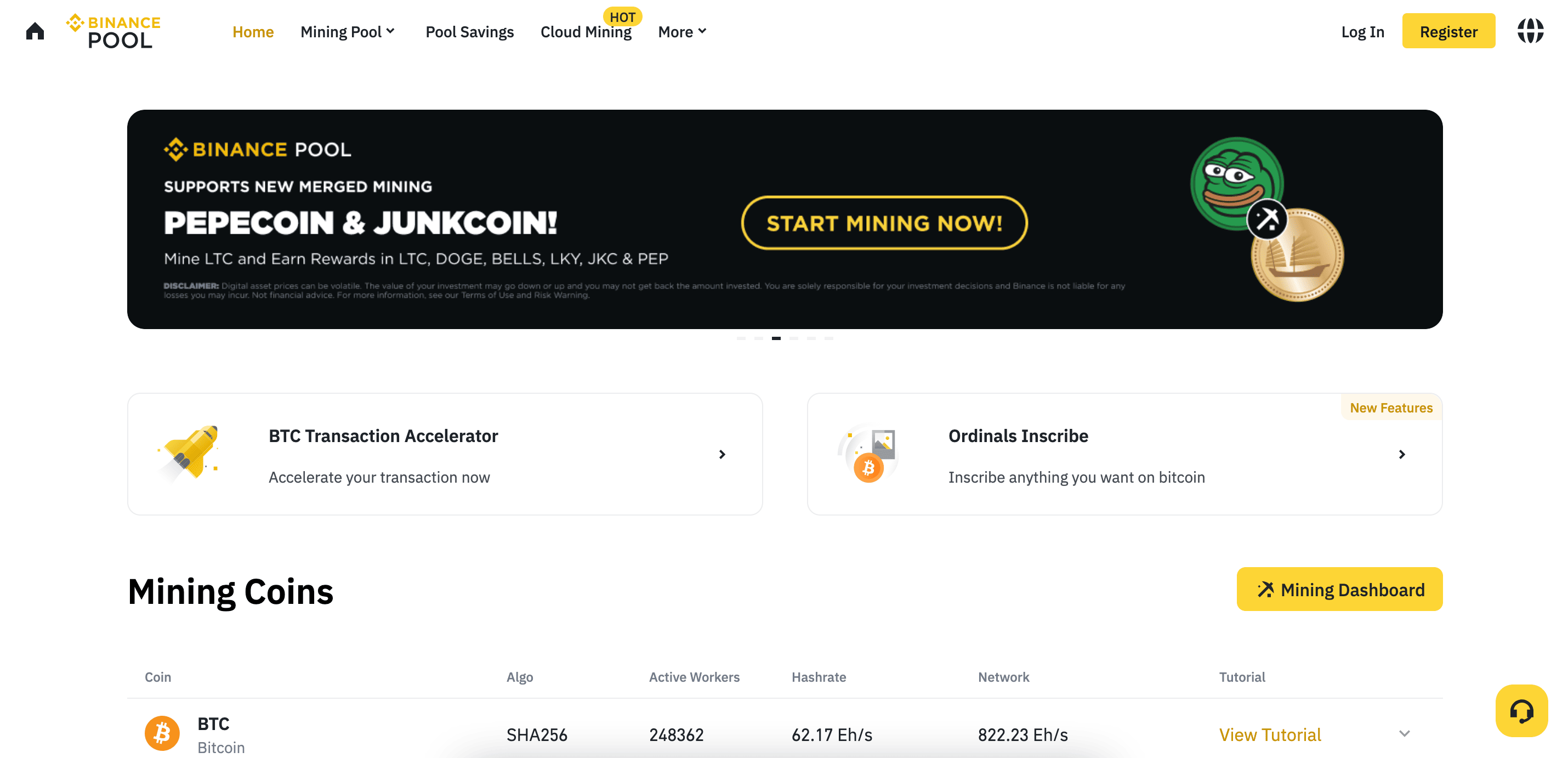
    1. Binance Pool

    Binance Mining Pool

    Binance, one of the largest cryptocurrency exchanges, offers Binance Pool, a cloud mining service that lets you mine Bitcoin without needing special hardware.

    Features:

    • Integrated with Binance’s trading platform
    • Daily payouts in Bitcoin
    • Easy tracking through the Binance app

    How It Works:

    1. Create a Binance account (if you don’t have one).
    2. Purchase a cloud mining contract (starting at $23.04).
    3. Sit back and track your earnings in the Binance app.

    Pros & Cons:

    ProsCons
    Trusted and reputable platformContracts sell out quickly
    No need for hardwareNo free mining options
    Daily payoutsRequires an initial investment

    2. CryptoTab Browser

    CryptoTab is a web browser that lets you mine Bitcoin while browsing the internet. It’s available in Lite, Pro, and Max Speed versions, with paid versions offering higher mining speeds.

    Features:

    • Built-in mining while you browse
    • Withdraw Bitcoin directly from the app
    • Boost options for faster mining

    How It Works:

    1. Download the CryptoTab Browser.
    2. Use it as your regular web browser.
    3. Earn Bitcoin as you browse.

    Pros & Cons:

    ProsCons
    Simple and user-friendlyMinimal earnings
    Works while browsingOccasional withdrawal issues
    Available on Android & iPhonePaid upgrades needed for better speeds

    3. Hashshiny

    Hashshiny is a cloud mining app that supports multiple cryptocurrencies, including Bitcoin, Ethereum, and Litecoin.

    Features:

    • No need for mining hardware
    • User-friendly mobile dashboard
    • Two-year minimum contract term

    How It Works:

    1. Download the Hashshiny app.
    2. Sign up and choose a mining contract.
    3. Track your mining progress remotely.

    Pros & Cons:

    ProsCons
    Supports multiple cryptosTwo-year contract requirement
    Easy-to-use interfaceHigh transaction fees
    Good customer supportCloud mining means limited control

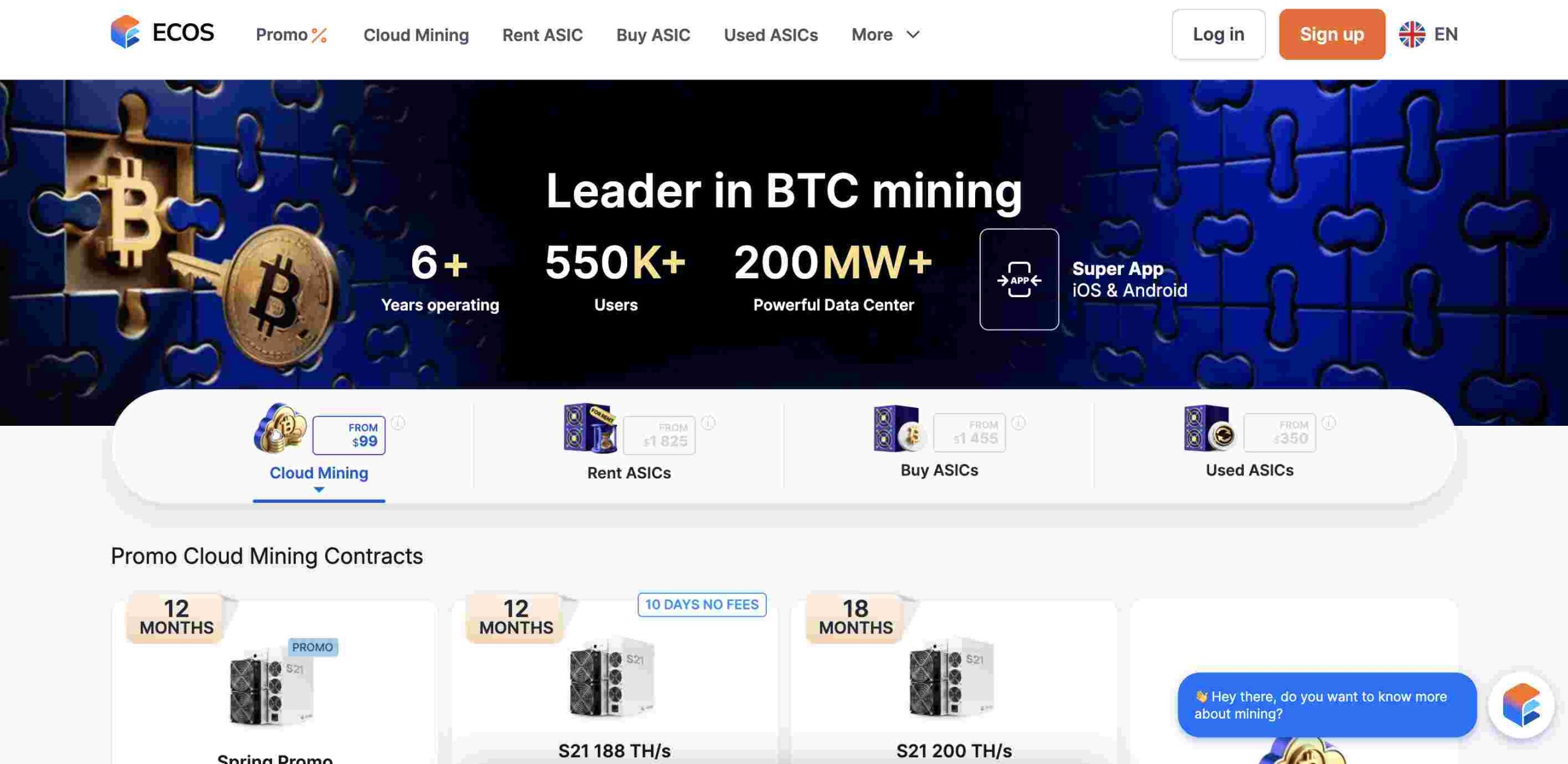
    4. ECOS

    ECOS

    ECOS offers cloud mining contracts, a Bitcoin wallet, and even an option to buy and host your own Bitcoin miners at the ECOS Data Center.

    Features:

    • Cloud mining options
    • Bitcoin wallet included
    • Option to host real mining hardware

    How It Works:

    1. Download the ECOS app and create an account.
    2. Choose between cloud mining, building a mining farm, or buying hardware.
    3. Start earning and tracking your progress.

    Pros & Cons:

    ProsCons
    Multiple ways to earnRequires upfront purchase
    User-friendly interfaceMinimal earnings from cloud mining
    Reliable platformWithdrawal limits apply

    5. NiceHash

    NiceHash is a cloud mining marketplace that lets you mine Bitcoin and other cryptocurrencies with both free and paid plans.

    Features:

    • Free and paid mining contracts
    • Monitor mining rigs remotely
    • Supports over 60 cryptocurrencies

    How It Works:

    1. Sign up on NiceHash and choose a mining plan.
    2. Use their app to track performance.
    3. Withdraw your earnings in Bitcoin or other cryptos.

    Pros & Cons:

    ProsCons
    Free plan availableRequires PC software for mining
    Supports multiple cryptosCan be overwhelming for beginners
    Remote monitoringService fees apply

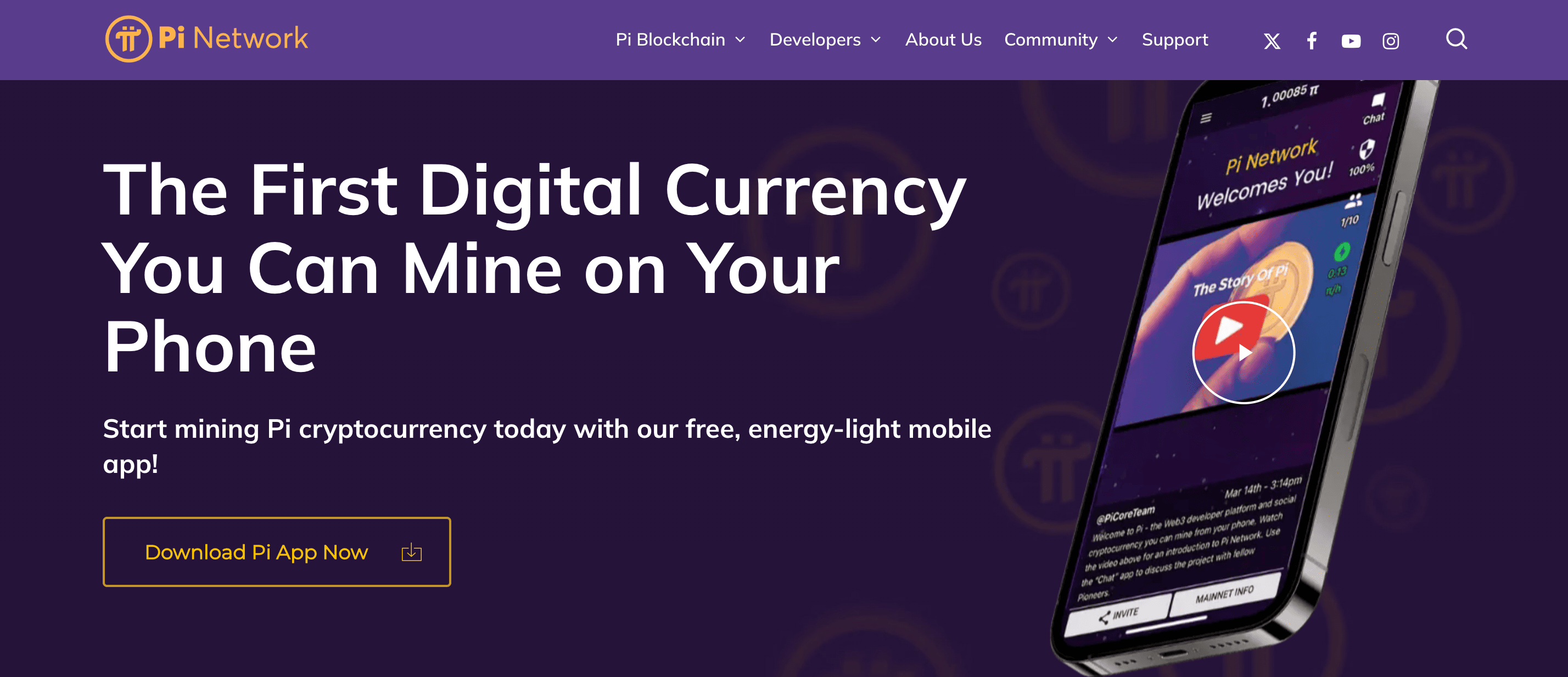
    6. Pi Network

    Pi Network

    Pi Network lets you mine Pi coins directly from your phone with minimal processing power.

    Features:

    • No battery drain or extra hardware required
    • Easy to use
    • High user engagement

    How It Works:

    1. Download Pi Network and create an account.
    2. Click the mining button once per day.
    3. Earn Pi coins for free!

    Pros & Cons:

    ProsCons
    Completely freePi coins aren’t listed on exchanges yet
    No hardware neededLimited earning potential for now
    Easy to useRequires daily engagement

    How to Choose a Legit Crypto Mining App

    When picking a mining app, keep these factors in mind:

    FactorWhy It Matters
    SecurityEnsure the app is from a trusted developer to avoid scams.
    Ease of UseA good mining app should have a simple interface.
    Earnings PotentialCheck reviews to see if the app actually pays out.
    FeesSome apps have hidden charges that reduce profits.
    Customer SupportIn case of issues, responsive support is a must.

    Crypto mining on mobile isn’t a get-rich-quick scheme, but it can be a fun way to earn small amounts of crypto with minimal effort. If you’re serious about mining, cloud mining services like Binance Pool and Hashshiny are your best bet. If you just want to experiment, CryptoTab and Pi Network offer easy, low-effort ways to get started.

    Whichever app you choose, always do your research, read user reviews, and never invest more than you can afford to lose. Happy mining!

    FAQs

    Can I mine crypto on my iPhone?

    Direct mining on iPhones is not feasible because of hardware limitations. Nonetheless, certain apps allow users to engage in cloud mining or earn cryptocurrency through other means:

    • Bitdeer: This platform facilitates cloud mining by enabling users to lease mining hardware remotely, eliminating the need for personal mining equipment.

    Can I mine crypto on my Android phone?

    Similar to iPhones, Android devices lack the necessary power for effective cryptocurrency mining. Yet, some apps provide alternative avenues:

    • Pi Network: This project allows users to “mine” Pi coins through the app without intensive computational requirements. It’s important to note that Pi Network’s mining mechanism differs from traditional Proof-of-Work systems.

    Are there any real crypto mining apps for Android?

    While traditional mining isn’t practical on Android devices, apps like Pi Network offer participation in cryptocurrency ecosystems without heavy resource consumption.

    What is the best device for mining crypto?

    Effective cryptocurrency mining typically requires specialized hardware:

    • ASIC Miners: Application-Specific Integrated Circuit miners are tailored for specific algorithms, offering high efficiency and performance, especially for cryptocurrencies like Bitcoin.
    • GPU Mining Rigs: High-end Graphics Processing Units can mine various cryptocurrencies, particularly those resistant to ASIC mining.

    Which crypto is fastest to mine?

    The ease of mining a cryptocurrency depends on its algorithm and network difficulty:

    • Monero (XMR): Known for its ASIC-resistant algorithm, Monero can be mined using CPUs or GPUs, making it accessible for individual miners.
    • Dash: Utilizing the X11 hashing algorithm, Dash is compatible with both ASIC and GPU mining, offering flexibility in mining approaches.

    Can I mine Bitcoin for free?

    Mining Bitcoin without investment is challenging due to high competition and resource requirements. Some platforms claim to offer free mining, but they often come with limitations or potential risks. It’s essential to exercise caution and research thoroughly before engaging with such services.

  • The 6 Best-Selling Gift Cards in Turkey

    The 6 Best-Selling Gift Cards in Turkey

    Imagine you’re in a bustling Turkish market, surrounded by vibrant stalls offering a myriad of goods. Now, think of gift cards as special tickets that let you shop in specific stalls or even entire marketplaces. In Turkey, certain gift cards have become particularly popular, acting as keys to some of the most sought-after products and services. Let’s explore the six best-selling gift cards in Turkey, understanding what makes each one special.

    1. Google Play Gift Card TR

    The Google Play Gift Card is like a magic ticket for Android users. With it, you can access a vast world of digital content on the Google Play Store. Whether you’re looking to download the latest apps, immerse yourself in games, listen to music, or watch movies, this card has you covered. It’s especially popular among Turkish users who enjoy customizing their devices with new tools and entertainment options. However, it’s important to note that these gift cards are region-locked, meaning a Turkish Google Play Gift Card is designed for use within Turkey.

    2. Apple Gift Card TR

    Apple’s ecosystem is renowned worldwide, and in Turkey, the Apple Gift Card holds significant appeal. This card allows users to purchase a wide array of Apple products and services. From the latest iPhones and MacBooks to subscriptions for Apple Music or Apple TV, the gift card offers flexibility. It’s an excellent choice for those who are deeply integrated into the Apple environment, providing an easy way to access both hardware and digital content.

    3. Steam Gift Card TR

    For gaming enthusiasts, the Steam Gift Card is a gateway to a universe of interactive entertainment. Steam, one of the world’s largest gaming platforms, offers a plethora of games across various genres. With this gift card, Turkish gamers can purchase and download games, as well as acquire in-game items, enhancing their gaming experience. The strong gaming community in Turkey contributes to the high demand for Steam Gift Cards.

    4. Amazon Gift Card TR

    Often dubbed the “Everything Store,” Amazon provides an extensive selection of products, from electronics and books to fashion and home goods. The Amazon Gift Card is a versatile tool that allows Turkish shoppers to purchase items seamlessly. It’s particularly useful for those who prefer online shopping, offering access to a vast array of products that can be delivered directly to their doorstep.

    5. IKEA Gift Card TR

    When it comes to home furnishings and décor, IKEA stands out as a global leader. In Turkey, the IKEA Gift Card is cherished by individuals looking to furnish their homes with stylish and functional pieces. From cozy beds to practical kitchenware, this card enables users to select items that suit their personal tastes and needs. It’s an ideal gift for new homeowners or anyone looking to refresh their living space.

    The 6 Best-Selling Gift Cards in Turkey

    6. Migros Gift Card

    Migros is one of Turkey’s largest supermarket chains, offering a wide range of products, including groceries, household items, electronics, and clothing. The Migros Gift Card provides shoppers with the flexibility to purchase daily essentials or special treats. It’s a practical gift option, ensuring recipients can choose items that best suit their needs.

    Understanding Region-Locked Gift Cards

    It’s crucial to understand that many gift cards, such as those for Google Play and Apple, are region-locked. This means a gift card purchased in Turkey is intended for use within the Turkish market. Attempting to use it elsewhere might lead to compatibility issues. Always ensure you’re purchasing the correct regional version of a gift card to avoid any inconveniences.

    Where to Purchase These Gift Cards

    In Turkey, these gift cards are available through various channels:

    • Retail Stores: Many supermarkets, electronics shops, and convenience stores stock physical gift cards.
    • Online Platforms: Official websites and authorized online retailers offer digital versions, which can be delivered instantly via email.
    • Mobile Providers: Some telecom companies provide gift cards as part of their offerings, allowing purchases through mobile apps or SMS.

    Using Gift Cards Wisely

    To make the most of these gift cards:

    • Check Expiry Dates: Some cards may have validity periods.
    • Understand Terms and Conditions: Be aware of any usage restrictions or special conditions.
    • Keep Cards Safe: Treat them like cash; lost cards may not be replaceable.

    Gift cards have become an integral part of the Turkish retail landscape, offering consumers flexibility and convenience. Whether you’re a tech enthusiast, a gamer, a home decorator, or someone who enjoys shopping for daily essentials, there’s a gift card tailored to your preferences. By understanding the unique features and benefits of each, you can enhance your shopping experience and make informed choices.

  • The 7 Best-Selling Gift Cards in Australia

    The 7 Best-Selling Gift Cards in Australia

    Gift cards are one of the easiest and most convenient ways to give a gift, especially when you’re unsure what someone likes. Instead of guessing and possibly getting it wrong, a gift card lets the recipient pick exactly what they want. In Australia, some gift cards are more popular than others because they offer great flexibility, usefulness, or just plain fun. Here are the seven best-selling gift cards in Australia and why people love them.

    1. Amazon Gift Cards

    Amazon gift cards are a top pick because Amazon sells almost everything. Whether someone wants electronics, books, home appliances, clothing, or everyday essentials, they can find it on Amazon. This makes an Amazon gift card a great choice for birthdays, holidays, or just as a thoughtful surprise.

    Key Details:

    • Available in digital and physical formats.
    • Digital cards can be sent instantly via email.
    • Physical cards can be bought at supermarkets, newsagents, and electronics stores.
    • Can be used to buy millions of products on Amazon Australia.

    2. Apple App Store & iTunes Gift Cards

    If someone owns an iPhone, iPad, Mac, or any other Apple device, an Apple gift card can be incredibly useful. It allows them to buy apps, games, music, movies, TV shows, and even iCloud storage.

    Key Details:

    • Can be used for purchases on the App Store, iTunes, and Apple Music.
    • Available as digital or physical cards.
    • Digital versions can be sent instantly via email.
    • Physical cards are sold at major retailers across Australia.

    3. Google Play Gift Cards

    Google Play gift cards are the go-to option for Android users. These cards let people buy apps, games, movies, books, and even in-app purchases without needing a credit card.

    Key Details:

    • Usable for any purchase on Google Play.
    • Perfect for Android phone and tablet users.
    • Available in both digital and physical formats.
    • Can be bought in amounts from $15 to $500.

    4. Netflix Gift Cards

    Netflix gift cards make it easy to give someone the joy of endless entertainment. Instead of paying directly with a credit card, users can add a Netflix gift card balance to their account and stream movies, TV shows, and documentaries.

    Key Details:

    • Can be used to pay for any Netflix subscription plan.
    • Available in digital and physical formats.
    • No expiration date, so recipients can use them whenever they want.
    • Sold at supermarkets, electronics stores, and online.

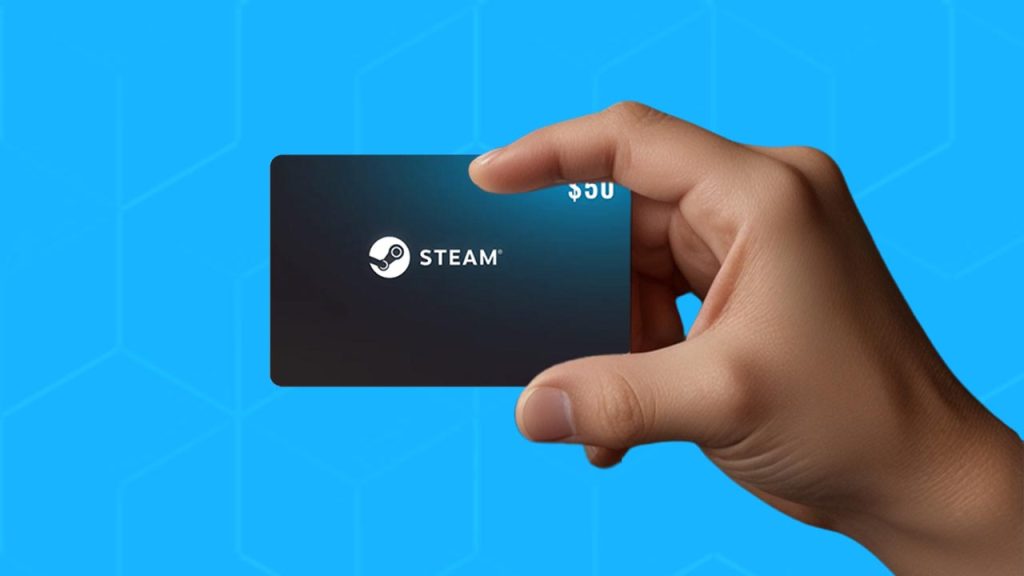
    5. Steam Gift Cards

    For PC gamers, Steam gift cards are a fantastic gift. Steam is one of the biggest platforms for buying video games, offering thousands of titles across different genres.

    Key Details:

    • Can be used to purchase games, downloadable content, and in-game purchases on Steam.
    • Available in physical and digital versions.
    • Physical cards are sold at electronics stores and gaming retailers.
    • Popular denominations include $20, $30, $50, and $100.

    6. Uber Gift Cards

    Uber gift cards are a practical gift for anyone who frequently uses Uber rides or Uber Eats. Instead of paying with cash or a credit card, recipients can use the gift card balance to cover their rides or food deliveries.

    Key Details:

    • Works for Uber rides and Uber Eats.
    • Digital cards can be sent instantly via email.
    • No expiration date, so users can save them for future use.
    • Available at major supermarkets and convenience stores.

    7. Visa Gift Cards

    A Visa gift card is the ultimate flexible option. Unlike store-specific gift cards, Visa gift cards can be used almost anywhere that accepts Visa payments, including online stores, supermarkets, restaurants, and travel bookings.

    Key Details:

    • Works just like a prepaid Visa debit card.
    • Can be used for online and in-store purchases.
    • Available in various denominations.
    • Sold at supermarkets, post offices, and convenience stores.

    Comparison of the Best-Selling Gift Cards in Australia

    Gift CardBest ForAvailable FormatsWhere to Buy
    AmazonShopping for almost anythingDigital, PhysicalOnline, Supermarkets, Electronics Stores
    Apple App Store & iTunesApple usersDigital, PhysicalOnline, Major Retailers
    Google PlayAndroid usersDigital, PhysicalOnline, Electronics Stores
    NetflixStreaming entertainmentDigital, PhysicalOnline, Supermarkets, Electronics Stores
    SteamPC gamingDigital, PhysicalOnline, Gaming Stores
    UberRides and food deliveryDigitalOnline, Supermarkets
    VisaFlexible spending anywhere Visa is acceptedPhysicalSupermarkets, Post Offices, Convenience Stores
    Best-Selling Gift Cards in Australia

    Why Gift Cards Are a Great Choice

    Gift cards are popular because they make gifting easy and stress-free. Here’s why people love them:

    • Flexibility: The recipient gets to choose what they want.
    • Instant Delivery: Digital cards can be sent in seconds, making them perfect for last-minute gifts.
    • No Wasted Gifts: No worries about giving something the recipient doesn’t like.
    • Wide Availability: Most gift cards can be bought online and in stores.

    When choosing a gift card, think about the recipient’s interests. If they love shopping, an Amazon or Visa gift card might be best. If they’re into gaming, go for a Steam card. Apple and Google Play cards are perfect for tech lovers, while Netflix and Uber cards provide entertainment and convenience. No matter which one you pick, a gift card is a thoughtful way to let someone choose what they truly want.

  • The 7 Best-Selling Gift Cards in Canada

    The 7 Best-Selling Gift Cards in Canada

    Gift cards are like little tickets to happiness. They let you give someone the freedom to pick exactly what they want, whether it’s a new gadget, groceries, or even a fun night out. But with so many options available, which ones are the most popular in Canada? Let’s break it down into the seven best-selling gift cards that Canadians love to buy and receive.

    1. Amazon Gift Card

    Amazon gift cards are like a golden ticket to an online shopping paradise. Since Amazon sells just about everything, from books and gadgets to home essentials and fashion, this card is a safe bet when you’re unsure what to get someone. It’s especially great for birthdays, holidays, and even last-minute gifts since you can buy and send them instantly online.

    Why People Love It:

    • Can be used on millions of products
    • Works for both necessities and fun splurges
    • Easy to send digitally or in physical form

    2. The Home Depot Gift Card

    For anyone who enjoys fixing things, building projects, or upgrading their home, a Home Depot gift card is the perfect choice. With over 182 locations across Canada, it’s a go-to store for tools, materials, and home improvement supplies.

    Popular Purchases:

    • Power tools and equipment
    • Paint, flooring, and renovation materials
    • Outdoor and garden supplies

    This card is especially handy for new homeowners or those tackling a big DIY project.

    3. PlayStation Gift Card

    Gaming is a huge part of entertainment today, and a PlayStation gift card is a dream come true for PlayStation 4 and 5 users. It allows gamers to buy the latest games, downloadable content, and even subscriptions to PlayStation Plus for online multiplayer action.

    What You Can Buy:

    • New game releases or classic titles
    • In-game add-ons and special packs
    • PlayStation Plus memberships for online gaming

    It’s a simple yet exciting gift for any PlayStation fan.

    4. Walmart Gift Card

    A Walmart gift card is perfect for anyone who needs a mix of groceries, household essentials, electronics, and clothing. Since Walmart has stores across Canada and an easy-to-use online platform, this gift card is one of the most practical options available.

    How It’s Used:

    • Weekly grocery shopping
    • Personal care and household products
    • Electronics, toys, and clothing

    This card gives recipients the freedom to buy whatever they need, making it a no-fail choice for any occasion.

    5. Best Buy Gift Card

    Best Buy is the go-to store for all things tech, making its gift card a favorite among gadget lovers. Whether someone is looking to upgrade their phone, buy a laptop, or grab some gaming accessories, this card has them covered.

    Top Purchases:

    • Smartphones, tablets, and laptops
    • Gaming consoles and accessories
    • Smart home devices and wearables

    If your recipient loves the latest tech, a Best Buy gift card is a guaranteed hit.

    6. Uber Gift Card

    An Uber gift card is like a two-in-one deal. It can be used for Uber rides, making travel easy, or for Uber Eats, allowing recipients to enjoy their favorite meals without leaving home.

    How It’s Used:

    • Rides to work, events, or the airport
    • Ordering takeout from top restaurants
    • Scheduling trips in advance

    This is a great gift for students, busy professionals, or anyone who loves convenience.

    7. Sephora Gift Card

    Sephora is a beauty lover’s paradise, offering everything from skincare to high-end makeup. A Sephora gift card lets recipients choose from hundreds of top brands, making it a thoughtful gift for anyone who enjoys self-care.

    Popular Picks:

    • Luxury skincare and makeup
    • Perfumes and colognes
    • Hair care and beauty tools

    Whether someone wants to refresh their skincare routine or splurge on a new fragrance, a Sephora gift card gives them the freedom to do so.

    Best-Selling Gift Cards in Canada

    Where Can You Buy These Gift Cards in Canada?

    You can find these gift cards at many locations, including:

    RetailerAvailable Gift Cards
    WalmartAmazon, PlayStation, Walmart, Best Buy, Uber, Sephora
    Shoppers Drug MartAmazon, PlayStation, Home Depot, Uber, Sephora
    CostcoAmazon, Walmart, Best Buy
    Convenience StoresUber, PlayStation, Amazon
    OnlineDirectly from each retailer’s website

    FAQs About Gift Cards in Canada

    1. Can I Use a Visa Gift Card in Canada?

    Yes! A Visa gift card works just like a prepaid credit card and can be used anywhere Visa is accepted.

    2. Where Can I Buy Gift Cards Online in Canada?

    You can purchase them directly from brand websites like Amazon.ca, BestBuy.ca, or Walmart.ca, as well as through major retailers like Shoppers Drug Mart and Costco.

    3. Are Apple Gift Cards Available in Canada?

    Yes! Apple gift cards can be used for Apple products, apps, music, movies, and even iCloud storage.

    4. Does Canada Have Steam Gift Cards?

    Yes! Steam gift cards are available at major stores like Best Buy and Walmart and can be used to buy games, software, and in-game items.

    Choosing the right gift card doesn’t have to be complicated. Whether you’re shopping for a gamer, a tech lover, a beauty enthusiast, or someone who just needs everyday essentials, one of these seven best-selling gift cards in Canada will make a perfect gift. Now, the next time you’re stuck wondering what to buy, you’ll have a go-to list of options that anyone will appreciate.

  • The 10 Best-Selling Gift Cards in Spain

    The 10 Best-Selling Gift Cards in Spain

    Gift cards have changed the way people shop, gift, and even trade in Spain. Instead of stressing over what to buy, a gift card lets you pick something from your favorite store or platform. Whether it’s for shopping, gaming, entertainment, or even fuel, there’s a gift card for just about everything.

    Spain has a mix of local and international gift cards that are popular for different reasons. Some are great for fashion lovers, while others are perfect for tech enthusiasts or gamers. Below are the 10 best-selling gift cards in Spain, along with what makes each one special.

    1. El Corte Inglés Gift Card

    El Corte Inglés is Spain’s biggest department store, making its gift card one of the most sought-after in the country. With this card, you can shop for clothes, electronics, home goods, and more.

    Why It’s Popular:

    • Accepted at all El Corte Inglés stores
    • Covers a wide range of products
    • No expiration date
    DenominationsAvailability
    €15, €25, €50, €100Physical & Digital

    2. iTunes Gift Card

    Apple users in Spain love the iTunes gift card because it allows them to buy apps, movies, music, and more from the Apple Store.

    Why It’s Popular:

    • Works on all Apple devices
    • Can be used for music, apps, and subscriptions
    • Available in both physical and digital formats
    DenominationsAvailability
    €15 – €100Physical & Digital

    3. FNAC Gift Card

    FNAC is a favorite store for book lovers, tech enthusiasts, and entertainment seekers in Spain. Their gift card makes shopping easier for a variety of products.

    Why It’s Popular:

    • Usable for books, electronics, and more
    • Accepted at FNAC stores and online
    • Can also be used for travel-related expenses

    4. Google Play Gift Card

    Android users in Spain frequently purchase Google Play gift cards to buy apps, games, and digital content on the Google Play Store.

    Why It’s Popular:

    • No credit card required to use
    • Great for buying games, movies, and apps
    • Available in both online and offline stores

    5. Steam Gift Card

    Gamers in Spain love Steam gift cards because they provide easy access to thousands of games on the Steam platform.

    Why It’s Popular:

    • Ideal for PC gamers
    • Works for purchasing software, games, and in-game items
    • Available in €20, €50, and €100 denominations
    The 10 Best-Selling Gift Cards in Spain

    6. Zara Gift Card

    Zara is one of Spain’s most recognized fashion brands. A Zara gift card is perfect for anyone who loves stylish clothing and accessories.

    Why It’s Popular:

    • Accepted at all Zara stores
    • Can be used for fashion, shoes, and accessories
    • Comes in digital and physical formats
    DenominationsAvailability
    €25 – €300Digital (eGift)

    7. Xbox Gift Card

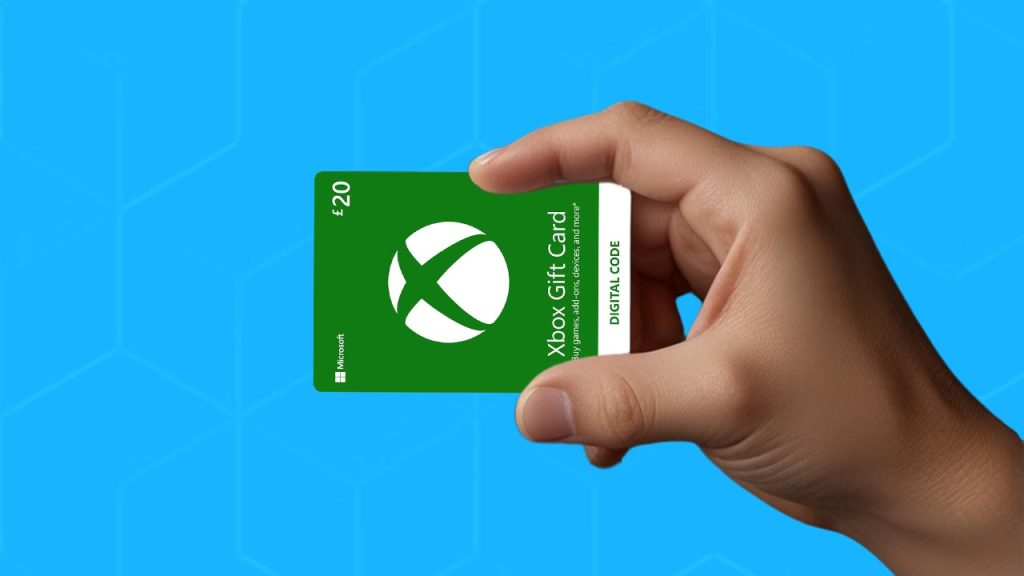
    For Xbox lovers, this gift card is a must-have. It allows users to purchase games, apps, and even devices from the Microsoft Store.

    Why It’s Popular:

    • Never expires
    • Can be used for gaming and entertainment purchases
    • Works across all Xbox devices

    8. Carrefour Gift Card

    Carrefour is one of Spain’s biggest supermarket chains, and its gift card makes grocery shopping more convenient.

    Why It’s Popular:

    • Usable for groceries, electronics, and household items
    • No expiration date
    • Available in small and large denominations
    DenominationsAvailability
    €5 – €100Physical & Digital

    9. Amazon Gift Card

    Amazon gift cards are widely used in Spain, thanks to Amazon’s massive range of products, from tech gadgets to clothing and books.

    Why It’s Popular:

    • Can be used for almost any product on Amazon
    • Available in physical and digital forms
    • Works internationally
    DenominationsAvailability
    €10, €25, €50Physical & Digital

    10. Cepsa Gift Card

    Cepsa is a leading fuel company in Spain, and its gift card is widely used for purchasing fuel, shopping, and other services at Cepsa stations.

    Why It’s Popular:

    • Can be used at Cepsa stations in Spain and Portugal
    • Great for frequent travelers
    • Available in €5, €10, €25, and €50 denominations
    ExpirationAvailability
    3 months from activationPhysical & Digital

    Gift cards in Spain cater to different needs, from shopping and gaming to fuel and groceries. Whether you’re looking for a practical gift or a way to shop more conveniently, these top-selling gift cards offer plenty of choices. Whether you’re a gamer, a fashion lover, or someone who just wants to stock up on essentials, there’s a gift card in Spain that’s perfect for you.

  • How Nigerians Make Money Daily Selling on Selar

    How Nigerians Make Money Daily Selling on Selar

    Imagine you have something valuable—maybe a book you wrote, a course you created, or a T-shirt design you love. Now, imagine you could sell that to people all over Nigeria and even the world, without needing a physical shop or worrying about payment hassles. That’s exactly what Selar helps Nigerians do every single day!

    Selar is an online marketplace where Nigerians make money by selling digital products, courses, event tickets, services, and even physical goods. It’s easy to use, free to start, and supports multiple payment options. Whether you’re a writer, teacher, designer, coach, or business owner, Selar can help you make money daily. Let’s break down how it works and how you can get started.

    What Can You Sell on Selar?

    Selar allows Nigerians to sell different kinds of products and services. Here’s a simple breakdown:

    CategoryExamples
    Digital ProductsEbooks, templates, music, PDFs, graphics, content packs
    Courses & MembershipsVideo lessons, coaching programs, exclusive community access
    Event TicketsWebinars, workshops, masterclasses, physical and virtual events
    ServicesConsultations, design work, tutoring, coaching
    Physical ProductsClothing, books, gadgets, accessories

    No matter your skill or passion, there’s likely something you can sell on Selar.

    How to Start Selling on Selar

    Getting started on Selar is as easy as opening a social media account. Here’s what you need to do:

    1. Sign Up and Create Your Store

    Go to Selar’s website and sign up for free. Once your account is ready, you’ll create an online store where customers can see and buy your products. Think of it like having your own mini website without the stress of building one.

    2. Add Your Products

    Upload your digital files, list your services, or add details about your physical products. Selar makes it easy to organize everything so customers can quickly understand what you’re selling.

    3. Set Your Prices and Currency

    You can sell in any currency—Naira, dollars, pounds, or more. If a customer pays in a different currency, Selar converts it to your default currency.

    4. Share Your Store Link

    Selar gives you a unique store link that you can share on social media, WhatsApp, or even your website. The more people see your store, the more sales you can make.

    5. Receive Payments Seamlessly

    Selar supports multiple payment methods, including bank transfers, card payments, and even PayPal. This means customers from anywhere in the world can pay you easily.

    6. Get Paid Regularly

    Selar settles your earnings based on their payment schedule. This means you don’t have to worry about chasing customers for money—Selar handles it for you.

    How Nigerians Are Making Money Daily on Selar

    Let’s look at real examples of how people use Selar to make money every day.

    1. Selling Ebooks

    Many Nigerian writers are making money by selling ebooks on Selar. A well-written ebook on personal finance, business strategies, or even storytelling can sell for ₦3,000. With the right promotion on Twitter, Instagram, or WhatsApp, sellers can make thousands of naira daily by selling multiple copies.

    2. Offering Online Courses

    Graphic designers, tech experts, and even language teachers are creating online courses and listing them on Selar for prices ranging from ₦5,000 to ₦50,000. With steady marketing through social media ads, it’s possible to sell multiple courses daily and generate a consistent income stream.

    3. Hosting Paid Webinars

    Professionals in different fields use Selar to sell tickets for webinars on topics like career growth, digital marketing, and business development. If each ticket costs ₦5,000 and 50 people register, that’s ₦250,000 in revenue from a single session.

    4. Selling Digital Templates

    Social media managers, designers, and business consultants are making money by selling pre-designed templates for Instagram posts, business proposals, or presentation slides. A well-priced template pack at ₦2,000 can generate steady daily sales from business owners looking for ready-made designs.

    5. Selling Physical Products

    Fashion designers, book sellers, and gadget retailers are listing their products on Selar, allowing them to sell to customers nationwide without needing a physical store. By promoting their Selar store links on social media, they receive daily orders and grow their business online.

    How Nigerians Make Money Daily Selling on Selar

    Why Selar is a Great Choice

    No Technical Skills Needed

    You don’t need to be a tech expert to use Selar. If you can use social media, you can run a Selar store.

    Supports Multiple Payment Methods

    Unlike traditional banks that require special setups, Selar allows buyers to pay via cards, transfers, and even international payment options.

    No Upfront Costs

    You can start selling for free. Selar only charges a small percentage when you make a sale, so you don’t lose money upfront.

    Automates Sales

    If you’re selling digital products or courses, Selar delivers them automatically. That means you can make money even while sleeping!

    Tips to Make More Money on Selar

    • Promote Your Products: Share your store link on WhatsApp, Twitter, Instagram, and Facebook.
    • Run Discounts & Offers: Give special deals to encourage more people to buy.
    • Leverage Ads: Facebook and Instagram ads can help you reach more potential buyers.
    • Keep Improving Your Products: Update your ebooks, courses, and templates to keep them relevant.
    • Engage Your Audience: Answer questions, respond to comments, and build relationships with your customers.

    Selar is a game-changer for Nigerians who want to make money online. Whether you’re an entrepreneur, a creative, or just someone with valuable knowledge, you can start selling and earning daily.

    So, what are you waiting for? Set up your store on Selar today and start making money from your skills and products!

  • How to Send ‘Please Call Me’ on MTN in Nigeria

    How to Send ‘Please Call Me’ on MTN in Nigeria

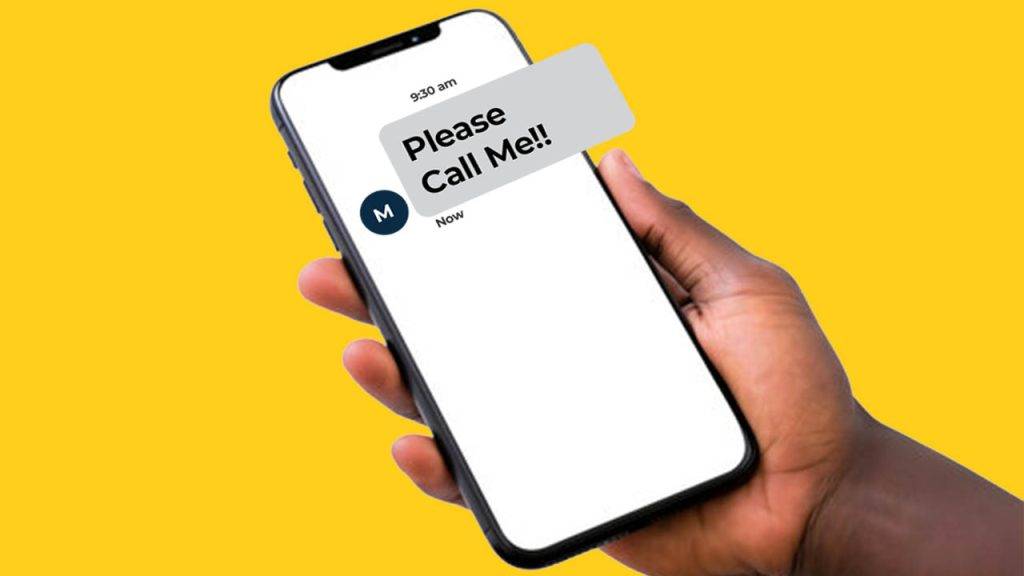
    Have you ever been stuck without airtime but really needed to call someone? Maybe you wanted to reach a friend, a family member, or even a business contact, but you had no credit on your MTN line. That’s where the ‘Please Call Me’ service comes in! This simple, free service lets you send a message to someone, asking them to call you back. In this guide, I’ll show you exactly how to do it in a super easy way, whether you use a USSD code, an SMS, or the MTN mobile app. Let’s dive in!

    Method 1: Using a USSD Code

    This is the quickest and most popular way to send a ‘Please Call Me’ on MTN. Just follow these simple steps:

    StepAction
    1Open your phone’s dialer (the app you use to make calls).
    2Dial *133# and press the call button.
    3Follow the on-screen instructions to enter the recipient’s phone number.
    4Confirm and send.

    Once you do this, the recipient will receive an SMS saying, “Please call me,” with your phone number included. That way, they know it’s you and can call back.

    Alternative USSD Method

    Another way to send the request is by dialing:

    *133*RecipientNumber#

    For example, if you want to send a ‘Please Call Me’ to 08031234567, you would dial:

    *133*08031234567#

    Press the call button, and your message will be sent instantly.

    Method 2: Sending an SMS

    If you prefer using text messages, MTN provides an alternative way to send a ‘Please Call Me.’ Here’s how:

    StepAction
    1Open your phone’s messaging app.
    2Start a new message.
    3Type the recipient’s number in the “To” field.
    4In the message body, type “Please Call Me.”
    5Press send.

    However, keep in mind that this method may use up your SMS balance. The USSD method is always free.

    Method 3: Using the MTN Mobile App

    If you have internet access, the MTN mobile app provides another convenient way to send a ‘Please Call Me.’

    StepAction
    1Download and install the MTN mobile app from the Google Play Store or Apple App Store.
    2Log in with your MTN number. If you don’t have an account, register first.
    3Navigate to the ‘Please Call Me’ feature (usually in the messaging or communication section).
    4Enter the recipient’s number and send the request.

    This method is useful if you prefer using an app for most of your phone’s services.

    How to Send 'Please Call Me' on MTN in Nigeria

    Frequently Asked Questions (FAQs)

    Can I send a ‘Please Call Me’ to numbers on other networks?

    No, this service only works for MTN-to-MTN numbers. If the person you want to contact is on another network, you’ll need to find another way to reach them.

    Is there a daily limit on ‘Please Call Me’ messages?

    Yes, MTN allows you to send a limited number of these messages per day—usually about 5. If you exceed this limit, you’ll have to wait until the next day to send more.

    What happens if the recipient doesn’t respond?

    If the person you sent the request to doesn’t call back, it could mean they’re busy or unavailable. You might need to try again later or find another way to reach them.

    Can I change the message content?

    No, the message is fixed. MTN doesn’t allow customization, so the recipient will always receive the standard ‘Please Call Me’ message.

    Why can’t I send a ‘Please Call Me’?

    If you’re having trouble, it could be due to one of the following reasons:

    • You’ve reached the daily limit.
    • There’s a temporary network issue.
    • Your MTN SIM card is inactive or blocked.

    The ‘Please Call Me’ feature is a lifesaver when you’re out of airtime but still need to contact someone urgently. Whether you use the USSD code, SMS, or the MTN app, the process is simple and free. Now that you know how to do it, you’ll never be stuck in a situation where you can’t reach someone just because you don’t have credit!

    So next time you find yourself with no airtime, just send a ‘Please Call Me’—it’s quick, easy, and totally free!

  • India’s 5 Most Popular Gift Cards Right Now

    India’s 5 Most Popular Gift Cards Right Now

    Gift cards have become a go-to option for shopping, gifting, and making everyday transactions easier. Whether you want to buy something online, gift a friend, or save on purchases, a gift card is a simple and secure way to do it.

    In India, gift cards are widely used, and many brands offer them to attract customers and boost sales. If you’re wondering which ones are the best, you’re in the right place! Here’s a breakdown of the five most popular gift cards in India right now.

    What Is a Gift Card?

    A gift card is like a prepaid card loaded with a set amount of money that can be used to shop at a specific store or platform. Think of it like a piggy bank filled with money you can only spend in one place. Unlike debit or credit cards, gift cards aren’t linked to a bank account.

    Gift cards come in two types:

    1. Physical Gift Cards – These are plastic cards with a unique code printed on them. You can find them in stores, supermarkets, or brand outlets.
    2. Digital Gift Cards – These are codes sent via email or SMS. You can redeem them online, making them super convenient.

    Gift cards are great for birthdays, holidays, and special occasions. They also help businesses attract more customers. Plus, if you ever receive a gift card you don’t need, you can sell or trade it for cash or cryptocurrency.

    Top 5 Gift Cards in India

    1. Amazon Gift Card – Perfect for Online Shopping

    Amazon is one of the largest e-commerce platforms in India. Whether you want to buy clothes, electronics, books, or groceries, an Amazon gift card gives you the freedom to choose whatever you want.

    Why It’s Popular:

    • Can be used to buy almost anything on Amazon India.
    • Available in different denominations.
    • Great for gifting, especially when you don’t know what someone likes.
    • Often comes with discounts and cashback offers.
    FeatureDetails
    Usable onAmazon India
    TypeDigital & Physical
    Denominations₹100 – ₹10,000

    2. Google Play Gift Card – Ideal for App Lovers

    If you own an Android phone, you know how important the Google Play Store is. From apps and games to movies, books, and subscriptions, a Google Play gift card allows you to purchase digital content hassle-free.

    Why It’s Popular:

    • No need to add a credit or debit card for purchases.
    • Can be used to buy premium apps, in-app purchases, and subscriptions like YouTube Premium.
    • Safe and easy to use.
    FeatureDetails
    Usable onGoogle Play Store
    TypeDigital
    Denominations₹100 – ₹5,000

    3. Steam Gift Card – A Must-Have for Gamers

    Steam is one of the largest gaming platforms in the world, and Indian gamers love it. A Steam gift card allows users to buy video games, in-game items, and other downloadable content.

    Why It’s Popular:

    • Great for gaming enthusiasts.
    • Can be used for exclusive game deals and seasonal sales.
    • Perfect gift for someone who enjoys PC gaming.
    FeatureDetails
    Usable onSteam platform
    TypeDigital & Physical
    Denominations₹130 – ₹3,300

    4. iTunes Gift Card – Best for Apple Users

    Apple’s iTunes store is home to music, movies, apps, and subscriptions. An iTunes gift card is a great choice for anyone with an iPhone, iPad, or Mac.

    Why It’s Popular:

    • Can be used to buy apps, music, movies, and more.
    • Ideal for people who prefer Apple’s ecosystem.
    • No need for a credit card to make purchases.
    FeatureDetails
    Usable onApple Store, iTunes, App Store
    TypeDigital
    Denominations₹100 – ₹10,000

    5. Uber Gift Card – Great for Daily Commutes

    Uber is one of the most popular ride-hailing services in India. An Uber gift card can be used to pay for rides, making it a useful gift for frequent travelers.

    Why It’s Popular:

    • Can be used for rides and food delivery (Uber Eats in select locations).
    • No need for cash or linked payment methods.
    • Great for gifting to friends or family who rely on Uber.
    FeatureDetails
    Usable onUber App (Rides & Uber Eats)
    TypeDigital
    Denominations₹100 – ₹5,000
    India’s 5 Most Popular Gift Cards Right Now

    Where to Buy Gift Cards in India

    You can purchase gift cards both online and offline. Here are some of the best places to get them:

    • Online Stores – Amazon, Flipkart, Google Play, Apple Store, Steam, Uber.
    • Retail Stores – Supermarkets, brand outlets, electronics stores.
    • Bank Websites & Apps – Some banks offer gift cards that can be used at multiple stores.

    Gift cards are one of the easiest and safest ways to shop, gift, and make payments in India. They save time, offer flexibility, and ensure you get exactly what you want. Whether you’re shopping online, gaming, or booking a ride, there’s a gift card for every need.

    Next time you’re unsure about what to buy for yourself or a loved one, consider one of these popular gift cards. You can’t go wrong!

    Which of these gift cards have you used before? Let us know your experience!

  • Airtel Nigeria Increases Data and Call Tariffs Following NCC Approval

    Airtel Nigeria Increases Data and Call Tariffs Following NCC Approval

    Airtel Nigeria has adjusted its internet and voice plan prices, marking a 50% increase just a week after MTN Nigeria made a similar move.

    Under the new pricing structure, Airtel’s most affordable monthly data package now offers 2GB for ₦1,500, replacing the previous 1.2GB plan that cost ₦1,000. Other notable changes include:

    • 3GB for ₦2,000 (previously 1.5GB at ₦1,200)
    • 4GB for ₦2,500 (up from 3GB at ₦1,500)
    • 8GB for ₦3,000 (previously 4.5GB at ₦2,000)
    • 10GB for ₦4,000 (formerly 6GB at ₦2,500)
    • 13GB for ₦5,000 (up from 10GB at ₦3,000)
    • 18GB for ₦6,000 (previously 15GB at ₦4,000)
    • 25GB for ₦8,000 (replacing the former 18GB plan at ₦5,000)

    This price revision aligns with the broader industry trend of telecom operators adjusting their tariffs after the Nigerian Communications Commission (NCC) approved a 50% increase on January 20, 2025.

    MTN Nigeria was the first to implement the changes, which led to significant public backlash after some of its data plans exceeded the approved hike. The company defended its decision, stating that it was merely removing subsidies from certain special plans. However, following the criticism, MTN later issued an apology to its customers.

    Alongside data price adjustments, Airtel Nigeria has also revised its call rates, now charging a flat rate of 25 kobo per second. This means a one-minute call on the network now costs approximately ₦15, up from ₦11. Despite the increase, many daily and weekly plans remain unchanged, including the one-week 5GB plan, which still costs ₦1,500.

    Airtel’s unlimited plans remain available at existing rates. For instance, the ₦20,000 plan offers 200GB for 30 days, with an additional 10GB available daily once the main data is exhausted. Similarly, the ₦30,000 plan provides 300GB for 30 days.

  • How to Withdraw MTN MoMo from an ATM in Ghana

    How to Withdraw MTN MoMo from an ATM in Ghana

    Imagine you need cash urgently, but there’s no MoMo agent in sight. You start stressing out, wondering where to find one. What if I told you there’s an easier way? You can withdraw your MTN Mobile Money (MoMo) straight from an ATM—no bank card needed! Sounds great, right? This guide will walk you through the entire process step by step, making sure you understand everything like a pro.

    What is MTN MoMo ATM Withdrawal?

    MTN Mobile Money ATM withdrawal is a feature that lets you withdraw cash from your MoMo wallet at select ATMs without needing a physical bank card. Instead, you generate a special code on your phone, use it at the ATM, and voila! Your money is in your hands.

    What You’ll Need

    Before heading to the ATM, make sure you have the following:

    • A registered MTN MoMo account with enough balance.
    • A mobile phone to generate the withdrawal code.
    • A supported ATM from an MTN partner bank (we’ll list them later).

    Step-by-Step Guide to Withdrawing MTN MoMo at an ATM

    This process happens in two parts: first, you generate a withdrawal code on your phone, then you complete the transaction at an ATM. Let’s go through both parts in detail.

    Part 1: Generating the Withdrawal Token on Your Phone

    Follow these steps to start the withdrawal process:

    1. Dial *170# on your MTN line.
    2. Select option 5 for Financial Services.
    3. Choose Bank Services from the menu.
    4. Select ATM CashOut.
    5. Tap on Generate Token.
    6. Enter any four-digit secret code of your choice (you’ll use this later at the ATM, so note it down!).
    7. Enter the amount you want to withdraw.
    8. Wait for a prompt to enter your MoMo PIN to confirm the transaction.
    9. You will receive a nine-digit token via SMS.

    Quick Fix: Didn’t receive a prompt to enter your MoMo PIN? No worries! Simply dial *170# again, select My Wallet (option 6), go to My Approvals, and approve the pending transaction.

    Part 2: Completing the Withdrawal at the ATM

    Once you have your token, it’s time to get your cash! Follow these steps at the ATM:

    1. Select Cardless Services or Mobile Money Services on the ATM screen.
    2. Choose MTN Mobile Money.
    3. Enter the nine-digit token you received via SMS.
    4. Enter the four-digit secret code you created earlier.
    5. Input the exact amount you selected on your phone.
    6. The ATM will process your request and dispense your cash!

    Tip: If you can’t find the MoMo option on the ATM, ask a bank staff or security guard for guidance.

    How to Withdraw MTN MoMo from an ATM in Ghana

    MTN MoMo ATM Withdrawal Charges

    MTN MoMo ATM withdrawals come with charges similar to agent withdrawals. Here’s a general breakdown:

    Amount Withdrawn (GHS)Estimated Fee (GHS)
    5 – 500.50 – 2.00
    51 – 1002.50 – 5.00
    101 – 4006.00 – 20.00

    Charges may vary slightly based on MTN’s current rates.

    Which Banks Support MTN MoMo ATM Withdrawals?

    Not every bank allows MoMo ATM withdrawals, so make sure you visit a supported ATM. Here’s a list of banks in Ghana where you can withdraw MTN MoMo:

    • Ecobank
    • ABSA
    • Zenith Bank
    • UBA
    • Access Bank
    • ADB
    • Bank of Africa
    • GT Bank
    • CBG
    • Fidelity Bank
    • FBN
    • GCB
    • First Atlantic Bank
    • Republic Bank
    • UMB
    • CAL Bank
    • Prudential Bank
    • FNB
    • OmniBSIC
    • Stanbic Bank

    If you’re unsure whether an ATM supports MoMo withdrawals, look for the MTN Mobile Money option on the screen before proceeding.

    How to Withdraw MTN MoMo from an ATM in Ghana

    FAQs

    1. Do I need a bank account to withdraw MTN MoMo at an ATM?

    Nope! You don’t need a bank account. As long as you have an MTN MoMo wallet, you can withdraw cash from a supported ATM.

    2. What happens if I enter the wrong token or secret code?

    If you enter the wrong token or secret code too many times, the transaction may be blocked for security reasons. If this happens, generate a new token and try again.

    3. Is there a minimum and maximum withdrawal amount?

    Yes. The minimum amount you can withdraw is GHS 5, and the maximum is GHS 400 per transaction.

    4. What if my transaction fails but my money is deducted?

    If your money is deducted but the ATM doesn’t dispense cash, contact MTN Customer Care at 100 or visit the nearest MTN office to report the issue.

    MTN MoMo ATM withdrawals are a lifesaver when you need cash but can’t find an agent. The process is simple: generate a token on your phone, head to a supported ATM, enter the details, and grab your cash. Easy, right?

    So, next time you’re in a hurry and need cash, remember this guide—you’ve got the know-how to withdraw MTN MoMo like a pro!

  • Applying for an MTN eSIM in Ghana? Here’s How

    Applying for an MTN eSIM in Ghana? Here’s How

    Imagine never having to fumble with tiny SIM cards again. No more searching for a paperclip to pop out your SIM tray. No more worrying about losing or damaging your SIM card. Sounds good, right? That’s exactly what MTN eSIM offers—a completely digital way to stay connected. If you’re curious about how to get started, don’t worry. I’ve got you covered with this step-by-step guide, explained in a way that makes sense.

    What Exactly Is an MTN eSIM? (And Why Should You Care?)

    An eSIM (embedded SIM) is like an invisible SIM card built into your phone. Instead of a physical chip, your device uses a digital profile to connect to MTN’s network. That means no more swapping SIM cards when you travel, and you can even have multiple numbers on one phone—perfect for separating work and personal calls.

    Now, you might be wondering: Do I really need this? Well, if you love convenience, flexibility, and a clutter-free experience, then yes, an eSIM is for you.

    Step 1: Check If Your Phone Supports eSIM

    Before anything else, let’s see if your phone is eSIM-ready. Here’s how:

    1. Dial #06# on your phone.
    2. If you see a 32-digit EID number, congratulations! Your phone is compatible.
    3. If you don’t see an EID, your phone doesn’t support eSIM. (Time for an upgrade? Maybe!)

    For iPhone users, another way to check is to go to Settings > Cellular > Add eSIM. If you see that option, you’re good to go. Android users can check under Settings > About Phone > SIM Status for a similar option.

    Step 2: Gather What You Need

    Before you start the application process, make sure you have:

    • An eSIM-compatible device (Check Step 1!)
    • A registered MTN Ghana mobile number
    • Your Ghana Card for identification
    • A valid email address (MTN will send your activation details here)

    Got all that? Great! Let’s move on.

    Step 3: Applying for Your MTN eSIM

    You have two easy ways to apply: through the MyMTN App or the MTN eSIM Request Portal. Pick whichever method works best for you.

    Option 1: Apply via the MyMTN App

    1. Open the MyMTN app on your phone.
    2. Tap on More at the bottom right corner.
    3. Select Get E-SIM to begin the application.
    4. Enter your MTN mobile number and click Request OTP.
    5. MTN will send you a 6-digit code. Enter it to verify your identity.
    6. Fill out the eSIM Request form and hit submit.
    7. MTN will confirm your request via SMS. Processing takes up to 72 hours, so keep an eye on your messages.

    Option 2: Apply via the MTN eSIM Portal

    If you don’t have the MyMTN App, no worries! Here’s how to apply online:

    1. Visit the MTN eSIM Request Portal.
    2. Enter your MTN mobile number and click Request OTP.
    3. Enter the 6-digit OTP sent to your phone to verify your identity.
    4. Complete the eSIM Request form and submit it.
    5. Just like with the app method, MTN will process your request within 72 hours.

    Step 4: Activating Your MTN eSIM

    Once MTN approves your request, they’ll send you an email with two important things:

    1. A step-by-step installation guide (super helpful)
    2. A QR code (this is how you activate your eSIM)

    Here’s what you do:

    • Open your phone’s Settings.
    • Select Cellular (iOS) or SIM Manager (Android).
    • Choose Add eSIM and scan the QR code from MTN’s email.
    • Once scanned, reply “Done Scanning” to the email, and MTN will finalize the activation.

    And just like that, your eSIM is up and running!

    How To Apply for an MTN eSIM in Ghana

    Why You Might Love an MTN eSIM

    Still on the fence? Here are some cool benefits of using an MTN eSIM:

    Convenience

    No more swapping SIM cards or visiting stores to get a new one. Everything is digital and hassle-free.

    Enhanced Security

    Since the eSIM is built into your phone, it can’t be removed or stolen like a physical SIM. If your phone gets lost, you can simply deactivate the eSIM remotely.

    Multiple Profiles

    Want to keep your work and personal numbers separate? No problem! eSIMs let you have multiple numbers on one device.

    Works on Smart Devices

    Use your eSIM not just on your phone, but also on compatible tablets and smartwatches.

    Any Downsides?

    Nothing is perfect, right? Here are a couple of things to consider:

    • Not all phones support eSIM yet. If your device isn’t compatible, you’ll need a traditional SIM.
    • If you switch phones often, transferring an eSIM isn’t as simple as swapping a physical SIM. You may need to visit an MTN service center for help.

    Bonus: Free Data for New eSIM Users!

    Good news—MTN rewards new eSIM subscribers with 10GB of free data. That’s a nice little bonus just for making the switch!

    How Much Does It Cost?

    Absolutely nothing! Applying for and activating your MTN eSIM is completely free for all MTN subscribers.

    Ready to Switch?

    If you’re tired of dealing with physical SIM cards and want a smoother, more flexible mobile experience, now’s the time to make the switch. Just follow the steps in this guide, and you’ll be enjoying the benefits of eSIM in no time.

  • Popular Gift Cards in Brazil: Top 5 Picks

    Popular Gift Cards in Brazil: Top 5 Picks

    Gift cards are like magic keys to your favorite stores. Imagine getting a card that lets you buy exactly what you want—no more pretending to love a gift that’s not really your style! In Brazil, just like in many other countries, gift cards have become a popular way to shop, save, and even give meaningful presents. Whether it’s for gaming, music, movies, or shopping, there’s a perfect gift card for everyone.

    Let’s dive into the top five gift cards in Brazil, how they work, and why they’re such a great choice.

    1. Brazil Google Play Card

    Popular Gift Cards in Brazil (Top 5 Picks)

    If you’ve ever used an Android phone, you know the Google Play Store is where you find all the best apps, games, movies, and books. A Brazil Google Play gift card lets you load up your account and grab whatever you want without needing a credit card.

    How It Works:

    • Buy a Google Play gift card online or at a store.
    • Scratch the back to reveal a code.
    • Enter the code in the Google Play Store, and the money gets added to your account.

    Why People Love It:

    • No need to link a credit card—just use the gift card balance.
    • Perfect for buying apps, games, and in-game purchases.
    • Works great as a gift for Android users who love digital content.

    2. Brazil Amazon Gift Card

    Popular Gift Cards in Brazil (Top 5 Picks)

    Amazon is like a giant shopping mall where you can buy almost anything. With a Brazil Amazon gift card, you can shop for clothes, electronics, books, and even groceries—all from your phone or computer.

    How It Works:

    • Purchase an Amazon gift card online or at select stores.
    • Enter the code when checking out on Amazon.
    • The amount gets added to your account, and you can start shopping.

    Why People Love It:

    • Great for buying just about anything.
    • No need to enter credit card details.
    • Makes an easy and thoughtful gift.

    3. Brazil Netflix Gift Card

    Love watching movies and TV shows? A Brazil Netflix gift card lets you stream your favorite shows without worrying about monthly subscriptions.

    How It Works:

    • Buy a Netflix gift card online or at a store.
    • Enter the code in your Netflix account.
    • The balance covers your monthly subscription until it runs out.

    Why People Love It:

    • No need for a credit card to enjoy Netflix.
    • Perfect for movie lovers and binge-watchers.
    • Works on any device—TVs, phones, tablets, and laptops.

    4. Brazil Steam Gift Card

    For gamers, Steam is one of the biggest platforms to buy and play video games. A Brazil Steam gift card gives players access to thousands of games, downloadable content, and even in-game purchases.

    How It Works:

    • Buy a Steam gift card from an online store or gaming shop.
    • Enter the code in your Steam Wallet.
    • Use the balance to buy games or other digital content.

    Why People Love It:

    • Lets gamers buy the games they actually want.
    • No need to use a credit card.
    • Works for in-game purchases and downloadable content.
    Popular Gift Cards in Brazil (Top 5 Picks)

    5. Brazil iTunes Gift Card

    If you’re an Apple user, the Brazil iTunes gift card is your gateway to music, movies, apps, and more. It’s like carrying a wallet full of entertainment wherever you go.

    How It Works:

    • Buy an iTunes gift card online or at a store.
    • Scratch to reveal the code and enter it in the App Store.
    • The balance is added to your Apple ID for purchases.

    Why People Love It:

    • Great for Apple users who love apps and music.
    • No need to link a credit card.
    • Works for subscriptions like Apple Music and iCloud storage.

    Tips for Choosing the Right Gift Card

    Picking the right gift card is like picking the perfect present. Here are some tips to help you choose wisely:

    • Think about the person’s interests – If they love gaming, get them a Steam card. If they’re always watching shows, a Netflix card is the way to go.
    • Check where they like to shop – An Amazon card is great for online shoppers, while a Google Play or iTunes card is best for app lovers.
    • Make sure they can use it – Some gift cards only work in specific countries, so always double-check before buying.

    Gift cards in Brazil make life easier and gifting more fun. Whether it’s for gaming, shopping, or entertainment, there’s a card for everyone. Plus, they take the guesswork out of gift-giving—no more unwanted gifts, just pure convenience and choice. So next time you’re looking for the perfect present (or just want to treat yourself), consider one of these top Brazil gift cards!

  • How to Send a ‘Please Call Me’ on MTN in South Africa

    How to Send a ‘Please Call Me’ on MTN in South Africa

    So, you’re out and about, and your phone battery is running low, or maybe you’re just out of airtime, but you really need someone to call you back. That’s where the “Please Call Me” feature on MTN comes in handy! It’s like sending a quick, friendly tap on the shoulder saying, “Hey, can you give me a call when you get a chance?”

    Here’s how you can send a “Please Call Me” on MTN in South Africa:

    1. Open your phone dialer – the place where you make calls (don’t worry, it’s not hard to find!).
    2. Type in this code: *121* followed by the phone number of the person you want to reach. For example, if you want to ask your friend with the number 0834511923 to call you, you’d dial *121*0834511923#.
    3. Hit the call button – like you’re calling them, but it’s really just sending a request for them to call you!
    4. That’s it! The person you sent it to will receive a message saying “Please Call Me” with your phone number. Easy, right?

    Just keep in mind, you can send up to 5 “Please Call Me” messages on MTN every day. So if you’re out of airtime a few times in the day, you’ve got a bit of room to work with.

    And just like that, you’ve sent a simple request asking for a call back—no airtime needed, just a little tap on the digital shoulder! Simple, right?

    Now you’ve got this down, and you’re ready to stay connected—no matter where you are or what’s going on with your phone.

    Please Call Me on MTN in South Africa
  • How to Recharge Glo Airtime in Minutes

    How to Recharge Glo Airtime in Minutes

    We all know the feeling of picking up our phone, realizing the battery’s fine, but the airtime? Not so much. It’s like having a car without gas—you can’t go anywhere, and your phone’s practically useless without it. But don’t worry! Recharging your Glo airtime is super simple, and I’m here to walk you through it like we’re chatting over a cup of coffee.

    Why You Need Airtime

    First off, let’s talk about why airtime is so important. Without airtime, you can’t make calls, send texts, or use mobile data. Think of it as fuel for your phone. Whether you’re calling a friend, sending a quick text, or binge-watching videos on YouTube, airtime makes it all possible. It’s pretty much essential for making sure your phone does what you want it to do.

    Now, let’s jump into how you can recharge that airtime quickly and easily, no matter where you are!

    Different Ways to Recharge Your Glo Airtime

    There are a few ways to recharge your Glo airtime, and I’m going to break them down for you step by step. We’ll start with the easiest method and work our way through the others.

    1. Recharge via USSD Code

    This is probably the quickest way to recharge, and it’s available even if you don’t have internet access. Here’s how to do it:

    • Step 1: Scratch the back of your Glo recharge card to reveal the 15-digit PIN (like peeling the silver panel off a lottery ticket).
    • Step 2: Open your phone’s dialer and type in the following code:
      *311*<15-digit PIN>#
      For example, if your PIN is 12345 67890 12345, you would dial:
      *311*123456789012345#
    • Step 3: Hit send, and you’ll get a message confirming your recharge.

    That’s it! You’re ready to call, text, or surf the web.

    2. Recharge with Glo 4X Method

    The 4X method is pretty similar to the USSD method, but it uses a different code. Some people find this method easier, so I’m including it here:

    • Step 1: Scratch the card to reveal your 15-digit PIN.
    • Step 2: Dial:
      *323*<15-digit PIN>#
      For example: *323*123456789012345#
    • Step 3: Hit send, and your airtime will be added to your balance!

    You’ll get a confirmation message letting you know everything worked fine. If you’re someone who likes having options, you might prefer this one.

    How to Recharge Glo Airtime

    3. Recharge Online (No Scratch Cards Needed!)

    If you don’t want to deal with scratching cards or if you’re out and about, online recharging might be the way to go. It’s also really fast, and the best part? You don’t need to leave your house!

    • Step 1: Go to the Glo website
    • Step 2: Tap on the “Recharge” button and select “Airtime”
    • Step 3: Tap on the “Recharge Now” button
    • Step 4: Enter your Glo phone number.
    • Step 5: Choose the amount of airtime you want.
    • Step 6: Pay through your bank or payment platform of choice.
    • Step 7: Wait for the confirmation message, and boom—you’re recharged!

    This is a great option if you’re busy or don’t have a physical recharge card on hand.

    4. Recharge Through Your Bank Using USSD

    Some of you might not even know this, but you can recharge using USSD codes from your bank. Here’s how it works:

    • Step 1: Dial *805# on your phone.
    • Step 2: Follow the prompts, select your bank, and then choose how much airtime you want to buy.
    • Step 3: After confirming the details, the airtime will be added to your account.

    It’s pretty similar to using online recharge, but it’s nice because you can do everything right from your phone.

    Common Issues with Glo Airtime Recharge

    While the methods are simple, sometimes things can go wrong. Here are a couple of issues you might face and how to fix them:

    1. Invalid Recharge Error

    This usually happens when you mistype the 15-digit PIN or try to recharge on the wrong network. Make sure you’re entering the correct digits and that you’re using a Glo recharge card for your Glo phone number.

    Solution: Double-check the PIN, and make sure you’re dialing the correct code. If everything’s right but it still doesn’t work, give Glo’s customer service a call for help.

    2. Insufficient Balance Error

    Sometimes, your airtime may not reflect right away, especially if there’s network congestion or an issue with the recharge platform.

    Solution: Wait a few minutes and check your balance again by dialing #310#. If the issue persists, try recharging again or reach out to Glo support.

    What Can You Do with Your Glo Airtime?

    Now that you’re all recharged, let’s talk about what you can actually do with that airtime. The fun part!

    1. Make Calls: Whether it’s a quick check-in with a friend or a long chat with family, you need airtime to talk.
    2. Send Text Messages: Sometimes, a text is all you need, and having airtime lets you stay in touch.
    3. Access the Internet: Want to check social media or watch videos? Airtime lets you buy data plans.
    4. Gift Airtime: You can send airtime to someone else as a gift—pretty cool, right?

    So, there you have it! Whether you’re at home, in a store, or out on the go, there’s a way for you to recharge your Glo airtime in minutes. The key is choosing the method that works best for you, and now you know all the options.

    Airtime is more than just a top-up; it’s your phone’s fuel to make calls, send texts, and surf the web. And when you’re recharged, you’re always ready to stay connected!

    Now, next time you realize you’re running low, you’ll know exactly what to do. Quick, easy, and hassle-free—just the way it should be.