Author: Clement Boakye

  • Thousands Demand Justice After Tragic Death of Tech Leader TeeJay Opayele

    Thousands Demand Justice After Tragic Death of Tech Leader TeeJay Opayele

    The tragic death of Adetunji ‘TeeJay’ Opayele has sparked an outpouring of public outrage, with over 57,000 people signing a change.org petition demanding a full investigation and legal accountability.

    On March 4, 2025, Opayele was on his way home from the gym, riding his power bike along Ozumba Mbadiwe in Victoria Island, Lagos. According to eyewitnesses, Biola Adams-Odutayo, driving a vehicle with license plate LND 418 JR, allegedly merged onto the expressway without checking for oncoming traffic, leading to a devastating collision.

    A Shocking Turn of Events

    The petition details disturbing allegations about what happened next. Despite Opayele wearing full safety gear, he was knocked unconscious. Witnesses say Adams-Odutayo, who is a Sales Head at HygeiaHMO, refused to leave her car, ignored multiple pleas for help, and remained on a phone call for over 30 minutes while Opayele lay on the ground, still breathing but unresponsive. One witness even claimed that when they asked her to assist, they were told, “She doesn’t want blood to stain her car.”

    Eyewitnesses also allege that multiple hospitals refused to treat Opayele after bystanders finally transported him for medical attention. Sadly, he was pronounced dead in the early hours of March 5.

    Adding to the controversy, Adams-Odutayo reportedly entered the same hospital, requested a drip, claimed she was in shock, and then attempted to leave unnoticed.

    A Respected Figure in Tech

    Beyond his role at Bumpa, where he worked to support small businesses with digital tools, Opayele was a well-known figure in Nigeria’s tech space. His sudden death has left many in shock, igniting discussions about accountability on the roads and the treatment of victims in such incidents.

    His community is now calling for justice, insisting that Adams-Odutayo’s charge be upgraded from reckless driving to manslaughter. Supporters are also urging government officials to step in, fearing that social influence could be used to manipulate legal outcomes.

    Justice and Public Frustration

    Adams-Odutayo reportedly spent just one night in detention before being granted bail set at ₦1 million, which she immediately paid. Many see this as yet another example of how wealth and connections can allow people to escape consequences, fueling growing frustration over the country’s justice system.

    The petition continues to gain momentum, with citizens demanding that the Lagos State Government take real action and ensure accountability. Meanwhile, investigations into the case are said to be ongoing.

    Disclaimer: This report is based on the change.org petition and publicly reported accounts. Legal proceedings are still underway.

  • All Glo Short Codes You Need in Nigeria

    All Glo Short Codes You Need in Nigeria

    Glo short codes make it easy for users in Nigeria to check airtime, buy data, or borrow credit when needed.

    If you use Glo in Nigeria, you probably want quick and easy ways to check your airtime, buy data, or even borrow credit when you’re low on cash.

    That’s where short codes come in! Think of them as magic numbers you dial to get things done in seconds. But recently, many of Glo’s old codes changed, so if you’ve been dialing the same codes for years, it’s time for an update.

    This guide will break down all the important Glo short codes you need to know—whether you want to recharge, check your balance, share data, or link your NIN. Let’s dive in!

    Updated Glo Short Codes

    Glo, like other mobile networks in Nigeria, has updated many of its USSD codes. Here are the most important ones you need:

    ServiceShort Code
    Airtime Recharge on Glo*311*Voucher PIN#
    Check Airtime Balance*310#
    Borrow Airtime*303#
    Buy Data*312#
    Share Data*321#
    Check Data Balance*323#
    Access Value-added Services*305#
    Verify NIN on Glo LineDial *996#

    How These Codes Work

    • Airtime Recharge (*311*Voucher PIN#): Buy a Glo recharge card, scratch it, and dial this code with the PIN to top up instantly.
    • Check Airtime Balance (*310#): Want to see how much credit you have left? Just dial *310# and your balance will pop up.
    • Borrow Airtime (*303#): Out of credit? Dial *303# and follow the instructions to borrow airtime and pay it back later.
    • Buy Data (*312#): Need internet? Dial *312# to see different data plans and pick the one that fits your budget.
    • Share Data (*321#): If you have extra data and want to send some to a friend, dial *321# and follow the prompts.
    • Check Data Balance (*323#): To check how much data you have left, simply dial *323#.
    • Value-Added Services (*305#): If you want access to Glo’s extra services like call tunes, news updates, or premium content, dial *305#.
    • Link Your NIN (Send SMS to 109): The Nigerian government requires all SIM cards to be linked to a National Identification Number (NIN). To do this, send UPDATENIN NIN FirstName LastName to 109.
    All Glo Short Codes You Need in Nigeria

    Glo Short Codes That Haven’t Changed

    Some Glo codes are still the same. If you were using these before, you don’t need to relearn them:

    ServiceShort Code
    Verify SIM Registration/NIN Linkage*996#
    Manage Do-Not-Disturb (DND)2442
    Mobile Number Portability (Porting)3232

    When You Might Need These Codes

    • SIM Registration Check (*996#): If you’re unsure whether your SIM is properly registered, dial 996 to verify.
    • Do-Not-Disturb (2442): Tired of annoying spam messages? Dial 2442 to activate or manage DND settings.
    • Porting (3232): Want to switch to another network but keep your Glo number? Dial 3232 to start the porting process.

    FAQs About Glo Short Codes

    1. What happens if I dial an old USSD code?

    If you use an outdated Glo short code, you might get an error message or be redirected to the new one. It’s best to use the updated codes to avoid confusion.

    2. Can I borrow both airtime and data on Glo?

    Yes! While *303# is for borrowing airtime, Glo also allows some users to borrow data. Just dial *312# to check if you’re eligible.

    3. How do I know if my NIN is linked?

    Simply dial *996# to check if your NIN is linked to your Glo line.

    4. Can I share my data with more than one person?

    Yes! With *321#, you can send data to multiple people, as long as you have enough to share.

    5. What should I do if a USSD code doesn’t work?

    Make sure you have network coverage and enough balance for the service. If it still doesn’t work, restart your phone or contact Glo customer support.

    Knowing your Glo short codes make it easy to manage your mobile services in seconds. Whether you’re recharging, buying data, or checking your balance, these codes save you time and effort. Bookmark this guide or save the table so you always have the codes handy!

    Now that you know all the important Glo short codes, which one do you think you’ll use the most?

  • What Is an APK File? Everything You Need to Know

    What Is an APK File? Everything You Need to Know

    If you’ve ever downloaded an app on an Android phone, you’ve used an APK file—even if you didn’t realize it. But what exactly is an APK file? How does it work? And why should you care?

    Think of an APK file like a lunchbox that holds everything needed to make an app work. Whether you download an app from the Google Play Store or install one manually, it all comes down to APK files. Let’s break it down in simple terms so you’ll never be confused about APKs again.

    What Does APK Mean?

    APK stands for Android Package (or sometimes Android Package Kit). It’s the file format that Android uses to install apps, just like Windows uses .exe files for programs or macOS uses .dmg files.

    How Does an APK Work?

    When you download an app from the Play Store, your phone is actually downloading an APK file in the background and using it to install the app. You usually don’t see this process happening, but it’s how apps get on your device.

    If you want to install an app that’s not available on the Play Store, you can download its APK file and install it manually. This is called sideloading, which we’ll discuss more later.

    What’s Inside an APK File?

    An APK file is like a zip folder containing everything an app needs to run. Inside, you’ll find:

    ComponentPurpose
    Manifest File (AndroidManifest.xml)Provides essential app information, like its name and permissions.
    DEX Files (classes.dex)Contain the actual code that makes the app work.
    Resources (res/ folder)Stores images, sounds, and other visuals used in the app.
    Libraries (lib/ folder)Includes additional code that helps the app function on different devices.
    META-INF FolderHolds security and verification information.

    How to Open and Install an APK File

    If you want to install an APK file manually, follow these steps:

    1. Download the APK file – Only get it from a trusted source.
    2. Enable installation from unknown sources – Go to Settings > Apps & Notifications > Special App Access > Install Unknown Apps and allow your browser or file manager to install APKs.
    3. Open the APK file – Tap the file and select ‘Install’.
    4. Wait for installation – Once done, you can open the app and use it like any other.

    Can You Open an APK on a PC?

    You can’t run an APK on a Windows or Mac computer by default. However, you can use an Android emulator like BlueStacks or NoxPlayer to run APK files on your PC.

    Why Would You Install an APK File Manually?

    There are several reasons you might want to install an APK outside of the Google Play Store:

    1. Get New App Versions Early – Some app updates take weeks to roll out. With an APK, you can install the latest version instantly.
    2. Install Apps Not Available in Your Region – Some apps are restricted in certain countries, but you can still install them with an APK.
    3. Access Apps Not on the Play Store – Some apps get removed from Google Play but are still safe to use.

    However, downloading APKs from unknown sources comes with risks, so always get them from reputable sites.

    Are APK Files Safe?

    Not all APK files are safe. Since APKs let you install apps outside the Play Store, hackers sometimes use fake APKs to spread malware. Here’s how to stay safe:

    • Download from trusted sites – Use reputable sources like APKMirror or the app’s official website.
    • Check app permissions – If an APK asks for unnecessary permissions (like a flashlight app wanting access to your contacts), it might be suspicious.
    • Scan APKs before installing – Use antivirus apps like VirusTotal to check for malware.

    What Is Base.APK?

    You may have come across a file called base.apk on your phone. This is the original APK file that Android uses to install an app. It’s hidden in the system folders, so you don’t normally need to worry about it.

    An APK file is the backbone of every Android app. Whether you download apps from Google Play or sideload them manually, you’re dealing with APKs. While they offer great flexibility, always be cautious when downloading them from outside the Play Store to avoid security risks.

    Now that you understand APK files, you’ll never look at app installations the same way again!

  • How to Activate Telecel SMS Bundle in Ghana

    How to Activate Telecel SMS Bundle in Ghana

    Dial *700# to get Telecel Ghana SMS bundles—30 SMS for 0.5 GHS to 800 SMS for 5 GHS, all valid for 30 days.

    If you love texting but hate running out of SMS, Telecel has you covered! Whether you want to send quick updates to friends or chat all day without worrying about airtime, Telecel’s SMS bundles are a budget-friendly way to stay connected.

    In this guide, I’ll show you exactly how to activate a Telecel SMS bundle in Ghana—step by step, with no confusing jargon. By the end, you’ll be able to buy an SMS bundle in less than a minute, just like a pro!

    What Is a Telecel SMS Bundle?

    An SMS bundle is a special package that lets you send a set number of text messages at a discounted price instead of paying per SMS. It’s like buying snacks in bulk—you get more for less!

    Telecel’s SMS bundles are affordable and last for 30 days, meaning you don’t have to rush to use them all at once.

    Here’s a quick look at the available packages:

    SMS BundlePrice (GHS)Validity
    30 SMS0.5030 days
    80 SMS1.0030 days
    200 SMS2.0030 days
    800 SMS5.0030 days

    Now, let’s get into how you can buy one.

    How to Activate a Telecel SMS Bundle

    To activate an SMS bundle, make sure you have enough airtime loaded on your phone. If not, you can top up using mobile money, scratch cards, or any other recharge method you prefer.

    Once you have airtime, follow these simple steps:

    Step 1: Dial the USSD Code

    • Open your phone’s dialer (where you usually type phone numbers).
    • Dial *700# and press the call button.

    Step 2: Select SMS Packs

    • A menu will pop up with different options.
    • Look for SMS Packs in the list (usually listed under data, voice, and other services).
    • Enter the number corresponding to SMS Packs and press send.

    Step 3: Choose Your Preferred SMS Bundle

    • Another menu will appear showing the available SMS bundles.
    • Type the number that matches the bundle you want. (For example, if 30 SMS for GHS 0.50 is option 1, enter 1.)
    • Press send.

    Step 4: Confirm Activation

    • The system will ask you to confirm your purchase.
    • Enter 1 to confirm.
    • If your purchase is successful, you’ll receive a confirmation SMS, and the cost will be deducted from your airtime.

    That’s it! You can now start sending SMS messages using your bundle.

    How to Check Your SMS Balance

    Wondering how many SMS you have left? It’s super easy to check:

    1. Dial *126# on your phone.
    2. A message will appear showing your remaining SMS, data, and call bundles.

    Make it a habit to check your balance so you know when it’s time to renew your bundle.

    How to Buy Telecel SMS Bundle in Ghana

    Frequently Asked Questions (FAQs)

    1. Can I share my SMS bundle with another Telecel user?

    No, Telecel SMS bundles cannot be transferred or shared with another user. Each bundle is linked to the phone number that purchased it.

    2. What happens if I use all my SMS before the 30 days?

    If you run out of SMS before the 30-day period ends, you can buy another bundle anytime using the same steps above.

    3. Will my unused SMS roll over if I buy a new bundle before the old one expires?

    No, any unused SMS from your current bundle will not carry over when you buy a new one. To avoid losing messages, try to use them up before purchasing a new bundle.

    4. Can I activate an SMS bundle without airtime?

    No, you need enough airtime to cover the cost of your chosen bundle before activating it.

    Why Use a Telecel SMS Bundle?

    Still wondering if an SMS bundle is worth it? Here’s why you should consider getting one:

    • Saves Money: Buying a bundle is cheaper than paying per SMS.
    • Lasts Longer: Your SMS doesn’t expire daily, so you have a whole month to use them.
    • Simple Activation: You can buy a bundle in seconds using *700#.
    • No Data Needed: Unlike messaging apps that require internet, SMS bundles work even without data.

    Now that you know how to activate a Telecel SMS bundle, you’ll never have to worry about running out of texts again. Whether you need just a few messages or enough to last all month, Telecel’s SMS bundles offer a convenient and cost-effective way to stay in touch.

    So go ahead, dial *700#, grab your SMS bundle on Telecel, and start texting!

  • How to Reach AirtelTigo Customer Care in Ghana

    How to Reach AirtelTigo Customer Care in Ghana

    Stuck with a network issue? Need help with your AirtelTigo service? Whether it’s a billing problem, poor network coverage, or just a question about your plan, getting in touch with AirtelTigo customer care should be easy. The good news? It is! You have multiple ways to reach them, and we’ll break them down step by step.

    By the end of this guide, you’ll know exactly how to get the help you need—quickly and hassle-free.

    1. Call AirtelTigo Customer Care (Fastest Option)

    The quickest way to talk to an AirtelTigo representative is by phone. If you want immediate help, this is your best bet.

    How to Call AirtelTigo Customer Care:

    If You’re Calling FromNumber to DialCharges
    AirtelTigo Number100Free
    Other Networks0260000100Standard call rates apply

    Steps to Speak to an Agent:

    1. Dial 100 (if using AirtelTigo) or 0260000100 (if using another network).
    2. Select your preferred language (English, Twi, Ewe, Ga, etc.).
    3. Choose option 5 for self-care.
    4. Follow the next prompt to speak to a live agent.

    Availability: AirtelTigo phone support is available 24/7, so you can call anytime.

    2. Send an Email (For Non-Urgent Issues)

    If you have a detailed request, like billing disputes or account verification, email might be a better option. This allows you to provide necessary documents and explain your issue in detail.

    AirtelTigo Email Address:

    Expected Response Time: Usually within 30 minutes to 1 hour. Complex cases may take longer.

    Tip: If your issue is urgent, calling is the better option.

    3. Contact AirtelTigo on Social Media

    AirtelTigo is active on social media, making it a great option if you prefer texting over calling.

    Official Social Media Pages:

    PlatformHandle
    Facebook@theatghana
    Instagram@the.atghana
    X (Twitter)@theATGhana
    WhatsApp+233277551000

    Response Time:

    • New inquiries: Within 3 hours
    • Follow-ups: Around 15 minutes

    Tip: If you don’t get a reply, send a polite follow-up message.

    4. Use the AirtelTigo Mobile App (For Self-Service & Live Chat)

    The AirtelTigo app lets you check your balance, pay bills, and even contact customer service without calling.

    Steps to Contact Customer Care via the App:

    1. Open the AirtelTigo app (Download from Google Play Store or App Store if you haven’t).
    2. Tap Help at the bottom right.
    3. Select Contact Us.
    4. Type your message and send it.
    5. If needed, enable Request Call Back so they can call you later.

    Response Time: Usually within 24 hours.

    Bonus: The app also has a Live Chat option, but agents may take time to respond due to high demand.

    5. Visit an AirtelTigo Office (For Face-to-Face Help)

    Some problems are easier to solve in person, like SIM card issues, lost phone numbers, or technical problems.

    What You Can Do at an AirtelTigo Office:

    Find the Nearest AirtelTigo Office:

    • Visit the AirtelTigo website or use Google Maps to locate the nearest store.

    Business Hours:

    • Weekdays: Normal working hours
    • Weekends: Limited hours
    How to Reach AirtelTigo Customer Care in Ghana

    FAQs About AirtelTigo Customer Care

    When is the best time to contact AirtelTigo?

    If you’re calling, early mornings or late evenings are best to avoid long wait times. Social media and email support are usually available during working hours.

    How long does it take to get a response?

    Contact MethodResponse Time
    Phone (100)Instant
    Email30 minutes to 1 hour
    Social Media3 hours (new) / 15 minutes (follow-ups)
    App Live ChatCan take time due to high demand
    Office VisitSame day (depends on issue)

    Now you know how to contact AirtelTigo customer service in five different ways! Whether you prefer calling, emailing, social media, using the app, or visiting an office, there’s an option that works for you.

    Have a quick question? Try their social media. Need urgent help? Call them. Want a written record? Email works best.

    Next time you run into a problem with AirtelTigo, you won’t have to waste time figuring out how to reach them—you’ll already know exactly what to do!

  • All Telecel Ghana Short Codes You Need

    All Telecel Ghana Short Codes You Need

    If you use Telecel Ghana, you probably rely on shortcodes every day without even thinking about it. Need to check your balance? Dial a shortcode. Want to buy data? Another shortcode. These quick number sequences make life easier, but keeping track of them all can be tricky.

    That’s why we’ve created this easy-to-follow guide, so you never have to guess which Telecel shortcode to use. Think of this as your cheat sheet for everything from customer care to mobile money.

    General Telecel Short Codes

    These are the essential shortcodes you need for managing your Telecel account and services:

    Service DescriptionShortcode
    Customer Care100
    Know Your Number*127#
    Check Balance*124#
    SIM Registration Status*400#
    Check Numbers Linked to Your Ghana Card*402*1#
    Reseller Code*484#
    Manage Subscriptions*463#
    Telecel Information Services*151#
    Check eSIM Status*700*6#
    MeBanbo Insurance*269#
    Redeem Loyalty Points*533#
    Number for Life*565#
    Manage Value-Added Services (VAS)*463#
    Telecel Registrations*145#

    Telecel Data Short Codes

    Buying data or checking your balance is easy with these codes:

    Service DescriptionShortcode
    Buy Data*700# or *5959#
    Flexi*700# →1→ 1
    Fibre Broadband (FBB)*900#
    Bossu Data*700# → 1 → 8 or *5588#
    Check Bundle Balance*126# or *700# → 2
    Bundle for Someone Else*700# → 4
    Stop Auto-Renewal*700# → 3
    Pay As You Go Browsing (PAYG)*700# → 7
    Hourly Bundle*700# → 1 → 6
    Data Roaming*700# → 1 → 9
    Weekly Bundle*700# → 1 → 4
    2 Moorch*700# → 1 → 2
    Night Bundle*700# → 1 → 7

    Telecel Call and Voice Short Codes

    Need to borrow credit or subscribe to a voice bundle? Here’s how:

    Service DescriptionShortcode
    Borrow Credit*505# or *200# → 8
    Transfer Credit*516#
    Unlimited Voice Bundle*200# → 5
    Caller Tunes Service*585#
    Telecel IDD Packages*150# → 1
    Roaming Voice*150# → 2 → 1
    Check IDD & Roaming Balance*150# → 3
    Stop Auto-Renewal (IDD & Roaming)*150# → 4

    Telecel Cash Short Codes

    For mobile money transactions, use these shortcodes:

    Service DescriptionShortcode
    Telecel Cash*110#
    Send Money*110# → 1
    T-Cash Self-Service (PIN Reset, Reversals, Support)*110# → 7
    Make Payments*110# → 4
    Buy Airtime or Data*110# → 3
    Withdraw Money*110# → 2
    Telecel Cash Self-Registration*558#
    Telecel Merchant/Agent Registration*578#
    Agent Helpline*591#
    Access Financial Services*110# → 5
    Manage T-Cash Account*110# → 6
    List of All Telecel Ghana Short Codes You Need

    Promotions & Special Offers

    Telecel often runs exciting promotions. Here’s how to access them:

    Service DescriptionShortcode
    Telecel Red Offers*200# or *7070#
    Telecel Made4Me*530# or *543#
    SMS Pack*700# → 5
    Unlimited Voice Offer*480#
    Vim Offer*556#
    Telecel Xtreme*5888#
    Welcome Service (News, SIM Registration, Customer Support)*127*11#
    Telecel Device Micropayment*474#

    FAQs

    How do I contact Telecel Ghana customer care?

    You can reach Telecel Ghana’s customer support team through these channels:

    What should I do if a shortcode isn’t working?

    First, make sure you’ve entered it correctly. If it still doesn’t work:

    1. Check your network signal.
    2. Restart your phone.
    3. Contact Telecel customer care for help.

    Can I use these shortcodes outside Ghana?

    Some shortcodes, like balance checks and roaming services, work internationally, but local services (e.g., buying bundles) may not. Always confirm with Telecel before traveling.

    Shortcodes make using Telecel simple and fast. Whether you need data, airtime, mobile money, or customer support, there’s a shortcode for that! Bookmark this guide or take a screenshot so you always have it handy.

    Got a friend who keeps asking for Telecel codes? Share this with them, and you’ll be their hero!

  • The 10 Poorest African Countries by GDP

    The 10 Poorest African Countries by GDP

    Africa is a continent full of natural beauty, cultural richness, and incredible potential. However, some countries still face significant economic struggles. One way to measure a country’s economic situation is by looking at its Gross Domestic Product (GDP) per capita, which tells us how much money a country makes in a year divided by its population. A low GDP per capita means people generally earn less and have fewer resources available.

    In this article, we’ll explore the 10 poorest countries in Africa by GDP per capita and break down the reasons behind their economic challenges.

    1. Burundi

    • GDP per capita: $231
    • Capital: Gitega
    • Population: 14.04 million
    • Major Exports: Coffee, tea

    Burundi is a small, landlocked country in East Africa, and it has the lowest GDP per capita in Africa. Over 80% of Burundians depend on farming to survive, but many don’t produce enough to sell.

    Challenges like political instability, ethnic conflicts, and limited infrastructure have held back economic growth. However, the country has potential in its coffee and tea exports—if investments in infrastructure and stability improve, Burundi could see better economic progress.

    2. Central African Republic (CAR)

    • GDP per capita: $467
    • Capital: Bangui
    • Population: 5.4 million
    • Major Exports: Diamonds, timber

    Despite having gold and diamonds, the Central African Republic remains one of the poorest nations due to armed conflicts and weak governance. Many regions are controlled by rebel groups, making it difficult for people to farm, trade, or even receive aid.

    Economic progress depends on stabilizing the country and creating a safe environment for businesses to grow. If this happens, CAR’s mining and agricultural sectors could bring in more revenue.

    3. Sierra Leone

    • GDP per capita: $480
    • Capital: Freetown
    • Population: 8.72 million
    • Major Exports: Diamonds, bauxite, cocoa

    Sierra Leone has rich diamond reserves, but its people still struggle with poverty due to corruption and poor governance. A long civil war (1991–2002) destroyed much of the country’s infrastructure, and the Ebola outbreak (2014–2016) further weakened the economy.

    Agriculture is a major employer, but outdated farming methods limit productivity. If Sierra Leone modernizes its agriculture and infrastructure, economic conditions could improve significantly.

    4. Madagascar

    • GDP per capita: $491
    • Capital: Antananarivo
    • Population: 32.32 million
    • Major Exports: Vanilla, cloves, coffee

    Madagascar is known for its unique wildlife and rainforests, but it faces economic struggles due to frequent cyclones, poor infrastructure, and reliance on agriculture.

    Since it exports a lot of vanilla, the country’s economy is heavily influenced by global prices. Madagascar’s economy could grow if it invests in eco-tourism and diversifies its industries.

    5. Mozambique

    • GDP per capita: $547
    • Capital: Maputo
    • Population: 35.1 million
    • Major Exports: Natural gas, coal, aluminum

    Mozambique has huge natural gas reserves, yet many people still live in poverty due to political instability, natural disasters, and poor infrastructure.

    The country faces frequent cyclones and floods, which damage roads and homes, slowing down development. With better disaster preparedness and responsible management of natural gas revenue, Mozambique could reduce poverty.

    6. Niger

    • GDP per capita: $552
    • Capital: Niamey
    • Population: 27.44 million
    • Major Exports: Uranium, livestock, onions

    Niger is mostly desert, making farming difficult. Despite being one of the world’s top uranium producers, it remains poor due to climate change, weak industry, and high population growth.

    The country could benefit from investments in solar energy and improved trade agreements with neighbors.

    7. Democratic Republic of the Congo (DRC)

    • GDP per capita: $567
    • Capital: Kinshasa
    • Population: 110.92 million
    • Major Exports: Cobalt, copper, diamonds

    The DRC is one of the most resource-rich countries on Earth, yet corruption, ongoing conflicts, and poor infrastructure have kept most of its people in poverty.

    Armed groups control much of the mining industry, preventing wealth from benefiting ordinary citizens. If corruption is reduced and resources are managed properly, the DRC could become an economic powerhouse.

    8. South Sudan

    • GDP per capita: $581
    • Capital: Juba
    • Population: 12.06 million
    • Major Exports: Crude oil

    South Sudan gained independence in 2011, but civil wars, food shortages, and weak infrastructure have slowed its economic growth. Despite having oil reserves, much of the revenue is lost due to instability and mismanagement.

    For South Sudan to thrive, long-term peace and infrastructure investments are needed.

    9. Somalia

    • GDP per capita: $614
    • Capital: Mogadishu
    • Population: 19.31 million
    • Major Exports: Livestock, bananas

    Somalia has faced decades of conflict, leaving it with weak governance and limited economic opportunities. Most people rely on livestock farming, but droughts often destroy their income.

    However, Somalia has one of the longest coastlines in Africa, making fishing and trade potential sources of growth if stability improves.

    10. Malawi

    • GDP per capita: $640
    • Capital: Lilongwe
    • Population: 21.92 million
    • Major Exports: Tobacco, tea, sugar

    Malawi is highly dependent on agriculture, but its economy struggles due to climate change, deforestation, and rapid population growth. The government is working on diversifying the economy by investing in small industries and education.

    These 10 African countries face major economic struggles, but they also have immense potential. With better governance, infrastructure investments, and industry diversification, their economies could improve significantly in the future.

    By understanding these challenges and opportunities, we can better appreciate the complexity of economic development in Africa.


  • The 9 Best-Selling Gift Cards in Colombia

    The 9 Best-Selling Gift Cards in Colombia

    Gift cards have become a convenient and flexible way to shop, subscribe to services, and even pay for rides. In Colombia, they are widely used for everything from buying groceries to streaming movies. Whether you’re looking for a gift or just want an easy way to pay for services, gift cards offer a hassle-free solution. In this article, we’ll explore the nine best-selling gift cards in Colombia, explaining why people love them and where you can get them.

    1. Falabella Gift Card

    Falabella is one of the largest retail chains in Colombia, offering everything from clothing and electronics to home goods. A Falabella gift card is like having a mini shopping spree in your pocket. It can be used in-store or online, making it a flexible option for shoppers.

    Why It’s Popular:

    • Works at all Falabella stores and online.
    • Covers a wide range of products, from fashion to furniture.
    • Often comes with bonus promotions when purchasing higher amounts.

    Where to Buy:

    • Falabella stores
    • Falabella.com

    2. Exito Gift Card

    Exito is another major retailer in Colombia, known primarily for groceries but also offering electronics, clothing, and home appliances. If you need a practical gift, an Exito gift card is a great choice.

    Why It’s Popular:

    • Accepted at all Exito locations.
    • Perfect for everyday shopping and household needs.
    • Sometimes includes special discounts or promotions.

    Where to Buy:

    • Exito stores
    • Exito.com

    3. Amazon Gift Card

    Even though Amazon doesn’t have a local site in Colombia, people still use Amazon gift cards to buy electronics, books, and imported goods. These cards are especially useful for those who subscribe to Amazon services like Kindle, Prime Video, or Audible.

    Why It’s Popular:

    • Allows purchases from the U.S. Amazon store.
    • Great for digital services like Kindle books and Prime Video.
    • Works without needing a credit card.

    Where to Buy:

    • Online gift card stores
    • Some major retailers

    4. Apple Gift Card

    Apple products are seen as premium devices in Colombia, and an Apple gift card can be used for everything from apps to iCloud storage. Whether you’re buying a new iPhone app or subscribing to Apple Music, this card makes it easy.

    Why It’s Popular:

    • Works for all Apple services, including the App Store and Apple Music.
    • Can be used for in-app purchases and subscriptions.
    • Never expires.

    Where to Buy:

    • Apple stores
    • Falabella and Exito
    • Online retailers

    5. Google Play Gift Card

    For Android users, Google Play gift cards are an essential way to buy apps, games, movies, and books without using a credit card. Many people use them for mobile games and in-app purchases.

    Why It’s Popular:

    • Works for apps, games, movies, and books.
    • Great for making in-app purchases.
    • No expiration date.

    Where to Buy:

    • Supermarkets
    • Electronics stores
    • Online retailers

    6. Netflix Gift Card

    Netflix is one of the most popular streaming services in Colombia, and a Netflix gift card allows users to pay for their subscription without linking a credit card.

    Why It’s Popular:

    • Ideal for movie and TV lovers.
    • Helps users avoid monthly recurring credit card payments.
    • Can be used for all Netflix plans.

    Where to Buy:

    • Electronics stores
    • Online retailers
    The 9 Best-Selling Gift Cards in Colombia

    7. Spotify Gift Card

    Music lovers in Colombia rely on Spotify for streaming their favorite songs. A Spotify gift card is a simple way to pay for a premium subscription, offering ad-free listening and offline downloads.

    Why It’s Popular:

    • Allows easy payment for Spotify Premium.
    • No credit card needed.
    • Great gift for music lovers.

    Where to Buy:

    • Music and electronics stores
    • Online platforms

    8. Steam Gift Card

    For gamers, Steam is one of the biggest platforms for buying PC games, software, and in-game items. Steam gift cards make it easy to add funds to a Steam wallet without using a credit card.

    Why It’s Popular:

    • Works for games, software, and in-game purchases.
    • Available in multiple denominations.
    • No expiration date.

    Where to Buy:

    • Video game stores
    • Electronics retailers
    • Online gift card sellers

    9. Uber Gift Card

    Uber is a convenient way to get around Colombia, especially in major cities. With an Uber gift card, you can prepay for rides without needing a credit card.

    Why It’s Popular:

    • Works across Colombia for Uber rides.
    • Useful for travelers and daily commuters.
    • Can be purchased in various amounts.

    Where to Buy:

    • Uber app
    • Convenience stores
    • Online retailers

    Frequently Asked Questions (FAQs)

    1. Do Gift Cards in Colombia Expire?

    Some gift cards have expiration dates, while others (like Google Play and Apple gift cards) do not. Always check the terms before purchasing.

    2. Where Can I Buy Gift Cards in Colombia?

    Most gift cards are available at major retailers like Falabella, Exito, and supermarkets. You can also find them online through digital gift card platforms.

    3. Can I Use Colombian Gift Cards Internationally?

    It depends on the brand. International companies like Amazon, Apple, and Steam allow global use, but local brands like Exito and Falabella are limited to Colombia.

    4. Are There Any Extra Fees?

    Some gift cards might have maintenance fees or inactivity charges after a certain period. Be sure to read the terms before buying.

    Gift cards in Colombia offer a practical and flexible way to shop, pay for services, and give meaningful gifts. Whether you’re looking for a card to use at a big retailer like Falabella or something for digital entertainment like Netflix, there’s a gift card for every need. Next time you’re considering a gift, a gift card might be the perfect choice!

  • 4 Bank Account Types in Nigeria and How They Work

    4 Bank Account Types in Nigeria and How They Work

    If you’ve ever wondered why banks offer different types of accounts and which one is right for you, you’re not alone. Think of bank accounts like different types of wallets—some are great for everyday spending, others help you save, and some even let you hold foreign currency. In Nigeria, there are four main types of bank accounts, and we’re going to break them down in a way that makes perfect sense.

    Let’s dive into the details and see how each account works, who it’s best for, and what you need to open one.

    1. Savings Account

    A savings account is the most common type of bank account in Nigeria. It’s designed to help you save money while earning a small amount of interest. Imagine having a piggy bank, but instead of coins, your money is stored safely in the bank, and it even grows a little over time.

    How It Works

    • You deposit money into your account and can withdraw when needed.
    • Banks pay interest on your balance (usually between 1% and 5%).
    • There may be limits on how many withdrawals you can make per month.

    Who It’s Best For

    • Students, salary earners, and anyone looking to save money for the future.

    Key Features

    FeatureDetails
    Interest RateTypically between 1% and 5%
    Withdrawal LimitMay have monthly limits on free withdrawals
    Required DocumentsID, passport photos, and a utility bill

    Pros and Cons

    ProsCons
    Encourages savingLow interest rates
    Easy to openLimited withdrawals per month
    Comes with ATM and online bankingSome accounts require a minimum balance

    2. Current Account

    A current account is designed for people who need to make frequent transactions, especially businesses and individuals who handle large sums of money. Unlike a savings account, a current account allows unlimited transactions, including issuing cheques.

    How It Works

    • You can deposit and withdraw money as often as you want.
    • It allows third-party transactions, meaning others can withdraw from your account with a cheque.
    • Banks usually charge maintenance fees.

    Who It’s Best For

    • Business owners, freelancers, and anyone who needs to make frequent payments or receive money regularly.

    Key Features

    FeatureDetails
    Withdrawal LimitNo limit
    Maintenance FeesYes, banks charge a fee
    Required DocumentsID, utility bill, and reference from an account holder

    Pros and Cons

    ProsCons
    Unlimited withdrawalsMaintenance fees apply
    Allows third-party transactionsNo interest on balance
    Helps businesses track cash flowRequires more documents to open

    3. Domiciliary Account

    A domiciliary account allows you to hold and transact in foreign currencies like dollars, pounds, or euros. Think of it as a safe where you can keep money in another currency without worrying about exchange rates fluctuating every time you want to spend.

    How It Works

    • You deposit and withdraw money in foreign currency.
    • It allows international transactions, making it useful for businesses and freelancers dealing with foreign clients.
    • Banks charge transaction fees for withdrawals and transfers.

    Who It’s Best For

    • Importers, exporters, freelancers, and anyone who receives payments in foreign currencies.

    Key Features

    FeatureDetails
    Available CurrenciesDollar, Pound, Euro
    Withdrawal ChargesFlat fee per transaction
    Required DocumentsID, passport photos, utility bill, and minimum deposit

    Pros and Cons

    ProsCons
    Helps avoid currency fluctuationsFlat transaction fees apply
    Allows easy international transactionsSome banks require a high minimum balance
    Ideal for international businessNo interest earned on deposits

    4. Fixed Deposit Account

    A fixed deposit account is perfect if you have extra money you don’t need immediately and want to earn higher interest on it. Think of it as lending money to the bank for a set time, and in return, they pay you back with interest.

    How It Works

    • You deposit a fixed sum of money for a specific period (e.g., 30 days, 90 days, or even years).
    • The bank pays interest, which is higher than what a savings account offers.
    • If you withdraw before the agreed time, you might lose the interest.

    Who It’s Best For

    • Investors, retirees, and anyone with extra cash they don’t need immediately.

    Key Features

    FeatureDetails
    Interest RateHigher than savings account (varies by bank)
    Withdrawal Before MaturityPenalty applies
    Required DocumentsID, passport photos, utility bill

    Pros and Cons

    ProsCons
    Higher interest rateMoney is locked in for a period
    Safe investment optionEarly withdrawal leads to loss of interest
    Good for long-term savingsRequires a minimum deposit

    Choosing the Right Bank Account

    Now that you understand the four main types of bank accounts in Nigeria, how do you decide which one is right for you? Here’s a simple guide:

    • If you want to save money for the future, go for a savings account.
    • If you run a business and make frequent transactions, a current account is best.
    • If you deal with international transactions, a domiciliary account is the way to go.
    • If you want to invest your money for a set period, choose a fixed deposit account.

    Bank accounts are not just places to store money—they help you manage your finances better. Whether you’re saving for a goal, running a business, or investing in the future, choosing the right account makes all the difference. Now that you know how each account works, you can confidently walk into a bank and open the one that suits your needs.

  • Best 10+ Investment Platforms in Nigeria to Grow Money

    Best 10+ Investment Platforms in Nigeria to Grow Money

    Investing is one of the smartest ways to grow your money, but with so many platforms available, it can be overwhelming to decide where to start. Whether you’re looking for stocks, mutual funds, real estate, or even cryptocurrency, there’s an investment platform in Nigeria for you. Let’s break it down in a simple, easy-to-follow way.

    1. Bamboo

    Bamboo

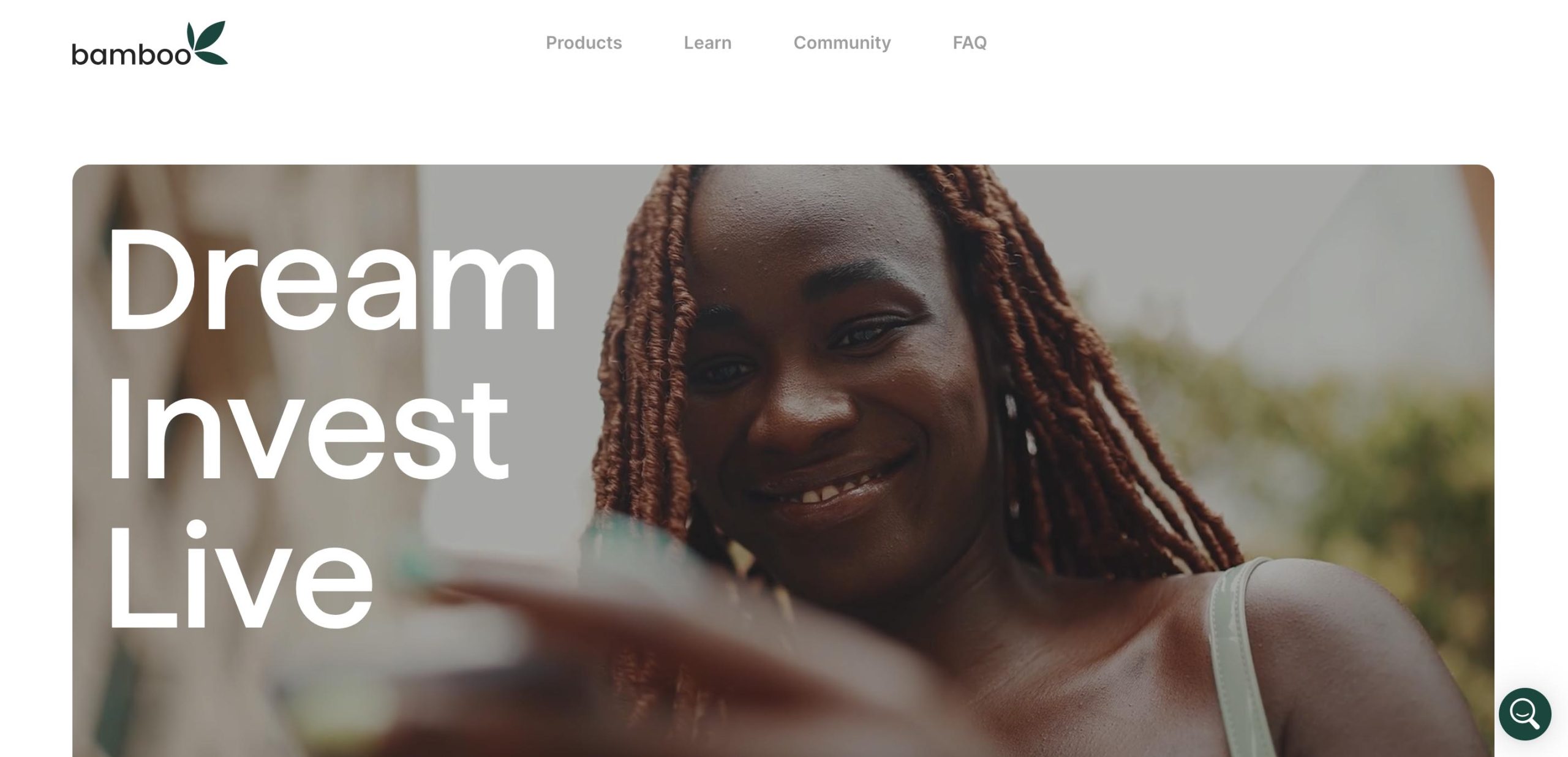
    Bamboo allows Nigerians to invest in U.S. and Nigerian stocks right from their phones. You can buy shares in companies like Apple, Tesla, and Amazon with as little as $10. Bamboo also offers a “US Wallet” feature that lets you hold your funds in dollars, protecting them from naira depreciation.

    Key Features:

    • Invest in Nigerian and U.S. stocks
    • Fractional shares available (own a piece of a stock)
    • SEC-regulated for security
    • Real-time market data

    2. Chaka

    Chaka provides access to over 4,000 stocks across Nigeria and international markets. If you want to diversify your investments, Chaka is a great choice. It allows you to open dollar and naira accounts, making it flexible for different currencies.

    Key Features:

    • Invest in Nigerian, U.S., and global stocks
    • SEC-licensed for safety
    • Knowledge Base for beginners

    3. Risevest

    Risevest is a great option if you want professionals to manage your investments. They offer portfolios in U.S. stocks, real estate, and fixed-income assets. This is perfect for people who prefer a hands-off approach.

    Key Features:

    • Professional portfolio management
    • Invest in U.S. stocks, real estate, and bonds
    • No Nigerian stock options

    4. PiggyVest

    PiggyVest

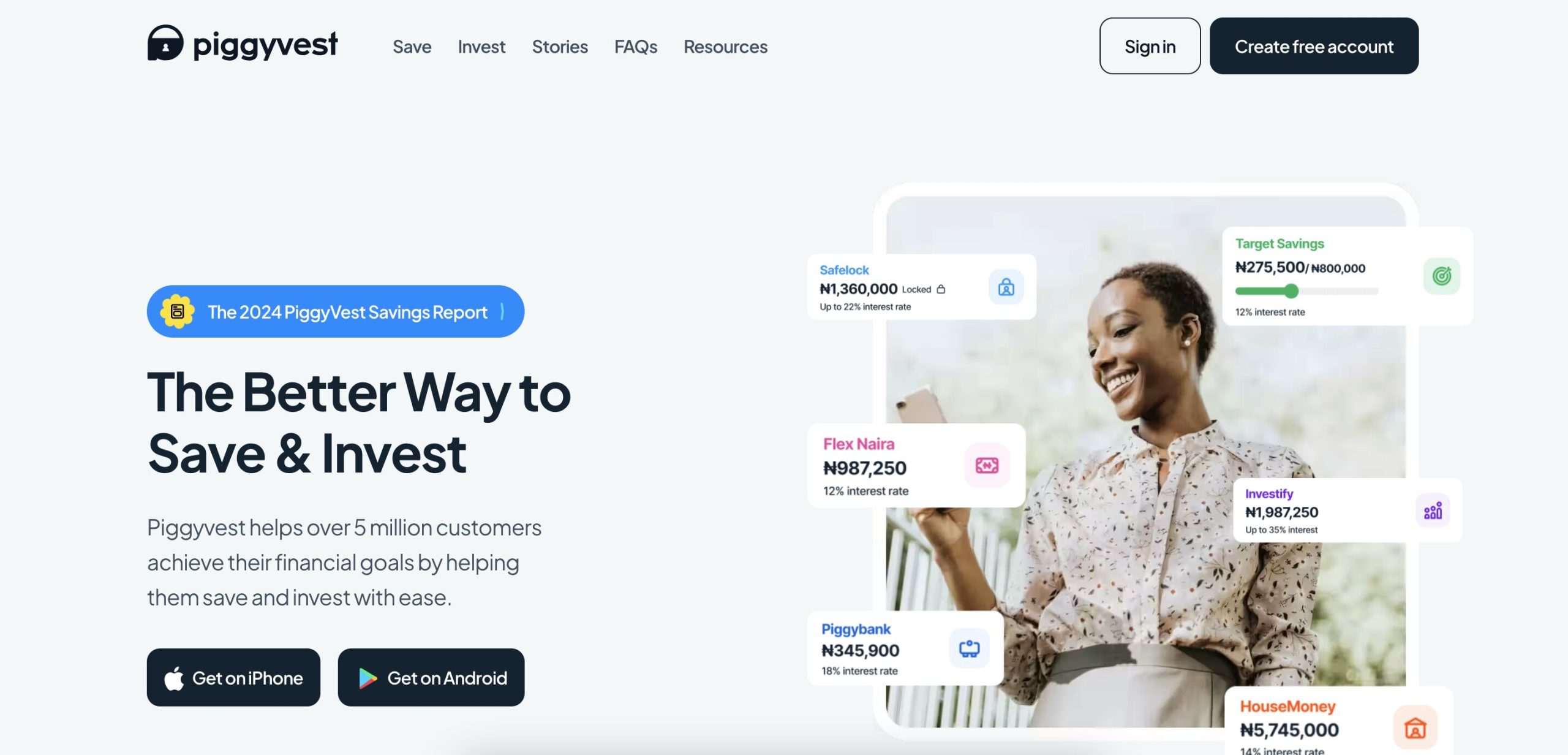
    PiggyVest, co-founded by Odunayo Eweniyi, one of Nigeria’s top tech women, started as a savings platform but has expanded to offer investment options. It allows users to invest in real estate, government bonds, and other assets with as little as ₦5,000.

    Key Features:

    5. Trove

    Trove offers a mix of traditional and digital investments. With Trove, you can invest in Nigerian and global stocks, ETFs, bonds, and even cryptocurrencies.

    Key Features:

    • Over 10,000 investment options
    • Start with as little as ₦1,000 or $10
    • Includes cryptocurrency investments

    6. Cowrywise

    Cowrywise is designed for those who want to automate their savings and investments. It focuses on mutual funds and does not offer stocks, making it great for long-term wealth building.

    Key Features:

    • Invest in low, medium, and high-risk mutual funds
    • Automated savings feature
    • Investment circles for group investing

    7. Quidax

    If you’re interested in Bitcoin, Ethereum, and other digital currencies, Quidax is a great option. It offers a simple way to buy, sell, and store crypto assets.

    Key Features:

    • Easy-to-use crypto trading platform
    • Secure wallet for storing digital assets
    • Approved by the Nigerian SEC

    8. I-Invest

    I-Invest is best for those looking for safe, low-risk investments like Treasury bills, Eurobonds, and mutual funds.

    Key Features:

    • Invest in Treasury bills and bonds
    • Fixed returns with lower risk
    • Savings plans with up to 11% interest per year

    9. GetEquity

    GetEquity allows you to invest in startups and high-growth companies in Africa. This is a high-risk, high-reward investment option.
    Key Features:

    • Invest in early-stage African startups
    • Venture capital and equity funding
    • High potential returns

    10. Crowdyvest

    Crowdyvest

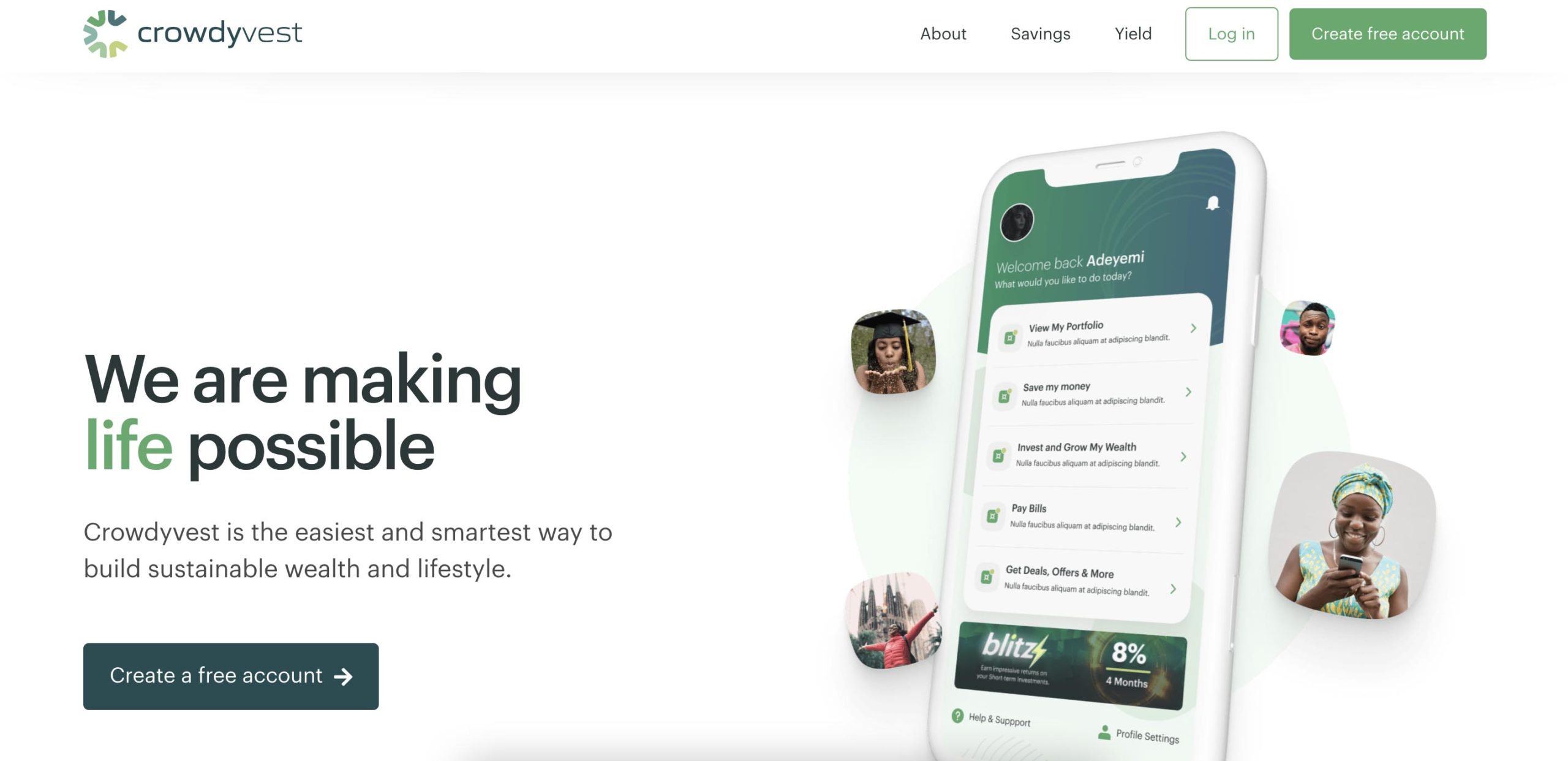
    Crowdyvest focuses on funding impactful projects in sectors like agriculture, real estate, and transportation. This is perfect for those who want their investments to drive social change.

    Key Features:

    • Invest in agriculture, real estate, and transport projects
    • Minimum investment starts at ₦20,000
    • Community-driven investment approach

    Quick Comparison Table

    PlatformBest ForInvestment OptionsMinimum Investment
    BambooStocksNigerian & U.S. stocks$10
    ChakaStocksNigerian & global stocksVaries
    RisevestManaged portfoliosU.S. stocks, real estate, bondsVaries
    PiggyVestBeginnersSavings, real estate, bonds₦5,000
    Trove FinanceDiversificationStocks, ETFs, bonds, crypto₦1,000 / $10
    CowrywiseAutomated investingMutual fundsVaries
    QuidaxCryptocurrencyBitcoin, Ethereum, other cryptosVaries
    I-InvestLow-risk investorsTreasury bills, bonds, mutual fundsVaries
    GetEquityHigh-risk, high-rewardStartup investmentsVaries
    CrowdyvestImpact investorsAgriculture, real estate, transport₦20,000

    Choosing the Right Investment Platform

    When choosing an investment platform, consider the following:

    • Your Goals: Do you want short-term or long-term returns? Stocks and real estate are great for long-term growth, while Treasury bills offer stability.
    • Risk Tolerance: Are you comfortable with high-risk investments like crypto and startups, or do you prefer safe options like bonds?
    • Platform Fees: Some platforms charge transaction fees, while others take a percentage of your profits.
    • Ease of Use: Beginners may prefer user-friendly platforms like PiggyVest or Cowrywise.
    Best Investment Platforms in Nigeria to Grow Money

    FAQs

    What is the best investment platform in Nigeria?

    It depends on your goals. Bamboo and Chaka are great for stocks, while PiggyVest and Cowrywise are best for beginners. If you want cryptocurrency, Quidax is a strong option.

    Can I invest in U.S. stocks from Nigeria?

    Yes! Platforms like Bamboo, Chaka, and Trove allow Nigerians to invest in U.S. stocks.

    Are these investment platforms safe?

    Yes, most are regulated by the Securities and Exchange Commission (SEC). However, always do your research before investing.

    What’s the minimum amount needed to start investing?

    You can start with as little as ₦1,000 on Trove, while others require ₦5,000 or more.

    There’s no one-size-fits-all investment platform. The best one for you depends on your financial goals, risk appetite, and investment interests. Whether you’re looking for stocks, bonds, real estate, or crypto, Nigeria has an investment platform for you. Start small, stay consistent, and watch your money grow!

  • 17+ Leading Fintech Companies in Nigeria Right Now

    17+ Leading Fintech Companies in Nigeria Right Now

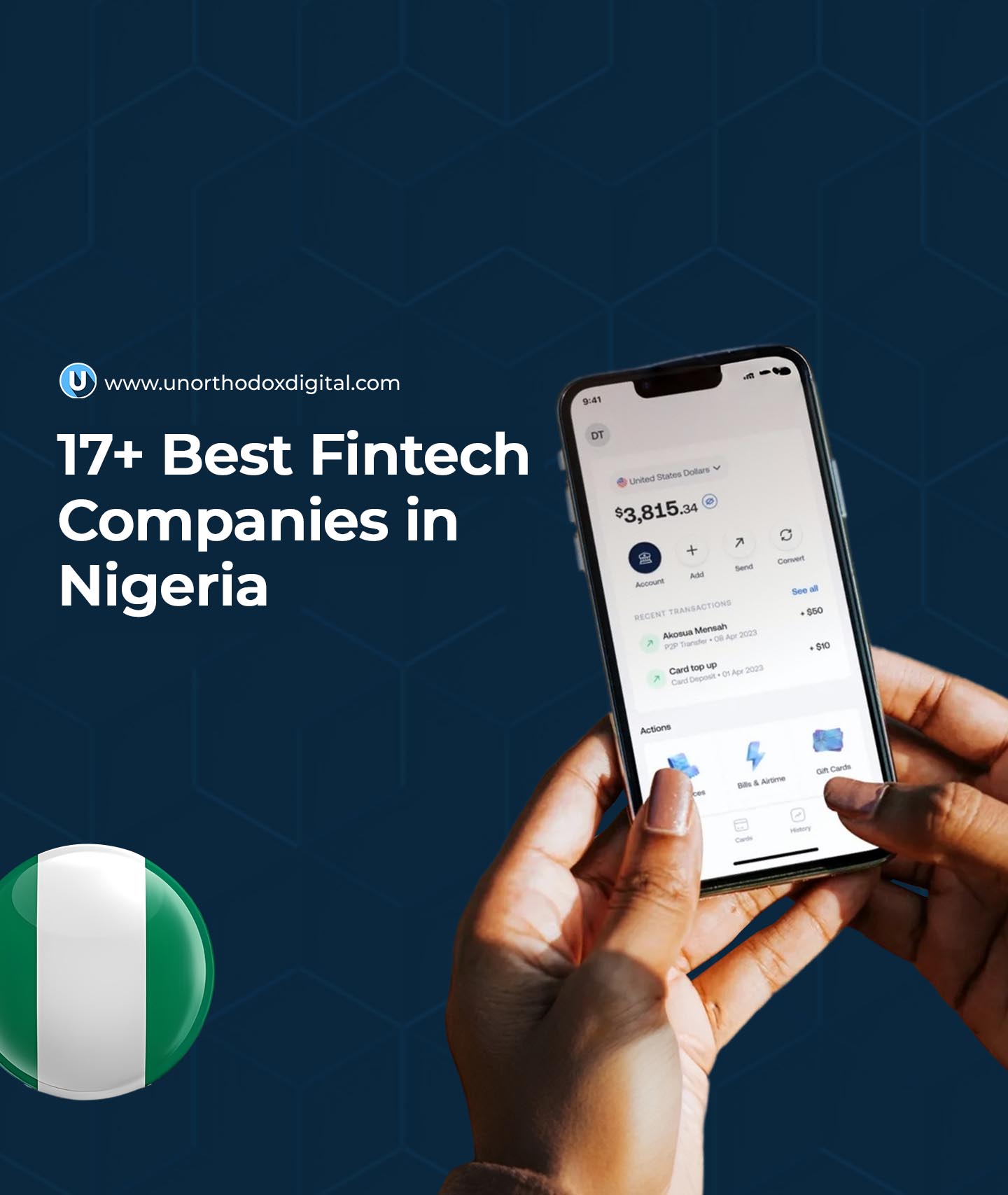
    Nigeria’s fintech industry is booming, and it’s changing the way people handle money. Whether you’re sending money to a friend, paying for groceries, or even saving for the future, these fintech companies make it easier, faster, and often cheaper. Let’s break down some of the biggest players in Nigeria’s fintech space right now.

    1. Grey

    Grey

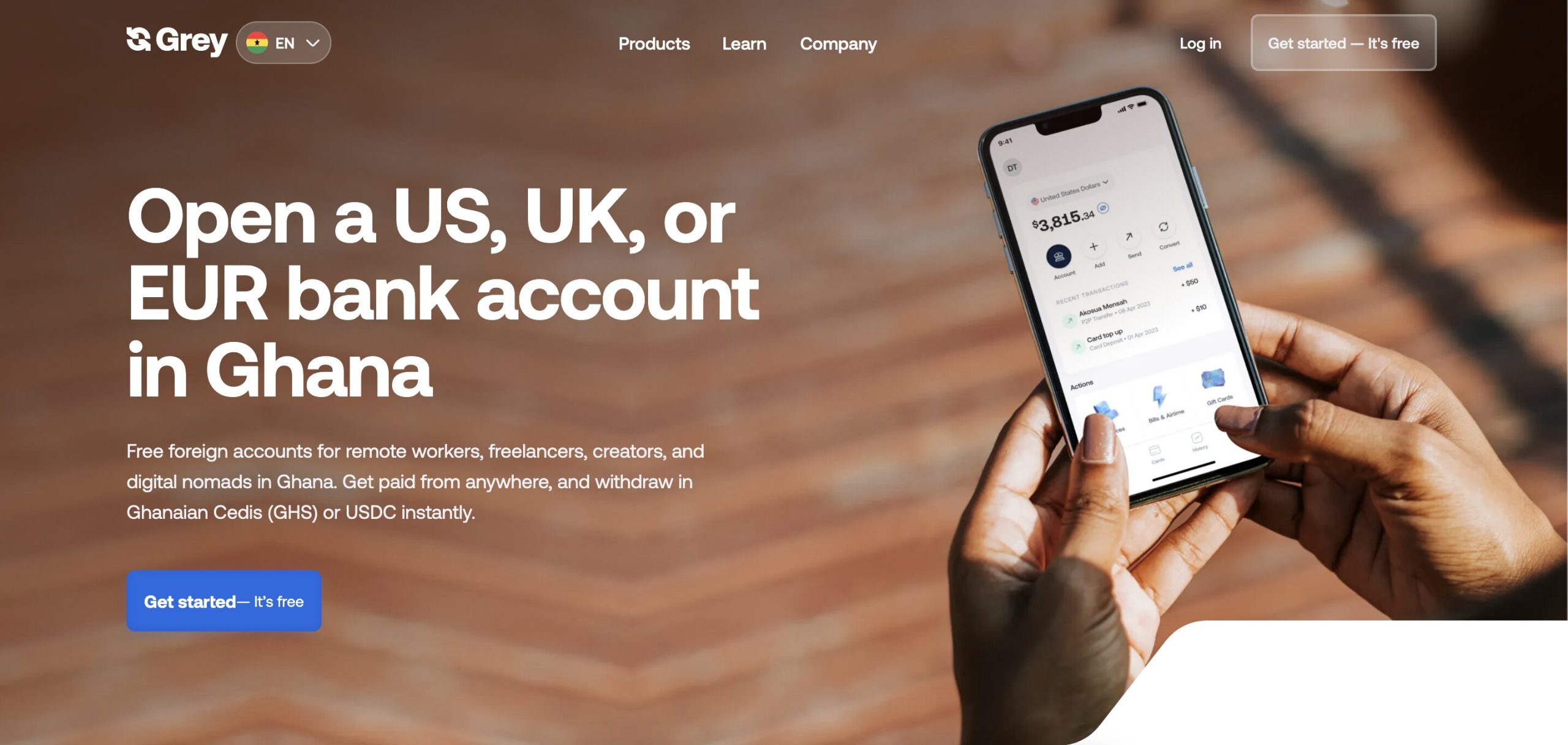
    Grey makes it easy for Nigerians to receive payments from international clients. Imagine you’re a freelancer working for a company abroad—you don’t want the hassle of traditional banks delaying your money. Grey gives you a virtual foreign account so you can receive dollars, euros, or pounds and convert them to naira instantly.

    2. Paystack

    If you’ve ever bought something online in Nigeria, chances are you’ve used Paystack. It helps businesses accept payments from customers via cards, bank transfers, and even USSD. It’s like a digital cash register that businesses can rely on to get paid smoothly.

    3. Opay

    Opay is like a one-stop shop for financial services. You can use it to send and receive money, pay bills, buy airtime, and even take a loan. Plus, they have a ride-hailing and food delivery service. Think of it as a digital bank mixed with a mini marketplace.

    4. PalmPay

    PalmPay is another mobile money app that makes transactions easy. It’s known for its cashback rewards—so every time you pay for something, you might get a little money back. It’s like earning small change every time you shop!

    5. MoMoPSB

    Short for Mobile Money Payment Service Bank, MoMoPSB is MTN’s way of helping people send and receive money without a bank account. If you have an MTN line, you can access their services through USSD codes, making it super convenient for people without smartphones.

    6. Kuda

    Kuda is a full-fledged digital bank. Unlike traditional banks, it has no physical branches, meaning you can do everything from your phone. No hidden charges, no unnecessary fees—just simple banking.

    7. Moniepoint

    Moniepoint

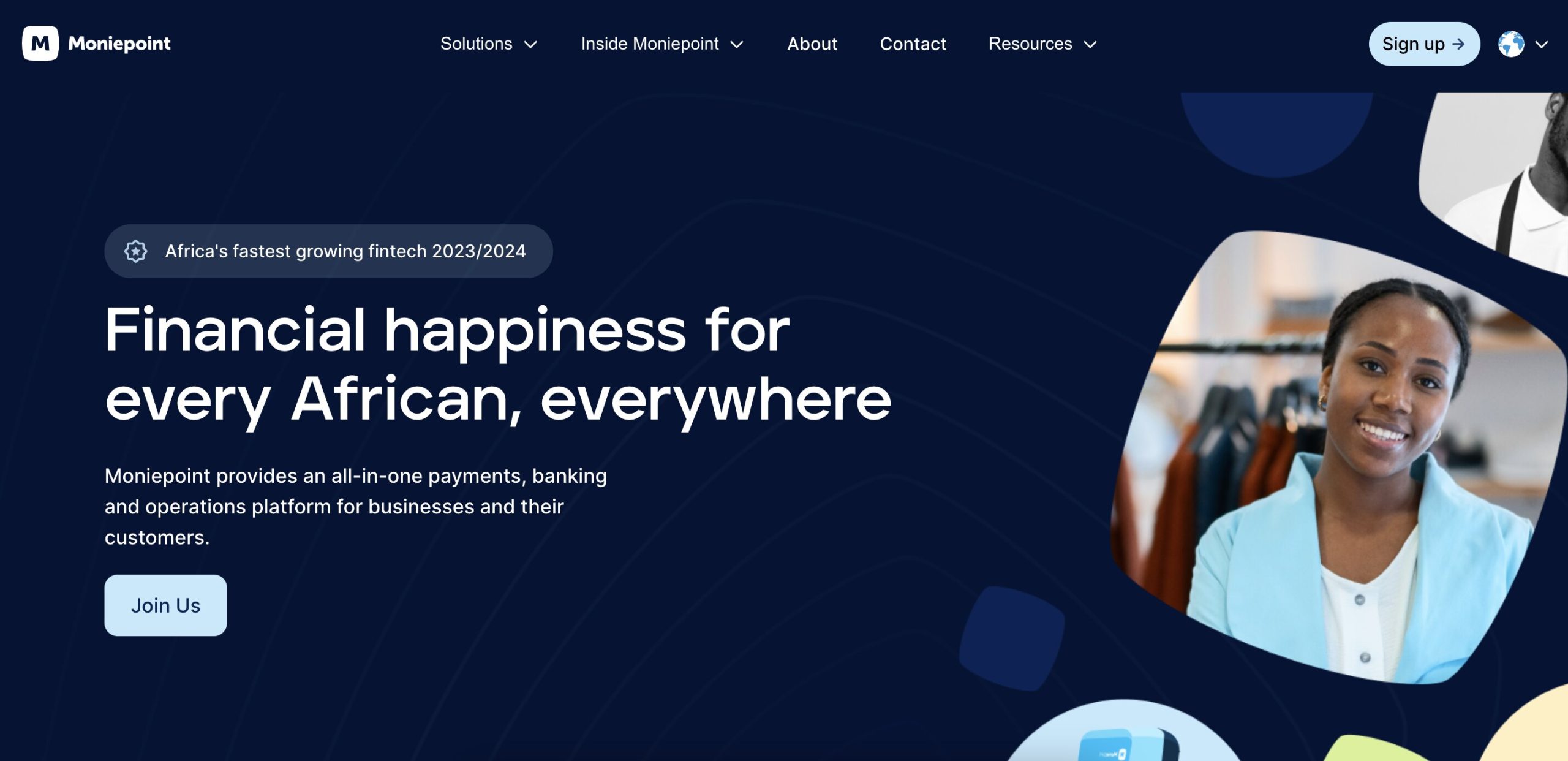
    Moniepoint helps businesses accept payments easily. If you’ve ever paid with a POS machine at a small shop, it might have been Moniepoint’s. It also provides loans and banking solutions to small businesses.

    8. Fincra

    Fincra specializes in cross-border payments. If a business wants to send or receive money internationally, Fincra makes sure it happens quickly and smoothly. It’s a big deal for Nigerian companies that deal with foreign customers.

    9. Paga

    Paga is one of Nigeria’s oldest fintech companies. It lets you send money, pay bills, and make purchases without needing a bank account. Think of it as a digital wallet that works for everyone.

    10. Carbon

    Carbon isn’t just a payment platform; it also offers loans, savings, and investment options. If you need quick cash for an emergency, Carbon can lend you money without the long wait times of traditional banks.

    11. FairMoney

    Like Carbon, FairMoney is a digital lender that gives quick loans with minimal paperwork. It also has a banking service where you can open an account and save money.

    12. Eversend

    Eversend is a multi-currency wallet that allows users to send and receive money in different currencies. If you travel a lot or make international purchases, Eversend helps you manage foreign exchange rates easily.

    13. Cowrywise

    Cowrywise helps people save and invest their money wisely. It’s like a digital piggy bank that also grows your money by investing it in stocks, bonds, and other financial tools.

    14. PiggyVest

    PiggyVest

    PiggyVest is another savings and investment platform that helps Nigerians develop better money habits. It allows you to lock away funds so you don’t spend them impulsively. Piggyvest was co-founded by Odunayo Eweniyi, one of the most influential Nigerian women in Tech.

    15. Remita

    Remita is widely used by businesses and government agencies for managing payments. Whether it’s paying salaries, processing taxes, or handling large transactions, Remita makes sure the money moves efficiently.

    16. Chipper Cash

    Chipper Cash focuses on free and low-cost money transfers across Africa. If you need to send money to someone in Ghana or Kenya, for example, Chipper Cash makes it super easy and affordable.
    17. Flutterwave

    Flutterwave is one of Nigeria’s biggest fintech success stories. It provides payment solutions for businesses of all sizes, helping them accept payments from customers all over the world. Whether it’s a small business selling clothes on Instagram or a big company, Flutterwave makes payments seamless.

    Comparison Table

    Fintech CompanyMain ServicesBest For
    GreyInternational paymentsFreelancers, remote workers
    PaystackOnline payment processingBusinesses, e-commerce
    OpayMobile banking, bill paymentsEveryday transactions
    PalmPayMobile money, cashback rewardsCashback lovers
    MoMoPSBMobile money servicesMTN users, rural areas
    KudaDigital bankingPeople avoiding bank fees
    MoniepointPOS & business bankingSmall businesses
    FincraCross-border paymentsInternational transactions
    PagaMobile payments, bill paymentsPeople without bank accounts
    CarbonDigital lending, savingsQuick loans
    FairMoneyDigital lending, bankingShort-term loans
    EversendMulti-currency walletInternational money transfers
    CowrywiseAutomated savings, investmentsLong-term saving plans
    PiggyVestSavings, investmentPeople who struggle to save
    RemitaBusiness & government paymentsLarge organizations
    Chipper CashFree money transfers in AfricaSending money abroad
    FlutterwaveBusiness payment solutionsSmall to large businesses
    Best Fintech Companies in Nigeria Right Now

    Nigeria’s fintech industry is changing the way people interact with money. Whether you need a loan, want to save, or run a business, there’s a fintech company designed to help. As these companies continue to grow, banking and finance will only get easier for Nigerians. Which one do you use the most?

  • How Nigerians Turn Social Media into Cash on Hawkit

    How Nigerians Turn Social Media into Cash on Hawkit

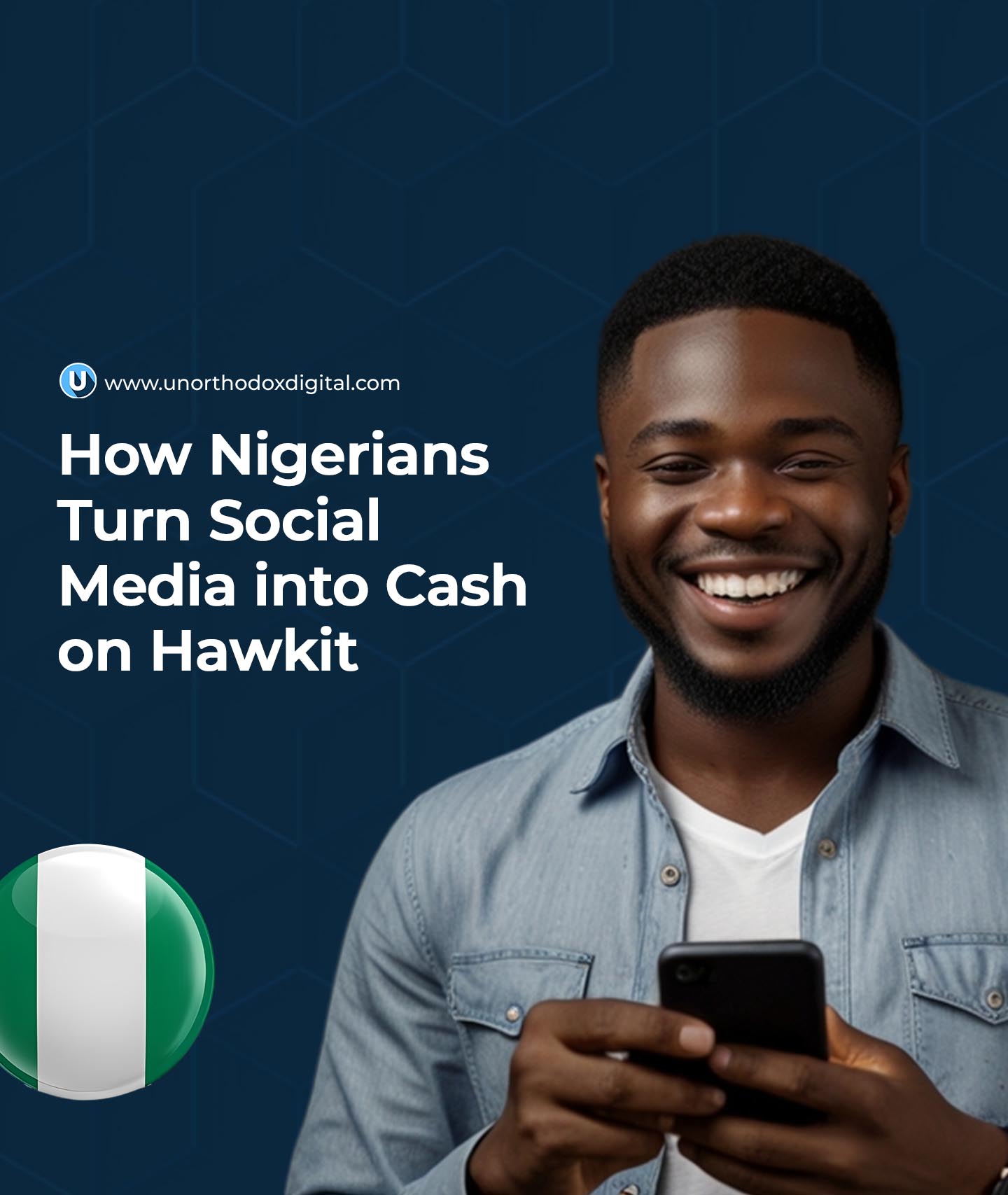
    Social media is a huge part of our daily lives. We scroll, like, comment, and share posts every day. But what if you could make money just by doing these things? That’s exactly what many Nigerians are doing on Hawkit—a platform that pays users for simple social media tasks. Sounds interesting, right? Let’s break it down step by step.

    How Does Hawkit Work?

    Imagine a business wants to become more popular on social media. They need more followers, likes, comments, and shares to look trustworthy and attract real customers. Celebrities and influencers also want more engagement to stay relevant. This is where Hawkit comes in.

    Businesses and individuals pay Hawkit to boost their social media presence. Hawkit then distributes these tasks to registered users like you. When you complete a task—like following an account or sharing a post—you get paid! It’s that simple.

    Example:

    A company called Unorthodox Media wants 10,000 new Instagram followers. They pay Hawkit to make it happen. Hawkit then gives the task to 10,000 users, each of whom gets paid for following Unorthodox Media’s account.

    Now, let’s talk about the different ways you can earn on Hawkit.

    9 Ways to Make Money on Hawkit

    Hawkit offers multiple earning opportunities. Here’s a breakdown of what you can do and how much you can earn per task:

    TaskEarnings per Task (₦)
    Following accounts on Instagram, Twitter, or TikTok3
    Liking Facebook business pages3
    Liking posts on Facebook, Instagram, Twitter, or TikTok3
    Commenting on social media posts15
    Posting adverts on WhatsApp status20
    Sharing or retweeting posts on Facebook and Twitter10
    Subscribing to YouTube channels30
    Downloading apps & posting reviews (Google Play Store)30
    Downloading apps & posting reviews (Apple Store)60

    The more tasks you complete, the more you earn. If you do 50 social media tasks in a day, you could make a few thousand naira without breaking a sweat!

    How Nigerians Turn Social Media into Cash on Hawkit

    Extra Ways to Earn Even More

    If you want to boost your earnings, Hawkit has some additional money-making opportunities:

    1. Referral Bonus: Earn ₦500 instantly for every person you invite to join Hawkit.
    2. Referral Commission: Earn an extra 20% commission when your referrals buy likes, followers, comments, or shares.
    3. Sell Airtime & Data: Buy airtime and data at up to 50% discount and sell to friends and family at normal prices.
    4. Sell Products & Services: List your products on the Hawkit marketplace and reach thousands of buyers. On Hawkit, you can sell physical and digital products.

    Who Can Join Hawkit?

    Anyone with a smartphone and internet access can join Hawkit. Whether you’re a student, stay-at-home parent, or just someone looking for extra cash, this platform is open to all.

    Is Hawkit Legit?

    Yes! Many Nigerians have been making money daily through Hawkit. As long as you complete tasks correctly, your earnings will keep adding up.

    How to Get Started

    1. Sign up on Hawkit
    2. Complete simple social media tasks
    3. Watch your earnings grow
    4. Withdraw your money anytime

    It’s as easy as that!

    Hawkit is changing the way Nigerians use social media. Instead of just scrolling for fun, people are now earning real money. If you’re looking for an easy way to make extra income, Hawkit is worth checking out. Why not start today and turn your social media activity into cash?

  • How to Quickly Borrow Airtime on MTN Nigeria

    How to Quickly Borrow Airtime on MTN Nigeria

    Stuck without airtime when you need to make an urgent call? MTN Nigeria has a simple solution for you: airtime borrowing. This guide will walk you through everything you need to know—how it works, who’s eligible, and the fastest ways to borrow. Let’s dive in!

    What is MTN Airtime Borrowing?

    Airtime borrowing is a service that lets MTN prepaid users get airtime on credit when they run out. Instead of rushing to buy airtime, you can borrow a certain amount and pay it back later when you recharge.

    Why is Airtime Borrowing Useful?

    BenefitDescription
    Emergency CallsHelps you make urgent calls even when your balance is zero.
    No Missed MessagesEnsures you can send important texts when needed.
    ConvenienceSaves you the stress of finding a recharge vendor late at night.
    Flexible RepaymentThe amount is automatically deducted from your next recharge.

    How MTN Airtime Borrowing Works

    When you borrow airtime from MTN, the amount is credited to your line immediately. The next time you recharge, MTN automatically deducts the borrowed amount plus a small service charge.

    Eligibility Criteria: Can You Borrow?

    Not everyone can borrow airtime on MTN. To qualify, you must:

    • Be an MTN prepaid subscriber.
    • Have an active and registered MTN SIM.
    • Regularly recharge and use your line.
    • Have no outstanding airtime loan from MTN.

    If you meet these criteria, you’re good to go!

    How to Borrow Airtime on MTN

    There are two main ways to borrow airtime from MTN: using a USSD code or the MTN mobile app. Let’s break them down.

    1. Borrowing Airtime Using USSD Code

    This is the quickest and easiest method. Just follow these simple steps:

    1. Dial *606# on your MTN line.
    2. Select “XtraTime” from the menu.
    3. Choose the amount you want to borrow.
    4. Confirm your request.
    5. You’ll receive the airtime instantly.
    USSD CodeAction
    *606#Main airtime borrowing menu
    *321#Alternative borrowing code

    Troubleshooting USSD Issues

    If the USSD method isn’t working, try:

    • Checking if your SIM is registered and active.
    • Ensuring you have no unpaid loans from previous airtime borrowing.
    • Restarting your phone and dialing the code again.

    2. Borrowing Airtime Using the MTN Mobile App

    Prefer using an app? Follow these steps:

    1. Download the MTN mobile app from your app store.
    2. Log in with your MTN number.
    3. Go to “Airtime”, then select “XtraTime”.
    4. Pick the amount you want to borrow.
    5. Confirm your request.
    6. You’ll get the airtime immediately.

    How Much Can You Borrow?

    Your borrowing limit depends on your recharge and usage history. Here’s an estimate:

    Recharge HistoryBorrowing Limit
    Frequent recharges (₦5,000+ monthly)Up to ₦2,000
    Moderate recharges (₦1,000 – ₦4,999)Up to ₦500 – ₦1,000
    Occasional recharges (₦500 – ₦999)Up to ₦200 – ₦500

    MTN determines your exact limit based on your past recharges.

    Airtime Repayment: What You Need to Know

    Once you borrow, MTN will deduct the amount from your next recharge, along with a service fee.

    Example:

    • You borrow ₦100.
    • A service fee of 15% applies (₦15).
    • When you recharge ₦100, MTN deducts ₦115, leaving you with ₦0 balance.
    Borrowed AmountService Fee (15%)Total Repayment
    ₦100₦15₦115
    ₦200₦30₦230
    ₦500₦75₦575
    How to Quickly Borrow Airtime on MTN Nigeria

    Frequently Asked Questions (FAQs)

    1. Can I borrow airtime if I still owe MTN?

    No, you need to clear your previous loan before borrowing again.

    2. Can I use borrowed airtime for data bundles?

    Yes, you can use it for calls, SMS, and data purchases.

    3. What happens if I don’t recharge soon?

    MTN will keep deducting from any future recharges until the full amount is repaid.

    4. Can postpaid users borrow airtime?

    No, this service is only available for prepaid customers.

    5. Can I borrow airtime multiple times?

    Yes, but only if you haven’t hit your borrowing limit.

    Borrowing airtime on MTN is simple, fast, and convenient—perfect for those moments when you urgently need to stay connected. Just remember to pay back on time to keep enjoying the service. Try it out next time you run out of airtime!

  • How to Send Airtime on MTN Nigeria Instantly

    How to Send Airtime on MTN Nigeria Instantly

    To transfer airtime on MTN Nigeria, just dial *321*Recipient’s Number*Amount*PIN# on your phone and press send. It’s that easy!

    Airtime is like the fuel that keeps your phone running—without it, making calls, sending texts, or browsing the internet is impossible. But what happens when you or someone you know runs out of airtime at the worst possible moment? That’s where MTN’s airtime transfer feature comes in. Whether you want to help a friend, assist a family member, or even use airtime as a form of payment, MTN makes it easy to transfer credit from one MTN line to another. In this guide, I’ll show you how to do it quickly and securely.

    What is MTN Airtime Transfer?

    MTN Airtime Transfer, also known as MTN Share, is a service that allows MTN users to send airtime to other MTN subscribers. It works on both prepaid and postpaid accounts and ensures that no one gets stranded without airtime. You can send as little as ₦50 or as much as ₦5,000 in a single transaction.

    Why Would You Need to Transfer Airtime?

    There are plenty of situations where airtime transfer can be a lifesaver:

    • Your friend is out of airtime and needs to make an urgent call.
    • A family member in a different city needs credit but can’t buy airtime at the moment.
    • You want to send airtime as a small gift or token of appreciation.
    • You’re in a location where buying airtime physically isn’t possible, but someone can send it to you.

    No matter the reason, the process is simple and quick!

    How to Transfer Airtime on MTN in Nigeria

    To transfer airtime from one MTN line to another, follow these steps:

    Step 1: Change Your Default Transfer PIN

    Before you can start sending airtime, you need to set up a secure four-digit PIN. The default PIN for every MTN SIM is 0000, but you need to change it for security reasons.

    To change your PIN,

    • Dial *321#
    • Select Option 1 for Airtime Share
    • Select Option 3 to Reset PIN
    • Enter Your Mother’s maiden name
    • Enter your Date of Birth
    • State Your Origin

    You’ll receive a confirmation message once your new PIN is set.

    Alternatively, you can change your PIN using the myMTN app:

    Open the myMTN app and sign in. Tap the “Share” option, then select “Create PIN.” Provide answers to the security questions and set your new PIN.

    Step 2: Transfer Airtime Using USSD

    Once your PIN is set, transferring airtime is simple. Just dial:
    *321*Recipient’s Number*Amount*PIN# then press Send
    For example, to send ₦500 to 08034567890, you’d dial:
    *321*08034567890*500*1234#

    After sending, you’ll receive a confirmation message, and the recipient will get the airtime instantly.

    Step 3: Transfer Airtime Using SMS (Alternative Method)

    You can also transfer airtime via SMS by sending a message in this format:
    Transfer Recipient’s Number Amount PIN to 321
    For example, send:
    Transfer 08034567890 500 1234 to 321

    You’ll receive an SMS asking you to confirm the transfer by replying with YES.

    MTN Airtime Transfer Limits and Charges

    There are limits to how much airtime you can transfer per transaction and per day. Here’s a breakdown:

    Transaction AmountService Fee
    ₦50 – ₦100₦3
    ₦101 – ₦500₦5
    ₦501 – ₦5,000₦10

    You can transfer a maximum of ₦100,000 per day, but each transaction cannot exceed ₦5,000.

    Important Things to Keep in Mind

    1. MTN to MTN Only: You can only send airtime to other MTN numbers, not Glo, Airtel, or 9mobile.
    2. Correct Details Matter: Double-check the recipient’s number before confirming the transfer to avoid mistakes.
    3. No Reversal: Once airtime is sent, it cannot be reversed, so be extra careful!
    4. Keep Your PIN Secure: Don’t share your transfer PIN with anyone to prevent unauthorized transactions.
    5. Active SIM Required: Both the sender and recipient must have active MTN lines to use this service.
    How to Send Airtime on MTN Nigeria Instantly

    How to Keep Your Airtime Transfers Safe

    Since airtime is as good as money, it’s important to keep your transactions secure:

    • Use a Strong PIN – Choose a PIN that isn’t easy to guess, like 1234 or 0000.
    • Don’t Save Your PIN on Your Phone – If your phone gets lost, someone could access your airtime.
    • Report Fraudulent Activity – If you suspect unauthorized transfers, contact MTN customer support immediately.
    • Lock Your SIM Card – You can set up a SIM lock so that only your PIN can authorize changes.

    Benefits of MTN Airtime Transfer

    Using MTN Share to send airtime has several advantages:

    Convenience – No need to buy recharge cards when you can send or receive airtime instantly.

    Instant Transactions – Transfers take just a few seconds to complete.

    Supports Family & Friends – Perfect for emergencies when someone runs out of airtime.

    Alternative to Cash – Airtime can be exchanged for cash in some cases.

    MTN’s airtime transfer service is a handy tool that ensures you and your loved ones never run out of credit. Whether you’re helping a friend, assisting a family member, or just making life easier, knowing how to send airtime quickly is an essential skill for every MTN user in Nigeria. Just remember to keep your PIN safe, double-check numbers before confirming, and enjoy the convenience of seamless airtime sharing!

    Now that you know how to send airtime on MTN instantly, go ahead and try it out. If you have any questions, MTN’s customer service is always available to help!

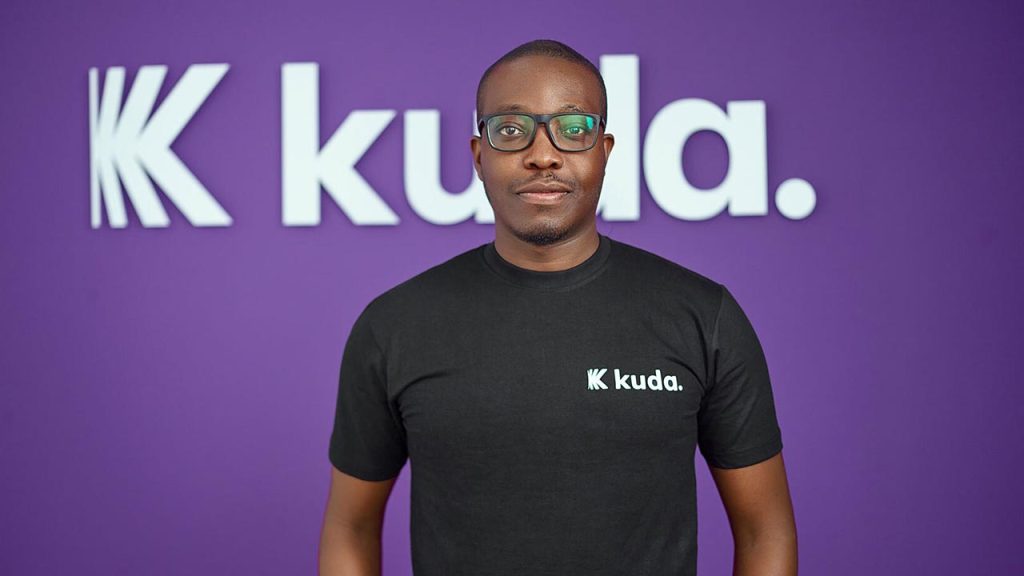
  • Former Kuda Executive Files Lawsuit Alleging Toxic Culture and Unfair Dismissal

    Former Kuda Executive Files Lawsuit Alleging Toxic Culture and Unfair Dismissal

    A former high-ranking executive at Kuda, one of Nigeria’s prominent fintech startups, has taken legal action in the United Kingdom, alleging workplace discrimination, a toxic corporate culture, and wrongful termination. Rosemary Hewat, Kuda’s former Group Chief People Officer, filed a lawsuit claiming that the company and its CEO, Babatunde Ogundeyi, fostered an environment where women were marginalized and treated unfairly.

    According to reports from credible sources, court documents indicate that Hewat alleges Kuda failed to grant her stock options under the same terms as her male counterparts and dismissed her after she raised concerns about gender-based workplace mistreatment.

    Kuda, an FCCPC-approved loan app in Nigeria that has publicly positioned itself as a proponent of gender inclusivity, now faces scrutiny over these claims. The company, backed by Target Global, has highlighted its efforts to support women in the workplace. Hewat herself played a key role in these initiatives, announcing in March 2023 that Kuda had achieved a 1:1 gender ratio. However, her lawsuit paints a different picture, describing an environment where women were systematically excluded and belittled.

    Hewat specifically accuses Ogundeyi of fostering a hostile work culture. The lawsuit claims he made demeaning remarks about female employees, publicly humiliated two women at a strategy retreat in December 2023, and dismissed them as “low class” for lacking exposure to luxury. She further alleges that he instilled fear among employees, stating that staff “see him as God” and are afraid to approach him.

    When asked about the allegations, Kuda confirmed the lawsuit but declined to comment.

    “In line with our current policy and out of respect for privacy, we do not comment on matters of this nature involving current or former employees,” a Kuda spokesperson stated via email.

    One of the key points in Hewat’s legal claims revolves around her Employee Stock Ownership Plan (ESOP). She alleges that Kuda reneged on an agreement to grant her shares at the more favorable Series A valuation, instead offering them at the higher Series B price. Meanwhile, her male counterpart, Steven Bastian, reportedly received adjusted terms to reflect the lower valuation. According to the lawsuit, Ogundeyi justified this by claiming Bastian’s role as Group CFO was “more important” than Hewat’s.

    Hewat also asserts that she faced professional retaliation after voicing her concerns. She says she was deliberately excluded from critical meetings, and that Kuda’s Group Chief Operating Officer, Pavel Khristolubov, gradually took over aspects of her role while undermining her. When she raised the issue with Ogundeyi, she claims he dismissed her concerns and advised her to “spend the next six months getting Khristolubov to like her.”

    Her employment at Kuda officially ended on February 20, 2024—just weeks after she filed a formal grievance about the ESOP issue. Hewat alleges she was dismissed while on her way to an executive retreat in Nigeria, with Kuda framing the decision as part of cost-cutting measures. However, she argues that the company continued spending on discretionary items, including allegedly employing a nanny for Ogundeyi’s children at the company’s expense. Adding to the confusion, Kuda’s Chief Technical Officer, Mutairu Mustapha, reportedly told Hewat that her termination was a “mistake” and urged her to return to work.

    The impact of these events, Hewat claims, severely affected her mental and physical health, leading to panic attacks, depression, and insomnia. She is now seeking financial compensation for lost benefits, emotional distress, and punitive damages for what she describes as severe workplace misconduct.

    Kuda has yet to issue a public statement addressing the lawsuit or the allegations made against its leadership.

  • MTN Mobile Money Loans: Borrowing Cash in Minutes!

    MTN Mobile Money Loans: Borrowing Cash in Minutes!

    Imagine you’re out and about, and suddenly you need cash—maybe your favorite snack vendor only takes mobile money, or your transport fare runs out at the worst time. Wouldn’t it be great if you could borrow a little extra right from your phone, no long forms or stress involved? Well, with MTN Mobile Money Loans, you can do just that!

    In this guide, we’ll break down everything you need to know about borrowing money using MTN’s mobile loan services, explaining it in a way that’s easy to follow, whether you’re new to this or just need a refresher.

    What Is MTN Qwikloan?

    MTN Qwikloan is a short-term loan service that allows MTN Mobile Money (MoMo) users to borrow cash instantly—anywhere, anytime. You can borrow between GHS 25 and GHS 1,000, and you’ll have 30 days to pay it back with a 6.9% interest rate. That means if you borrow GHS 100, you’ll pay back GHS 106.90 after a month.

    There’s no need for paperwork, bank visits, or collateral—just your MTN MoMo account and a good track record.

    Who Can Get an MTN Qwikloan? (Eligibility Requirements)

    Not everyone qualifies for an MTN Qwikloan right away. To be eligible, you need to:

    • Be at least 18 years old
    • Have a registered MTN Ghana SIM card
    • Have been using MTN for at least six months
    • Be an active MoMo user for at least three months
    • Maintain a good credit history (if you’ve borrowed before, make sure you paid on time!)

    If you tick all these boxes, you’re good to go!

    How to Borrow Money from MTN (Step-by-Step Guide)

    Getting a loan is as easy as dialing a short code and following a few prompts. Here’s how:

    1. Dial *170# on your MTN phone
    2. Select “Financial Services”
    3. Choose “Loans”
    4. Select “Qwikloan”
    5. Tap “Get a Loan”
    6. Enter your MoMo PIN to confirm
    7. Choose the loan amount you need (within the available range)
    8. Confirm the loan amount and repayment terms
    9. Agree to the terms and conditions
    10. Select the reason for your loan (e.g., emergency, business, bills)

    That’s it! You’ll receive an SMS confirmation and the money will be instantly credited to your MoMo wallet.

    How to Repay Your MTN Qwikloan

    Paying back your loan on time is crucial because it helps you qualify for higher loan amounts in the future. MTN gives you 30 days to repay, and you have two ways to do it:

    1. Manual Repayment

    Want to repay early? No problem! Follow these steps:

    1. Deposit the loan amount + interest into your MoMo wallet
    2. Dial *170#
    3. Go to “Financial Services”
    4. Select “Loans”
    5. Tap “Qwikloan”
    6. Choose “Repay My Loan”
    7. Enter your MoMo PIN to confirm
    8. Select full payment or part payment
    9. Confirm the repayment

    You’ll receive an SMS confirmation once your loan is successfully repaid.

    2. Automatic Deduction

    If you don’t manually repay, MTN will automatically deduct the loan amount (plus interest) from your MoMo wallet on the due date. Make sure you have enough funds in your account to avoid penalties!

    What Happens If You Don’t Repay on Time?

    Late repayments come with consequences, and you definitely don’t want to ignore them:

    • Your interest rate increases from 6.9% to 12.5%
    • You might be disqualified from borrowing again
    • Your credit score drops, making it harder to get loans elsewhere

    So, always repay on time to keep your options open!

    How to borrow money or take loans from MTN Ghana

    Other MTN Loan Options

    Besides Qwikloan, MTN has partnered with other financial institutions to offer more loan choices:

    1. XpressLoan

    • Provided by Ecobank Ghana & Jumo
    • Works like Qwikloan with a 6.9% interest rate
    • No paperwork or collateral required

    2. Ahomka Loan

    • Introduced during COVID-19 to help people with short-term loans
    • Same 30-day repayment period and 6.9% interest

    3. MTN XtraCash

    • Offers small, short-term loans (GHS 50 or less)
    • Must be repaid within 7 days
    • Late payments attract a 10% penalty

    MTN also offers a pick-now-pay-later service for buying phones and tablets, where you pay in installments over 6-12 months.

    3 Tips to Increase Your Loan Limit

    Want to borrow higher amounts? Follow these tips:

    1. Use MoMo regularly – The more transactions you make, the more MTN trusts you.
    2. Link your MoMo account to your Ghana Card – It boosts your credibility.
    3. Repay loans on time – A clean track record means higher loan offers!

    FAQs

    1. What’s the maximum loan amount I can get?

    The highest amount for Qwikloan is GHS 1,000.

    2. Can I apply for multiple loans at the same time?

    No, you must repay your current loan before applying for another.

    3. What happens if I don’t repay my loan?

    Your interest rate increases to 12.5% and you may be blocked from borrowing in the future.

    MTN Mobile Money Loans are a lifesaver when you need quick cash without stress. Whether it’s for an emergency, small business, or just covering expenses before payday, these loans are fast, easy, and convenient.

    Just remember: borrow only what you can repay and always pay on time to keep your loan options open. Need cash now? Dial *170# and get started!

  • How to Cancel Any MTN Ghana Subscription in Seconds

    How to Cancel Any MTN Ghana Subscription in Seconds

    Have you ever loaded airtime, only to see it vanish before you even make a call? You’re not alone. Many MTN Ghana users find their airtime disappearing like magic, often because of hidden subscriptions they didn’t even realize they had. From caller tunes to daily news updates, these services can silently drain your balance.

    But don’t worry! In this guide, I’ll show you exactly how to cancel any MTN Ghana subscription—step by step—so you can finally stop wasting money on things you don’t need. It’s super simple, and you’ll feel great knowing your airtime is safe.

    Why Your Airtime Keeps Disappearing

    You might think your airtime is running out because of calls or data usage, but there’s a sneaky culprit—automatic subscriptions! These can include:

    • Caller tunes (those songs people hear when they call you)
    • Daily news or horoscope updates
    • Sports alerts
    • Trivia games
    • Mobile insurance
    • Phonebook backup services

    Some of these services might have been activated accidentally, while others could have been bundled with something else you signed up for. The good news? You can cancel them all in seconds.

    The Magic Code to Cancel MTN Ghana Subscriptions

    MTN has a simple way to manage subscriptions, and it all starts with this shortcode: *175#.

    Think of this as your “reset button” to take back control of your airtime. Here’s how to use it:

    Step-by-Step Guide to Unsubscribing from MTN Services

    1. Dial 175# on your phone (just like you would when checking your balance).
    2. A menu will pop up. Select Option 1 for “My Subscriptions.”
    3. You’ll see a list of all active subscriptions linked to your number.
    4. Choose the subscription you want to cancel, or select “Unsubscribe All” to remove everything at once.
    5. Confirm your deactivation by selecting “Yes.”
    6. You’ll receive an SMS confirming that the subscription has been canceled.

    That’s it! No more unwanted deductions from your airtime.

    How to Cancel Any MTN Ghana Subscription

    Extra Tip: How to Prevent Accidental Subscriptions

    Stopping subscriptions is great, but preventing them from coming back is even better. Here’s how to avoid unwanted sign-ups in the future:

    • Be careful when clicking pop-ups – Some ads and messages trick you into subscribing without realizing it.
    • Check messages from MTN carefully – Sometimes, they send offers that activate services if you reply.
    • Avoid dialing random shortcodes – Some promotions require you to dial a code that automatically signs you up for a service.

    By staying alert, you can keep your airtime safe from sneaky deductions.

    Frequently Asked Questions (FAQ)s:

    Q: How do I check all my active subscriptions?

    Dial *175# and select “My Subscriptions” to see everything you’re currently subscribed to.

    Q: What if I still get charged after canceling?

    Sometimes, cancellations take a few minutes to process. If you’re still being charged after a few hours, try dialing *175# again to confirm.

    Q: Can I stop all subscriptions at once?

    Yes! Just select “Unsubscribe All” when managing your subscriptions, and MTN will cancel everything in one go.

    Q: Will canceling affect my ability to make calls or browse the internet?

    Not at all! Canceling subscriptions only stops paid services you don’t need. Your regular airtime usage for calls and data remains the same.

    No more frustrating airtime losses! Now that you know how to cancel any MTN Ghana subscription in seconds, you’re in control. Just remember the magic code *175# and check your subscriptions regularly to avoid surprises.

    Try it now, and enjoy keeping your airtime where it belongs—with you!

  • How to Open Foreign Bank Accounts in Ghana With Grey

    How to Open Foreign Bank Accounts in Ghana With Grey

    Ever Wanted a Bank Account That Works Everywhere?

    Imagine you’re a freelance writer in Ghana, and a client in the U.S. wants to pay you in dollars. Or maybe you’re an online shopper who finds the perfect gadget, but the seller only accepts payments in euros. If you’ve ever struggled with getting paid internationally or making purchases in foreign currencies, you’re not alone. That’s where foreign bank accounts come in, and Grey makes the process super easy.

    Whether you’re a freelancer, remote worker, business owner, or just someone who deals with money from different countries, having a foreign bank account can save you a ton of stress (and fees!). But how do you open one in Ghana without the usual bank headaches? Let’s break it down.

    What is Grey, and Why Should You Care?

    Grey is like your digital passport to international banking. It allows you to open a US, UK, or EU foreign bank account while living in Ghana. That means you can receive money from clients, employers, or family abroad without struggling with high transfer fees, long delays, or hidden charges.

    Think of it like having a local bank account in those countries—without ever stepping foot there. The best part? It’s all online, and you don’t need to visit a physical bank or deal with stacks of paperwork.

    Why Open a Foreign Bank Account With Grey?

    Here’s why people in Ghana love using Grey for foreign banking:

    • Get paid from anywhere – If you work with international clients, you can receive payments in USD, GBP, or EUR without hassle.
    • Instant withdrawals – Convert your funds to Ghanaian Cedis (GHS) and withdraw straight to your local bank or mobile money.
    • No hidden fees – Traditional banks love sneaky charges. Grey keeps it transparent.
    • Virtual cards – Want to shop or pay for online services in dollars or euros? Grey’s got you covered.
    • Works for freelancers, remote workers, and businesses – Whether you’re a content creator, software developer, or running an e-commerce store, Grey simplifies international transactions.

    How to Open a Foreign Bank Account in Ghana With Grey (In 3 Easy Steps!)

    Unlike traditional banks, where opening an account can take days or weeks, Grey lets you do everything online in just a few minutes. Here’s how:

    Step 1: Sign Up on Grey

    Go to Grey’s website or download the Grey mobile app. You’ll need to enter some basic details like your name, email, and phone number. It’s as easy as signing up for social media.

    Step 2: Complete Your KYC (Know Your Customer) Verification

    To keep everything secure, Grey needs to verify your identity. Don’t worry—it’s simple. You’ll need to:

    • Upload a government-issued ID (like your Ghana Card, Passport, or Driver’s License).
    • Take a quick selfie to confirm it’s really you.
    • Provide proof of address (a utility bill or bank statement works).

    This step is important to prevent fraud and comply with financial regulations.

    Step 3: Get Your Foreign Bank Account Details

    Once your account is verified, Grey provides you with foreign account details in the currency you choose (USD, GBP, or EUR). Now, you can send and receive money like a local in over 40 countries!

    How to Open Foreign Bank Accounts in Ghana With Grey

    How Do You Use Your Grey Foreign Account?

    Now that you have your foreign bank account, what can you do with it?

    1. Receive Payments From Anywhere

    If you work with international companies, just share your Grey account details with them. They can send money directly to your foreign account just like they would for someone in the U.S. or UK.

    2. Withdraw Money to Your Local Bank or Mobile Money

    Let’s say you receive a $500 payment in your Grey USD account. You can convert it to Ghanaian Cedis (GHS) and withdraw it instantly to your local bank or MTN Mobile Money, Telecel Cash, or AirtelTigo Money.

    3. Pay for International Services

    Want to pay for Netflix, Adobe, or buy something from an online store that only accepts dollars or euros? Use Grey’s virtual cards to make payments without worrying about exchange rates or bank restrictions.

    Common Questions People Ask About Grey

    1. Is Grey a Bank?

    Nope! Grey isn’t a traditional bank. It’s a fintech company that partners with regulated financial institutions to provide foreign bank accounts and payment solutions.

    2. Is Grey Safe?

    Yes! Grey follows strict security measures, including encryption and KYC verification, to keep your money and data safe.

    3. How Long Does It Take to Open an Account?

    It usually takes just a few minutes to sign up, and KYC verification can take anywhere from a few minutes to a few hours.

    4. Are There Any Hidden Fees?

    Nope. Grey is transparent about fees, and you can check exchange rates before converting your money.

    Why You Should Get a Grey Foreign Account Today

    If you’re tired of struggling with expensive and slow international payments, Grey is the solution you need. It’s fast, simple, and saves you from all the usual banking frustrations.

    No paperwork.
    No hidden fees.
    Works from anywhere in Ghana.
    Instant withdrawals.

    Ready to open your foreign bank account in Ghana? Sign up on Grey now and start receiving payments like a pro!

  • How to Activate the MTN Hourly Bundle in Ghana

    How to Activate the MTN Hourly Bundle in Ghana

    Are you looking to grab an hourly data bundle from MTN Ghana? If so, you might have already realized that MTN doesn’t actually offer an hourly data bundle. But don’t worry—there are still plenty of affordable data bundles MTN offers that work for all kinds of internet needs, and in this article, I’m going to tell you all about them!

    In this easy-to-follow guide, I’ll explain some of the best alternatives to an hourly bundle, like the Midnight bundle, Kokrokoo, and Social Media bundles. I’ll also show you exactly how to activate these packages, step-by-step, so you can be surfing the web in no time. Let’s dive in!

    Why Doesn’t MTN Ghana Have an Hourly Bundle?

    You may be wondering, “Why doesn’t MTN Ghana offer an hourly data bundle?” The truth is, MTN doesn’t have a specific package that’s priced just for each hour. But here’s the cool part: They still have bundles that are really affordable and give you plenty of data for your browsing, even though they’re not structured by the hour.

    Instead of an hourly bundle, MTN offers data packages that last for different periods of time, with some bundles designed for specific hours of the day. These bundles are super flexible and can be activated whenever you need them.

    Let’s Explore the MTN Data Bundles You Can Activate

    Since there isn’t an hourly bundle, let’s look at the great alternatives you can use throughout the day to stay connected. I’m going to break down these bundles, so you can pick the one that fits your needs best.

    1. Midnight Bundle (12 AM – 5 AM)

    One of the most popular bundles MTN Ghana offers is the Midnight Bundle. This special package gives you access to internet data from 12 AM to 5 AM. It’s perfect for night owls who love browsing the web late into the night or for those who want to do some serious downloading while they sleep.

    Here’s how it works:

    • Flexi Option: You choose how much data you want! For example:
      • GHS 0.01 = 17.67 MB
      • GHS 2.99 = 5.16 GB
    • Standard Option: Fixed price for 7.27 MB at GHS 3.

    How to Activate the Midnight Bundle:

    • Dial *138#
    • Choose the Midnight bundle option.
    • Pick the plan that works best for you (either the Flexi or Standard package).
    • You can use this bundle until 5 AM, and if you don’t use up all your data, you can save it for the next night!

    This bundle is really great if you want to get things done during the quiet hours, like binge-watching your favorite shows, downloading files, or browsing social media without using up all your daytime data.

    2. Kokrokoo Bundle (5 AM – 8 AM)

    If you’re an early bird and need some data to kick-start your day, the Kokrokoo Bundle is for you! This package is available between 5 AM and 8 AM, so it’s perfect for checking emails, scrolling through your social media feed, or catching up on the news in the morning.

    Here’s what you get with the Kokrokoo Bundle:

    • GHS 1.24 gets you 400 MB of data and 30 minutes of free on-net calls. How cool is that?

    How to Activate the Kokrokoo Bundle:

    • Dial *138#
    • Select the Kokrokoo option.
    • Once activated, you’ll have 400 MB of data and 30 minutes of talk time to use between 5 AM and 8 AM.

    This is a perfect choice if you don’t want to burn through your daytime data first thing in the morning. It’s also a good option if you’re someone who loves to make early morning calls or video chats with friends and family.

    MTN Hourly Bundle in Ghana

    3. Social Media Bundles (Unlimited Social Media Browsing)

    We all know how much time we spend scrolling through social media these days—whether it’s Facebook, Instagram, WhatsApp, Twitter, or TikTok. MTN Ghana has got you covered with Social Media Bundles that allow you to stay connected without worrying about your regular data usage.

    Here’s what MTN offers:

    • Flexi option: You can choose your own data amount, and the bundle can be customized based on your needs.
    • Standard options: These are affordable, set-priced bundles:
      • GHS 1 = 70.87 MB
      • GHS 5 = 354.36 MB
      • GHS 10 = 708.72 MB

    How to Activate the Social Media Bundles:

    • Dial *138#
    • Enter 99 for More options.
    • Select Social Media bundles from the list and choose the one that fits your social browsing habits.

    Whether you want to post an update on Facebook, reply to messages on WhatsApp, or scroll through TikTok videos, these bundles give you plenty of data for just social media usage. Perfect for when you’re just interested in catching up on your feeds without burning through your main data.

    How to Check Your Data Balance

    It’s always good to keep an eye on how much data you have left, especially if you’re using one of these bundles. To check how much data you have remaining, you can do the following:

    This way, you’ll always know when to top-up or when you can switch to a different bundle.

    A Quick Recap: MTN’s Best Data Alternatives to the Hourly Bundle

    Even though MTN Ghana doesn’t offer a specific hourly data bundle, they’ve got some awesome alternatives that will still keep you connected at all hours of the day.

    • Midnight Bundle: Data from 12 AM – 5 AM. Ideal for late-night browsing or downloading.
    • Kokrokoo Bundle: Data from 5 AM – 8 AM. Perfect for early morning browsing and calling.
    • Social Media Bundles: Keep your social feeds updated without using up your regular data.

    Stay Connected with MTN’s Affordable Bundles

    While MTN Ghana doesn’t have an hourly bundle per se, their other bundles are an excellent way to get affordable, flexible data throughout the day. Whether you’re an early riser, a night owl, or a social media enthusiast, MTN has a data package that will suit your needs.

    Just follow the steps I’ve shared to activate the bundles, and you’ll be browsing, chatting, and streaming with ease. Don’t forget to check your data balance often, and you’ll always know exactly when it’s time to grab another bundle. So go ahead, pick the bundle that fits your lifestyle, and enjoy the internet with MTN Ghana!