Author: Desmond Dapaah

  • How to Quickly Borrow Telecel Airtime in Ghana

    How to Quickly Borrow Telecel Airtime in Ghana

    Quick Summary

    Here’s everything at a glance:

    FeatureDetails
    Code to borrow airtime*505# or *700*8#
    App methodTelecel Play app > Airtime Topup > SOS
    Who can borrowUsers active for 3+ months with regular recharges
    RepaymentAutomatic on next recharge
    Service fee10% of borrowed amount
    Can you buy data?Yes, with borrowed airtime
    Borrowing limitBased on usage & repayment history

    How to Quickly Borrow Telecel Airtime in Ghana

    You’re in the middle of an important phone call—maybe you’re ordering food, chatting with your mum, or about to send mobile money—and suddenly, your airtime runs out. Frustrating, right?

    But guess what? If you’re using Telecel in Ghana, there’s a simple way to fix that problem in seconds. It’s called the SOS Credit service, and I’m going to walk you through it like you’re my younger cousin who just got their first phone. It’s that easy.

    Let’s dive in, step by step, and by the end, you’ll be a pro at borrowing airtime on Telecel—even if you’ve never done it before.

    What’s SOS Credit?

    First things first. SOS Credit is Telecel’s way of saying, “Hey, we’ve got your back when your airtime finishes.” It lets you borrow airtime now and pay it back later when you recharge.

    Think of it like when your friend lends you GHS 5 to buy Fan Ice because you forgot your wallet. You still get the Fan Ice today, but you’ll return the money tomorrow.

    Who Can Use SOS Credit?

    Now, before you try to borrow airtime, there are a few things Telecel checks to make sure you qualify. It’s a bit like needing to pass the ball to someone you trust on your football team.

    Here’s what you need:

    RequirementWhat it means
    Active for 3+ monthsYou’ve been using your Telecel SIM for at least 90 days
    Recharge regularlyYou top up now and then, not once in a blue moon
    No unpaid SOS loansYou’ve paid back any airtime you borrowed before

    So if you just got your SIM card last week, you might need to chill for a bit before you can use SOS Credit.
    How to Borrow Telecel Airtime in Ghana

    Two Easy Ways to Borrow Airtime from Telecel

    Alright, now let’s get to the fun part. There are two ways to borrow airtime: using a USSD code or the Telecel Play app. We’ll go over both, step by step.

    Option 1: Using USSD Code (*505# or *700*8#)

    This is the fastest way—especially if your data is off or your phone is acting slow.

    Steps:

    1. Open your dialer (where you usually type phone numbers).
    2. Dial *505# and press the call button.
    3. You’ll see a menu with airtime amounts to borrow. Pick the one you want.
    4. You’ll get a message confirming the airtime was added.

    Done! You can now make that call, send that text, or buy data.

    Bonus Option: You can also dial *700#, choose option 8, and follow similar steps.

    Option 2: Using the Telecel Play App

    If you like using apps or you’ve already downloaded Telecel Play, this is another simple way.

    Steps:

    1. Open the Telecel Play app.
    2. Scroll and tap on Airtime Topup.
    3. Choose SOS.
    4. Pick how much airtime you want to borrow.
    5. Tap Confirm Payment.

    You’ll instantly see the borrowed airtime in your balance. The app also keeps track of how much you owe if you forget.

    Tip: If the app says something like “We can’t process your request right now”, just use the USSD method instead. It almost always works.

    How Much Airtime Can You Borrow?

    Now you might be wondering, “Can I borrow any amount I want?” Not exactly.

    Your SOS Credit Limit is like an allowance. It depends on how much you usually spend and how good you are at paying back what you borrow.

    Here’s a rough idea of how it works:

    Your BehaviorYour Borrowing Power
    You recharge often and pay back fastYou can borrow more airtime
    You recharge rarely or don’t repayYour limit will be low (or zero)

    So, if you normally top up GHS 10 every few days and you pay back on time, Telecel might let you borrow GHS 5, GHS 10, or more. But if you ghost them after borrowing, your limit will shrink.

    How Do You Pay Back SOS Credit?

    Good news—you don’t need to do anything extra to repay. Telecel does it automatically.

    Here’s how it works:

    Let’s say you borrow GHS 5. When you recharge again, Telecel will take back:

    • The GHS 5 you borrowed
    • Plus 10% service fee, which is GHS 0.50

    So your next top-up will look like this:

    You RechargeWhat Telecel TakesWhat’s Left for You
    GHS 10GHS 5 + GHS 0.50GHS 4.50
    GHS 8GHS 5 + GHS 0.50GHS 2.50

    You see? It’s automatic and clear. But remember, if you recharge less than what you owe, Telecel might keep all of it and wait until your balance fully clears.

    What Can You Do with Borrowed Airtime?

    Once you borrow, you can use the airtime like any regular top-up. That means:

    • Making calls
    • Sending SMS
    • Buying data bundles
    • Paying for shortcodes (like TV subscriptions, if they use airtime)

    And yes, you can buy data with borrowed airtime. That’s a common question, and the answer is a solid YES.

    Helpful Tips to Stay Eligible

    Now, if you want to keep using SOS Credit smoothly, here are some friendly tips:

    • Recharge at least once every two weeks—even if it’s small
    • Pay back your borrowed airtime quickly
    • Don’t borrow and disappear; Telecel remembers!

    Think of it like being in good standing with a trusted shop. If you borrow and pay back on time, they’ll trust you with more next time.

    Why This Feature Is a Life Saver

    Imagine you’re stranded somewhere with no airtime and you need to call a friend, or your mobile money app needs a little airtime to work. Instead of panicking or begging someone to send you credit, just dial *505# and boom—you’re back online.

    It’s especially useful at night, during holidays, or in places where buying airtime physically isn’t possible. And the fact that repayment is automatic makes life even easier.

    Borrowing airtime on Telecel is one of the simplest things you can do on your phone once you get the hang of it. Whether you use *505#, *700#, or the Telecel Play app, it only takes a few taps to reconnect.

    So next time you run out of airtime, do not panic. Just borrow some SOS credit, handle your business, and pay it back later.

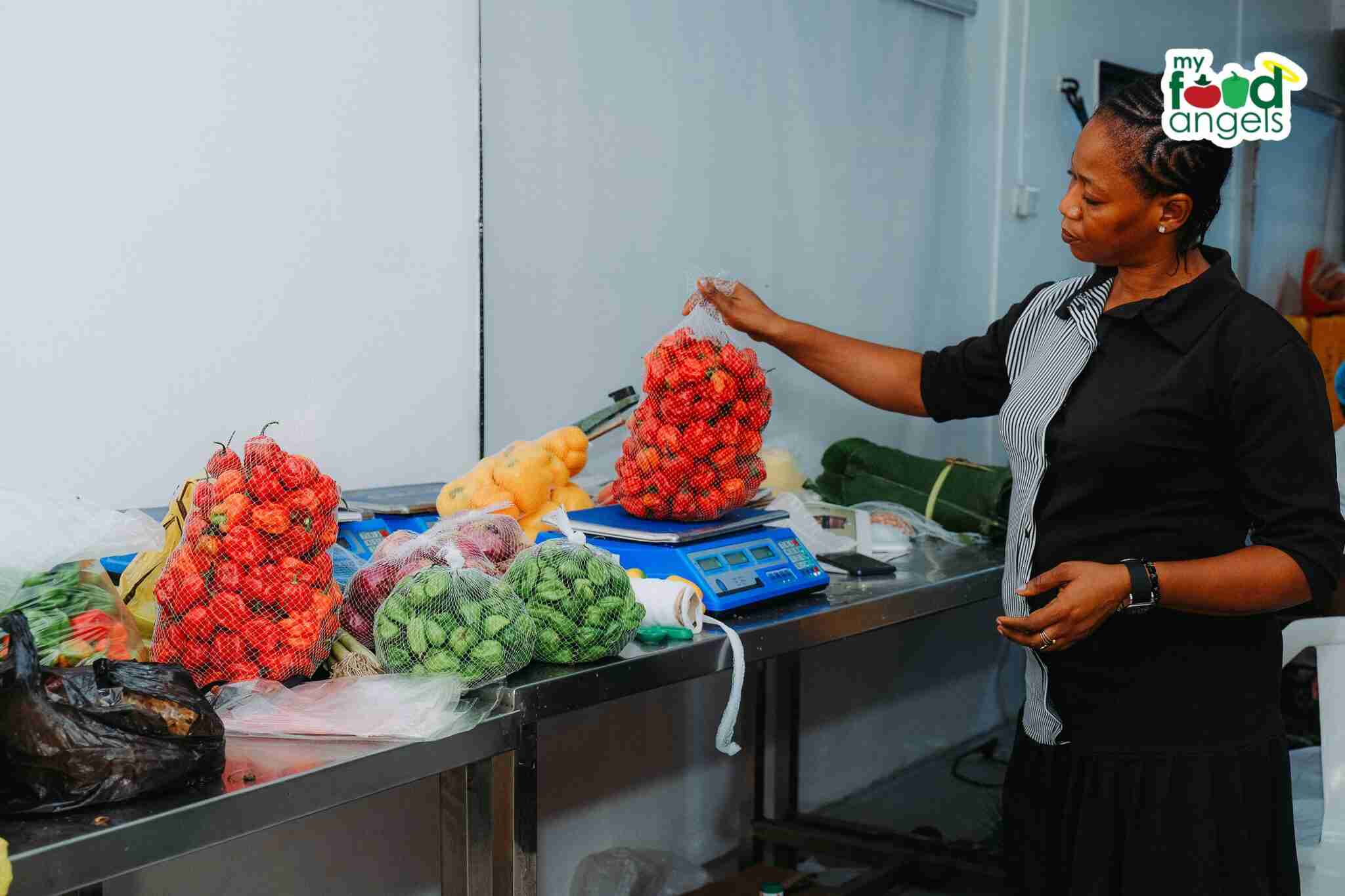
  • MyFoodAngels Goes Green with Sustainable Packaging and Refill Options

    MyFoodAngels Goes Green with Sustainable Packaging and Refill Options

    MyFoodAngels, the grocery delivery startup known for farm-fresh foods and personalized meal recommendations, is taking a big step towards sustainability by rolling out eco-friendly packaging.

    The company has been experimenting with ways to cut down on plastic use while staying aligned with global sustainable development goals. According to CEO Olapeju Umah, one major concern is the waste generated by single-use packaging.

    “Imagine someone bought five kegs of five-litre palm oil from us over the last five months,” Umah explained. “That would leave them with more kegs to trash.”

    To tackle this, MyFoodAngels is introducing reusable packaging and refill options. Customers who opt for palm oil refills, for example, can save money—getting a litre for ₦3,850 instead of ₦4,000. When checking out on the website, they can choose to refill their existing container rather than buying a new one each time.

    MyFoodAngels

    Another initiative is the crate return system for eggs. Instead of accumulating unnecessary egg crates at home, customers can return them after use. “You do not need more egg crates at home to add to the previous ones. We will supply you and take back our crates,” Umah said.

    Looking ahead, the company is also testing biodegradable plastics as a long-term solution, aiming to be the first grocery delivery platform in Nigeria to make a full pivot to sustainable packaging. While palm oil and eggs are the first products to benefit from these changes, MyFoodAngels is working on similar solutions for other grocery items.

    Beyond sustainability, the company has been growing fast. Its gross merchandise value (GMV) has quadrupled in the past year, and in 2024 alone, it served over 50,000 customers. MyFoodAngels has built a strong presence in Lagos by working closely with local farmers and running an in-house palm oil milling operation. Its supply chain delivers fresh groceries like tomatoes, bell peppers, palm oil, and protein directly to both restaurants and individual customers.

    Now, the startup is seeking $500,000 in funding to expand beyond Lagos, develop new products in the fisheries sector, and launch its mobile app, which is currently in beta testing. The app is expected to simplify the ordering process and drive even more growth.

  • Mysten Labs Co-founder’s $1.3M Fund to Train Africa’s Next Top Software Engineers

    Mysten Labs Co-founder’s $1.3M Fund to Train Africa’s Next Top Software Engineers

    Adeniyi Abiodun, Mysten Labs co-founder, and his wife, Gloria, are funding Africa’s next generation of software engineers.

    They’ve set up a $1.3 million endowment fund to help tackle the shortage of skilled tech talent in the region, a problem that could slow down Africa’s booming startup scene.

    Over the next five years, the fund will be managed by Inurere Foundation and will provide student loans to aspiring software engineers enrolled in Semicolon Africa’s Techpreneurship programme. Semicolon, a Nigerian workforce development company, has already trained over 800 engineers and aims to equip more students with in-demand programming skills, including Move, a language used for smart contract development. Meedl Africa, a fintech company, will handle loan disbursement.

    Students can borrow around ₦5 million ($3,300) at a 12% annual interest rate. These repayments will be reinvested into the fund, ensuring a continuous cycle of support for future students. Ashley Immanuel, COO of Semicolon, explained the impact of this structure: “Funds are recycled, meaning many more learners can be trained over time. This fund, which isn’t seeking a financial return, can attract other funding sources to offer affordable interest rates. Nigerian financial providers are interested in student loans, but with MPR at 27.5%, their rates are too high. Blending that ‘expensive’ capital with endowment funds can make loans more affordable.”

    Africa’s tech industry is growing fast, but a lack of trained blockchain engineers threatens to slow things down. For Abiodun, this initiative isn’t just about business—it’s personal. Before launching Mysten Labs, he worked as an engineer at JP Morgan, HSBC, Oracle, and Meta’s Novi, the now-defunct digital wallet project that supported the Libra stablecoin.

    “Supporting Nigerian students while inviting more builders to learn the programming language that has defined my career is immensely rewarding,” Abiodun said. “With the rise of AI and blockchain, we are committed to ensuring African students are high-level contributors to the global tech workforce.”

    The need for skilled tech professionals is only going to grow. Africa’s digital economy is projected to reach $712 billion by 2050, and the demand for software engineers will continue to rise. Sam Immanuel, CEO of Semicolon Africa, believes this fund could inspire similar efforts to bridge the education financing gap.

    “We hope that more individuals—and companies—will follow in the Abioduns’ footsteps and invest in funds, like this endowment, that will engender sustainable talent development across the continent,” he said.

  • Paystack Introduces Zap for Seamless Bank Transactions

    Paystack Introduces Zap for Seamless Bank Transactions

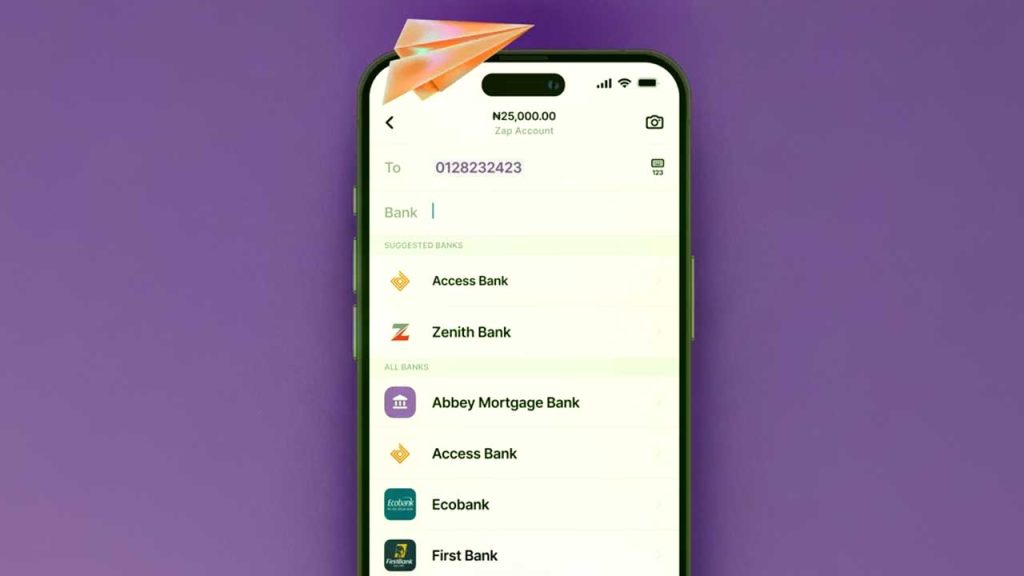
    Paystack just dropped a new product, and if you’re tired of clunky bank apps or high transaction fees, this one’s worth paying attention to. It’s called Zap, a consumer app designed for instant and secure bank transfers—no card networks involved.

    They made the announcement during a live stream on their YouTube page, keeping things direct and transparent, just how they like it.

    Right now, the digital payments space is packed. You’ve got mobile money, digital wallets, and bank apps all fighting for attention. But Zap is taking a different approach. Instead of routing payments through card networks, which can add extra fees and sometimes slow things down, it sticks to good old bank transfers. That means lower costs and fewer middlemen.

    How does Zap work?

    Zap isn’t reinventing the wheel—it’s just making it run smoother. Here’s what to expect:

    FeatureWhat It Means for You
    Instant Bank TransfersNo waiting around—money moves in real-time.
    Secure TransactionsBuilt on Paystack’s existing system, which already processes millions of payments daily.
    Easy to UseNo complicated setup, just straightforward money transfers.

    Where is it available?

    Right now, Zap is live in Nigeria. But Paystack isn’t stopping there—they have plans to roll it out in other markets soon.

    Africa’s digital payments space is booming. More people want quick, reliable ways to send and receive money without dealing with unnecessary fees or complicated apps. Zap is banking on the idea that consumers want a smoother, cheaper experience without the usual friction that comes with traditional banking apps. If it takes off, it could push other fintech players to rethink their approach too.

    For now, if you’re in Nigeria and want a no-fuss way to send and receive money, Zap might be worth checking out.

  • How To Check Your Airtel Number in Nigeria

    How To Check Your Airtel Number in Nigeria

    If you’ve forgotten your Airtel number in Nigeria, dial *121*3*4# to retrieve it instantly. This guide explains alternative methods too.

    Ever found yourself needing to give someone your Airtel number but suddenly realizing you have no idea what it is? Maybe you just bought a new SIM, or you don’t use the number often enough to remember it. Don’t worry—you’re not alone! A lot of people have multiple SIM cards, and it’s easy to forget which number belongs to which one. You can also check all Airtel codes to find other useful USSD shortcuts for your Airtel line.

    Luckily, Airtel makes it super easy to check your number in just a few seconds. This guide will walk you through the different ways to find your Airtel number quickly and effortlessly. Let’s dive in!

    1. Use a USSD Code (The Fastest Method!)

    The simplest and quickest way to check your Airtel number is by dialing a special USSD code. Here’s how:

    1. Open your phone’s dialer.
    2. Dial *121*3*4#.
    3. Press the call button.
    4. Your Airtel number will instantly pop up on your screen.
    5. Jot it down or take a screenshot so you don’t forget!

    This method is perfect when you need your number on the spot without any hassle.

    2. Check Through the Airtel Menu

    If you prefer a step-by-step approach or can’t remember the USSD code above, you can navigate through Airtel’s service menu:

    1. Dial *121# on your Airtel line.
    2. Select Option 3 (‘My Account’).
    3. Choose Option 4 (‘My Number’).
    4. Your Airtel phone number will be displayed on your screen.

    It’s a slightly longer process, but still very easy to follow.

    3. Call or Text a Friend

    Sometimes, the simplest solutions are the best! If you have airtime, you can use your phone to check your Airtel number by doing one of the following:

    • Call a friend: Just dial their number, and once they pick up, ask them to tell you your number.
    • Send an SMS: Text a friend and ask them to send your number back to you.

    If you don’t have airtime, don’t worry—Airtel has a way for you to still reach out to someone.

    How To Check Your Airtel Number in Nigeria

    4. Use Airtel’s “Call Me Back” Feature (If You Have No Airtime)

    If you’re out of airtime and can’t call or text, Airtel allows you to send a free “Call Me Back” message. Here’s how:

    1. Dial *140*Friend’s Number#.
    2. Your friend will receive a message asking them to call you back.
    3. Once they call, ask them to read out your number.

    It’s a handy trick when you’re in a pinch!

    5. Check Your SIM Pack

    If you still have the original SIM pack your Airtel line came in, your phone number is printed on it. Look for the part where the SIM was attached—it usually has the number listed there.

    Quick Comparison of Methods

    MethodRequires Airtime?Steps InvolvedSpeed
    USSD Code *121*3*4#No1 stepFast
    Airtel Menu *121#No3 stepsMedium
    Calling a FriendYes1 stepFast
    Sending an SMSYes1 stepFast
    “Call Me Back” *140*Number#No1 stepFast
    Checking SIM PackNo1 stepInstant

    Now that you know how to check your Airtel number in Nigeria, you’ll never have to struggle with remembering it again. The fastest method is the USSD code *121*3*4#, but if you ever forget it, calling or texting a friend works just as well. If you’re out of airtime, the “Call Me Back” feature is a lifesaver.

    Save this guide for later, or better yet, write your Airtel number down somewhere handy so you always have it when you need it!

  • How to Renew NHIS Membership on Your Phone in Ghana

    How to Renew NHIS Membership on Your Phone in Ghana

    Learn how to renew your NHIS (National Health Insurance Scheme) membership in Ghana quickly by dialing *929# on your phone for renewal.

    Renewing your National Health Insurance Scheme (NHIS) membership in Ghana used to mean long, frustrating queues at NHIS offices. But not anymore! Now, you can do it quickly and easily from your phone, no matter where you are.

    If you’ve ever wondered how to renew your NHIS membership without the stress, this guide will walk you through the entire process in a way that’s simple and easy to follow. By the end, you’ll be renewing your NHIS membership like a pro!

    Why Renew Your NHIS Membership?

    The NHIS gives you access to healthcare services at hospitals, clinics, and pharmacies without paying out-of-pocket for every visit. But here’s the catch: if you don’t renew your membership on time, you lose access to these benefits.

    So, if you want to keep enjoying free or affordable healthcare, renewing your NHIS membership every year is a must. And the good news? You can do it right from your phone, using just a few taps.

    What You Need Before Renewing

    Before you start, make sure you have:

    • A phone with a working AirtelTigo, MTN, or Telecel SIM card
    • Enough money in your mobile money account to pay the renewal fee
    • Your NHIS card number (the 8-digit number found on your NHIS membership ID, just below your date of birth)

    Step-by-Step Guide to Renewing NHIS Membership on Your Phone

    Follow these steps to renew your NHIS membership using your phone:

    Step 1: Dial the NHIS Renewal Code

    • Open your phone’s dialer and type *929#, then press the call button.

    Step 2: Select ‘Renew Membership’

    • You’ll see a menu on your screen with different options.
    • Choose Option 2 (Renew Membership) and press send.

    Step 3: Choose NHIS Card

    • Next, select Option 1 (NHIS Card) when prompted.

    Step 4: Enter Your NHIS Card Number

    • Type in your 8-digit NHIS card number (this is on your membership ID, just below your date of birth).
    • Double-check the number and enter it again to confirm.

    Step 5: Make Payment

    • Follow the on-screen prompts to complete payment using your MTN Mobile Money, AirtelTigo Money, or Telecel Cash.

    Step 6: Confirmation

    • Once payment is successful, you’ll receive an SMS confirming your renewal.

    And that’s it! Your NHIS membership is now active for another year.

    How Much Does NHIS Renewal Cost?

    The renewal cost depends on your age and category. Here’s a breakdown:

    CategoryRenewal Fee (GHS)
    Children (Below 18)6.00
    Adults (18 – 69)28.00
    The Aged (70+)6.00
    SSNIT Contributors6.00
    How to Renew NHIS Membership on Your Phone in Ghana

    Important Things to Know About NHIS Renewal

    • Renewal is valid for one year. You’ll need to renew it every year to continue enjoying NHIS benefits.
    • Renew early to avoid delays. If you renew at least one month before expiry, your coverage will remain uninterrupted.
    • If your membership has expired for more than three months, renewal might take up to one month before it becomes active again.

    Extra NHIS Services You Can Access with *929#

    Besides renewal, the *929# short code allows you to:

    • Check your NHIS policy validity (to confirm if your membership is active)
    • Check NHIS medicine list (to see which medicines are covered)
    • Check benefit package (to know the services covered by NHIS)

    Why This Mobile Renewal System is a Game-Changer

    Before this system, renewing NHIS meant traveling to an NHIS office, standing in long queues, and waiting hours just to pay a renewal fee. Now, with a simple short code, you can renew your membership in minutes—no stress, no long waits, and no transport costs.

    If you haven’t renewed your NHIS yet, don’t wait until you need it for a hospital visit. Dial *929# today and renew from the comfort of your home. Stay covered, stay healthy!

  • How to Get MTN’s Sunday Special Offer in Ghana

    How to Get MTN’s Sunday Special Offer in Ghana

    Enjoy budget-friendly calls, SMS, and data every Sunday—exclusive to prepaid users. Dial *550# to activate or cancel anytime.

    Imagine waking up on a Sunday morning, grabbing your phone, and knowing you have extra airtime, SMS, and data to chat, call, or browse at a super low price. That’s exactly what MTN’s Sunday Special offer gives you! If you’re an MTN prepaid user in Ghana, this is your golden ticket to making the most of your Sundays without breaking the bank.

    Let’s walk through everything you need to know about the MTN Sunday Special: what it is, how to subscribe, how to manage your package, and why it’s a deal worth grabbing.

    What is MTN’s Sunday Special Offer?

    MTN’s Sunday Special is a promotional bundle that gives prepaid customers discounted rates for calls, SMS, and data, but only on Sundays. If you love talking to friends, sending texts, or browsing the internet, this offer helps you do all that for much less.

    Key things to know:

    • The bundle is only for prepaid MTN customers.
    • It automatically renews every week unless you unsubscribe or don’t have enough airtime.
    • You can activate more than one package in a week.
    • The offer is valid for two consecutive Sundays after activation.

    Here are the available packages:

    Price (GHS)SMSVoice (Minutes)Data
    0.761020
    1.41103720MB
    2.63107050MB

    Each package gives you a mix of talk time, SMS, and data. You choose what works best for you!

    How to Subscribe to MTN’s Sunday Special Offer

    Subscribing is simple. Just follow these easy steps:

    1. Make sure you have enough airtime. You need at least GHS 0.76 to get the smallest package.
    2. Dial *550# on your phone. This opens the MTN special offers menu.
    3. Select option 8 for “More.” This takes you to additional promotions.
    4. Choose “Sunday Special.” You’re now in the right place!
    5. Pick your preferred package. If you want more options, enter 99 for the next page.
    6. Press # to continue. This confirms your selection.
    7. Enter 1 to accept. The cost will be deducted from your airtime, and you’ll get a confirmation SMS.

    That’s it! Your Sunday Special bundle is now active.

    How to Check Your Sunday Special Balance

    After subscribing, you might want to check how much airtime, SMS, or data you have left. Here’s how:

    • Dial *124# and press call.
    • Your remaining balance will be displayed on your screen.

    How to Unsubscribe from the MTN Sunday Special Offer

    If you ever want to stop using the Sunday Special bundle, follow these steps:

    1. Dial *550# again.
    2. Select “More” (option 8).
    3. Go to the “Sunday Special” menu.
    4. Scroll until you find “Unsub.” and select it.
    5. You will receive a message confirming your unsubscription.

    Once you unsubscribe, your package won’t renew automatically. If you change your mind, you can subscribe again at any time.

    How to Get MTN’s Sunday Special Offer in Ghana

    FAQs About MTN’s Sunday Special

    1. Does the MTN Sunday Special bundle expire?

    Yes. The bundle expires at 11:59 PM on the Sunday after activation.

    2. Can I use the bundle on any day apart from Sunday?

    No. The Sunday Special package is only valid on Sundays.

    3. Can I subscribe to more than one package?

    Yes! You can buy multiple Sunday Special packages within the same week if you need more talk time, SMS, or data.

    4. Can I change my Sunday Special package?

    Yes. If you want a different package, you’ll need to unsubscribe from your current one and then subscribe to a new package.

    5. What happens if I don’t have enough airtime for renewal?

    If your balance is too low, your Sunday Special bundle won’t renew. You’ll need to manually subscribe again after recharging.

    Why You Should Try the MTN Sunday Special Offer

    If you love staying connected but don’t want to spend too much, the MTN Sunday Special is a great deal. Here’s why:

    • It’s affordable. You get more value for less money.
    • It’s flexible. Choose the package that fits your needs.
    • It’s easy to use. Activating and checking your balance is simple.
    • It renews automatically. No need to resubscribe every week (unless you want to stop).

    So, if you haven’t tried it yet, give it a shot! Dial *550# and activate your Sunday Special today.

    Now you know everything about the MTN Sunday Special offer in Ghana. Whether you want to chat, text, or browse, this bundle gives you a pocket-friendly way to do it all. Happy Sunday saving!

  • How to Buy Data on AirtelTigo Ghana

    How to Buy Data on AirtelTigo Ghana

    Staying connected in Ghana is easy with AirtelTigo. Whether you’re catching up on social media, streaming videos, or chatting with friends, buying data should be simple and stress-free. In this guide, we’ll walk you through the different ways you can purchase data on AirtelTigo Ghana. Think of this as a friendly conversation where we break things down so well that even a 10-year-old could follow along!

    The 3 Easy Ways to Purchase Data on AirtelTigo

    AirtelTigo provides three main ways to buy data:

    1. USSD Code (Quick and Easy)
    2. My AirtelTigo App (For Smartphone Users)
    3. AT Money (Using Mobile Money)

    Now, let’s go through each method step by step.

    Method 1: Buying Data with a USSD Code (The Quickest Way)

    If you have an AirtelTigo SIM card, this is the simplest method. USSD codes work on all types of phones, including basic feature phones and smartphones.

    Follow these steps:

    1. Dial *111# on your phone.
    2. A menu will appear—select “Big Time Data.”
    3. Choose your preferred data package (e.g., 500MB, 1GB, 5GB, etc.).
    4. Select 1 to buy data for yourself.
    5. Choose your payment method (Airtime, AT Money, or Data Loan).
    6. Confirm your purchase.

    After you complete these steps, your data will be credited to your account immediately. The best part? Big Time Data bundles don’t expire! That means you can use them at your own pace without worrying about losing unused data.

    Method 2: Buying Data Using the My AirtelTigo App (Best for Smartphone Users)

    If you have a smartphone and access to Wi-Fi or some mobile data, using the My AirtelTigo app is another easy way to buy data.

    Steps to Buy Data via the AirtelTigo App:

    1. Open the My AirtelTigo App. If you don’t have it, download it from the Google Play Store or Apple App Store.
    2. Scroll down and select “Internet.”
    3. Tap on “Big Time Data.”
    4. Choose your preferred data package.
    5. Select a payment method (Airtime or AT Money).
    6. Tap “Buy Internet” to confirm your purchase.

    Once the transaction is completed, your data will be credited instantly, and you can start browsing!

    Method 3: Buying Data with AT Money (Great for Mobile Money Users)

    If you use mobile money, this method is for you. AT Money makes it convenient to buy data without needing airtime.

    How to Buy Data with AT Money:

    1. Dial *110# on your AirtelTigo line.
    2. Select “Buy Airtime/Data.”
    3. Choose “Big Time Data.”
    4. Pick your preferred data package.
    5. Select “Buy One Time.”
    6. Enter your AT Money PIN to authorize the payment.
    7. Confirm the purchase.

    Your data will be credited immediately, and you can start using it right away.

    AirtelTigo Data Packages and Prices

    AirtelTigo offers a variety of data bundles to suit different needs. Here’s a quick look at some of the most popular options:

    Bundle TypePrice (GHS)Data VolumeValidity
    Big Time Data150MBNo Expiry
    Big Time Data101GBNo Expiry
    Sika Kokoo Bundle5750MB7 Days
    Unlimited Night Data10Unlimited (11 PM – 5 AM)1 Night
    Family Pack9912GB30 Days

    Key Takeaways on Data Bundles:

    • Big Time Data bundles never expire, making them great for long-term use.
    • Sika Kokoo Bundles are budget-friendly and have shorter validity.
    • Unlimited Night Data lets you browse all night at an affordable price.
    • Family Pack offers large data volumes suitable for sharing.
    How to Buy Data on AirtelTigo Ghana

    FAQs About Buying Data on AirtelTigo

    How can I check my AirtelTigo data balance?

    You can check your data balance in two ways:

    • Dial *504# to receive an SMS with your remaining balance.
    • Use the My AirtelTigo app to see your balance and transaction history.

    Can I buy an AirtelTigo data bundle for someone else?

    Yes! AirtelTigo allows you to send data to another user. You can do this using the USSD code, My AirtelTigo app, or AT Money.

    Do AirtelTigo data bundles expire?

    • Big Time Data bundles do not expire (you use them until they finish).
    • Other bundles, like Sika Kokoo and Family Pack, come with validity periods (e.g., 7 days or 30 days).

    How Do I buy the AirtelTigo fuse bundle?

    To buy the AirtelTigo fuse bundle, dial *567# and select your preferred option. Fuse Voice Only (for calls) or Fuse Voice & Data (for calls + internet).

    Buying data on AirtelTigo Ghana is easy, whether you prefer using a USSD code, the My AirtelTigo app, or AT Money. If you’re someone who wants flexibility, go for Big Time Data bundles that don’t expire. If you need data at a lower cost for a short period, the Sika Kokoo bundle is a good option. And if you love browsing at night, Unlimited Night Data has got you covered.

    Now that you know how to buy AirtelTigo data, which method do you think is best for you? Give it a try and enjoy uninterrupted internet access!

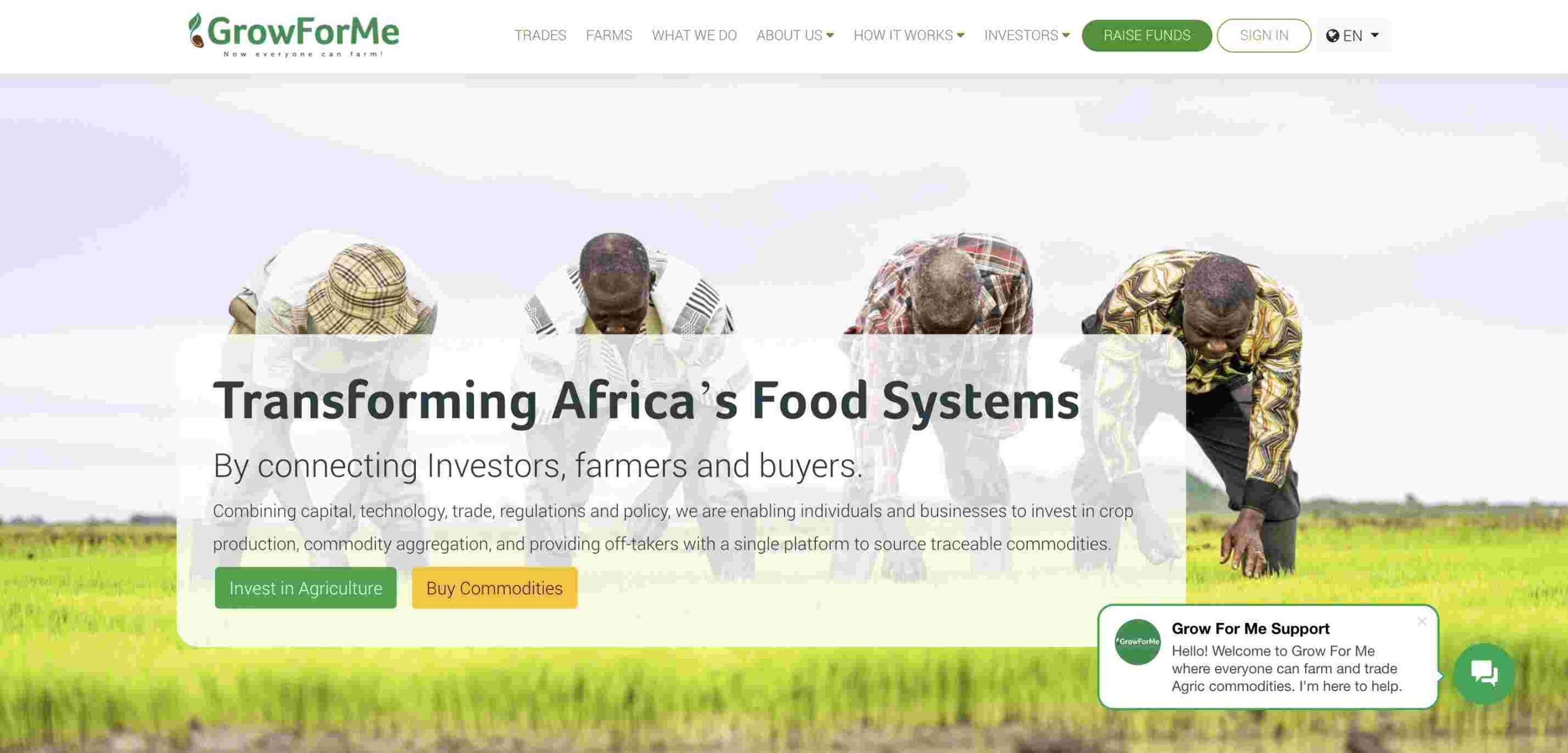
  • How to Use MTN Grow For Me to Invest in Ghana

    How to Use MTN Grow For Me to Invest in Ghana

    Invest in farming in Ghana with MTN Grow For Me using Mobile Money. Dial *170# to start your agricultural investment today.

    Investing can seem complicated, but what if you could help farmers grow crops while making money? That’s exactly what MTN Grow For Me offers. It’s an easy way to invest in agriculture without getting your hands dirty. If you’ve ever wondered how to turn your money into more money while supporting local farmers, you’re in the right place. Let’s break it down step by step.

    What is MTN Grow For Me?

    MTN Grow For Me is a partnership between MTN Ghana and Grow For Me, an agricultural crowdfunding platform. It connects investors with farmers who need financial support to cultivate crops. You invest money, the farmers use it to grow crops, and when the crops are sold, you get a share of the profits. Simple, right?

    Here’s how it works in a nutshell:

    1. You invest money in crops through MTN MoMo (Mobile Money).
    2. Farmers use your investment to plant and grow crops.
    3. When the crops are harvested and sold, you receive a percentage of the profit.

    Your return on investment (ROI) depends on the crop you choose, market prices, and farming conditions. Returns typically range from 4% to 35%, which is much higher than what most savings accounts offer.

    How to Use MTN Grow For Me to Invest in Ghana

    How Does MTN Grow For Me Work?

    Think of this as a simple three-step process:

    Step 1: Choose What to Invest In

    You can invest in either:

    • Farming – Funding the entire growing process from planting to harvest.
    • Trading – Funding the packaging and selling of already-grown crops.

    Here’s a quick comparison:

    Investment TypeReturnsRisk LevelCommitment Level
    FarmingPotentially higherHigher (crop failure, weather conditions)Longer-term (months)
    TradingQuicker but lowerLower (since crops are already grown)Short-term (weeks)

    Step 2: Fund Your Investment

    Once you’ve decided whether to fund a farm or trade, you’ll choose the crop you want to invest in. Options include maize, soybeans, pepper, cocoa, cashew, and more. You’ll then select the number of units to fund.

    For example, if you choose maize farming, one unit equals 1/8th of an acre. The more units you fund, the larger your potential returns.

    Step 3: Harvest and Profit

    After the crops are sold, the profits are shared as follows:

    • 50% goes to you, the investor.
    • 35% goes to the farmer.
    • 15% goes to Grow For Me for operations.

    That means if the farm makes a GHS 1,000 profit, you get GHS 500, the farmer gets GHS 350, and Grow For Me keeps GHS 150.

    How to Register and Invest Using MTN Grow For Me

    If you have an MTN MoMo account, signing up is straightforward. Just follow these steps:

    1. Dial *170# on your MTN line.
    2. Select Financial Services.
    3. Choose Pensions and Investments.
    4. Select Grow For Me.
    5. Choose I want to Fund/Invest.
    6. Enter 1 to agree to the terms and conditions.
    7. Select Fund a Farm or Fund a Trade.
    8. Pick a crop or trade option.
    9. Enter the number of units you want to fund.
    10. Confirm your selection.
    11. Approve the payment via MoMo.

    Once completed, you’ll receive a confirmation SMS with details of your investment.

    Alternative Method: You can also invest by dialing *800*008# on any local network or visit the Grow For Me website.

    How to Use MTN Grow For Me to Invest in Ghana

    Why Invest with MTN Grow For Me?

    If you’re still on the fence, here are a few reasons why MTN Grow For Me is a great investment choice:

    • Earn Passive Income: Your money works for you without requiring hands-on involvement.
    • Support Ghanaian Farmers: Your investment helps farmers access resources they might not afford otherwise.
    • Better Returns than Savings Accounts: With potential returns of up to 35%, this beats most traditional bank savings rates.
    • Transparent and Easy to Use: You can track your investment progress through regular updates.

    Important Terms to Know

    Before investing, here are some key terms you should understand:

    TermMeaning
    Return on SponsorshipThe percentage of profit you earn from your investment.
    UnitThe measure of a farm or trade you’re investing in. For farming, one unit is 1/8th acre.
    Investment RiskThe possibility of losing your money due to factors like crop failure or price drops.

    Risks to Consider

    No investment is risk-free, and agriculture comes with its own challenges. Here are some potential risks:

    • Weather Conditions: Droughts or floods can affect crop yields.
    • Market Prices: If crop prices drop, returns may be lower than expected.
    • Crop Diseases: Pests and diseases can reduce harvest sizes.

    While these risks exist, Grow For Me works with experienced farmers and agricultural experts to minimize them as much as possible.

    MTN Grow For Me is a great way to invest in Ghana’s agricultural sector while earning potential profits. Whether you choose farming or trading, this investment model lets you support farmers and make money at the same time. It’s simple, transparent, and accessible through MTN MoMo.

    If you’re looking for a way to grow your money while making a real impact, why not give it a try?

  • 12 Trusted Platforms for Sending Money to Nigeria

    12 Trusted Platforms for Sending Money to Nigeria

    Sending money to Nigeria should be simple, safe, and fast. Whether you’re supporting family, paying for services, or handling business transactions, choosing the right platform matters. But with so many options, how do you know which one to pick? No worries—I’ve got you covered. Let’s break it down in a way that makes sense, just like explaining a game plan to a friend.

    Key Features of a Reliable Money Transfer Platform

    Before diving into the list, here’s what we should look for in a good money transfer service:

    • Security – Your money should be safe from fraud and scams.
    • Speed – Some transfers are instant, while others take days.
    • Fees – Look for low or no fees.
    • Exchange Rates – Some services give better rates than others.
    • Ease of Use – It should be simple to send money without headaches.
    • Payment Methods – Options should include bank transfers, mobile wallets, and cash pickups.

    Now, let’s explore 12 trusted platforms that make sending money to Nigeria easy and reliable.

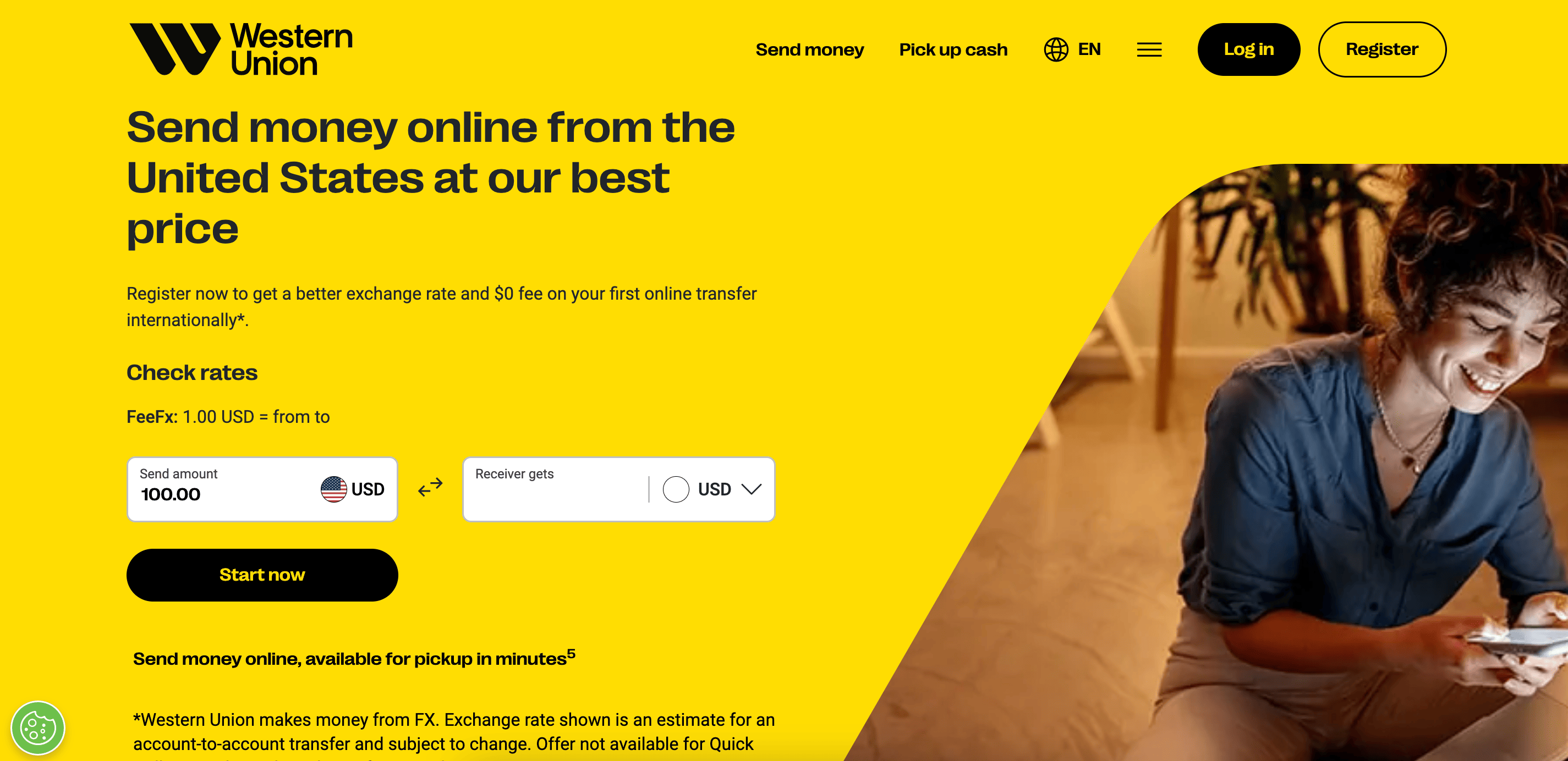
    1. Western Union

    Western Union

    Why it’s great:

    • Western Union has a large global network with thousands of locations.
    • Supports bank deposits, cash pickup, and mobile money.
    • Flexible payment options, including credit/debit cards and bank transfers.

    Best for: Sending money to someone who prefers picking up cash in person.

    2. MoneyGram

    Why it’s great:

    • Fast and available worldwide.
    • Supports cash pickup, mobile money, and bank deposits.
    • Available in many retail locations, making it easy to send money.

    Best for: Those who prefer in-person transactions or need fast cash pickups.

    3. Remitly

    Why it’s great:

    • Express (instant) and Economy (cheaper but slower) options.
    • Supports mobile money, bank deposits, and cash pickup.
    • Offers promotional exchange rates for first-time users.

    Best for: First-time senders looking for a good deal and reliable delivery options.

    4. WorldRemit

    Why it’s great:

    • Supports bank deposits, mobile money, and cash pickups.
    • Fast delivery, often within minutes.
    • Reasonable fees with competitive exchange rates.

    Best for: Sending money in multiple ways, especially for cash pickups and mobile wallets.

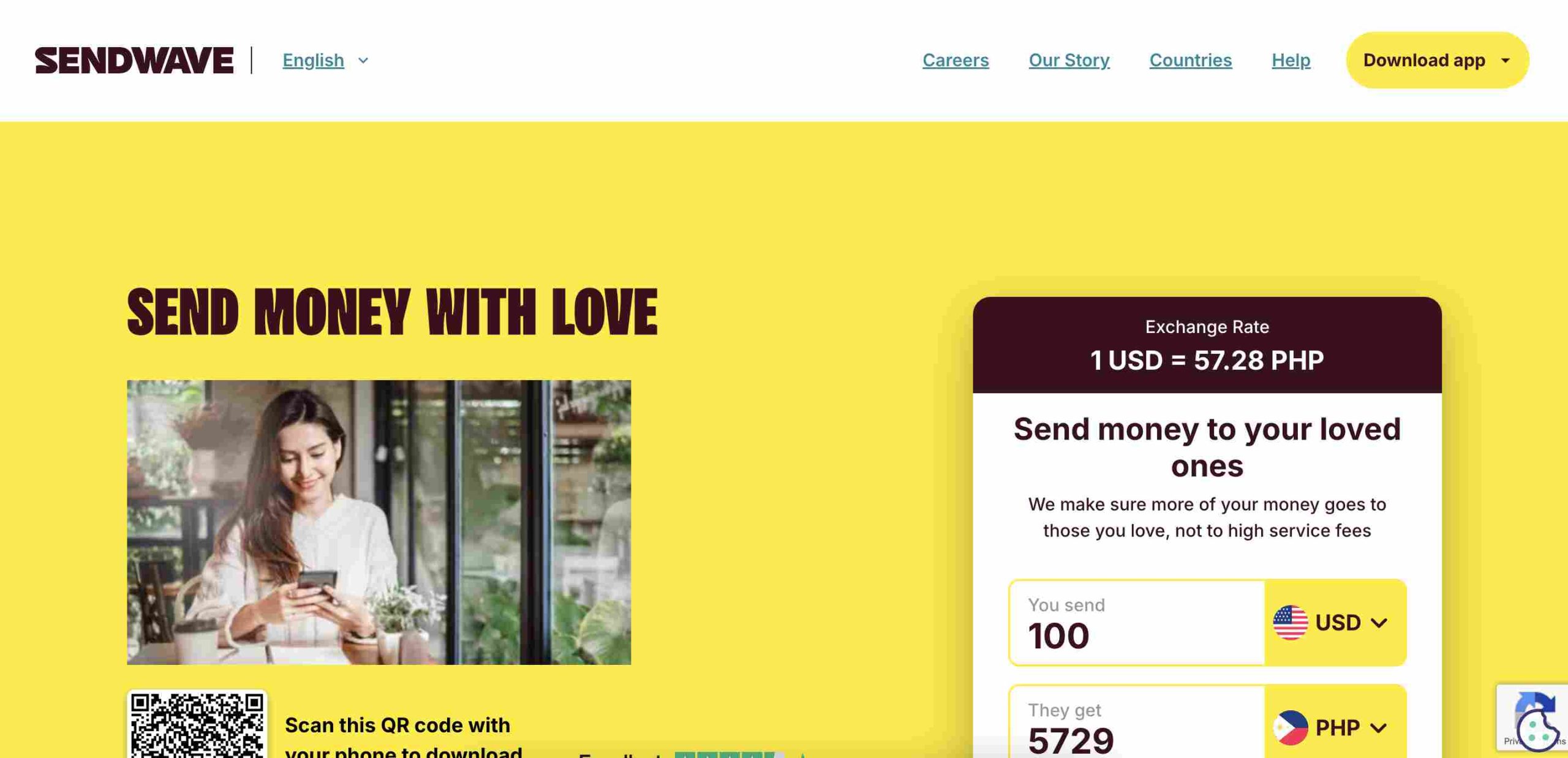
    5. Sendwave

    Sendwave

    Why it’s great:

    • No fees for transfers.
    • Fast transfers, often within minutes.
    • Sendwave works with mobile money services like Opay and PalmPay.
    • Easy to use with a mobile app.

    Best for: People who want quick, fee-free transfers straight to a mobile wallet.

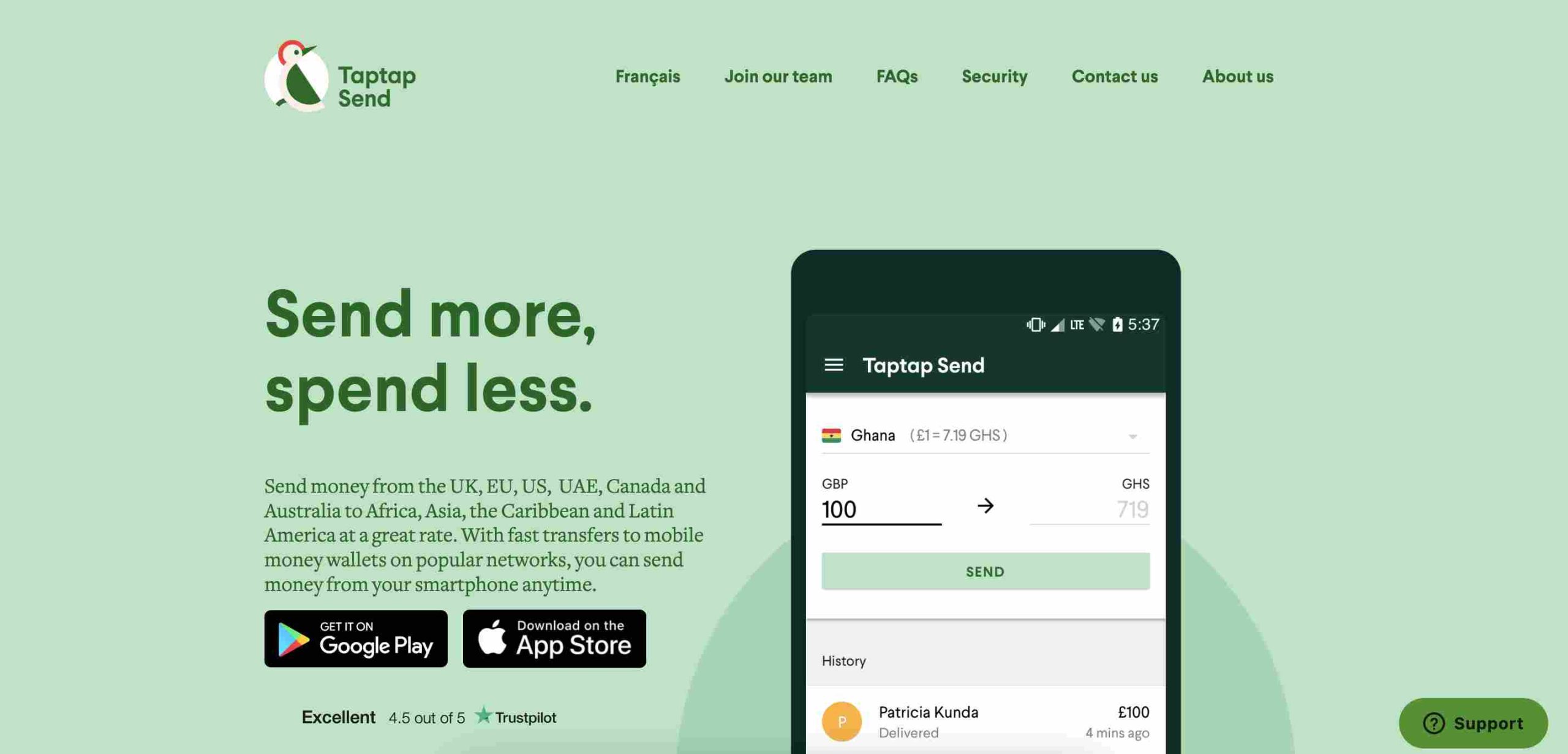
    6. Taptap Send

    Taptap Send

    Why it’s great:

    • On Taptap Send, there are no fees on transfers.
    • Direct deposits to mobile money accounts.
    • Simple mobile app for easy transfers.

    Best for: Mobile money users who want a fee-free option for fast transfers.

    7. ACE Money Transfer

    Why it’s great:

    • ACE Money Transfer offers competitive exchange rates.
    • Multiple payout options: bank deposits, mobile wallets, and cash pickup.
    • Trusted by many African users.

    Best for: Those who want flexible payout options with good exchange rates.

    8. LemFi

    LemFi

    Why it’s great:

    • Zero fees on transactions.
    • LemFi supports multiple currencies.
    • Works well for Nigerians in the diaspora sending money home.

    Best for: People looking for fee-free international transfers with multi-currency support.

    9. Paysend

    Why it’s great:

    • Flat transfer fee of about $2.
    • Direct transfers to bank accounts and mobile wallets.
    • Fast transactions, often within minutes.

    Best for: Those who want low-cost international transfers with simple pricing.

    10. Skrill

    Why it’s great:

    • Allows sending money using a digital wallet.
    • Low-cost transactions compared to traditional banks.
    • Works well for online purchases and payments as well.

    Best for: Digital-savvy users who want a multi-purpose wallet for sending money and online transactions.

    11. TransferGo

    Why it’s great:

    • Fast transfers, sometimes as quick as 30 minutes.
    • Competitive exchange rates.
    • Supports bank deposits.

    Best for: Those who need quick transfers to a bank account with good exchange rates.

    12. Remitbee

    RemitBee

    Why it’s great:

    • No fees for bank transfers over $500.
    • Good exchange rates compared to banks.
    • Remitbee works well for Canadians sending money abroad.

    Best for: People in Canada who want affordable and reliable transfers.

    Comparing the Best Options

    Here’s a quick comparison to help you choose the right service:

    PlatformFeesSpeedPayment MethodsBest For
    Western UnionVariesFastBank, mobile, cashCash pickups worldwide
    MoneyGramVariesFastBank, mobile, cashIn-person and urgent transfers
    RemitlyLowVariesBank, mobile, cashFirst-time users & flexible options
    WorldRemitLowFastBank, mobile, cashMultiple transfer options
    SendwaveNoFastMobile moneyInstant, fee-free transfers
    Taptap SendNoFastMobile moneyFee-free mobile money transfers
    ACE Money TransferLowFastBank, mobile, cashCompetitive exchange rates
    LemFiNoFastMulti-currencyNo-fee transfers
    Paysend$2FastBank, mobileLow-cost transfers
    SkrillLowFastDigital walletOnline payments & money transfers
    TransferGoLowFastBank depositsQuick bank transfers
    RemitbeeNo (over $500)FastBank depositsCanadians sending money

    Your choice of money transfer platform depends on what matters most—speed, cost, or payout methods. For no-fee mobile transfers, Sendwave and Taptap Send are excellent options. If you prioritize favorable exchange rates, TransferGo or ACE Money Transfer might be the best fit. And for those who need cash pickup, Western Union or MoneyGram could be the right solution. No matter which you choose, all these platforms are secure and trustworthy for sending money to Nigeria.

  • Top 15 Online Businesses in Nigeria to Make Money Daily

    Top 15 Online Businesses in Nigeria to Make Money Daily

    The internet is like a giant marketplace where people buy, sell, and make money every single day. In Nigeria, many online businesses allow you to earn daily without needing a physical shop. Whether you’re a student, stay-at-home parent, or someone looking for extra cash, there’s an online business for you. Let’s explore 15 of them and how they work!

    1. Freelancing (Writing, Graphic Design, Programming)

    Freelancing means offering your skills online to people who need them. If you’re good at writing, designing, or coding, you can find work on platforms like Fiverr, Upwork, and PeoplePerHour. Businesses and individuals post jobs, and you get paid per task.

    Example: A Nigerian writer on Fiverr can earn between ₦5,000 to ₦50,000 per article, depending on the quality and length.

    2. Affiliate Marketing

    Affiliate marketing is like being a middleman. You promote other people’s products using special links, and when someone buys through your link, you earn a commission. Platforms like Jumia Affiliate, Konga Affiliate, and Amazon Associates allow you to earn daily.

    Example: If you promote a phone that costs ₦100,000 and the company gives you 5% commission, you earn ₦5,000 per sale.

    3. Blogging with Ad Networks and Sponsored Posts

    Blogging involves creating a website where you write about topics people are interested in. You make money by displaying ads from Google AdSense, Mediavine, or Adsterra, and through sponsored posts where brands pay you to write about them.

    Example: A Nigerian blogger earning ₦500 per 1,000 views can make ₦5,000 daily if they get 10,000 visitors.

    4. Selling Food Online

    If you love cooking, why not sell homemade meals online? You can take orders through WhatsApp, Instagram, or Facebook and deliver them via dispatch riders.

    Example: If you sell 10 plates of jollof rice at ₦2,000 each, that’s ₦20,000 daily!

    5. Print-on-Demand Business

    With print-on-demand, you design custom T-shirts, mugs, or phone cases and sell them online. Websites like Printivo and Teespring handle printing and delivery while you focus on marketing.

    Example: If a T-shirt costs ₦3,000 to make and you sell it for ₦6,000, you earn ₦3,000 per sale.

    6. Social Media Management

    Many businesses need help managing their social media pages. If you understand how to create posts, reply to comments, and grow followers, you can offer social media management services.

    Example: Some Nigerian businesses pay ₦30,000 to ₦100,000 monthly for social media managers.

    7. YouTube Content Creation

    YouTube pays content creators through ads, sponsorships, and product promotions. If you can create engaging videos, this is a great way to earn daily income.

    Example: A YouTube channel with 10,000 views per day could earn around ₦10,000 – ₦30,000 daily from ads.

    Best Online Businesses in Nigeria to Make Money Daily

    8. Forex Trading

    Forex trading is buying and selling currencies to make a profit. It requires learning, patience, and the right strategy, but once mastered, it can be very profitable.

    Example: A skilled trader making ₦5,000 profit per trade could do 3-5 trades daily, making ₦15,000 – ₦25,000 per day.

    9. Cryptocurrency Trading

    Crypto trading involves buying and selling digital currencies like Bitcoin and Ethereum. It works like forex trading, but the market runs 24/7.

    Example: If you buy ₦50,000 worth of Bitcoin and sell it for ₦55,000, you just made ₦5,000 profit.

    10. Virtual Assistant Services

    A virtual assistant helps business owners with tasks like email management, data entry, and scheduling meetings.

    Example: Many Nigerian VAs earn between ₦5,000 to ₦15,000 per day depending on the tasks.

    11. Online Tutoring

    If you’re good at a subject, you can teach others online via Zoom or WhatsApp and get paid.

    Example: Teaching five students at ₦2,000 per class gives you ₦10,000 daily.

    12. Selling Digital Products (Ebooks, Courses, Templates)

    You can create ebooks, online courses, or business templates and sell them repeatedly without worrying about inventory.

    Example: Selling 20 copies of a ₦2,500 ebook makes ₦50,000 daily.

    13. Data Entry Jobs

    Data entry involves typing information into a computer system. Many companies outsource this work, and you can do it from home.

    Example: You could earn ₦3,000 – ₦10,000 per day, depending on the workload.

    14. Mobile Money Agent Business

    With a mobile money business, you help people withdraw, deposit, or transfer money using fintech services like Opay, Paga, or Moniepoint.

    ServiceCharge per TransactionDaily TransactionsDaily Earnings
    Cash Withdrawal₦100 per ₦5,00050 transactions₦5,000
    Cash Deposit₦50 per ₦5,00050 transactions₦2,500
    Bills Payment₦100 per bill20 transactions₦2,000

    Total Estimated Daily Earnings: ₦9,500+

    15. Domain Flipping

    Domain flipping is buying domain names (e.g., bestnaijadeals.com) at a low price and selling them for a profit.

    Example: If you buy a domain for ₦5,000 and sell it for ₦50,000, that’s a ₦45,000 profit!

    Starting an online business in Nigeria is easier than ever. Whether you love writing, teaching, or trading, there’s an option for you. The key is consistency, patience, and learning the right skills. Which of these businesses sounds most interesting to you? Start today and make money daily!

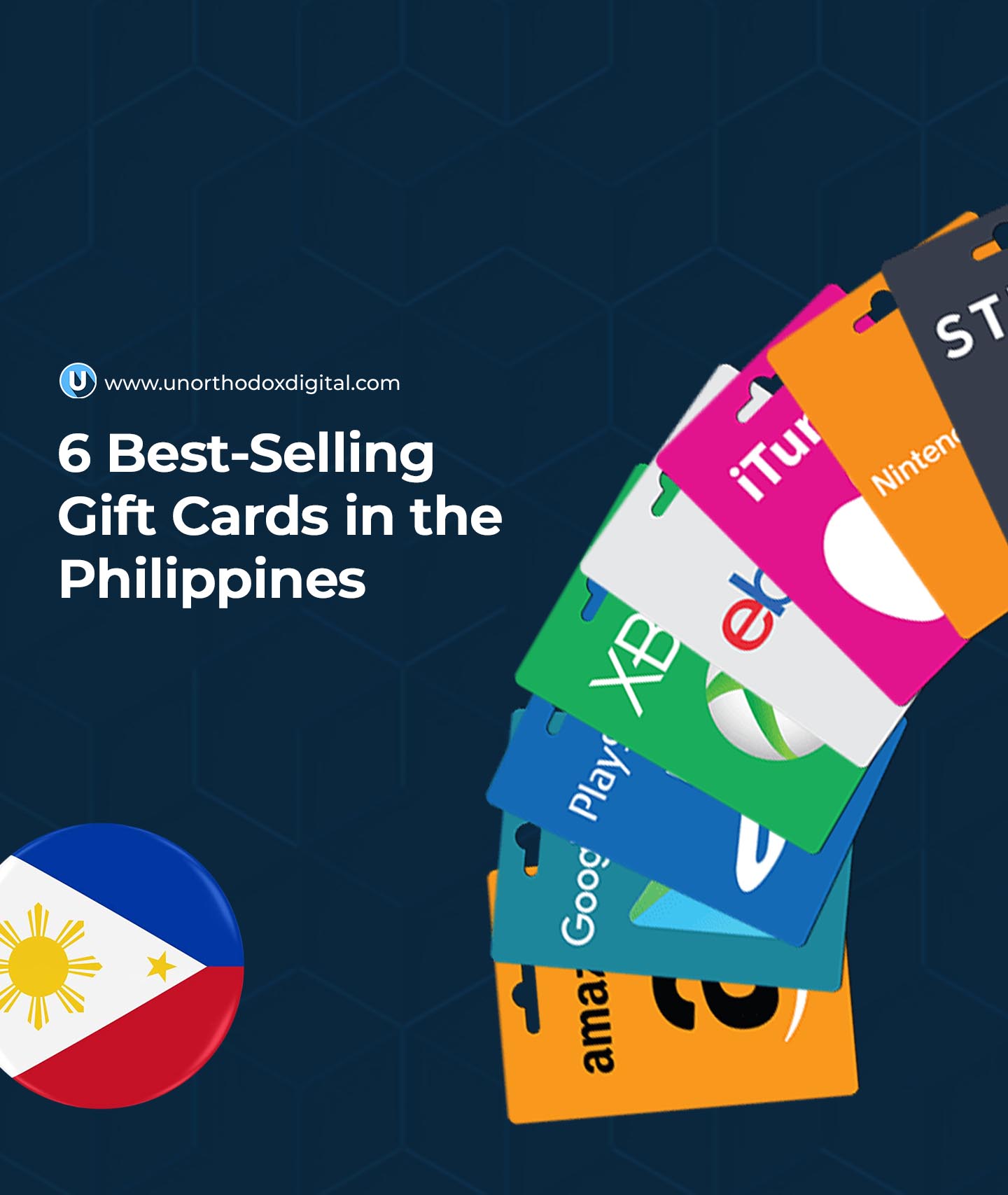
  • The 6 Best-Selling Gift Cards in the Philippines

    The 6 Best-Selling Gift Cards in the Philippines

    Gift cards are like tiny treasure chests of possibilities. Whether you want to shop, play games, or buy tech gadgets, a gift card makes it easier to get what you want without needing cash or a credit card. In the Philippines, certain gift cards are more popular than others, and today, we’re breaking down the six best-selling ones. If you’ve ever wondered which gift cards people love the most, this guide will make it all clear.

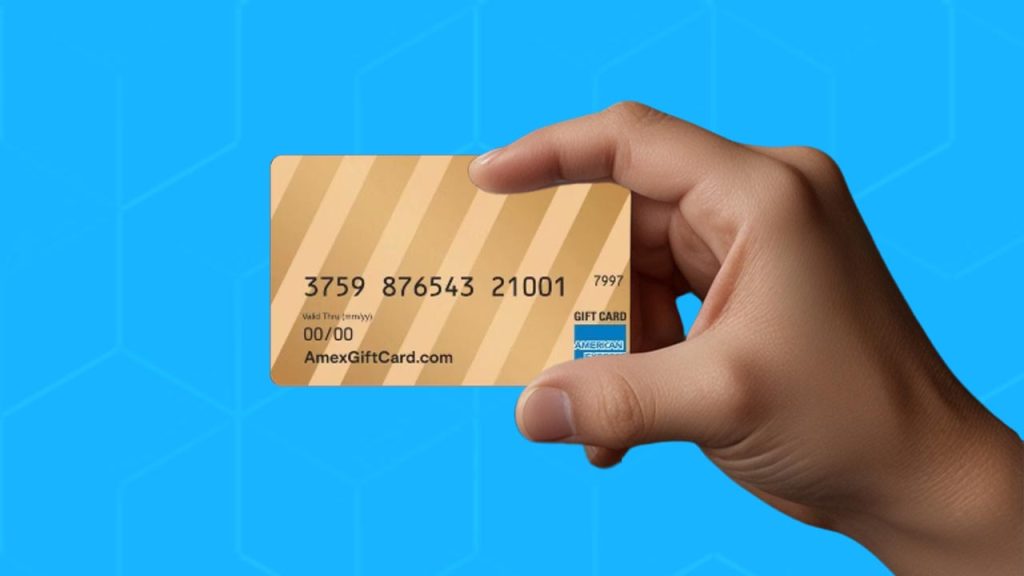
    1. AMEX Gift Cards

    An AMEX (American Express) gift card is like having a mini-wallet that works almost everywhere AMEX is accepted. Think of it as a prepaid debit card—load it up with money, and you’re free to use it in restaurants, shops, and even online stores.

    Why People Love It:

    • Works at countless locations in the Philippines and internationally.
    • Great for those who don’t like carrying cash.
    • Can be used for travel expenses, shopping, and entertainment.

    Where to Buy: You can find AMEX gift cards at major banks, online retailers, and financial service providers.

    2. Apple Gift Cards

    If you or someone you know is an Apple fan, this is the ultimate gift card. Apple gift cards let you buy all things Apple—MacBooks, iPhones, iPads, and even digital content like apps, music, and movies.

    Why People Love It:

    • Can be used to buy both Apple hardware and software.
    • Perfect for app store purchases, music subscriptions, and iCloud storage.
    • Easy to buy online and in stores.

    Where to Buy: Available at Apple Stores, official retailers, and online platforms.

    3. Steam Gift Cards

    Gamers in the Philippines know that a Steam gift card is a golden ticket to thousands of video games. Steam is one of the biggest gaming platforms in the world, offering everything from indie titles to blockbuster games.

    Why People Love It:

    • Can be used to buy games, downloadable content, and in-game items.
    • No need for a credit card—just load your Steam wallet and start playing.
    • Works globally, so you can gift it to friends in other countries.

    Where to Buy: Available at gaming stores, online retailers, and major convenience stores.

    4. Amazon Gift Cards

    Amazon gift cards open the door to an endless shopping spree. From electronics to books to household items, Amazon has everything. While Amazon doesn’t have a local store in the Philippines, many people still buy from their international sites.

    Why People Love It:

    • Gives access to millions of products on Amazon.
    • Perfect for ordering items not available locally.
    • Can be used for e-books, music, and digital content.

    Where to Buy: Available on the Amazon website, select third-party sellers, and online gift card marketplaces.

    The 6 Best-Selling Gift Cards in the Philippines

    5. PlayStation Gift Cards

    PlayStation gift cards are like magic keys for gamers. They let you buy games, add-ons, and subscriptions like PlayStation Plus, which allows online multiplayer gaming.

    Why People Love It:

    • Can be used to buy the latest PlayStation games and in-game content.
    • No need for a credit card—just redeem the code and start playing.
    • Works for PlayStation consoles, from PS4 to PS5.

    Where to Buy: Found in gaming stores, supermarkets, and online gaming platforms.

    6. Razer Gold Gift Cards

    Razer Gold is one of the most popular gaming currencies, used for buying games, skins, and in-game items across various platforms. It’s like a virtual wallet that gamers use for digital purchases.

    Why People Love It:

    • Can be used in hundreds of games and gaming services.
    • Offers exclusive rewards and bonuses when used.
    • Easy to top up and redeem.

    Where to Buy: Available in gaming stores, online retailers, and Razer’s official website.

    Where to Buy Gift Cards in the Philippines

    If you’re looking to buy any of these gift cards, here are some of the best places to find them:

    MethodDetails
    Third-Party WebsitesOnline platforms resell gift cards in smaller amounts, making them easy to buy.
    HypermarketsBig stores like PureGold and Shopwise stock popular gift cards.
    Physical OutletsOfficial stores, such as Apple or gaming retailers, sell direct gift cards.

    Buying gift cards in the Philippines is simple, and with so many options, there’s always something for everyone. Whether you’re shopping for yourself or looking for the perfect gift, these best-selling gift cards offer convenience, flexibility, and tons of possibilities. Happy shopping!

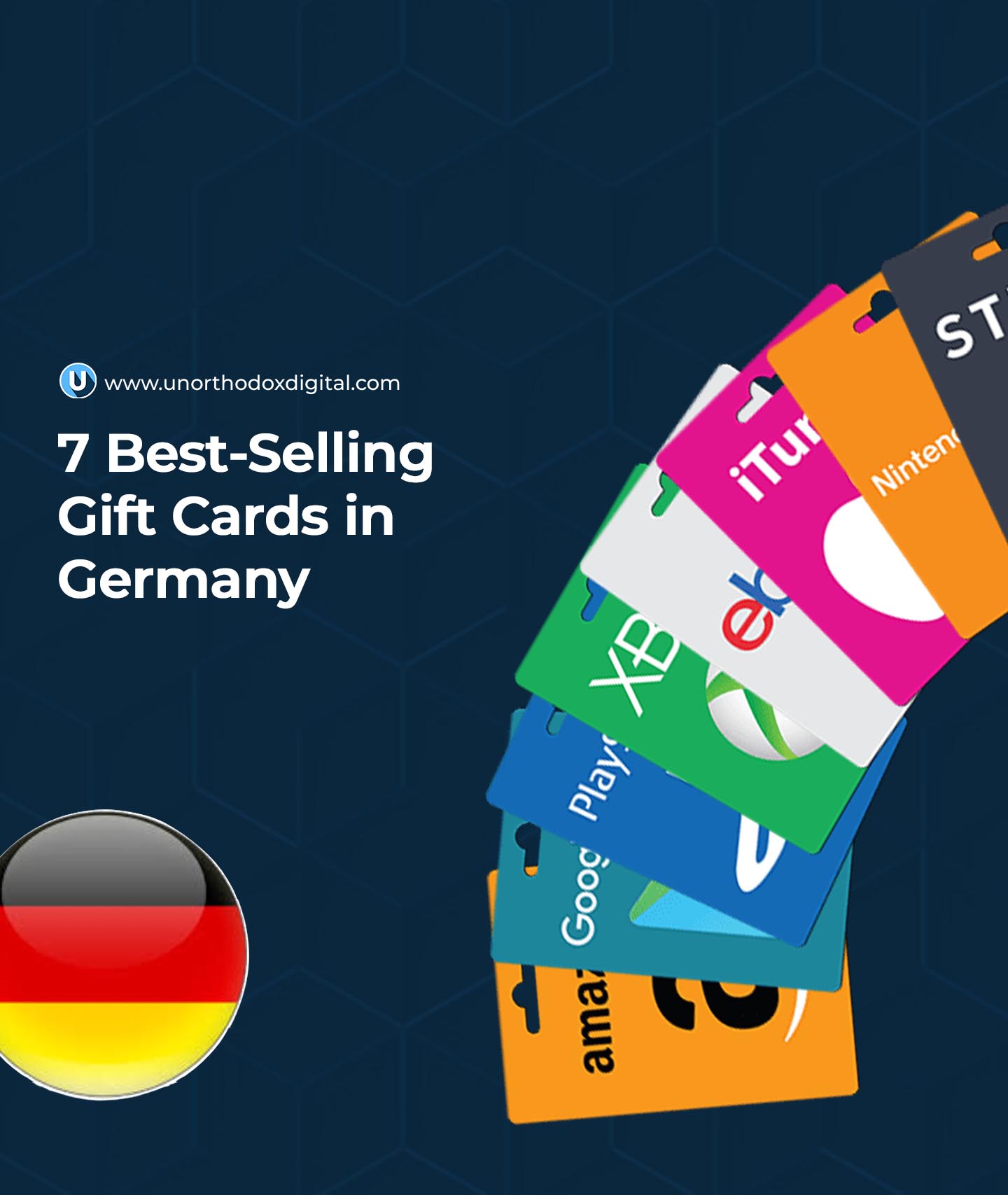
  • The 7 Best-Selling Gift Cards in Germany

    The 7 Best-Selling Gift Cards in Germany

    Gift cards are like little bundles of freedom. They let you pick exactly what you want without worrying about getting the wrong size, color, or brand. In Germany, some gift cards are more popular than others because they offer great choices and flexibility. Let’s break down the top seven best-selling gift cards in Germany and why people love them.

    1. Amazon Gift Cards – The All-in-One Option

    Think of Amazon as the one-stop shop for pretty much everything. Whether you want a book, a kitchen gadget, a new phone case, or even groceries, Amazon has it. That’s why Amazon gift cards are the most popular in Germany.

    • Available in various amounts, so you can gift as little or as much as you want.
    • Works perfectly on Amazon.de (the German version of Amazon).
    • Can be used to buy electronics, fashion, home essentials, and even digital goods like e-books and movies.
    • Perfect for birthdays, holidays, or even a quick ‘thank you’ gift.

    Why it’s a great choice: Everyone can find something they love on Amazon, making this the safest gift card choice.

    2. Apple Gift Cards – For the Apple Fans

    If someone owns an iPhone, iPad, MacBook, or any other Apple product, an Apple gift card is a fantastic option.

    • Can be used to buy apps, games, music, movies, and even iCloud storage.
    • Works in Germany without any issues, as long as the currency is in Euros.
    • A great way to help someone get that paid app they’ve been eyeing.

    Why it’s a great choice: Apple users always have something to buy, whether it’s a new app, a cool subscription, or extra iCloud space.

    3. Google Play Gift Cards – Android’s Best Friend

    Not everyone uses an iPhone—many people in Germany have Android phones, and for them, a Google Play gift card is ideal.

    • Lets users buy apps, books, music, and movies on the Google Play Store.
    • Can be used to subscribe to services like YouTube Premium.
    • Great for people who love mobile gaming or enjoy reading e-books.

    Why it’s a great choice: Whether they want a new game, an audiobook, or a premium app, a Google Play gift card gives them the freedom to choose.

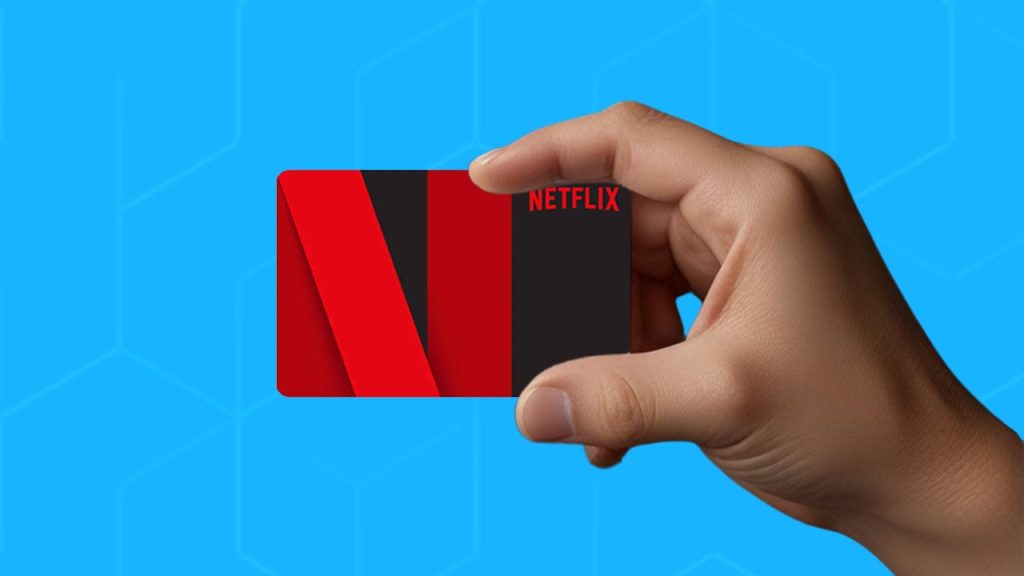
    4. Netflix Gift Cards – Unlimited Entertainment

    Netflix is huge in Germany, just like everywhere else. A Netflix gift card means someone can binge-watch their favorite shows without worrying about a subscription.

    • Works for both new and existing Netflix accounts.
    • Can be used to pay for a few months of Netflix, depending on the amount.
    • Perfect for movie lovers, TV show addicts, or someone who just wants to chill.

    Why it’s a great choice: Everyone needs entertainment, and Netflix has something for every taste—from action to romance to documentaries.

    5. Spotify Gift Cards – Music Without Limits

    For music lovers, a Spotify gift card is like handing them an unlimited playlist with no ads.

    • Gives access to Spotify Premium, so they can listen without interruptions.
    • Allows them to download music and listen offline, which is great for travel.
    • Helps them explore German music and international hits.
    Subscription DurationApproximate Cost in Euros
    1 Month€10
    3 Months€30
    6 Months€60

    Why it’s a great choice: Whether they’re commuting, working out, or just relaxing, Spotify keeps them entertained.

    6. Steam Gift Cards – A Gamer’s Dream

    Steam is the biggest platform for PC gaming, and a Steam gift card is a perfect gift for anyone who loves video games.

    • Can be used to buy new games, expansions, or even in-game content.
    • Works on any Steam account, as long as it’s in the right currency (Euros for Germany).
    • Perfect for gamers who love discovering new titles.

    Why it’s a great choice: Instead of guessing which game they’ll like, give them the power to choose their next adventure.

    7. Zalando Gift Cards – The Fashion Lover’s Favorite

    Zalando is one of the top online fashion retailers in Germany. It’s like Amazon but focused on clothing, shoes, and accessories.

    • Offers a huge range of brands, from budget-friendly to luxury.
    • Allows users to shop for the latest European fashion trends.
    • Fast shipping across Germany.

    Why it’s a great choice: If someone loves fashion, a Zalando gift card lets them pick out exactly what they want, in their size and style.

    Best-Selling Gift Cards in Germany

    Frequently Asked Questions (FAQs)

    Where Can I Buy Gift Cards in Germany?

    You can buy most gift cards online or at major supermarkets like REWE, Edeka, and Kaufland. You’ll also find them at electronics stores like MediaMarkt and Saturn.

    Where Can I Buy German Gift Cards in Nigeria?

    If you’re in Nigeria and need a German gift card, several platforms that specialize in gift card exchanges in Nigeria like Prestmit also offer options to buy them securely. These platforms provide various payment methods, making it easy to purchase gift cards online. To ensure a smooth transaction, choose a trusted platform with good reviews and strong security measures.

    Can Steam Gift Cards Be Used in Germany?

    Yes! Steam gift cards work in Germany as long as they’re in Euros. If you buy one in a different currency, you may need to convert it when redeeming.

    Where Can I Sell My German Gift Card for Naira?

    If you have a German gift card and want to exchange it for Naira, Cardtonic is a trusted platform that lets you sell your gift card for cash.

    Is a Visa Gift Card Available in Germany?

    Yes, Visa gift cards are available in Germany and can be used almost anywhere that accepts Visa payments, both online and in stores.

    Gift cards are a great way to give someone a present without worrying about whether they’ll like it. In Germany, the best-selling gift cards are those that give people flexibility—whether it’s shopping on Amazon, upgrading their music experience with Spotify, or gaming on Steam. Now that you know which ones are the most popular, picking the perfect gift card just got a whole lot easier!

  • How to Stop MTN Auto Renewal in Nigeria

    How to Stop MTN Auto Renewal in Nigeria

    Have you ever subscribed to an MTN data or call plan, only to wake up one day and realize your airtime just vanished? That’s auto renewal at work! MTN automatically renews your subscription once it expires, as long as you have enough credit. While this is great if you always want to stay connected, it can be frustrating when you don’t need the plan anymore.

    Luckily, stopping MTN auto renewal is simple. In this guide, I’ll walk you through the easiest methods to cancel it—whether you prefer using USSD codes, SMS, or talking to a customer care representative. By the end, you’ll know exactly what to do to take control of your MTN subscriptions.

    Method 1: Cancel Auto Renewal Using USSD Code (The Fastest Way)

    The easiest and fastest way to cancel auto renewal is through USSD codes. Here’s how:

    1. Dial *312# – This is the main MTN menu for managing services.
    2. Select the option for “Data Plans” or “Bundles” – Depending on your subscription type, you’ll see a list of available plans.
    3. Look for “Manage Auto Renewal” – Scroll through the options and select it.
    4. Choose “Cancel Auto Renewal” – MTN will confirm that auto renewal has been turned off.
    5. Receive a Confirmation Message – You’ll get an SMS from MTN confirming that auto renewal has been deactivated.

    Why This Method Works:

    • It’s fast (takes less than a minute).
    • You don’t need internet access.
    • You get instant confirmation.

    Method 2: Cancel Auto Renewal via SMS (Great for Those Who Prefer Texting)

    If you’d rather send a text message, follow these steps:

    1. Open your messaging app.
    2. Type “STOP” (without quotes).
    3. Send the message to 131.
    4. Wait for a confirmation SMS from MTN.

    That’s it! MTN will send you a message confirming that auto renewal has been canceled.

    Why This Method Works:

    • No need to memorize USSD codes.
    • Works even if your phone menu is slow or unresponsive.
    • Provides clear confirmation via text message.

    Method 3: Call MTN Customer Care (If You Need Extra Help)

    If for some reason the above methods don’t work, you can always talk to a real person at MTN customer service. Here’s how:

    1. Dial 300 on your MTN line.
    2. Follow the voice prompts to speak to a customer care representative.
    3. Tell them you want to cancel auto renewal.
    4. They may ask for your details to verify your identity.
    5. Wait for confirmation via SMS once they disable auto renewal.

    Why This Method Works:

    • Ideal if the USSD and SMS methods don’t work.
    • Useful if you have multiple subscriptions and need clarification.
    • You get direct assistance from MTN staff.

    How to Check If Auto Renewal Is Off

    After canceling, you might wonder: “Did it actually work?” To be sure, you can check your subscription status:

    MethodHow to Check
    USSD CodeDial *312# and navigate to “Manage Auto Renewal” to confirm if it’s still active.
    SMSSend “STATUS” to 131 to get a report on your active subscriptions.
    Customer CareCall 300 and ask a representative to check for you.

    If auto renewal is still active, try canceling again or call customer care for help.

    How to Stop MTN Auto Renewal in Nigeria

    Pro Tips to Avoid Auto Renewal Issues

    Here are some extra tips to make sure you don’t run into auto renewal problems in the future:

    1. Always Read Subscription Messages – Before subscribing, check if auto renewal is enabled.
    2. Opt-Out Immediately After Subscribing – If you don’t want renewal, disable it right away.
    3. Keep Track of Your Active Subscriptions – Regularly check your status using the USSD or SMS methods.
    4. Use MTN’s Self-Service Portal – If you have internet access, visit myMTN app to manage subscriptions.

    FAQs About Stopping MTN Auto Renewal

    1. Will canceling auto-renewal delete my remaining data or minutes?

    No. Canceling auto renewal only stops automatic renewal—it won’t delete your remaining balance.

    2. Can I turn auto-renewal back on after canceling it?

    Yes. If you change your mind, just subscribe to a plan again and choose the “Auto Renew” option.

    3. Does canceling auto-renewal work if I have no airtime?

    Yes. Even if you have zero credit, you can still cancel auto renewal to stop future deductions.

    4. How do I stop auto-renewal for a specific subscription?

    Follow the same cancellation steps for each individual plan you want to remove from auto renewal.

    5. Will I be charged for canceling auto renewal?

    No. Stopping auto renewal is completely free.

    Auto renewal can be convenient, but it’s frustrating when it eats up your airtime unexpectedly. Thankfully, stopping it on MTN is easy—whether through USSD, SMS, or customer service. Now that you know the steps, you have full control over your MTN subscriptions. No more surprise deductions!

    If you found this guide helpful, share it with others who might need it.

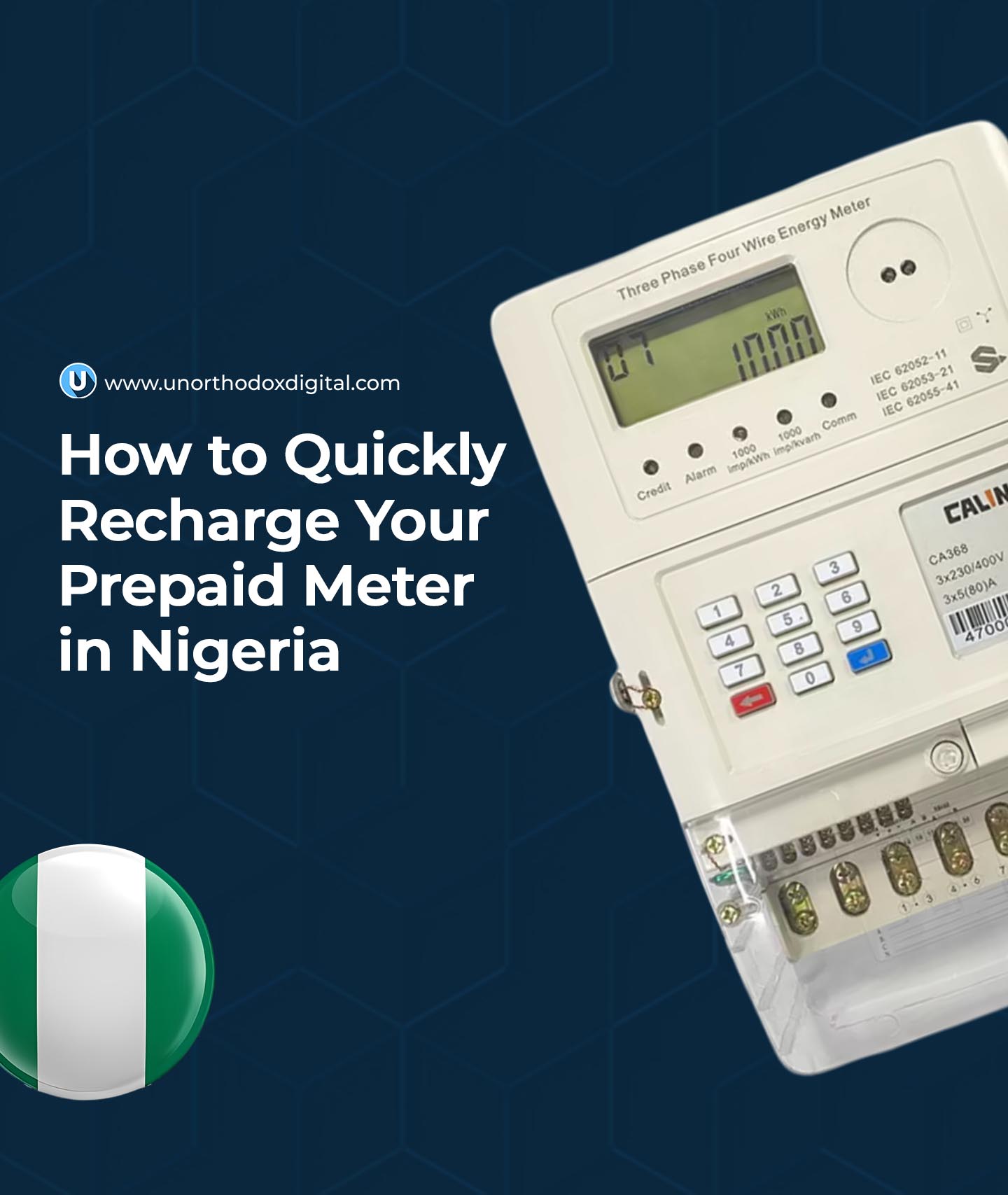
  • How to Quickly Recharge Your Prepaid Meter in Nigeria

    How to Quickly Recharge Your Prepaid Meter in Nigeria

    Owning a prepaid meter in Nigeria is a game-changer. It puts you in charge of your electricity usage, ensuring you never have to deal with surprise bills. But if you’ve ever found yourself in the dark because your meter ran out of units, you know how crucial it is to recharge quickly and easily.

    This guide will show you exactly how to top up your prepaid meter in Nigeria using both online and offline methods. Whether you’re new to prepaid meters or just need a refresher, you’ll find everything you need right here.

    What You Need Before Recharging

    Before you start, make sure you have the following:

    1. Your Meter Number – This is a unique number assigned to your meter. You can find it on the body of your meter or on past electricity receipts.
    2. Internet Access – Required for online recharges.
    3. A Payment Method – This can be:
      • ATM/Debit Card (for online recharges)
      • Bank App (if your bank supports prepaid meter payments)
      • Cash (if paying at a bank or an electricity distribution office)
    4. A Phone Number & Email Address – Online transactions often require these for confirmation and token delivery.

    Finding Your Electricity Distribution Company (DisCo)

    Nigeria is served by multiple electricity distribution companies (DisCos). It’s important to know which one serves your area because each has its own payment portals. Below is a quick reference:

    DisCoCoverage Areas
    PHEDCRivers, Cross River, Akwa Ibom, Bayelsa
    JEDCPlateau, Bauchi, Benue, Gombe
    KEDCKano, Jigawa, Katsina
    KAEDCKaduna, Sokoto, Zamfara, Kebbi
    IKEDCLagos, parts of Ogun
    IBEDCOyo, Ogun, Osun, Kwara, parts of Ekiti, parts of Niger
    AEDCFCT, Niger, Kogi, Nasarawa

    How to Recharge Your Prepaid Meter

    1. Online Methods (Fast & Convenient)

    These methods are quick, allowing you to recharge from anywhere.

    A. Using Your Electricity Company’s Website

    1. Visit your DisCo’s official website.
    2. Log in or create an account using your meter number.
    3. Select “Recharge Now.”
    4. Enter your meter number and recharge amount.
    5. Make payment using your debit card or online banking.
    6. Receive your 20-digit token via SMS or email.
    7. Enter the token into your meter to complete the recharge.

    B. Using a Bank Mobile App

    1. Open your bank’s mobile app (GTBank, Zenith, Access, etc.).
    2. Select “Bills Payment” or “Prepaid Meter Recharge.”
    3. Choose your DisCo from the list.
    4. Enter your meter number and desired amount.
    5. Confirm and make payment.
    6. Get your token via SMS.
    7. Enter the token on your meter to load the units.

    C. Using Third-Party Platforms (Like Selar, BuyPower, or Quickteller)

    1. Visit the website or mobile app of the platform.
    2. Select “Prepaid Meter Recharge.”
    3. Enter your meter number and amount.
    4. Pay using your debit card or bank transfer.
    5. Receive your token instantly.

    6. Enter the token on your meter.

    2. Offline Methods (For Those Without Internet Access)

    If you prefer in-person payments, here’s how:

    A. At Your DisCo Office

    1. Visit the nearest office of your electricity company.
    2. Provide your meter number and amount.
    3. Make payment and collect your printed token.
    4. Enter the token into your meter.

    B. At a Partner Bank

    1. Walk into a bank that processes prepaid meter payments.
    2. Request a recharge for your meter.
    3. Provide your meter number and amount.
    4. Pay at the counter and receive a printed token.
    5. Enter the token into your meter.

    How to Load the Token Into Your Prepaid Meter

    Once you receive your token, follow these steps to load it:

    1. Ensure your meter is powered on.
    2. Enter the 20-digit token carefully on the meter’s keypad.
    3. Press the “Enter” button (usually blue or green).
    4. Your units should update immediately. If they don’t, try entering the token again.
    How to Quickly Recharge Your Prepaid Meter in Nigeria

    Frequently Asked Questions

    What is NEPA called now in Nigeria?

    NEPA was renamed the Power Holding Company of Nigeria (PHCN) in March 2005 as part of the government’s power sector reform. This change was aimed at restructuring and eventually privatizing the country’s electricity generation and distribution systems.

    What Is a Prepaid Meter?

    A prepaid meter allows you to pay for electricity before using it. You load money into your meter, and it deducts from your balance as you consume electricity.

    Why Is My Token Not Working?

    A few reasons why your token might be rejected:

    • You entered the wrong number. Double-check the digits.
    • The token has already been used.
    • The token is expired.
    • There’s a connection issue with your meter. Try again after a few minutes or contact your DisCo.

    How Do I Check My Meter Balance?

    The simplest way to check your balance is typically via your electricity company’s website or app. You canalso check your balance using the keypad on your meter:

    • Press 07 and then the “Enter” button.
    • Your remaining balance will appear on the screen.

    How Many Units Will I Get for My Money?

    The number of units depends on your electricity tariff, which varies based on your location and DisCo.

    Amount (₦)Estimated Units
    ₦10,000146 units
    ₦20,000294 units
    ₦50,000730 units

    (Note: Tariffs change, so check with your DisCo for current rates.)

    How Much Does a Prepaid Meter Cost?

    The cost of a prepaid meter depends on your DisCo. You can visit their office or website to get the latest prices and application process.

    Now that you know exactly how to recharge your prepaid meter, you’ll never have to worry about being left in the dark. Whether you prefer online or offline methods, there’s always a quick and easy way to top up your meter. Just keep your meter number handy, choose the method that works best for you, and stay connected!

  • How to Make Money Selling Digital Products in Nigeria

    How to Make Money Selling Digital Products in Nigeria

    Imagine you could sell something over and over again without ever running out of stock. That’s the magic of digital products! If you’ve ever bought an eBook, downloaded a printable planner, or purchased an online course, you’ve already seen how digital products work. Now, let’s talk about how you can make money selling them in Nigeria.

    What Are Digital Products?

    Digital products are things you can sell online that don’t have a physical form. Unlike a T-shirt or a bag of rice, you don’t need a warehouse to store them. Once created, you can sell them repeatedly without worrying about running out of inventory. Some popular digital products include:

    CategoryExamples
    eBooksGuides, novels, educational books
    Online CoursesVideo lessons, tutorials, workshops
    PrintablesCalendars, planners, worksheets
    Software & AppsMobile apps, website themes, plugins
    Stock MediaPhotos, videos, music tracks
    Digital TemplatesResumes, business plans, PowerPoint designs

    Now, let’s break down how to get started and actually make money.

    Step 1: Choose a Profitable Digital Product

    Not all digital products sell well. The best ones solve a problem or make life easier for people. Here’s how to choose:

    • Think about what you’re good at. Are you great at writing? Try eBooks. Love designing? Sell templates.
    • Check what people need. Are students struggling with exam prep? An online course on study techniques might sell well.
    • Look at trends. Digital planners, CV templates, and social media content packs are hot right now.

    Step 2: Create Your Digital Product

    Once you have an idea, it’s time to create! This part takes effort, but don’t worry—you don’t need to be a pro. There are tools to help:

    Product TypeTools to Create It
    eBooksMicrosoft Word, Canva, Google Docs
    Online CoursesTeachable, Udemy, Zoom (for live classes)
    PrintablesCanva, Adobe Illustrator
    Apps & SoftwareFlutter, React Native, WordPress
    Stock MediaPhotoshop, Lightroom, Final Cut Pro
    TemplatesCanva, PowerPoint, Google Slides

    If you’re not skilled in a particular area, you can hire freelancers from sites like Fiverr or Upwork to help.

    Step 3: Set Up Your Online Store

    Now that your digital product is ready, you need a place to sell it. Here are your options:

    • Sell on Your Own Website – Platforms like Shopify, WooCommerce, or Flutterwave Store let you create an online store.
    • Use Marketplaces – Websites like Selar, Paystack Commerce, and Gumroad help Nigerians sell digital products easily.
    • Sell on Social Media – Instagram, Twitter, and Facebook are great for marketing, and you can use WhatsApp for direct sales.
    How to Make Money Selling Digital Products in Nigeria

    Step 4: Price Your Product

    Pricing can be tricky, but here are some tips:

    • Check what others are charging. If similar eBooks sell for ₦2,000, yours should be in the same range.
    • Consider the value. If your course teaches a skill that helps people earn money, you can charge higher.
    • Use tiered pricing. Offer a basic version at a lower price and a premium version with extra features at a higher price.

    Step 5: Market Your Digital Product

    You can’t just upload your product and expect people to find it. You need to market it!

    Ways to Promote Your Digital Products:

    MethodHow It Works
    Social MediaShare tips, testimonials, and promotions on platforms like Instagram, Twitter, and TikTok.
    Email MarketingCollect emails and send updates, offers, and valuable content to potential buyers.
    BloggingWrite useful articles related to your product and include a link to buy.
    YouTubeCreate videos that teach or demonstrate your product’s value.
    Influencer MarketingPartner with influencers who can promote your product to their followers.

    Step 6: Automate and Scale

    Once your product is selling, automate the process so you can make money while you sleep!

    • Set up automatic delivery. Platforms like Selar and Gumroad handle automatic file delivery after payment.
    • Use chatbots. Tools like ManyChat can answer questions from potential buyers even when you’re offline.
    • Create more products. If your first product does well, expand your catalog with related items.

    Why Selling Digital Products in Nigeria is a Great Idea

    • No physical inventory – No need to rent storage space.
    • Low startup cost – You don’t need much money to get started.
    • Scalability – You can sell to people across Nigeria and even internationally without extra effort.
    • Passive income – Once your product is created, it keeps earning you money.

    Selling digital products in Nigeria is a smart way to make money online. Whether you’re a writer, designer, teacher, or tech enthusiast, there’s a digital product you can create and sell. In Nigeria, you can sell digital and even physical products on platforms like Selar and Hawkit. The key is to pick something valuable, create it well, market it effectively, and automate where possible.

    So, what digital product are you going to sell first? Start today and turn your skills into profit!

  • How To Recharge Airtime on MTN in Nigeria

    How To Recharge Airtime on MTN in Nigeria

    Staying connected is important, and in Nigeria, recharging your MTN line should be as simple as saying your name. Whether you’re loading airtime for calls, data, or text messages, this guide will walk you through every method in a way that makes perfect sense—even if you’re completely new to it. Let’s dive in.

    Method 1: Using USSD Codes (Quick and Offline)

    This is the fastest and most common way to recharge your MTN airtime. It doesn’t require an internet connection, making it perfect when you’re on the go.

    Steps to Load Airtime via USSD

    1. Dial *311*PIN# on your phone (replace “PIN” with the actual recharge card PIN).
    2. Press the call button.
    3. Wait for a confirmation message from MTN.

    Example:

    Imagine you just bought an MTN recharge card with the PIN 1234 5678 9012 345. To load it, you simply dial:

    *311*123456789012345#

    and press the call button. In seconds, you’ll receive a message confirming your balance update. Simple, right?

    Pro Tip: If your recharge card PIN is scratched and unreadable, don’t panic! Call MTN customer care at 180 and provide them with the serial number on the card.

    Method 2: Using the MTN Mobile App (For Smartphone Users)

    If you have internet access, the MTN mobile app is another hassle-free way to recharge airtime. Plus, it offers additional features like checking your balance and buying data.

    Steps to Load Airtime via the MTN Mobile App:

    1. Download and install the MyMTN NG app from the Google Play Store or Apple App Store.
    2. Open the app and log in with your MTN phone number.
    3. Navigate to the “Airtime Recharge” section.
    4. Enter the voucher PIN or choose to load via your bank.
    5. Confirm your transaction and wait for a success message.

    Why This is Great: You can also recharge for family and friends, plus you get notified of bonuses and promotions directly within the app.

    Method 3: Recharging Online (Using Bank Apps or Websites)

    With online banking, you don’t even need a recharge card! If you have a bank account, you can buy airtime from your bank’s mobile app or USSD banking.

    Steps to Load Airtime Using Bank Apps:

    1. Open your bank’s mobile app (GTBank, Access Bank, Zenith, etc.).
    2. Look for “Airtime Recharge” or “Buy Airtime.”
    3. Enter your MTN number and select the amount.
    4. Confirm the transaction with your PIN or OTP.
    5. You’ll receive an SMS confirming your successful top-up.

    Bank USSD Recharge Codes

    BankUSSD Code
    GTBank*737*Amount#
    Access Bank*901*Amount#
    Zenith Bank*966*Amount*Phone Number#
    UBA*919*Amount#
    First Bank*894*Amount#

    Example: If you bank with GTBank and want to load ₦500, dial *737*500# and follow the prompts.

    Method 4: Buying Airtime from Online Recharge Platforms

    There are many online platforms like Quickteller, Opay, and Paga that allow you to recharge in just a few clicks.

    Steps to Load Airtime via Online Platforms:

    1. Visit a trusted recharge website (e.g., quickteller.com or opayweb.com).
    2. Select “MTN Airtime” and enter your phone number.
    3. Choose the amount you want to load.
    4. Enter your payment details (ATM card, bank transfer, etc.).
    5. Confirm the transaction and check your phone for the airtime credit.

    Why Use This? Online platforms often offer bonuses and cashback deals!

    Troubleshooting Common Airtime Recharge Issues

    Sometimes, things don’t go as planned. Here’s how to fix some common problems:

    1. Airtime Not Reflecting After Recharge

    • Wait a few minutes and check your balance again by dialing *310#.
    • If it still doesn’t show, restart your phone.
    • If nothing works, call MTN’s customer support at 180.

    2. Entered the Wrong PIN?

    • If you mistakenly enter the wrong PIN more than 3 times, the recharge will be blocked.
    • Call 180 and provide the card’s serial number to recover your airtime.

    3. Can’t Recharge via Bank?

    • Ensure you have enough funds.
    • Check if your bank’s USSD or mobile app services are down.
    • Contact your bank’s customer service if the issue persists.

    Best Practices to Make the Most of Your Airtime

    1. Look out for promotions – MTN sometimes offers extra bonuses when you recharge a certain amount.
    2. Use MTN XtraTime – If you run out of airtime and need to borrow, dial *606# to access MTN XtraTime (eligibility required).
    3. Bundle Your Airtime for Data – Instead of spending all your credit on data, buy a data bundle directly to save costs. Dial *312# for options.
    How To Recharge Airtime on MTN in Nigeria

    Frequently Asked Questions (FAQs)

    Q: How do I check my airtime balance?

    A: Dial *310# and press call. Your balance will be displayed on the screen and sent as a message.

    Q: Can I recharge someone else’s MTN line?

    A: Yes! Simply dial *311*Recipient’s Number*Amount# to send airtime directly from your balance.

    Q: What’s the minimum airtime I can recharge?

    A: The minimum amount varies, but for most platforms, you can recharge as low as ₦50.

    Q: Can I load airtime from my bank without internet?

    A: Yes! Use your bank’s USSD code (listed above) to recharge without needing an internet connection.

    Recharging your MTN airtime in Nigeria doesn’t have to be complicated. Whether you’re using USSD codes, mobile apps, bank USSD services, or online platforms, you have multiple options to stay connected effortlessly. The next time you need to top up, pick the method that works best for you and enjoy uninterrupted calls, texts, and internet browsing.

    Stay connected, and happy recharging!

  • Difference Between MTN MoMo Agent & Merchant

    Difference Between MTN MoMo Agent & Merchant

    MTN Mobile Money (MoMo) is a game-changer for digital transactions in Ghana. But have you ever wondered about the difference between an MTN MoMo agent and a merchant? If so, you’re not alone! Many people mix up these two roles, but they serve very different purposes. Think of it this way: a merchant is like a store cashier, while an agent is more like a bank teller. Let’s break it down step by step.

    What is an MTN MoMo Agent?

    An MTN MoMo agent is a business or individual authorized by MTN to provide cash-in (deposits) and cash-out (withdrawals) services to mobile money users. Their primary role is to facilitate financial transactions in the community, making it easy for people to send and receive money.

    Services Provided by MTN MoMo Agents:

    • Depositing money into a customer’s MoMo wallet
    • Withdrawing money from a customer’s MoMo wallet
    • Assisting with MoMo account registration
    • Helping customers check their account balances
    • Selling airtime and data bundles

    Example: Think of an MTN MoMo agent like an ATM but with a human touch. Instead of inserting a card, you hand over cash, and they process the transaction for you.

    What is an MTN MoMo Merchant?

    An MTN MoMo merchant is a business that accepts mobile money payments for goods and services. They do not handle deposits or withdrawals but act as a payment point where customers can buy things without using physical cash.

    Services Provided by MTN MoMo Merchants:

    • Accepting MoMo payments for products or services
    • Offering a cashless payment solution for customers
    • Facilitating easy transactions without the need for change

    Example: Imagine walking into a grocery store and paying for your items using MoMo instead of cash. The cashier enters your phone number, you confirm the payment, and the transaction is done.

    Key Differences Between an MTN MoMo Agent and a Merchant

    Here’s a side-by-side comparison to make things even clearer:

    FeatureMTN MoMo AgentMTN MoMo Merchant
    Primary RoleHelps with deposits and withdrawalsAccepts payments for goods and services
    CommissionEarns commission on transactionsDoes not earn commission
    Can Register MoMo SIMs?YesNo
    Business SizeSmall kiosks or community-based businessesLarger businesses or retail shops
    Can Assist with Account Issues?YesNo
    Can Use SIM for Calls?YesNo

    Transaction Limits

    MTN MoMo agents and merchants have different transaction limits. Here’s how it works for agents:

    Account TierWallet Limit (GHS)Daily Limit (GHS)Monthly Limit (GHS)
    Tier 11,000,000200,000700,000
    Tier 210,000,0001,000,00010,000,000
    Tier 330,000,000Unlimited30,000,000
    Tier 4UnlimitedUnlimitedUnlimited

    Merchants, on the other hand, have flexible transaction limits that depend on their business category. For details on specific merchant limits, it’s best to contact MTN customer service.

    How to Register as an MTN MoMo Agent or Merchant

    Requirements for MTN MoMo Agents:

    • A valid business registration certificate
    • A secure shop or kiosk
    • A government-issued ID (e.g., Ghana Card)
    • A completed MoMo agent application form

    Requirements for MTN MoMo Merchants:

    • A registered business name and certificate
    • A business bank account
    • A valid national ID
    • A letter of application to MTN

    Which One Should You Choose?

    • If you want to earn commissions by handling MoMo transactions for people, becoming an MTN MoMo agent is a great option.
    • If you run a business and want to offer a convenient way for customers to pay, registering as an MTN MoMo merchant makes more sense.

    Revenue and Commission Structure for Agents

    Unlike merchants, MoMo agents earn commissions on cash-out transactions. Here’s how much they earn:

    Transaction Amount (GHS)Commission Earned (GHS)
    Below 500.20
    50 – 2,0000.4% of the amount
    Above 2,0008.00

    Merchants do not earn commissions but benefit from increased sales by offering MoMo as a payment option.

    Difference Between MTN MoMo Agent & Merchant

    FAQs

    1. Can an MTN MoMo agent also be a merchant?

    No, the roles are separate. Agents handle financial transactions, while merchants only accept payments for goods and services.

    2. How do I contact MTN for registration?

    You can visit an MTN service center or call MTN customer service for guidance.

    3. What happens if an agent runs out of cash?

    Agents must manage their cash flow carefully. If they run out of money for withdrawals, they may need to deposit more funds into their MoMo business account.

    4. Do I need a business to become a merchant?

    Yes, you must have a registered business to qualify as a merchant.

    MTN MoMo agents and merchants both play important roles in Ghana’s mobile money ecosystem, but they serve different purposes. Agents handle cash transactions and earn commissions, while merchants accept MoMo payments for goods and services without earning commissions. Whether you want to become an agent or a merchant depends on what you want to achieve. Hopefully, this guide has made things clear—now you know exactly who to go to for what!

  • MTN Nigeria Revises Data Prices, Some Plans See Over 200% Increase

    MTN Nigeria Revises Data Prices, Some Plans See Over 200% Increase

    MTN Nigeria has adjusted its internet tariffs, implementing a price increase that has sparked mixed reactions among subscribers. While the Nigerian Communications Commission (NCC) approved a 50% hike, some plans saw significantly steeper increases.

    A closer look at the telco’s new pricing structure reveals that only four out of its 18 internet plans were directly affected by the 50% increase. However, other adjustments resulted in some plans doubling—or even tripling—in cost.

    For instance, the 2GB hourly bundle, previously available for ₦200, has been replaced with a 400MB hourly plan priced at ₦100. This effectively raises the cost per gigabyte by 156%. Similarly, the 400GB three-month plan, which used to cost ₦50,000, has been revised to 480GB for ₦120,000—marking a 100% increase.

    Subscribers using digital-only bundles also saw price adjustments. The 2.5GB digital channels-only plan jumped from ₦500 to ₦750, reflecting a 50% increase. Meanwhile, the most dramatic shift came with the 15GB digital channels-only bundle, which previously cost ₦2,000. It has now been rebranded as a 15GB PGW Weekly bundle and is priced at ₦6,000—an increase of 200%.

    Responding to concerns over the steep increases, an MTN Nigeria spokesperson explained that the affected plans had originally been offered at heavily discounted rates to cater to specific subscriber segments.

    “What we have done now is to price the bundle properly since the period for the discounted price ended a long time ago. We then added the 50% tariff increase on the standard market price,” the spokesperson stated.

    Of the 18 data plans MTN offers, 13 experienced price hikes below 40%. Among these, the largest adjustment was to the 25GB monthly plan, which went from ₦6,500 to ₦9,000.

    While MTN has defended the changes as a necessary correction of previously discounted rates, the new pricing has sparked debate among users, particularly those who now face significantly higher costs for the same data volume.

  • How to Start an MTN MoMo Agent Business in Ghana

    How to Start an MTN MoMo Agent Business in Ghana

    Imagine you’re standing in line at a shop, waiting to send money to a friend. You glance at your watch—this queue is taking forever. Now, imagine if you were the one running a MoMo business, making it super easy for people to send and receive money while earning a steady income yourself. Sounds good, right?

    If you’re curious about how to start an MTN Mobile Money (MoMo) agent business in Ghana, you’re in the right place. Let’s break it down step by step in a way that makes sense.

    What is an MTN MoMo Agent?

    An MTN MoMo agent is someone who helps customers deposit and withdraw money using MTN’s mobile money service. Think of it as running a mini-bank—people come to you to send cash, receive payments, and sometimes even pay bills. In return, you earn a commission for every transaction.

    What You Need to Become a MoMo Agent

    Before you get started, there are some basic requirements. Here’s what you’ll need:

    1. A Registered Business

    MTN doesn’t just hand out MoMo agent SIMs to anyone. You need to have a registered business. This means having a business certificate or permit from the Registrar General’s Department or your local municipal office.

    Tip: If you’re just starting and don’t have a certificate, you can use a business constitution or write an application letter to MTN.

    2. A Valid Ghana Card

    This is the official national ID, and you’ll need it to prove you own the business.

    3. A Physical Location

    You need a proper structure for your MoMo business. This could be a shop, a kiosk, or a MoMo booth. MTN will inspect your location, so make sure it looks professional and secure.

    4. Startup Capital

    While registering as a MoMo agent is free, you’ll need at least GHS 4,000 as working capital. This ensures you have enough money to handle transactions.

    How to Register as an MTN MoMo Agent

    There are three main ways to register:

    1. USSD Registration (Quickest Option)

    Want a simple way to start? Just grab your phone and follow these steps:

    • Dial *5051#
    • Select “Register”
    • Choose your region
    • MTN will send you an SMS with a reference number
    • Within 72 hours, an MTN agent will contact you for the next steps, including an inspection of your business location

    2. Online Registration

    Prefer to do things online? Follow these steps:

    • Visit the MTN MoMo Merchant Application Website
    • Accept the terms and conditions
    • Click Sign Up, enter your phone number, and verify with an OTP code
    • Create a username and password
    • Choose a security question for account recovery
    • Log in and navigate to “Request SIM”
    • Select Merchant (MoMo Pay) and complete the form

    MTN will review your request, schedule an online training session, and later invite you to their office to collect your agent SIM.

    3. Register at an MTN Office

    If you prefer face-to-face assistance, visit an MTN branch with your documents. You’ll need to fill out three forms:

    1. Merchant/Agent Form – Business details (name, registration number, etc.)
    2. Account Handler Form – Personal details (name, date of birth, etc.)
    3. Merchant/Agent Agreement – Terms of your partnership with MTN

    Once processed, you’ll receive your MoMo agent SIM and be ready to start your business!

    How to Start an MTN MoMo Agent Business in Ghana

    Best Locations for a MoMo Business

    Where you set up your MoMo business can make or break its success. Here’s what to look for:

    Busy areas: Markets, bus stations, and shopping centers attract lots of customers.

    Less competition: Avoid areas overcrowded with MoMo agents. MTN requires at least a 50-100 meter distance between agents.

    Visibility & accessibility: Set up in an easy-to-spot location with good foot traffic.

    Security: Choose well-lit, safe areas with nearby security services.

    Complementary businesses: Positioning your MoMo booth near grocery stores, prepaid electricity centers, or eateries can bring in more customers.

    Challenges MoMo Agents Face

    Starting a MoMo business is great, but it’s not always smooth sailing. Here are some common challenges and how to handle them:

    Fraud & Scams – Fraudsters may pose as MTN officials. Always verify before making transactions or sharing information.

    Network Issues – Sometimes, transactions get delayed due to system downtimes. Keep customers informed and have a backup plan.

    Cash Flow Problems – If you don’t have enough money (either cash or electronic), you might struggle to serve customers. Plan your liquidity wisely.

    How Much Do MoMo Agents Earn?

    MTN pays MoMo agents based on transactions. Here’s a breakdown:

    Cash-Out Commissions:

    • Below GHS 50GHS 0.20 per transaction
    • GHS 50 – GHS 2,0000.4% of the transaction amount
    • GHS 2,000 and aboveGHS 8 per transaction

    Example: If you process GHS 1,000 in cash-out transactions daily, that’s GHS 4 per day or GHS 120 per month—just from one type of transaction!

    Frequently Asked Questions (FAQs)

    1. Who can become an MTN MoMo agent?

    Anyone with a registered business, a Ghana Card, and a proper location can apply.

    2. How long does it take to get an agent SIM?

    Usually 15 to 20 working days, depending on how quickly you meet the requirements.

    3. Is MoMo agent registration free?

    Yes, but you’ll need at least GHS 4,000 as startup capital.

    4. Can I run a MoMo business from home?

    No, MTN requires agents to have a physical location like a shop or booth.

    Starting an MTN MoMo agent business in Ghana is a great way to earn money while providing an essential service to your community. If you follow the steps above, get the right documents, and choose a good location, you’ll be on your way to success.

    Need help? Contact MTN customer support at 100 or chat with their WhatsApp bot, ZiGi, at 0554300000.

    Now, go out there and build your MoMo empire!

  • Top 11 Trusted Investment Apps In Nigeria

    Top 11 Trusted Investment Apps In Nigeria

    Investing is like planting a tree. You put money in, take care of it, and over time, it grows into something valuable. But just like you wouldn’t plant a tree without checking if the soil is good, you shouldn’t invest without choosing the right platform.

    Nigeria has many investment apps promising great returns, but how do you know which ones you can trust? Don’t worry—I’ve got you covered. In this guide, I’ll break down the best investment apps in Nigeria, explaining what they do, how they work, and what makes them worth your time. Let’s dive in!

    1. Cribstock

    Cribstock is changing the way Nigerians invest in real estate. Instead of needing millions to buy a house or apartment, you can invest in property with as little as N10,000. The platform allows users to own shares in rental properties and earn passive income from rent payments. It’s a great option for those looking to grow wealth through real estate without the hassle of buying or managing properties themselves.

    2. PiggyVest

    Piggyvest (Best Investment Apps in Nigeria)

    Founded by Odunayo Eweniyi, PiggyVest started as a savings platform but now offers investment opportunities through its Investify feature. With as little as N5,000, you can invest in fixed income, agriculture, and transportation sectors and earn up to 25% returns. If you’re also looking for a way to save money effectively, PiggyVest offers an automatic savings plan with interest rates between 5% and 15% per year.

    3. Carbon

    Formerly known as Paylater, Carbon is a digital bank that also offers great investment options. It provides three investment plans:

    • Cash Vault: Lock your money away and earn 11% interest.
    • FlexSave: A flexible plan with up to 9% interest.
    • Goals Plan: Set daily, weekly, or monthly targets and earn 9.5% interest. If you’re looking for a mix of digital banking and investment, Carbon is a solid choice.

    4. Cowrywise

    Cowrywise helps users invest in naira and dollar mutual funds. If you don’t want to put all your eggs in one basket, this app allows you to spread your investments across multiple assets. It also offers different savings plans, including emergency funds and halal savings for ethical investors. Plus, there are no minimum withdrawal restrictions.

    5. Bamboo

    Bamboo (Best Investment Apps in Nigeria)

    Bamboo gives Nigerians access to over 3,500 local and international stocks. You can invest in the Nigerian Stock Exchange or major U.S. stock markets. The app’s security features ensure that your investments are safe, and you can start with as little as $20.

    6. Trove

    Trove is another great app for stock investing. With as little as N1,000, you can buy shares in Nigerian, American, and Chinese companies. It also supports investments in bonds, ETFs, and real estate investment trusts (REITs), making it a versatile option for those looking to diversify their portfolio.

    7. Risevest

    Risevest focuses on dollar-denominated investments, allowing Nigerians to invest in U.S. stocks, real estate, and Eurobonds. The app boasts an average return of 14% on stock investments, although actual returns depend on market performance. With a minimum investment of just $10, it’s a great way to protect your money from naira fluctuations.

    8. Chaka

    Chaka makes it easy to invest in both local and international stocks. With as little as N1,000 or $10, you can buy shares in major global markets. Whether you’re an individual or a business looking to invest, Chaka provides a secure and regulated platform.

    9. I-invest

    I-invest is unique because it lets you invest in Treasury bills, Eurobonds, and fixed deposits. If you prefer low-risk investment options, this app is one of the safest choices. It allows users to track their portfolios in real-time and provides a seamless way to manage investments.

    10. GetEquity

    GetEquity allows Nigerians to invest in early-stage startups, giving them access to potential high-growth companies before they become mainstream. If you’re interested in venture capital but don’t have millions to invest, this app provides an affordable way to get started.

    11. Crowdyvest

    Crowdyvest (Best Investment Apps in Nigeria)

    Crowdyvest connects investors with businesses in sectors like agriculture, real estate, and transportation. It offers two main plans:

    • Hyperplan: Low-medium risk investment opportunities spread across different asset classes.
    • Projects: Project-specific investments with competitive returns. With a minimum investment of N20,000, Crowdyvest allows users to make a positive impact while earning profits.

    FAQs About Investment Apps in Nigeria

    Q: What’s the best investment app for beginners?

    If you’re new to investing, PiggyVest and Cowrywise are great starting points because they’re simple and have low minimum investment amounts.

    Q: Is it safe to invest through these apps?

    Yes, but always do your research. Look for apps registered with Nigeria’s Securities and Exchange Commission (SEC) and ensure they use strong security measures.

    Q: How much do I need to start investing?

    It depends on the app. Some allow investments as low as N1,000 (Trove, Chaka), while others require at least N5,000 (PiggyVest) or even N20,000 (Crowdyvest).

    Investing doesn’t have to be complicated or risky. The key is to start small, choose the right platform, and stay consistent. Whether you’re interested in stocks, real estate, startups, or mutual funds, there’s an app on this list that fits your needs. So, take that first step today—your future self will thank you!

  • How to Open Foreign Bank Accounts in Nigeria With Grey

    How to Open Foreign Bank Accounts in Nigeria With Grey

    Ever Struggled With Receiving International Payments?

    Let’s say you’re a graphic designer in Nigeria, and a client from the U.K. wants to pay you in pounds. Or maybe you sell products online, but your customers prefer paying in dollars or euros. Normally, this means dealing with high transfer fees, slow processing times, or exchange rate headaches. But what if there was a simpler way?

    That’s where Grey comes in! Grey lets you open a US, UK, or EU foreign bank account from Nigeria, making it super easy to send and receive international payments, exchange currencies, and withdraw in Naira (NGN) without stress.

    Let’s break it down so you can start using Grey today!

    What is Grey, and Why Should You Use It?

    Grey is a fintech platform that gives you foreign bank accounts without needing to travel. With Grey, you can open a USD, GBP, or EUR account from Nigeria and use it just like a local account in those countries.

    This means:

    • You can receive money from international clients hassle-free
    • Convert your foreign currency to Naira instantly
    • Withdraw to your local bank or mobile wallet with no hidden charges
    • Use virtual cards to make payments in dollars or euros

    Basically, it’s like having an international bank account—but 100% online and way easier to set up.

    Why Open a Foreign Bank Account With Grey?

    Here’s why Nigerians are switching to Grey for international banking:

    • Get paid like a local in multiple currencies – Whether it’s USD, GBP, or EUR, Grey lets you receive payments directly into your foreign bank account.
    • Instant withdrawals to Naira – No more waiting days to access your money.
    • No unnecessary fees – Traditional banks charge crazy fees, but Grey keeps it simple and affordable.
    • Virtual cards for global payments – Shopping online or subscribing to international services? Grey makes it easy.
    • Perfect for freelancers, remote workers, and businesses – If you earn or spend in foreign currencies, Grey saves you time and money.

    How to Open a Foreign Bank Account in Nigeria With Grey (In 3 Easy Steps!)

    Unlike traditional banks, which require tons of paperwork, Grey’s process is completely online and takes just a few minutes. Here’s how:

    Step 1: Sign Up on Grey

    Visit Grey’s website or download the Grey mobile app. Create an account with your name, email, and phone number—it’s just like signing up for any other online service.

    Step 2: Complete KYC Verification

    To keep everything safe and compliant, Grey needs to verify your identity. You’ll need to:

    • Upload a government-issued ID (National ID, Passport, or Driver’s License)
    • Take a quick selfie for identity verification
    • Provide proof of address (like a bank statement or utility bill)

    This process ensures your account is secure and prevents fraud.

    Step 3: Get Your Foreign Bank Account

    Once verified, Grey provides you with a foreign bank account (USD, GBP, or EUR), and you’re ready to go! You can now send and receive international payments like a local.

    How to Use Your Grey Foreign Bank Account

    Now that you have your foreign account, what can you do with it?

    1. Receive Payments From Anywhere

    Freelancers, remote workers, and businesses can share their Grey account details with clients and get paid in their preferred currency.

    2. Convert and Withdraw Money Easily

    Received $500 in your Grey USD account? Convert it to Naira (NGN) at competitive exchange rates and withdraw it instantly to your local bank or mobile money wallet.

    3. Make International Payments

    Need to pay for Netflix, buy software, or shop online? Use Grey’s virtual cards to make payments in foreign currencies without any restrictions.

    Frequently Asked Questions About Grey

    1. Is Grey a Bank?

    No, Grey is a fintech platform that partners with licensed financial institutions to provide foreign bank accounts and payment services.

    2. Is Grey Safe?

    Yes! Grey follows strict security measures, including encryption and identity verification, to keep your money and data safe.

    3. How Long Does It Take to Open an Account?

    Signing up takes a few minutes, and KYC verification usually takes between a few minutes to a few hours.

    4. Are There Any Hidden Fees?

    Nope! Grey is transparent about its fees, and you’ll always see the exchange rates before making a conversion.

    Why You Should Open a Grey Foreign Account Today

    If you earn or spend money in different currencies, Grey is the easiest and most affordable way to manage international transactions from Nigeria.

    No paperwork.
    No hidden fees.
    Works from anywhere in Nigeria.
    Instant withdrawals.

    Ready to take control of your international finances? Sign up on Grey now and start receiving and sending payments like a pro! 🚀

  • How to Activate MTN Jara in Ghana

    How to Activate MTN Jara in Ghana

    If you’re an MTN user in Ghana and want to save money on calls and texts, you’re in the right place! MTN Jara is a special offer that gives you extra minutes and SMS at a discounted price. But here’s the catch—it’s only available in certain regions. Don’t worry, though! I’ll walk you through everything you need to know, step by step, in a way that’s super easy to understand. By the end of this guide, you’ll be able to subscribe to MTN Jara like a pro!

    What is MTN Jara?

    Think of MTN Jara as a VIP deal for prepaid MTN users in Ghana. It’s like getting a secret menu at your favorite restaurant—except instead of food, you get cheaper calls and texts. If you live in or travel to certain regions, you can activate MTN Jara and enjoy huge savings on your mobile expenses.

    Who Can Use MTN Jara?

    MTN Jara isn’t available everywhere in Ghana. Right now, it’s only for prepaid customers in these regions:

    • Volta
    • Oti
    • Upper East
    • Upper West
    • Bono
    • Bono East
    • Ahafo
    • Northern
    • North East
    • Savannah

    If you’re in these areas, congratulations! You can activate MTN Jara and start saving. If not, well, at least you know what to look forward to if you ever move or visit these places.

    MTN Jara Packages and Pricing

    MTN Jara isn’t just one plan—it comes in different sizes, kind of like choosing between a small, medium, or large meal at a restaurant. Here’s what you can get:

    PackageCost (GHS)What You Get
    Small0.7620 minutes + 10 SMS
    Medium1.4137 minutes + 10 SMS
    Large2.6370 minutes + 10 SMS

    The best part? These minutes and SMS work on ALL networks, so you can call or text anyone without worrying about extra charges.

    How to Subscribe to MTN Jara

    Activating MTN Jara is super easy. You don’t need to download an app, visit an office, or do anything complicated. Just follow these steps:

    Step-by-Step Guide to Subscribe:

    1. Dial *550# on your MTN line.
    2. Select “Jara” from the options that appear.
    3. Choose your preferred package (small, medium, or large).
    4. Confirm your purchase and wait for a confirmation message.

    That’s it! Once you get the confirmation message, your Jara bundle is active, and you can start enjoying cheaper calls and texts immediately.

    How to Activate MTN Jara in Ghana

    Important Things to Know About MTN Jara

    Before you start making calls like crazy, here are a few key things to keep in mind:

    1. Auto-Renewal

    MTN Jara renews automatically every day, as long as you have enough credit. If you want to keep enjoying the benefits, make sure you always have enough balance for your chosen package.

    2. Unused Minutes and SMS Roll Over

    If you don’t use all your minutes or SMS in one day, don’t worry—they don’t disappear! They roll over to the next day, as long as you renew your subscription within 48 hours. But if you don’t renew, any leftover minutes or SMS will expire at 11:59 PM on the second day.

    3. Subscription Works From Monday to Saturday

    MTN Jara is available every day except Sunday. If you subscribe on a Saturday, your unused minutes and texts will still be available on Sunday, but you won’t be able to renew until Monday.

    How to Unsubscribe from MTN Jara

    Maybe you want to take a break from MTN Jara, or maybe you don’t need it anymore. Whatever the reason, unsubscribing is just as easy as subscribing.

    Two Ways to Unsubscribe:

    1. Send “STOP” to 550 via SMS. You’ll get a confirmation message letting you know you’ve been unsubscribed.
    2. Run out of credit—If you don’t have enough credit when the auto-renewal tries to happen, your subscription will automatically end.

    Frequently Asked Questions

    1. Does MTN Jara work everywhere in Ghana?

    No, it’s only available in selected regions (Volta, Oti, Bono, etc.). If you’re outside these areas, you won’t be able to activate it.

    2. Can I use my Jara minutes to call any network?

    Yes! Unlike some other bundles that only work for MTN-to-MTN calls, MTN Jara allows you to call any network in Ghana.

    3. What happens if I don’t renew my subscription?

    Your unused minutes and SMS will expire at 11:59 PM on the second day if you don’t renew within 48 hours.

    4. How do I check my Jara balance?

    Dial *124# to check your balance and see how many minutes and SMS you have left.

    MTN Jara is a fantastic way to save money on calls and texts, especially if you’re in one of the eligible regions. It’s easy to activate, affordable, and works on all networks. Just dial *550# to get started, choose your preferred package, and enjoy cheaper communication!

    So, what are you waiting for? If you live in an MTN Jara region, go ahead and activate it now—you’ll thank yourself later!

  • How Do I Send a “Please Call Me” on Cell C?

    How Do I Send a “Please Call Me” on Cell C?

    Ever been out of airtime but really needed to reach someone? Maybe you’re trying to call your mom, a friend, or even your ride home, but your balance is sitting at a big fat zero. Don’t worry—Cell C’s “Please Call Me” feature has got your back!

    This handy service lets you send a free message asking someone to call you. It’s like tapping them on the shoulder and saying, “Hey, I need to talk!” without spending a cent.

    Let’s break it down step by step, so you’ll never be stuck without a way to get in touch again.

    How to Send a ‘Please Call Me’ on Cell C

    Sending a “Please Call Me” is super easy. Here’s what you need to do:

    1. Open your phone’s dialer (the screen where you type in phone numbers).
    2. Dial *111*, followed by the phone number of the person you want to contact. For example, if you want to send a “Please Call Me” to 0812345678, you would dial:*111*0812345678#
    3. Press the call/send button.
    4. That’s it! The person will receive a message saying, “Please Call Me,” along with your phone number so they know who’s trying to reach them.

    How Many ‘Please Call Me’ Messages Can You Send?

    Cell C lets you send up to 10 ‘Please Call Me’ messages per day. So, if you’re in a tight spot and need to reach multiple people, you’re covered. Just use them wisely—you don’t want to spam your contacts!

    Why Is This Feature Useful?

    Imagine these situations:

    • You’re out of airtime and need a ride home. You can send a ‘Please Call Me’ to your friend or taxi service.
    • Your phone bill isn’t paid yet, but you need to talk to someone urgently. Just shoot them a message so they can call you back.
    • You’re in an emergency situation. Maybe you’re stuck somewhere, and you need help. This quick message could be a lifesaver.

    What If the Person Doesn’t Call Back?

    Sometimes, people miss messages or don’t check their phones right away. If it’s urgent, try sending a second ‘Please Call Me’ (as long as you haven’t hit your daily limit). If they still don’t respond, you might need to find another way to contact them—maybe borrow a phone or send a text if you have a little airtime left.

    Please Call Me on Cell C

    Does It Work on Any Phone?

    Yes! Whether you’re using a simple feature phone (those old-school ones with buttons) or a fancy smartphone, the ‘Please Call Me’ works just the same.

    The ‘Please Call Me’ feature is one of those little lifesavers that everyone should know about. It’s quick, free, and incredibly useful when you’re out of airtime but still need to reach someone. Now that you know how to use it, you’ll never be stuck without a way to get in touch again!

    So, next time you’re low on airtime, just dial *111*[phone number]#, hit send, and wait for that callback!