Author: Ernest Darko

  • Telecel Ghana Internet Settings for Android & iOS Devices

    Telecel Ghana Internet Settings for Android & iOS Devices

    If you’ve just switched to Telecel Ghana or are having trouble connecting to the internet on your Android or iOS device, don’t worry! Getting your internet working smoothly is just a few steps away. In this guide, we’ll break down exactly how to set up the internet settings on your device—whether you’re using an Android phone or an iPhone—so you can start browsing, streaming, or chatting without any hiccups.

    What Are APN Settings?

    Before we dive into the setup process, let’s talk about APN settings. APN stands for Access Point Name. It’s basically the way your phone connects to the mobile internet network. Imagine you’re trying to enter a building, and the APN settings are like the security guard at the door. Without the right credentials (the correct APN), you won’t be able to get in and use the internet.

    Each mobile network has its own APN settings, and Telecel Ghana has specific settings that need to be entered for your phone to connect properly to the internet. So, let’s get started!

    Why Are APN Settings Important?

    When you get the APN settings right, your phone can easily access the internet, send and receive MMS (Multimedia Messaging Service) messages (like photos and videos), and stay connected without issues. Without the correct settings, your phone might struggle to connect to mobile data, or you might face slow speeds.

    But don’t worry, it’s easy to get this right, and we’re going to show you how.
    Telecel Ghana Internet Settings for Android & iOS

    How to Get Telecel Ghana Internet Settings

    There are two simple ways to get your internet settings on Telecel Ghana:

    1. Automatic Setup via Customer Care
    2. Manual Setup (for those who prefer to do it themselves)

    Let’s look at both.

    1. Automatic Setup

    This method is super easy and quick. All you have to do is call Telecel’s customer care service. Here’s how:

    1. Dial 100 on your phone (this is the Telecel customer care number).
    2. Choose your preferred language.
    3. Select Option 1 for Mobile Services.
    4. Select Option 4 for Internet Problems.
    5. Then, choose Option 2 for Internet Settings.

    Once you do this, Telecel will send the correct settings to your phone. After you receive the settings, restart your phone, and you should be good to go. However, if your internet still isn’t working, let’s move on to setting things up manually.

    2. Manual Setup

    If you prefer to manually enter the APN settings, follow the steps below based on whether you’re using an Android phone or an iPhone.

    For Android Users

    Let’s go through how to set up the internet for Android devices. We’ll use a Samsung phone as an example, but the steps are similar for other Android devices.

    Steps to Set Up Telecel Internet on Android:

    1. Open Settings: Go to the Settings app on your phone.
    2. Network & Internet: Select Connections or Network & Internet (the exact wording may vary depending on your phone).
    3. Mobile Networks: Tap on Mobile Networks.
    4. Access Point Names: Tap Access Point Names (this is where you enter the APN settings).
    5. Add New APN: Tap on Add to create a new APN profile.

    Now, enter the following details exactly as shown:

    FieldValue
    NameTelecel
    APNinternet
    MCC620
    MNC02
    APN Typedefault,supl,email
    APN ProtocolIPv4
    APN Roaming ProtocolIPv4
    BearerUnspecified
    Mobile Virtual Network TypeNone
    1. Save the Settings: Tap the three dots in the top-right corner and select Save.
    2. Select the New APN: After saving, tap the new APN profile to select it.
    3. Restart Your Device: Restart your phone to apply the settings.

    That’s it! Your Android device should now be able to connect to the internet using Telecel Ghana.

    For iOS Users (iPhone)

    Setting up internet on your iPhone with Telecel Ghana is also easy. Follow these steps:

    Steps to Set Up Telecel Internet on iPhone:

    1. Open Settings: Go to Settings on your iPhone.
    2. Mobile Data: Tap Mobile Data or Cellular (the wording may vary based on your iOS version).
    3. Mobile Data Network: Tap on Mobile Data Network (or Cellular Data Network).
    4. Enter APN Settings: In the APN field, type internet.
    5. Leave Username and Password Blank: Leave the Username and Password fields empty.
    6. Save and Exit: Exit the settings, and your iPhone will save the changes automatically.
    7. Restart Your Device: Restart your iPhone to activate the new settings.

    Once you restart your device, you should have full access to the internet with Telecel.

    How to Set Up Telecel Ghana MMS Settings

    MMS (Multimedia Messaging Service) allows you to send and receive multimedia messages like photos, videos, and audio. If you’re having trouble sending or receiving MMS messages on Telecel, you’ll need to set up the MMS settings on your phone. Here’s how you can do that for both Android and iPhone.

    For Android Users (Samsung Example)

    1. Open Settings: Go to Settings on your phone.
    2. Connections: Select Connections or Network & Internet.
    3. Mobile Networks: Tap Mobile Networks.
    4. Access Point Names: Tap Access Point Names.
    5. Add New MMS APN: Tap Add to create a new MMS profile.

    Now, enter these details:

    FieldValue
    NameTelecel Ghana MMS
    APNmms
    MMSChttp://mms.onetouch.com.gh/mmsc
    MMS Proxy172.24.97.1
    MMS Port8080
    MCC620
    MNC02
    APN Typemms
    APN ProtocolIPv4
    APN Roaming ProtocolIPv4
    BearerUnspecified
    Mobile Virtual Network TypeNone
    1. Save Settings: Tap the three dots in the top-right corner and select Save.
    2. Select the MMS Profile: Select the new MMS APN profile.
    3. Restart Your Device: Restart your phone to apply the MMS settings.

    For iPhone Users

    1. Open Settings: Go to Settings on your iPhone.
    2. Messages: Scroll down and tap Messages.
    3. MMS Messaging: Make sure MMS Messaging is turned on.
    4. Exit Settings: The settings will automatically save, but you may need to restart your device for everything to work perfectly.

    What to Do If Telecel Ghana Internet Isn’t Working

    If you’ve followed the steps, but your internet still isn’t working, don’t panic! Here are a few things you can try to fix the issue:

    1. Double-Check the APN Settings: Make sure you’ve entered the APN settings correctly. A small mistake in one of the fields can stop your internet from working.
    2. Restart Your Device: Sometimes, a simple restart can fix the issue.
    3. Check Your Coverage Area: Make sure you’re in an area with good network coverage. If you’re in a low-coverage area, your internet speed may be slow.
    4. Switch to 4G/LTE: If your phone supports 4G or LTE, make sure it’s enabled in your settings to get the fastest internet speed.
    5. Contact Telecel Support: If all else fails, reach out to Telecel customer care for assistance.

    Now you know exactly how to set up Telecel Ghana internet and MMS settings on both Android and iOS devices! It’s really not that complicated once you understand the steps. If you follow the instructions carefully, you’ll be browsing, messaging, and enjoying your phone in no time.

    If you’re still having issues, don’t hesitate to contact Telecel support—they’ll help get everything working smoothly.

    Happy browsing!
  • How The Point-to-Point Topology Works

    How The Point-to-Point Topology Works

    When you send a text message to your best friend, do you ever think about how it gets from your phone to theirs? The message doesn’t magically appear—it travels through a network, following specific rules. This process is guided by network topologies, which define how devices are arranged and communicate. One of the simplest forms is the point-to-point topology, which acts like a direct bridge between two places, ensuring smooth and private communication.

    What Is Point-to-Point Topology?

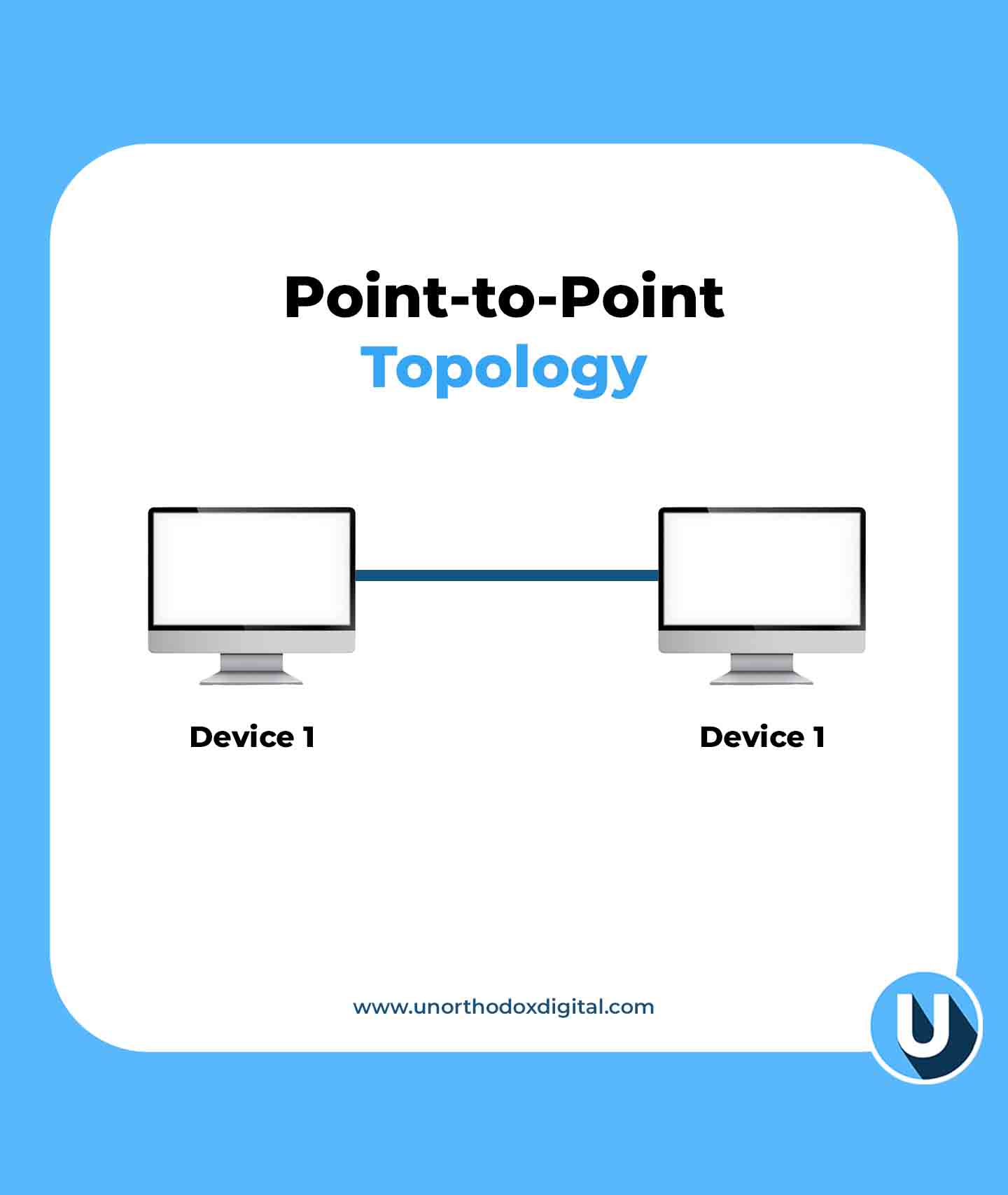
    Imagine you have a can-and-string telephone connecting you and a friend. There’s one string, and only you two can talk to each other. No one else can listen in unless they tap into your string. This is a simple example of topologies in networking, where different connection structures determine how devices communicate. The point-to-point topology follows this concept—it’s a direct connection between two devices, with no interference from others.

    In networking, this means two devices are linked directly, either with a physical cable or through a wireless signal. Information moves back and forth in a dedicated path, making communication fast and reliable.

    How Does It Work?

    Let’s break it down step by step:

    1. Two devices are connected – This could be two computers, a computer and a printer, or two routers. There’s no third party involved.
    2. Data travels between them – Just like passing a note to a friend sitting next to you, information moves directly from one device to the other.
    3. It’s a private line – Since no other devices share the connection, the data is secure and moves without congestion.
    4. It can be wired or wireless – Devices can be connected using cables (like Ethernet) or wireless signals (like Bluetooth or infrared).

    Real-Life Examples

    To make things clearer, let’s look at some real-world examples of point-to-point connections:

    ExampleDescription
    Telephone call (landline)When you call someone using an old-fashioned landline, the connection is direct between two phones.
    Bluetooth headphone connectionYour phone connects directly to your wireless headphones without involving other devices.
    Direct printer connectionSome printers connect to a single computer via USB or a dedicated wireless link.
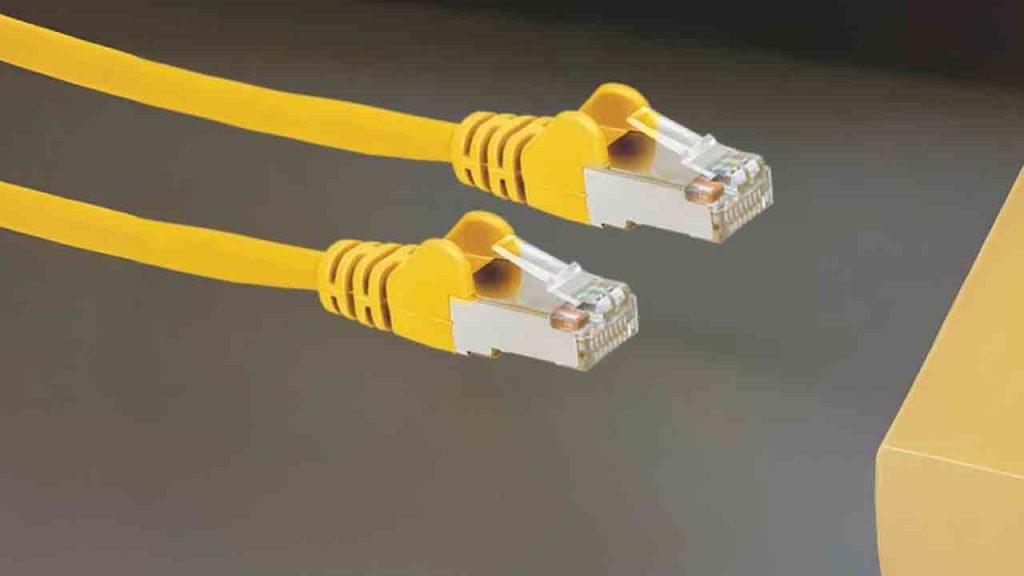
    Two computers with a crossover cableIn older network setups, two computers could be linked directly with an Ethernet crossover cable.
    Point-to-Point Topology (Types of Network Topologies)
    Point-to-Point Topology

    Advantages of Point-to-Point Topology

    1. Simple and easy to set up – With just two devices, there’s no complex setup or extra hardware needed.
    2. Fast communication – Since no other devices share the connection, data moves quickly between the two points.
    3. Secure connection – No other devices are involved, reducing the chances of hacking or data leaks.
    4. No network traffic congestion – Unlike bigger networks where many devices share bandwidth, a point-to-point link stays dedicated.

    Disadvantages of Point-to-Point Topology

    1. Limited scalability – It only connects two devices. If you need more, you’ll have to create multiple links.
    2. More cables (in wired setups) – If you connect many devices this way, you’ll end up with a lot of wires.
    3. Can be expensive – If every device needs its own dedicated link, the cost of wiring or maintaining connections increases.

    Where Is It Used?

    Even though larger networks often use more complex topologies, point-to-point connections still have their place. Here are some common areas where this setup is used:

    • In home networks – If you connect your laptop directly to your modem via an Ethernet cable, that’s a point-to-point link.
    • Satellite communication – When a satellite links directly to a ground station, it uses a point-to-point connection.
    • Leased lines for businesses – Companies sometimes pay for dedicated point-to-point connections between offices to ensure reliable communication.
    • Bridges in networking – Sometimes, two distant parts of a network are linked with a dedicated wireless bridge.

    Comparing Point-to-Point With Other Topologies

    To see how point-to-point topology stacks up, let’s compare it to other types:

    Topology TypeConnection StyleProsCons
    Point-to-PointOne-to-one directFast, private, no congestionLimited to two devices
    StarOne central device connects all othersEasy to manage, scalableIf the central device fails, everything stops
    BusAll devices share a single cableSimple setup, cost-effectiveIf the main cable fails, the whole network goes down
    MeshEvery device connects to every other deviceHighly reliable, no single point of failureExpensive and complex to set up

    Point-to-point topology is one of the simplest and most efficient ways for two devices to communicate. Whether it’s a direct cable link between two computers or a Bluetooth connection between your phone and earbuds, this setup ensures fast, reliable, and private communication. While it’s not the best choice for large networks, it’s still widely used where dedicated connections are needed.

    The next time you make a phone call or send a file directly to a friend, take a moment to appreciate the point-to-point connection working behind the scenes. It’s simple, effective, and still an essential part of modern networking.

  • Kenyan Court Orders Marketforce to Pay $16,000 for Wrongful Termination

    Kenyan Court Orders Marketforce to Pay $16,000 for Wrongful Termination

    Marketforce Technologies, once a promising name in Africa’s B2B e-commerce space, has been ordered by a Kenyan court to pay KES 2.1 million ($16,000) to a former employee for wrongful termination.

    This ruling comes nearly a year after the Y Combinator-backed startup shut down its flagship marketplace, RejaReja, casting uncertainty over its future. Meanwhile, co-founder Tesh Mbaabu has moved on, launching a new social commerce platform called Chpter.

    Tom Maina Chege, a former product manager at Marketforce, took the company to court after being laid off in July 2023. He argued that the termination was unlawful because the required 30-day notice period wasn’t fully observed, and the company failed to inform the Labour Office as required by Kenya’s Employment Act of 2007. At the time, Chege was earning a monthly salary of KES 200,000 ($1,550). He sought compensation for unpaid leave, notice pay, severance pay, salary arrears, and general damages, amounting to KES 1,560,870 ($12,000).

    Since Marketforce did not contest the case, Judge C.N. Baari ruled in favor of Chege, declaring the redundancy both procedurally and substantively unfair. The court awarded him KES 1,316,547 ($10,000) in terminal dues and an additional KES 800,000 ($6,000) to cover compensation and legal costs.

    This legal battle brings to light Marketforce’s deeper struggles, which former employees say started in late 2022. Mass staff departures disrupted operations and weakened relationships with major distributors. One former employee, speaking anonymously, explained how Marketforce had a credit arrangement with major manufacturers, allowing them to acquire stock and pay later. However, as internal challenges mounted and key employees left, these agreements fell apart.

    At the same time, Marketforce faced severe cash flow issues, leading to delayed salaries and pay cuts of up to 50% for non-tech employees. Despite securing over $40 million in funding from investors like Reflect Ventures, Greenhouse Capital, and Century Oak Capital, the company’s sudden exit from the B2B e-commerce sector in 2024 has left its current state unclear.

    While Marketforce’s fate remains uncertain, its co-founder Tesh Mbaabu has moved forward with Chpter, a social commerce platform helping businesses sell via social media. In September 2024, Chpter raised $1.2 million in a pre-seed funding round led by Pani, an Africa-focused investment firm co-founded by former Cellulant CEO Ken Njoroge. The company has also joined the Safaricom Spark and Norrsken Accelerator programs.

    Whether Marketforce will attempt a comeback is still unknown, but for now, its focus seems to have shifted elsewhere.

  • Payhippo Becomes Rivy and Gets $4M to Support Solar Energy

    Payhippo Becomes Rivy and Gets $4M to Support Solar Energy

    Nigerian fintech company Payhippo has officially rebranded to Rivy, signaling a major shift from SME lending to clean energy financing.

    Along with this transformation, Rivy has secured $4 million in pre-Series A funding to expand its renewable energy financing efforts across Africa.

    The funding round was led by climate-focused investors All On and EchoVC Eco, with an even split of $2 million in debt and $2 million in equity. This investment underscores growing confidence in Rivy’s vision of tackling Africa’s energy challenges through accessible financing solutions.

    According to Rivy’s CEO, Dami Olawoye, the company’s mission is rooted in addressing Africa’s massive energy gap. “Renewable energy is not just a necessity for today, but an investment in Africa’s future. With over 600 million people in sub-Saharan Africa lacking access to reliable electricity, clean energy solutions are crucial to driving economic growth, improving livelihoods, and combating climate change,” he said.

    Rivy’s pivot toward clean energy financing started in 2023 and aligns with the urgent need for reliable electricity in sub-Saharan Africa. Many households and businesses either lack access to power entirely or struggle with high costs. By offering financing solutions for solar micro-grids, clean-tech equipment, and access to carbon markets, Rivy is making renewable energy more attainable.

    Payhippo Becomes Rivy and Gets $4M to Support Solar Energy
    Image Source: Rivy

    The company’s model enables individuals, households, and businesses to finance their transition to solar energy. Oluseye Bassir, Investment Manager at All On, emphasized the importance of such financing in scaling clean energy adoption. “Rivy empowers individuals and SMEs with the financing needed to adopt solar power. Such financing is crucial for accelerating the adoption of clean energy in underserved and unserved communities across Nigeria.”

    The market for solar energy in Nigeria is vast, with significant potential to improve energy access and reduce dependence on costly and unreliable alternatives. Rivy’s approach is geared toward unlocking this potential by increasing loan disbursements and helping communities transition to sustainable energy sources.

    Investors see Rivy as a key player in Africa’s clean energy movement. Taiwo Ketiku, Principal at EchoVC Eco, reinforced this sentiment: “We’re thrilled to back Rivy as they scale their efforts in Nigeria’s renewable energy sector. Rivy’s approach is exactly what Africa needs to address its energy access challenges, syndicate reach to households and businesses, and build a sustainable, low-carbon future.”

    With this fresh round of funding, Rivy is set to scale operations, expand its financing reach, and contribute to both economic growth and carbon reduction efforts.

  • UBA’s Profitable 2024 Overshadowed by ₦1.14 Billion Fraud Loss

    UBA’s Profitable 2024 Overshadowed by ₦1.14 Billion Fraud Loss

    UBA lost ₦1.14 billion to fraud in 2024 but still recorded a ₦766.6 billion after-tax profit according to its latest audited financial statements.

    The losses stemmed mainly from electronic fraud and unauthorized transfers, reinforcing the ongoing challenge Nigerian banks face in combating financial crimes.

    UBA reported that fraudulent activities were tied to transactions worth ₦4.9 billion ($3.15 million) in 2024, with about 23% of those resulting in actual financial losses. Electronic fraud was the biggest culprit, leading to losses of ₦805 million ($518,000), while fraudulent transfers cost the bank ₦314 million ($202,000), accounting for 88% of the total value lost in such incidents.

    While these losses are minimal compared to UBA’s record-breaking annual profit, they serve as a reminder that even the most successful financial institutions are not immune to fraud. The bank’s profit after tax jumped by 26% from ₦607.7 billion ($391 million) in 2023, demonstrating strong financial performance despite these setbacks.

    This disclosure is UBA’s first since 2012, coming at a time when Nigerian banks are under growing pressure to tighten security measures. In Q3 2024 alone, Nigerian banks collectively lost ₦10.1 billion ($6.7 million) to fraud, though this was a notable 76.4% drop from the previous quarter, as reported by the Financial Institutions Training Centre (FITC). However, fraudsters are becoming more sophisticated, making it an ongoing battle for banks. The FITC report also highlighted a sharp increase in external fraud involvement, which rose by 70.4% between Q2 and Q3 2024, while staff-related fraud jumped by 54% during the same period.

    UBA, which is one of the top banks in Nigeria, maintained in its financial statements that “there is no fraud involving management or other employees who could have any significant role in the bank’s internal control.”

    This surge in fraud cases comes amid broader concerns in Nigeria’s financial sector. In January, the Central Bank of Nigeria instructed NIBSS to debit the settlement accounts of commercial banks that receive fraudulent funds, a move aimed at encouraging stricter internal controls and reducing illicit transactions.

    UBA’s decision to publicly disclose its fraud losses signals a shift towards greater transparency in Nigeria’s banking sector. Many banks still prefer to keep such incidents under wraps to avoid reputational damage. In 2023, only 60 out of 163 financial institutions in Nigeria reported fraud cases, according to the Nigeria Inter-Bank Settlement System (NIBSS). As financial crimes become more sophisticated, banks and regulators face the dual challenge of tightening security measures while maintaining customer confidence.

  • Unity Bank Taps Ebenezer Kolawole as Acting CEO Ahead of Providus Deal

    Unity Bank Taps Ebenezer Kolawole as Acting CEO Ahead of Providus Deal

    Unity Bank has just made a big leadership change. Ebenezer Kolawole is stepping in as the Acting Managing Director/Chief Executive Officer, taking over from Oluwatomi Somefun, who retired after leading the bank for ten years.

    The Central Bank of Nigeria (CBN) has given its approval for this move, and it was officially announced at the bank’s 18th Annual General Meeting (AGM) in Lagos.

    Kolawole is taking charge at a crucial time. Unity Bank is gearing up for a merger with Providus Bank Limited, a move that could reshape its future. Originally formed in 2006 through the merger of nine banks, Unity Bank has had its fair share of financial struggles, dealing with high levels of bad loans and recurring losses.

    The bank’s financial report for 2023, which came out in February 2025, painted a tough picture. It recorded a loss after tax of ₦62.6 billion, erasing the profit it had made the previous year. More concerning is the fact that the bank’s liabilities outweighed its assets by ₦326.9 billion, and its capital adequacy ratio stood at -76.14%, far below CBN’s requirements. Simply put, the bank is under serious financial strain. Kolawole’s first order of business? Stabilizing operations, especially after CBN’s ₦750 billion financial injection, which was released in two phases to keep the bank afloat.

    Who is Ebenezer Kolawole?

    Kolawole isn’t new to the world of financial management. With over 30 years of experience, he has worked at several major institutions, including Caribbean Finance Limited, Ecobank, Standard Trust Bank (STB), and United Bank for Africa (UBA). In fact, he played a key role in the STB/UBA merger, which gives him valuable experience as Unity Bank moves toward its own merger with Providus Bank. He has also held leadership positions at Mainstreet Bank and even ventured into the telecom sector with Globacom.

    Since joining Unity Bank in 2015 as Chief Financial Officer (CFO), Kolawole has steadily climbed the ranks. He was later promoted to Executive Director, where he oversaw Finance, Operations, and Information Technology. His work has been instrumental in the bank’s transformation strategy and cost-cutting efforts, making him a natural fit for this leadership role.

    With Unity Bank facing some of its biggest challenges yet, all eyes will be on Kolawole to see how he steers the bank forward, especially with the upcoming merger and financial restructuring on the horizon.

  • How to Buy Telecel’s Unlimited Voice Bundle in Ghana

    How to Buy Telecel’s Unlimited Voice Bundle in Ghana

    Dial *200# to buy Telecel’s Unlimited Voice Bundle in Ghana and enjoy unlimited calls on Telecel for GHS 1.5 daily, GHS 10 biweekly, or GHS 15 monthly.

    Imagine you have a magic phone that lets you talk to your friends and family as much as you want without worrying about running out of airtime. Sounds great, right? That’s exactly what Telecel’s Unlimited Voice Bundle does for its users in Ghana. If you love chatting and hate interruptions, this bundle is for you!

    In this guide, I’ll show you how to buy the Unlimited Voice Bundle easily, whether you’re paying with airtime or Telecel Cash. By the end, you’ll be able to subscribe like a pro!

    What is Telecel’s Unlimited Voice Bundle?

    Telecel’s Unlimited Voice Bundle lets you make unlimited calls to other Telecel users in Ghana at a super affordable price. Whether you need it for a day, two weeks, or a whole month, there’s an option for you.

    Here are the available bundles:

    Bundle DurationPrice (GHS)Calls to Telecel Numbers
    1 Day1.5Unlimited
    14 Days10Unlimited
    30 Days15Unlimited

    Now that you know what you get, let’s talk about how to buy it.

    How to Buy Telecel’s Unlimited Voice Bundle with Airtime

    If you have airtime loaded on your Telecel line, follow these simple steps to subscribe:

    1. Dial *200# on your phone.
    2. Select Option 5 for “Unlimited Voice/Supreme.”
    3. Choose the bundle you want:
      • Option 1 for GHS 1.5 (1-day unlimited calls)
      • Option 2 for GHS 10 (14-day unlimited calls)
      • Option 3 for GHS 15 (30-day unlimited calls)
    4. Press 1 to Confirm your selection.
    5. Choose Airtime as your payment option.
    6. You’re all set! Start making unlimited calls immediately.

    Why Use Airtime?

    • Quick and easy if you already have airtime.
    • No need to enter any extra details.
    • Works even if you don’t have Telecel Cash.

    How to Buy Telecel’s Unlimited Voice Bundle with Telecel Cash

    If you prefer to pay using Telecel Cash, here’s how to do it:

    1. Dial *110# on your phone.
    2. Select Option 3 (Airtime and Bundles).
    3. Choose Option 4 (Voice Offers).
    4. If buying for yourself, select Option 1 (Self). To buy for someone else, select Option 2.
    5. Choose Option 5 for “Unlimited Voice/Supreme.”
    6. Pick your preferred bundle:
      • Option 1 for GHS 1.5 (1-day unlimited calls)
      • Option 2 for GHS 10 (14-day unlimited calls)
      • Option 3 for GHS 15 (30-day unlimited calls)
    7. Enter your T-Cash PIN to complete the purchase.
    8. Done! Your unlimited calls are activated.

    Why Use Telecel Cash?

    • Saves your airtime for other things like data bundles.
    • Safer if you don’t like keeping too much airtime on your phone.
    • You can easily buy for yourself or someone else.

    Which Payment Method is Best for You?

    Payment MethodProsCons
    AirtimeFast and straightforwardRequires enough airtime balance
    Telecel CashSafer and flexibleNeeds a Telecel Cash account and PIN

    Tips to Get the Most Out of Your Unlimited Calls

    1. Check Your Balance: Dial *200# to confirm your active bundle.
    2. Set a Reminder: If you use the 1-day or 14-day bundle, mark your calendar so you remember to renew it.
    3. Use It Wisely: The bundle only works for calls to other Telecel numbers, so make sure your friends and family are also on Telecel!
    4. Buy in Advance: If you know you’ll need the bundle for a long time, the 30-day option is the best value for money.
    How to Buy Telecel’s Unlimited Voice Bundle in Ghana

    Frequently Asked Questions (FAQs)

    1. Can I use this bundle to call numbers on other networks?

    No, the unlimited calls only apply to Telecel-to-Telecel numbers.

    2. What happens if I run out of airtime before confirming the purchase?

    Your transaction won’t go through. Make sure you have enough airtime or use Telecel Cash instead.

    3. Can I buy the bundle for someone else?

    Yes! If using Telecel Cash, select Option 2 when asked who the bundle is for.

    Telecel’s Unlimited Voice Bundle is a great deal if you make a lot of calls to other Telecel users. Whether you pay with airtime or Telecel Cash, subscribing is simple and takes less than a minute. Now that you know how to get it, go ahead and talk as much as you want without worrying about extra charges!

  • Quick USSD Codes for FCMB, GTB, UBA & Fidelity Bank in Nigeria

    Quick USSD Codes for FCMB, GTB, UBA & Fidelity Bank in Nigeria

    Imagine you’re in a rush, your internet is down, and you need to send money, check your balance, or pay a bill. What do you do? Instead of stressing over mobile banking apps or long queues at the bank, you can use USSD codes—quick, simple, and available on any mobile phone, even without internet access. These codes make financial management effortless, allowing you to handle transactions securely and efficiently on the go.

    USSD (Unstructured Supplementary Service Data) codes are short, dialable codes that let you perform banking tasks instantly. In this guide, we’ll walk through the USSD codes for four major Nigerian banks: FCMB, GTB, UBA, and Fidelity Bank—and break them down in a way that’s easy to understand and use.

    GTB (Guaranty Trust Bank) USSD Codes – *737#

    GT Bank’s USSD banking service revolves around *737#, making banking effortless. Here’s what you can do:

    ActionUSSD Code
    Check account balance*737*6*1#
    Transfer money (GTB to GTB)*737*1*Amount*Recipient’s Account Number#
    Transfer money (GTB to other banks)*737*2*Amount*Recipient’s Account Number#
    Buy airtime for yourself*737*Amount#
    Buy airtime for others*737*Amount*Recipient’s Number#
    Pay bills*737*50*Amount*Unique Reference Number#
    Open a new account*737*0#
    Block your account (in case of fraud)*737*51*74#

    How it Works:

    Say you want to send ₦5,000 to a friend’s GTB account. Just dial:

    *737*1*5000*1234567890#

    Follow the prompt, enter your PIN, and boom—it’s done!

    FCMB (First City Monument Bank) USSD Codes – *329#

    FCMB’s mobile banking is all about simplicity. Here’s what you can do with their *329# USSD service:

    ActionUSSD Code
    Check account balance*329*0#
    Transfer money*329*Amount*Recipient’s Account Number#
    Buy airtime for yourself*329*Amount#
    Buy airtime for others*329*Amount*Recipient’s Number#
    Pay bills*329*Amount*Merchant Code#
    Buy Data*329*1*Mobile Number#
    Reset PIN*329*0#
    Check Account Balance*329*00#

    Example:

    If you need to recharge ₦1,000 for your younger sibling, dial:

    *329*1000*08123456789#

    No need to run to a recharge vendor—it’s done instantly!

    UBA (United Bank for Africa) USSD Codes – *919#

    UBA’s USSD banking *919# ensures you’re always in control. Here’s how it works:

    ActionUSSD Code
    Check account balance*919*00#
    Transfer money (UBA to UBA)*919*3*Account Number*Amount#
    Transfer money (UBA to other banks)*919*4*Account Number*Amount#
    Buy airtime for yourself*919*Amount#
    Buy airtime for others*919*Phone Number*Amount#
    Pay bills*919*5# (Follow prompts)
    Open an account*919*20#
    Flight Payment*919*12#

    Example:

    Need to send ₦10,000 to a friend using another bank? Dial:

    *919*4*1234567890*10000#

    Confirm with your PIN, and your friend gets the money immediately!

    Fidelity Bank USSD Codes – *770#

    Fidelity Bank’s USSD *770# ensures you’re always a few taps away from your money.

    ActionUSSD Code
    Check account balance*770*0#
    Transfer money*770*Recipient’s Account Number*Amount#
    Buy airtime for yourself*770*Amount#
    Buy airtime for others*770*Recipient’s Number*Amount#
    Pay bills*770*Merchant Code*Amount#
    Open an account*770*01#
    BVN*770*7#
    Update BVN Details*770*7*1#

    Example:

    If you want to check your account balance, just dial:

    *770*0#

    You’ll receive an SMS with your current balance in seconds.

    Quick USSD Codes for FCMB, GTB, UBA & Fidelity Bank in Nigeria

    Why Use USSD Banking?

    Still wondering why USSD codes matter? Here’s why they’re a game-changer:

    • No internet required – Works on any mobile phone, anywhere.
    • Super fast – No need to open apps or visit a bank.
    • Always available – 24/7 access, even at midnight.
    • Safe & secure – Requires your PIN to confirm transactions.

    Banking doesn’t have to be stressful. With these USSD codes, you can send money, check balances, and pay bills in seconds—whether you’re at home, at work, or on the move. So, the next time you need to handle banking on the fly, just dial the right code and get it done instantly!

  • Top 10 High-Income Tech Skills Nigerians Can Learn Without a Degree

    Top 10 High-Income Tech Skills Nigerians Can Learn Without a Degree

    The world is changing fast, and technology is leading the way. The good news? You don’t need a university degree to cash in on this tech boom.

    If you have a laptop (or even just a smartphone to start), internet access, and a willingness to learn, you can master high-income tech skills that can earn you serious money.

    Let’s break down the top 10 tech skills that pay well, are in high demand, and don’t require a degree.

    1. Web Development

    Think of web development as building houses—but online. Every business needs a website, and someone has to build it. Web developers create and maintain websites using languages like HTML, CSS, and JavaScript. With free and paid resources like FreeCodeCamp and Udemy, you can start learning today.

    How much can you earn?

    Entry-level developers in Nigeria can earn ₦150,000 to ₦500,000 per month, while experienced developers can make much more.

    2. Graphic Design

    If you’ve ever admired a cool logo, a social media post, or a flyer, that’s the work of a graphic designer. Graphic designers use tools like Canva, Photoshop, and Illustrator to create visuals for businesses, influencers, and brands.

    Who needs graphic designers?

    • Businesses for branding and marketing
    • Content creators for social media designs
    • Companies for advertising materials

    3. Digital Marketing

    Ever wondered how businesses get people to buy their products online? That’s where digital marketing comes in. It includes social media marketing, email marketing, SEO (Search Engine Optimization), and paid ads.

    Why it’s a great skill:

    • Every business wants to sell more
    • You can work from anywhere
    • It pays well—entry-level roles start from ₦100,000 to ₦400,000 per month

    4. UI/UX Design

    UI/UX designers make apps and websites easy to use and visually appealing. If you’ve ever quit using an app because it was confusing, it means the UI/UX design wasn’t great.

    Tools to learn:

    • Figma (free and beginner-friendly)
    • Adobe XD
    • Sketch

    5. Video Editing

    With platforms like YouTube, Instagram, and TikTok booming, video content is king. Good video editors are in high demand to help content creators and businesses make their videos look professional.

    What you’ll need:

    • Software like Adobe Premiere Pro or CapCut
    • Creativity to tell great stories through video
    • Attention to detail

    6. Cybersecurity

    Hackers are everywhere, and businesses need to protect their data. Cybersecurity tech specialists help keep information safe by preventing cyberattacks. This field pays well and is growing fast.

    Where can you learn?

    • Cybrary (free cybersecurity courses)
    • TryHackMe (interactive training)
    • YouTube tutorials

    7. Data Analysis

    Data analysts help companies make sense of numbers. Businesses use data to make better decisions—like what products to sell more of or which ads work best.

    What tools do you need?

    ToolPurpose
    ExcelBasic data analysis
    SQLWorking with databases
    PythonAdvanced data processing
    Power BICreating visual reports

    8. Copywriting

    Copywriting is writing words that sell. Every website, social media ad, or marketing email was written by a copywriter. This skill is perfect if you love writing and can persuade people to take action.

    Where is copywriting used?

    • Websites and landing pages
    • Ads and sales pages
    • Social media posts

    9. Cloud Computing

    Cloud computing is like renting a computer on the internet. Companies like Amazon, Google, and Microsoft offer cloud services so businesses don’t have to buy expensive servers.

    Certifications that help (but aren’t required):

    • AWS Certified Cloud Practitioner
    • Google Associate Cloud Engineer
    • Microsoft Azure Fundamentals

    10. Mobile App Development

    We all use apps like WhatsApp, Instagram, and banking apps. Mobile app developers create and maintain these apps. You can specialize in:

    • Android development (using Kotlin or Java)
    • iOS development (using Swift)
    • Cross-platform development (using Flutter or React Native)

    How much can you make?

    Freelance app developers can earn ₦500,000 to ₦1,500,000+ per project, depending on the complexity.

    Getting Started: No Degree? No Problem!

    Now that you know these high-income skills, the next step is learning and practicing. Here’s how to start:

    1. Pick one skill. Don’t try to learn everything at once—choose one that excites you.
    2. Find free resources. YouTube, Coursera, and Udemy offer great beginner courses.
    3. Practice daily. Build projects, create a portfolio, or take on small jobs.
    4. Network and market yourself. Join LinkedIn, Twitter, and Facebook groups where professionals share job opportunities.

    Tech skills can open doors to opportunities in Nigeria and beyond. With determination and consistent practice, you can start earning in months—without a degree. The best time to start is now!

  • How to Unlock MTN’s Special Offer Bundle in Ghana

    How to Unlock MTN’s Special Offer Bundle in Ghana

    Learn how to unlock MTN Ghana’s Special Offer Bundle, getting 2.5 GB for GHS 10 on special occasions, plus activation details.

    Staying connected is a big deal, especially on special occasions when you want to send messages, stream videos, or keep up with friends and family. If you use MTN in Ghana, you might have heard of the MTN Special Offer Bundle—a limited-time data deal that gives you more data at a cheaper price. But how do you unlock this bundle, and what should you know before subscribing? Let’s break it down in a simple, step-by-step guide.

    What Is the MTN Special Offer Bundle?

    The MTN Special Offer Bundle, also called the “MTN Special Day” bundle, is a promotional data package available on selected days such as public holidays, special celebrations, and events like Mother’s Day and Father’s Day.

    What Makes It Special?

    • More Data for Less: You get 2.5GB for just GHS 10.
    • Limited Availability: The offer is only available on specific special days.
    • Short Validity: The data lasts only 24 hours, so you need to use it before it expires.

    How to Subscribe to the MTN Special Offer Bundle

    If you want to grab this special data deal, you need to subscribe first. Don’t worry; it’s quick and easy!

    Steps to Subscribe

    1. Open the MyMTN App – If you don’t have it, download the MyMTN App from the Google Play Store or Apple App Store.
    2. Go to the “Shop” Section – This option is at the bottom of the homepage.
    3. Select “Data” – You will see different data options available.
    4. Choose “Special Day Offer” – This will take you to the subscription page.
    5. Tap “Join Offer” – Once you join, you will be charged GHS 10 and receive 2.5GB of data.
    6. Start Enjoying Your Data – Use it for social media, video streaming, or browsing before it expires in 24 hours.

    Quick Tip: How to Unsubscribe

    If you ever want to stop receiving the MTN Special Offer Bundle, follow the same steps up to step 4, then tap the three dots in the top-right corner and select “Unsubscribe from Offer.”

    How to Buy MTN’s Special Offer Bundle in Ghana

    Frequently Asked Questions (FAQs)

    When Is the MTN Special Offer Bundle Available?

    The bundle is only available on special occasions, including public holidays, Mother’s Day, Father’s Day, and other selected events. MTN does not announce these days in advance, so you have to check on the app to see if the offer is live.

    How Much Data Do I Get, and What Does It Cost?

    Bundle TypeData AllowancePriceValidity
    MTN Special Offer2.5GBGHS 1024 Hours

    Can I Use the Bundle After the Promo Ends?

    No. The special offer is valid for 24 hours only. Once the day ends, any unused data will disappear. If you want more data, you’ll have to wait for the next eligible day.

    Can I Subscribe More Than Once on the Same Day?

    No. The offer is limited to one subscription per special day. If you use up the 2.5GB before the day ends, you’ll need to purchase another data bundle at the regular price.

    Why Should You Get the MTN Special Offer Bundle?

    This bundle is perfect if you:

    • Love watching videos – Stream your favorite TikTok or YouTube videos without worrying about high costs.
    • Use social media a lot – Stay connected on WhatsApp, Instagram, and Facebook with more affordable data.
    • Need extra data for work or school – If you have a project or an assignment due, this can be a cost-effective way to get more internet access.

    The MTN Special Offer Bundle is a great deal if you need more data at a lower price, but you have to grab it when it’s available. Now that you know how to unlock it, you’re all set to enjoy more browsing, streaming, and social media at a discount.

    So, next time there’s a holiday or special occasion, don’t forget to check your MyMTN app—you might just find this sweet deal waiting for you!

  • How to Buy AirtelTigo Sika Kokoo Bundle in Ghana

    How to Buy AirtelTigo Sika Kokoo Bundle in Ghana

    Activate the AirtelTigo Sika Kokoo bundle with *111*4*1# for cheap data, voice, and SMS. Follow the steps in our guide to subscribe easily and maximize your benefits.

    Staying connected in Ghana doesn’t have to be expensive. If you use AirtelTigo, you’ve probably heard about the Sika Kokoo bundle—a data package that gives you more data for less money. But how exactly do you buy it? Whether you’re using a keypad phone or a smartphone, this guide will show you step-by-step how to purchase the Sika Kokoo bundle with ease.

    What is the AirtelTigo Sika Kokoo Bundle?

    AirtelTigo Sika Kokoo is a special data package that offers more data for a lower price. However, the catch is that these bundles come with a limited validity period, ranging from 1 to 15 days. This means you’ll need to use the data before it expires.

    Here’s a breakdown of the available Sika Kokoo bundles:

    Data BundlePrice (GHS)Validity (Days)
    400 MB31
    700 MB53
    900 MB62
    1 GB105
    1.1 GB112
    1.8 GB154
    2.2 GB205
    5.5 GB5015

    Now that you know what’s available, let’s go over how to buy the Sika Kokoo bundle.

    How to Buy AirtelTigo Sika Kokoo Bundle

    You can buy the Sika Kokoo bundle using three simple methods:

    1. USSD Code (Works on any phone, even without internet)
    2. AirtelTigo Mobile App (Best for smartphone users)
    3. AT Money (Mobile Money) (Great if you want to use your mobile wallet)

    Let’s break down each method so you can choose the one that works best for you.

    1. Buying the Sika Kokoo Bundle Using USSD Code

    This is the easiest and fastest way to buy the bundle. Here’s what to do:

    1. Dial *111# on your AirtelTigo number.
    2. Select Sika Kokoo & Other Data Bundles from the menu.
    3. Choose Sika Kokoo.
    4. Pick your preferred data package from the list.
    5. Select 1 to buy for yourself or 2 to gift it to someone else.
    6. Choose your payment method (Airtime or AT Money).
    7. Confirm your purchase.

    After a few seconds, you’ll receive a confirmation message, and your data will be credited instantly.

    2. Buying the Sika Kokoo Bundle via AirtelTigo Mobile App

    If you’re a smartphone user, the AirtelTigo app offers a more visual and user-friendly way to buy the Sika Kokoo bundle. But first, you need to download the AirtelTigo app from the Google Play Store or Apple App Store.

    Once you have the app installed, follow these steps:

    1. Open the AirtelTigo app on your phone.
    2. Scroll down and tap on Internet.
    3. Swipe through the options and select Sika Kokoo Data.
    4. Choose your preferred package from the list.
    5. Select your payment method (Airtime or AT Money).
    6. Tap Proceed to complete the purchase.

    After a few seconds, you’ll receive a message confirming your data purchase.

    3. Buying the Sika Kokoo Bundle Using AT Money (Mobile Money)

    If you prefer using mobile money, you can buy the bundle through AT Money by following these steps:

    1. Dial *110# on your AirtelTigo number.
    2. Select Buy Airtime/Data.
    3. Choose Sika Kokoo.
    4. Select your preferred data package.
    5. Choose Buy for Yourself.
    6. Enter your AT Money PIN to confirm.
    7. Wait for a confirmation message.

    That’s it! You’ve successfully bought your Sika Kokoo bundle using AT Money.

    How to Buy AirtelTigo Sika Kokoo Bundle in Ghana

    Does the AirtelTigo Sika Kokoo Bundle Expire?

    Yes, Sika Kokoo bundles do expire, but there’s some good news: AirtelTigo offers a 24-hour rollover option. This means that if you buy another Sika Kokoo bundle within 24 hours after your previous one expires, the remaining data will be added to your new bundle. If you wait too long, though, your old data will be lost.

    Frequently Asked Questions (FAQs)

    What is the code for the AirtelTigo Sika Kokoo offer?

    The USSD code for the AirtelTigo Sika Kokoo offer is *111*4*1#.

    Can I buy multiple Sika Kokoo bundles at the same time?

    Yes, you can purchase multiple bundles. Your new purchase will be added to your existing data, and the expiration date will be updated accordingly.

    Can I gift the Sika Kokoo bundle to someone else?

    Yes! When purchasing through USSD or the AirtelTigo app, select the “Gift” option and enter the recipient’s number.

    What happens if I don’t use all my data before it expires?

    Your unused data will expire unless you buy another Sika Kokoo bundle within 24 hours. If you do, your old data will roll over.

    Now you know exactly how to buy the AirtelTigo Sika Kokoo bundle in Ghana, whether through USSD, the AirtelTigo app, or AT Money. No more struggling to stretch your data—this bundle gives you more for less!

    If you’re someone who burns through data quickly or needs a budget-friendly way to stay connected, Sika Kokoo is a solid choice. So go ahead, grab your bundle, and enjoy uninterrupted browsing!

  • How to Check Your Telecel Data Balance in Ghana

    How to Check Your Telecel Data Balance in Ghana

    If you’ve ever been caught off guard by a “You have run out of data” message while streaming, scrolling, or chatting, you know how frustrating it can be. Keeping track of your data balance is crucial, and if you’re a Telecel Ghana subscriber, it’s easy to do.

    This guide will walk you through simple ways to check your data balance, whether you have internet access or not. Think of it as your go-to cheat sheet for staying on top of your data usage!

    Ways to Check Your Telecel Data Balance

    There are two main methods to check your Telecel data balance: using a USSD code or the Telecel Play app. Each option is simple, so choose the one that works best for you.

    1. Checking via USSD Code (No Internet Required)

    The quickest and most convenient way to check your data balance is through the USSD code. Here’s how:

    1. Open the dialer on your phone.
    2. Dial *126# and press the call button.
    3. A message will pop up displaying your remaining data balance.

    This method works on all types of phones—whether you have a smartphone or a basic feature phone. Plus, it’s free!

    2. Checking via the Telecel Play App (Internet Required)

    If you prefer a more detailed overview of your data balance and usage, the Telecel Play app is the way to go. Here’s how to check your balance through the app:

    1. Download and install the Telecel Play App from the Google Play Store or Apple App Store if you haven’t already.
    2. Open the app and log in with your Telecel number.
    3. Navigate to the Manage Services section.
    4. Tap on Data to view your data balance.

    The app gives you more control over your data, letting you manage subscriptions and even purchase new bundles with ease.

    How to Track Your Data Usage on Your Phone

    While Telecel doesn’t offer a built-in feature to track your data usage in real-time, your smartphone does. Here’s how you can monitor your data consumption:

    For Android Users

    1. Open Settings on your phone.
    2. Tap Connections (or Network & Internet on some devices).
    3. Select Data Usage > Mobile Data Usage.
    4. Choose your Telecel SIM (if you have dual SIMs).
    5. You’ll see a breakdown of your data usage, including a graph and app-specific consumption.

    For iPhone Users

    1. Open Settings.
    2. Tap Mobile Service.
    3. Scroll down to the Mobile Data section.
    4. Tap Show All to view data usage per app.

    Both Android and iOS devices allow you to set data limits and alerts to help you manage your usage and avoid unexpected data exhaustion.

    Comparison of Checking Methods

    MethodInternet Required?Details ProvidedBest For
    USSD Code (*126#)NoBasic data balanceQuick checks without internet
    Telecel Play AppYesDetailed data balance & subscription managementMore control over data usage
    How to Check Your Telecel Data Balance in Ghana

    Frequently Asked Questions (FAQs)

    1. Will my Telecel data balance expire?

    Yes, most Telecel data bundles have an expiration date. Be sure to use your data before it expires to avoid losing it.

    2. Can I check my Telecel data balance without internet access?

    Absolutely! Just dial *126# to check your balance without using any data.

    3. Does checking my data balance cost anything?

    No, using the USSD code is completely free. However, if you use the Telecel Play app, it may consume a small amount of data from your plan.

    4. Can I receive data balance alerts?

    Yes, Telecel may send SMS notifications when your data balance is low. You can also set up custom alerts through your smartphone settings.

    Keeping track of your Telecel data balance is easy, and doing so will help you avoid sudden disconnections. Whether you prefer the quick USSD method or the detailed Telecel Play app, you now have the tools to stay informed.

    Next time you wonder, “How much data do I have left?”—you’ll know exactly what to do!

  • How to Activate Telecel’s Night King Bundle in Ghana

    How to Activate Telecel’s Night King Bundle in Ghana

    If you love browsing the internet at night without worrying about running out of data, Telecel‘s Night King bundle is perfect for you! It’s affordable, offers great value, and is easy to activate. In this guide, I’ll walk you through everything you need to know about getting and using the Telecel Night King bundle. By the end, you’ll be activating it like a pro!

    What is the Telecel Night King Bundle?

    Telecel’s Night King bundle is a special data plan designed for night owls who want to browse, stream, or download at cheaper rates between 12 AM and 5 AM. With as little as GHS 2 or GHS 3, you can get a generous amount of data to enjoy during late-night hours.

    Here’s a quick breakdown of the available packages:

    PackageCost
    9 GBGHS 3
    3.5 GBGHS 2

    This means if you’re someone who likes watching YouTube videos, downloading movies, or chatting with friends late at night, this bundle is a fantastic option for you!

    How to Subscribe to the Telecel Night King Bundle

    There are two simple ways to subscribe:

    1. Using a USSD code
    2. Via the Telecel Play app

    Let’s go through both options step by step.

    Option 1: Activating the Night King Bundle Using the USSD Code

    This is the quickest and easiest way to activate the Night King bundle. Follow these steps:

    1. Dial *700# on your Telecel line.
    2. Select Buy Data from the menu.
    3. Choose Night King from the options.
    4. Select your preferred package (9GB for GHS 3 or 3.5GB for GHS 2).
    5. Choose your payment method:
      • Airtime (if you have enough credit on your line)
      • Telecel Cash (if you prefer to pay from your T-Cash account)
    6. If paying with T-Cash, enter your PIN to confirm.
    7. Wait for a confirmation message that your bundle has been successfully activated.

    That’s it! You can now start browsing from 12 AM to 5 AM.

    Alternative Method: Using T-Cash USSD

    If you prefer, you can also buy the Night King bundle directly through T-Cash:

    1. Dial *110#.
    2. Select Airtime and Bundles.
    3. Follow the prompts to choose the Night King bundle.
    4. Complete the payment using your T-Cash balance.
    5. Receive a confirmation message.

    Option 2: Activating the Night King Bundle via the Telecel Play App

    If you have the Telecel Play app installed, you can buy the Night King bundle in just a few taps:

    1. Open the Telecel Play app and log in.
    2. Go to the Airtime & Bundles section.
    3. Select Mobile Bundles.
    4. Choose Data.
    5. Tap on Night to see the Night King options.
    6. Select your preferred package (9GB or 3.5GB).
    7. Tap Proceed to Payment.
    8. Enter your payment details and tap Next.
    9. A one-time password (OTP) will be sent to your number.
    10. Enter the OTP and tap Confirm.
    11. If paying with T-Cash, enter your PIN and tap Confirm again.
    12. You’ll receive an SMS confirmation that your bundle has been activated.

    How to Check Your Night King Bundle Balance

    After activating your bundle, you might want to check how much data you have left. Here’s how:

    1. Dial *126#.
    2. Wait for an SMS showing your remaining data balance.

    This way, you can manage your usage and make sure you don’t run out unexpectedly.

    How to Activate Telecel’s Night King Bundle in Ghana

    FAQs About the Telecel Night King Bundle

    1. What time is the Night King bundle valid?

    The Night King bundle is valid from 12 AM to 5 AM. If you try to use it outside these hours, it won’t work.

    2. Can I buy multiple Night King bundles in one night?

    Yes! If you finish your bundle before 5 AM, you can buy another one using the same steps.

    3. Does the Night King bundle roll over to the next day?

    No. Once 5 AM hits, any unused data expires. Make sure to use it before then!

    4. Can I use the Night King bundle for all apps and websites?

    Yes! Whether you want to stream videos, browse social media, or download files, the bundle works across all internet services.

    5. What happens if I run out of data before 5 AM?

    You will need to buy another Night King bundle or switch to a regular data bundle.

    6. Can I activate the Night King bundle if I have an active daily or monthly data plan?

    Yes! Your Night King bundle will only be used during the 12 AM – 5 AM window, while your regular data bundle remains untouched for daytime browsing.

    If you’re someone who stays up late watching movies, downloading large files, or just browsing the web, Telecel‘s Night King bundle is a fantastic deal. For just GHS 2 or GHS 3, you get a lot of data at a low cost. Plus, activating it is super easy, whether you use the USSD code or the Telecel Play app.

    Now that you know exactly how to activate the Night King bundle, why not give it a try tonight? Happy browsing!
  • 15 Websites Like Fingerhut for Flexible Payment Plans

    15 Websites Like Fingerhut for Flexible Payment Plans

    If you love shopping but prefer breaking your payments into smaller chunks, you’re probably familiar with Fingerhut. It lets you buy now and pay later, making it easier to afford big purchases without stressing your wallet. But Fingerhut isn’t the only option out there. Plenty of other websites offer flexible payment plans, whether you’re shopping for furniture, electronics, clothes, or even gifts.

    Let’s dive into 15 great alternatives to Fingerhut, explaining what makes each one special and why they might be the right fit for you.

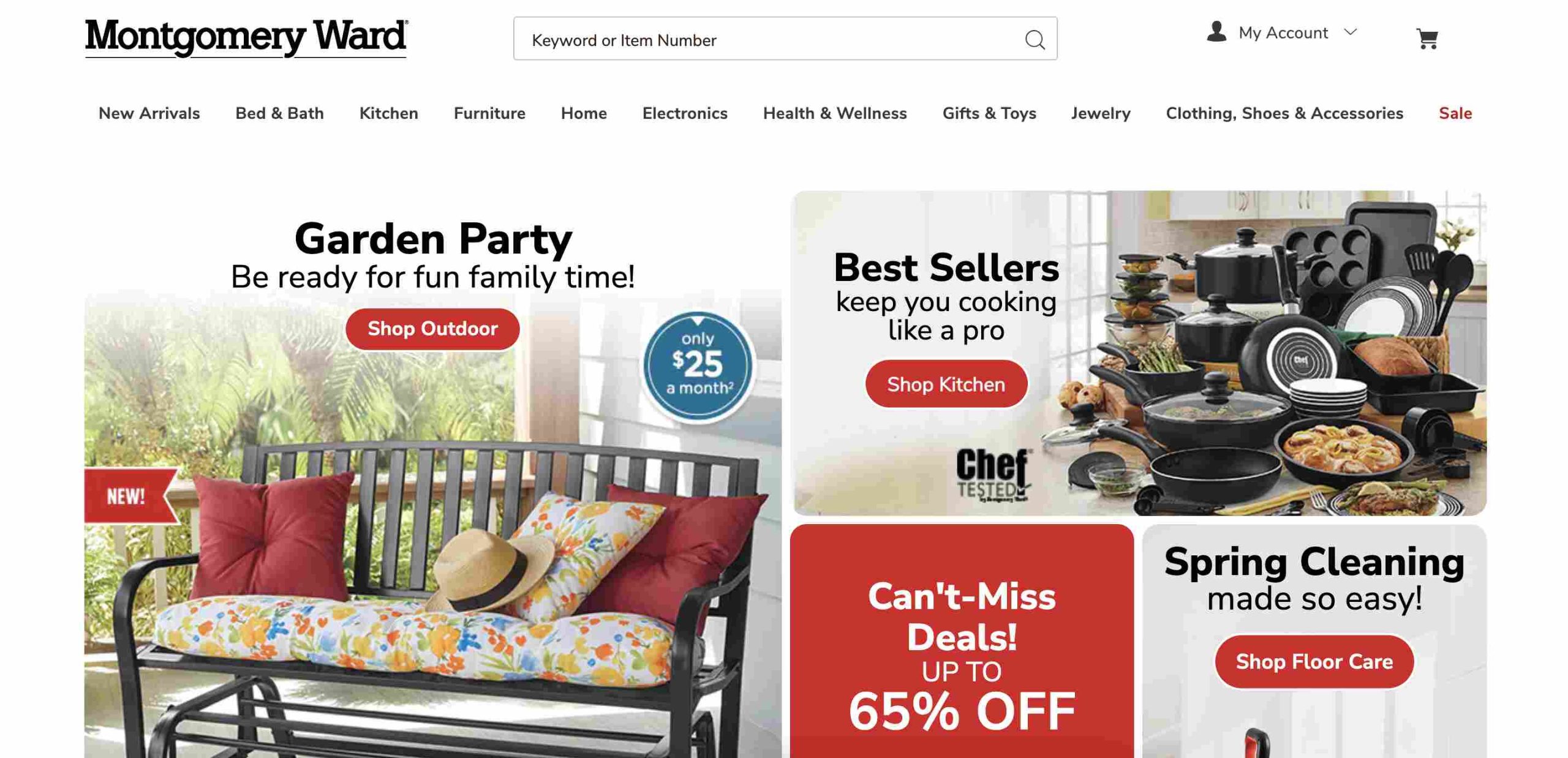
    1. Montgomery Ward

    Montgomery Ward

    Montgomery Ward has been in the buy now, pay later (BNPL) game for over a century. They offer furniture, home décor, electronics, and more, all with affordable monthly payment plans through their own credit system.

    Why You’ll Like It:

    • Long history of reliable service
    • Offers a wide variety of products
    • Monthly payments with their store credit

    2. Seventh Avenue

    Seventh Avenue focuses on stylish home décor, furniture, and gifts. If you like decorating your space or finding unique home items, this is a great option.

    What Makes It Stand Out:

    • Flexible payment plans
    • Great for furniture and home décor lovers
    • Easy credit approval process

    3. Miles Kimball

    If you’re into personalized gifts, kitchen gadgets, and home décor, Miles Kimball is a fun alternative. They offer BNPL options similar to Fingerhut, making it easier to grab unique finds without paying upfront.

    Why You Might Like It:

    • Specializes in personalized gifts
    • Flexible payment plans
    • Great for home organization items

    4. Walmart

    Yes, Walmart! While it’s known for low prices, Walmart also offers BNPL options through services like Affirm and Klarna. Whether you’re buying electronics, groceries, or furniture, you can spread out payments.

    What’s Great About Walmart BNPL:

    • Huge product selection
    • Available online and in stores
    • Partnered with multiple BNPL providers

    5. Harriet Carter

    Harriet Carter focuses on unique gifts, home solutions, and personal care products. Their flexible credit plans make it easy to shop for practical household items without immediate full payment.

    Why It’s Worth Considering:

    • Affordable home essentials
    • BNPL options available
    • Personalized and practical gifts

    6. Kohl’s

    Kohl’s is a well-known department store offering everything from clothing to electronics. They have a “Buy Now, Pay Later” option through Affirm, making it easier to budget your purchases.

    Why You Should Check It Out:

    • Frequent discounts and deals
    • Wide variety of products
    • Flexible payment plans via Affirm

    7. Home Shopping Network (HSN)

    HSN is great for finding daily deals on beauty, electronics, and home goods. Their Easy Pay system allows you to split payments into smaller amounts over time.

    What You’ll Love:

    • Great for TV shoppers who love deals
    • Installment payments without interest
    • Large variety of products

    8. Stoneberry

    Stoneberry works just like Fingerhut, offering flexible credit terms on electronics, fashion, and more. Payments can be as low as $5.99 per month.

    What Stands Out:

    • Low monthly payments
    • Easy credit approval
    • Wide product range

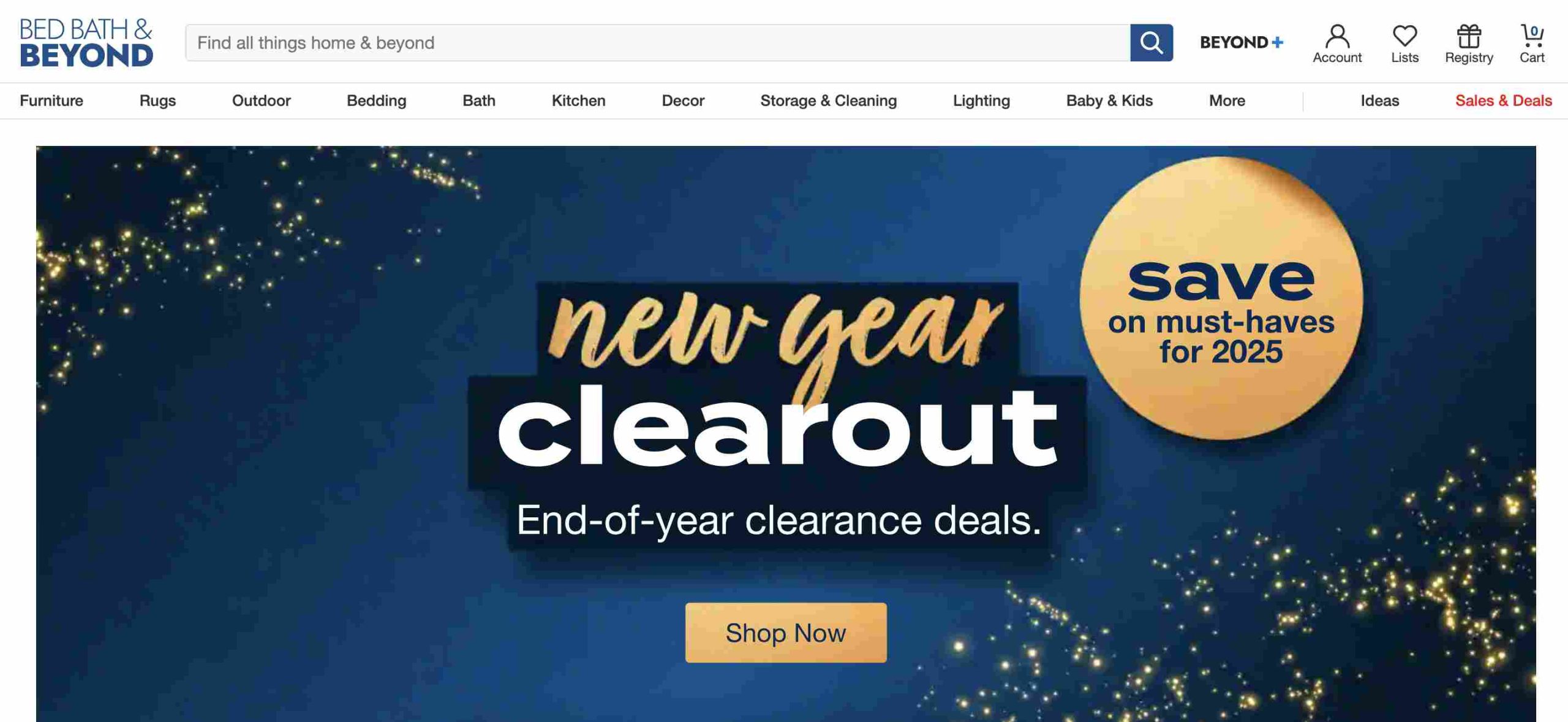
    9. Bed Bath & Beyond

    Bed Bath & Beyond

    Though known for home goods, Bed Bath & Beyond partners with BNPL services to let you split payments on furniture, kitchen gadgets, and décor.

    Why Consider It?

    • Frequent sales and discounts
    • Flexible payment options
    • Great for home essentials

    10. ShopHQ

    ShopHQ specializes in home appliances, beauty products, and jewelry. They offer BNPL plans to help customers spread out costs on bigger-ticket items.

    Why Shop Here:

    • Niche product selection
    • Installment payments available
    • Personalized shopping experience

    11. Afterpay

    Afterpay isn’t a store but a BNPL service that partners with many retailers. It lets you shop and split your payment into four interest-free installments.

    What’s Good About Afterpay:

    • No interest if paid on time
    • Accepted at thousands of stores
    • Ideal for fashion, beauty, and home goods

    12. Klarna

    Klarna works like Afterpay but gives you multiple payment options, such as paying within 30 days or splitting purchases into four payments.

    Why It’s a Strong Alternative:

    • Accepted at many retailers
    • Different payment plan choices
    • Easy-to-use app for tracking payments

    13. Affirm

    Affirm lets you spread payments over 3 to 36 months. It’s a great alternative for big purchases like furniture and electronics.

    Why People Love Affirm:

    • Transparent pricing with no hidden fees
    • Long-term financing options
    • Works with major retailers

    14. QVC Easy Pay

    QVC is famous for its home shopping channel, but its Easy Pay option lets you split payments into five equal, interest-free installments.

    Why It’s a Solid Choice:

    • No interest on installment payments
    • Wide variety of products
    • Trusted brand with great customer service

    15. Perpay

    Perpay

    Perpay is designed for people with low credit scores. It lets you shop and pay off purchases through payroll deductions, helping you build credit.

    What’s Unique About Perpay:

    • No credit check required
    • Helps improve your credit score
    • Easy payroll-deducted payments

    Comparison Table: Best Fingerhut Alternatives

    WebsiteProduct FocusPayment Plan Type
    Montgomery WardFurniture, electronicsStore credit
    Seventh AvenueHome décor, giftsMonthly payments
    Miles KimballPersonalized giftsFlexible payments
    WalmartEverythingBNPL via Affirm, Klarna
    Harriet CarterHome & personal careInstallments
    Kohl’sClothing, electronicsAffirm BNPL
    HSNBeauty, home goodsEasy Pay
    StoneberryElectronics, fashionLow monthly payments
    Bed Bath & BeyondHome goodsBNPL options
    ShopHQJewelry, beautyBNPL options
    AfterpayVarious retailers4 interest-free payments
    KlarnaVarious retailersFlexible BNPL options
    AffirmElectronics, furniture3-36 month financing
    QVC Easy PayHome shopping5 equal installments
    PerpayGeneral shoppingPayroll-deducted payments

    FAQs

    Is there another website like Fingerhut?

    Yes, similar websites include Zebit, Stoneberry, and MDG, which offer buy now, pay later (BNPL) options with flexible payment plans.

    Does Fingerhut sell gift cards online?

    Yes, Fingerhut sells gift cards online.

    Is Fingerhut a loan or credit card?

    Fingerhut offers a revolving credit account, which functions like a store credit card but can only be used for purchases through Fingerhut.

    Why is Fingerhut so expensive?

    Fingerhut’s prices tend to be higher due to financing costs, interest rates, and the convenience of its credit-based purchasing system.

    What is a cheaper BNPL option compared to Fingerhut?

    Afterpay and Klarna provide interest-free installment plans, making them some of the most cost-effective alternatives.

    Can BNPL services be used for daily purchases?

    Yes, many BNPL platforms support purchases of everyday essentials, including groceries, clothing, and household goods.

    Is Afterpay a better choice than Fingerhut?

    Since Afterpay offers interest-free payments, it is often a more budget-friendly alternative to Fingerhut, which typically has higher interest rates.

    Finding the right Fingerhut alternative depends on what you’re looking for. If you want easy monthly payments, Montgomery Ward or Stoneberry might be best. If you prefer interest-free installments, Afterpay and QVC Easy Pay are solid choices. And if you’re looking to improve your credit, Perpay is a smart option.

    No matter your shopping needs, there’s a BNPL option that fits your lifestyle. Happy shopping!
  • The 7 Best-Selling Gift Cards in Morocco

    The 7 Best-Selling Gift Cards in Morocco

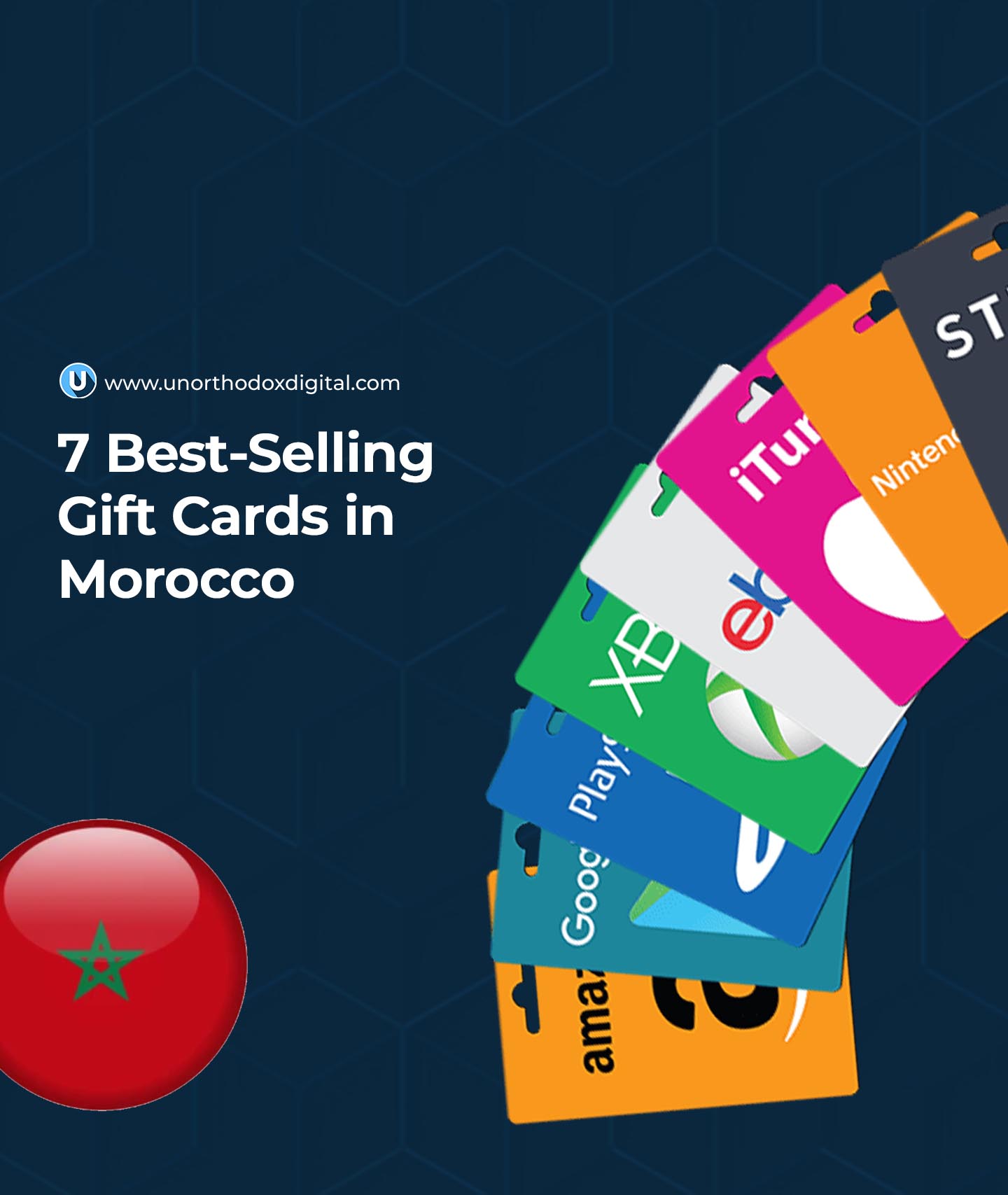
    Gift cards are a simple yet thoughtful way to give someone the freedom to choose what they really want. Whether for a birthday, a holiday, or just a kind gesture, they make great gifts. In Morocco, some gift cards are more popular than others, offering access to everything from groceries to entertainment. Here are the top seven best-selling gift cards in Morocco and why they are in high demand.

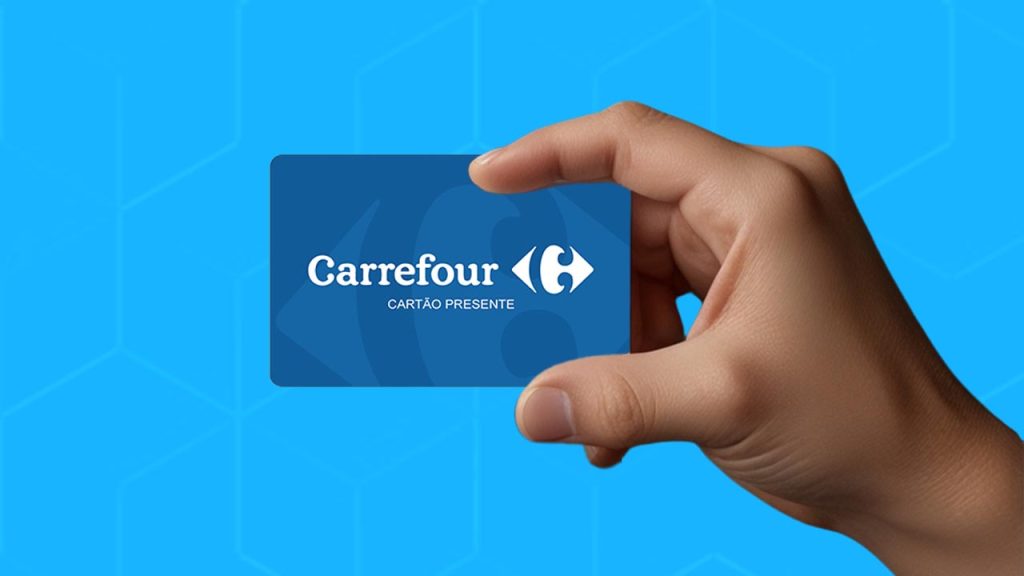
    1. Carrefour Gift Card

    Why It’s Popular

    Carrefour is Morocco’s largest supermarket chain, with branches in cities like Casablanca, Marrakech, and Rabat. A Carrefour gift card is useful because it allows people to buy everyday essentials, including food, electronics, and household items.

    Who Would Love It?

    • Families who need groceries and home supplies
    • Students living on their own
    • Anyone who loves shopping for quality products at great prices

    Where to Use It

    The card can be used at any Carrefour store across Morocco, making it a convenient option for many shoppers.

    2. Sephora Gift Card

    Why It’s Popular

    Sephora is a beauty and cosmetics powerhouse with locations in major Moroccan cities. A Sephora gift card is a dream come true for anyone who loves skincare, makeup, and fragrances.

    Who Would Love It?

    • Makeup enthusiasts
    • People who love high-end skincare products
    • Anyone looking to try new beauty trends

    What Can You Buy?

    From top-tier perfumes to skincare and makeup, a Sephora gift card lets the recipient explore a vast selection of beauty products.

    3. Spotify Gift Card

    Why It’s Popular

    Music and podcasts are a big part of everyday life, and Spotify offers a vast library of content. A Spotify gift card allows users to enjoy premium access, meaning ad-free music streaming and offline listening.

    Who Would Love It?

    • Music lovers who hate interruptions
    • Podcast fans who listen on the go
    • Students and professionals who use background music while working

    Key Benefits

    FeatureFree VersionPremium Version (With Gift Card)
    Ad-FreeNoYes
    Offline ModeNoYes
    Unlimited SkipsNoYes

    4. Amazon Gift Card

    Why It’s Popular

    Amazon is a global online marketplace with millions of products. While Amazon does not ship directly to Morocco, package forwarding services allow Moroccans to shop internationally.

    Who Would Love It?

    • Online shoppers looking for international brands
    • Tech lovers searching for the latest gadgets
    • Bookworms who prefer digital and paperback books

    What’s the Best Way to Use It?

    By using Amazon’s global shipping options or package forwarding services, buyers can access thousands of products that may not be available locally.

    5. Xbox Gift Card

    Why It’s Popular

    Gaming is a big deal in Morocco, and Xbox is one of the leading gaming platforms. An Xbox gift card allows players to buy games, subscriptions, and in-game content.

    Who Would Love It?

    • Gamers of all ages
    • Teens who play multiplayer games
    • Adults who enjoy digital entertainment

    What Can You Buy?

    UseDescription
    Xbox Game PassUnlimited access to hundreds of games
    In-Game PurchasesBuy skins, upgrades, and more
    Full GamesDownload and own digital games
    Best-Selling Gift Cards in Morocco

    6. Google Play Gift Card

    Why It’s Popular

    Smartphones are everywhere, and Android users in Morocco rely on Google Play for apps, games, music, and movies. A Google Play gift card lets users buy digital content without needing a credit card.

    Who Would Love It?

    • Android phone users
    • Kids who want games without needing a parent’s credit card
    • Movie lovers who stream content

    Best Ways to Use It

    With a Google Play card, users can unlock premium apps, remove ads, or purchase movies and books.

    7. Netflix Gift Card

    Why It’s Popular

    Netflix is one of the most popular streaming platforms in Morocco. A Netflix gift card covers the cost of a subscription, giving access to unlimited shows and movies.

    Who Would Love It?

    • Binge-watchers who love TV series and movies
    • Families looking for kid-friendly content
    • Anyone who enjoys international films

    Subscription Plans Available

    PlanPriceFeatures
    BasicAffordableOne screen at a time
    StandardMid-rangeTwo screens, HD quality
    PremiumHigher priceFour screens, Ultra HD

    Frequently Asked Questions (FAQs)

    Where Can I Buy Gift Cards in Morocco?

    Gift cards are available at major retailers, supermarkets, and online platforms. Carrefour and convenience stores often stock physical gift cards, while online gift card platforms provide digital options.

    Can I Buy Moroccan Gift Cards Online?

    Yes, many brands offer online gift card purchases directly on their websites. You can also buy from reputable third-party platforms that sell Moroccan gift cards.

    What Occasions Are Suitable for Giving Gift Cards?

    Gift cards make great gifts for birthdays, anniversaries, religious holidays like Eid, and even as rewards for achievements or work incentives.

    Do Moroccan Gift Cards Expire?

    Most gift cards remain valid for at least a year, but expiration policies vary by brand. Always check the terms before purchasing.

    Gift cards are an easy and flexible way to give a present without worrying about getting the wrong item. Whether it’s a music subscription, a gaming experience, or everyday shopping, there’s a gift card in Morocco for everyone. If you’re looking for a hassle-free yet thoughtful gift, any of these top-selling options will be a great choice.

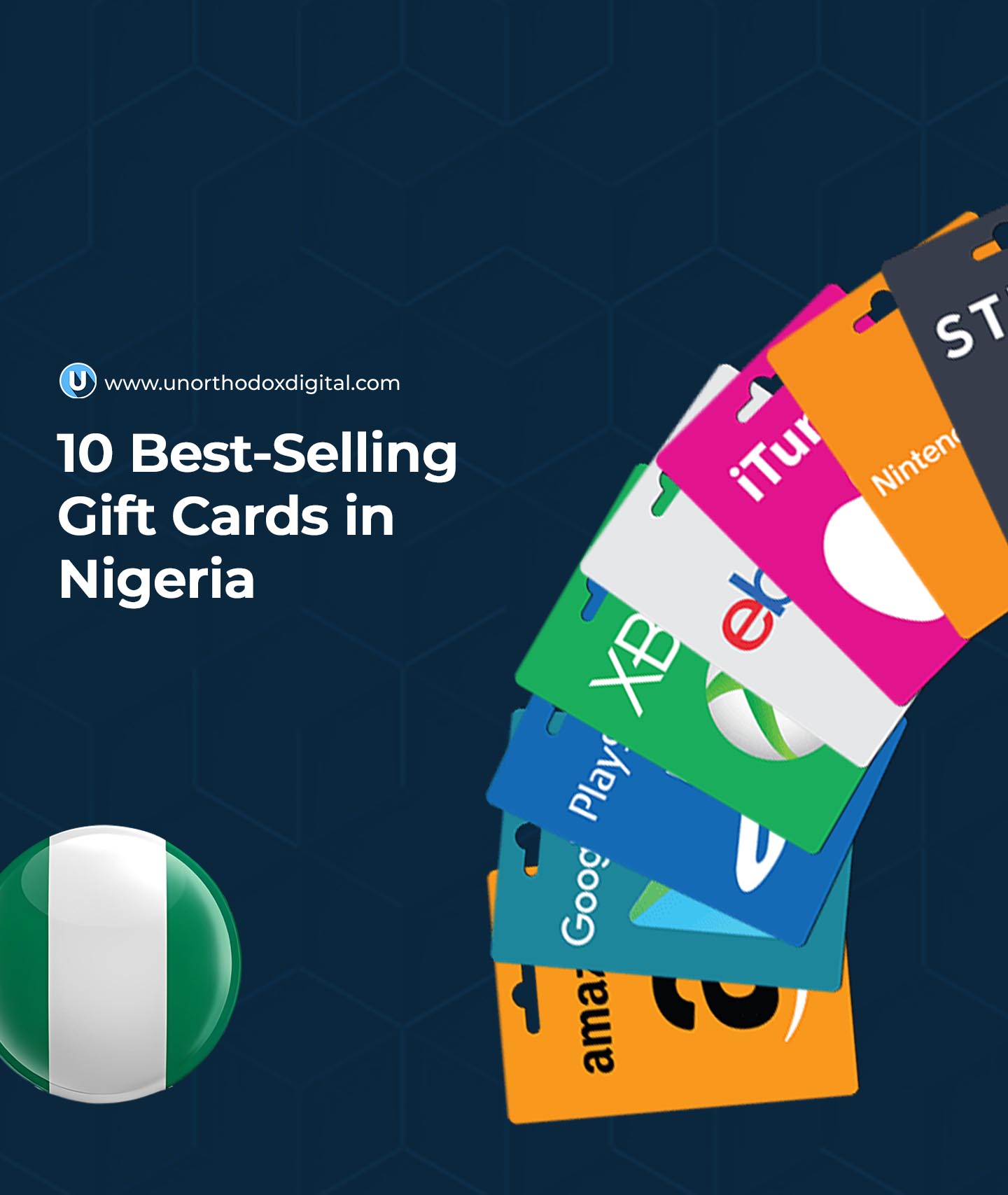
  • The 10 Best-Selling Gift Cards in Nigeria

    The 10 Best-Selling Gift Cards in Nigeria

    Gift cards have become a popular way to buy things, send gifts, and even make money in Nigeria. Whether you’re a shopper looking to grab a deal or someone who trades gift cards for cash, knowing the most in-demand ones can help you make smart choices. Let’s dive into the top 10 best-selling gift cards in Nigeria and why they’re so popular.

    1. Apple Gift Card

    Apple gift cards are among the most traded gift cards in Nigeria. These cards can be used to buy apps, music, movies, and even Apple products. Many Nigerians use Apple services, so these cards are always in high demand.

    Why It’s Popular:

    • Works on the Apple Store and iTunes.
    • Can be used for music subscriptions and app purchases.
    • High resale value when exchanged for cash.

    2. Amazon Gift Card

    Amazon is one of the biggest online stores in the world, and Nigerians love to shop there. Since Amazon doesn’t accept Naira, many people use Amazon gift cards to buy items or trade them for cash.

    Why It’s Popular:

    • Used to buy millions of products on Amazon.
    • Accepted for Kindle books, Amazon Video, and music.
    • Different types of receipts affect resale value.

    3. Google Play Gift Card

    Android users rely on the Google Play Store to download apps, games, and books. A Google Play gift card makes it easy to make purchases without a credit card.

    Why It’s Popular:

    • Can be used for apps, movies, and in-game purchases.
    • Digital and physical versions available.
    • A good option for those who don’t have international payment cards.

    4. Steam Gift Card

    If you’re a gamer, you probably know about Steam. It’s a platform where you can buy and play video games. Since gaming is growing in Nigeria, Steam gift cards are always in demand.

    Why It’s Popular:

    • Used to buy and download games on Steam.
    • Can be traded for cash at high rates.
    • Popular among gaming enthusiasts and streamers.

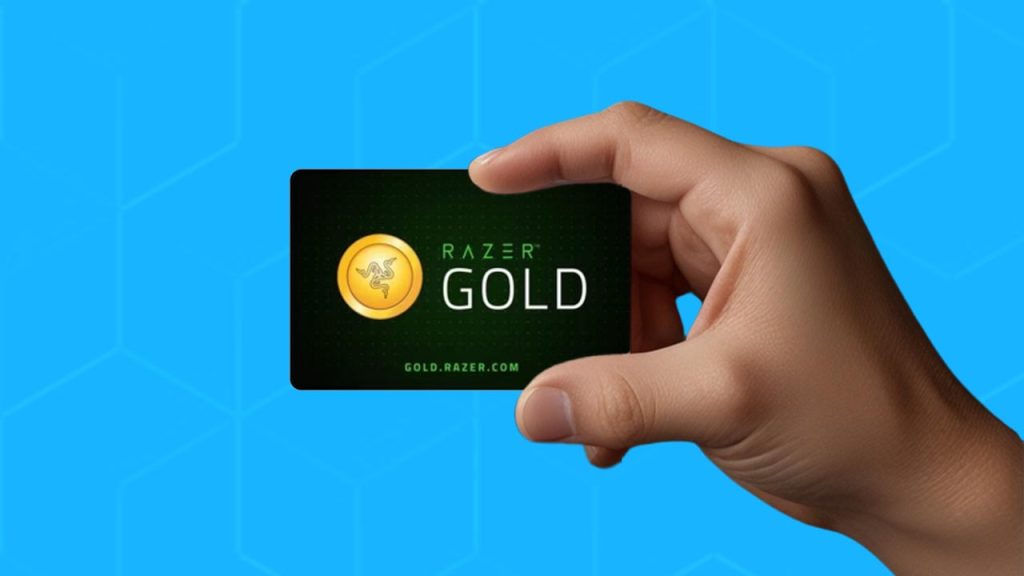
    5. Razer Gold Gift Card

    Razer Gold is another gaming-related gift card. Gamers use it to buy virtual currency, games, and in-game items. Since gaming is a multi-billion-dollar industry, the demand for Razer Gold gift cards is strong in Nigeria.

    Why It’s Popular:

    • Used for over 2,000 games and entertainment services.
    • High resale value.
    • Great for Nigerian gamers who want to make purchases easily.
    Best-Selling Gift Cards in Nigeria

    6. eBay Gift Card

    eBay is a well-known online marketplace where people buy and sell everything from gadgets to fashion items. Many Nigerians use eBay to shop for things that aren’t available locally, making its gift card valuable.

    Why It’s Popular:

    • Allows users to shop internationally without a credit card.
    • Accepted for millions of products.
    • Dropshippers and wholesale buyers prefer it.

    7. Sephora Gift Card

    Beauty lovers in Nigeria often shop for makeup, skincare, and beauty products from Sephora. A Sephora gift card is a great way to access premium beauty brands.

    Why It’s Popular:

    • Can be used to shop for beauty products online.
    • Available for both physical and digital purchases.
    • High demand among makeup enthusiasts.

    8. American Express (AMEX) Gift Card

    Unlike most brand-specific gift cards, AMEX gift cards work like prepaid cards and can be used at various online stores. This flexibility makes them one of the best-selling gift cards in Nigeria.

    Why It’s Popular:

    • Works on multiple websites that accept AMEX.
    • Not restricted to a single brand.
    • High demand for online shopping.

    9. Nordstrom Gift Card

    Nordstrom is an American luxury store that sells fashion, accessories, and beauty products. Nigerians who love premium brands often buy Nordstrom gift cards to shop internationally.

    Why It’s Popular:

    • Can be used to shop for high-end fashion.
    • Accepted online and in physical stores.
    • Popular among fashion-forward shoppers.

    10. Nike Gift Card

    Nike is a global sports brand, and its gift cards are highly sought after by Nigerians who want to buy sneakers, sportswear, and accessories.

    Why It’s Popular:

    • Can be used to buy Nike products online and in stores.
    • Perfect for athletes and sneaker lovers.
    • Popular among people who prefer original sports gear.

    Comparison Table: Best-Selling Gift Cards in Nigeria

    Gift CardUse CaseWhy It’s Popular
    AppleApps, music, and Apple productsWorks across Apple services and devices
    AmazonOnline shoppingMillions of products, high resale value
    Google PlayApps, games, and moviesEssential for Android users
    SteamVideo gamesPopular among gamers
    Razer GoldGaming purchasesHigh demand for virtual goods
    eBayOnline shoppingUseful for international buyers
    SephoraBeauty productsLoved by makeup enthusiasts
    AMEXGeneral online purchasesWorks on multiple platforms
    NordstromLuxury fashionGreat for high-end shopping
    NikeSportswear and sneakersTrusted for quality sports gear

    If you’re looking to buy or trade gift cards in Nigeria, these ten options are your best bet. Each of them has a strong demand, making them valuable for shopping or exchanging for cash. Whether you’re a tech lover, a gamer, a beauty enthusiast, or someone who loves online shopping, there’s a gift card that fits your needs!

  • Top 7 Gift Card Trading Platforms in Nigeria

    Top 7 Gift Card Trading Platforms in Nigeria

    Gift card trading is a big deal in Nigeria. Many people get gift cards from friends, family, or giveaways but can’t use them directly. Instead of letting them sit unused, you can exchange them for cash or cryptocurrency. But where do you trade them safely? Let’s talk about the top seven platforms that make it easy and safe to convert your gift cards to naira.

    What is the Best Platform to Trade Gift Cards in Nigeria?

    There’s no single best platform because different people have different needs. Some platforms offer higher rates, while others focus on speed, reliability, or security. Here are seven trusted platforms you can use:

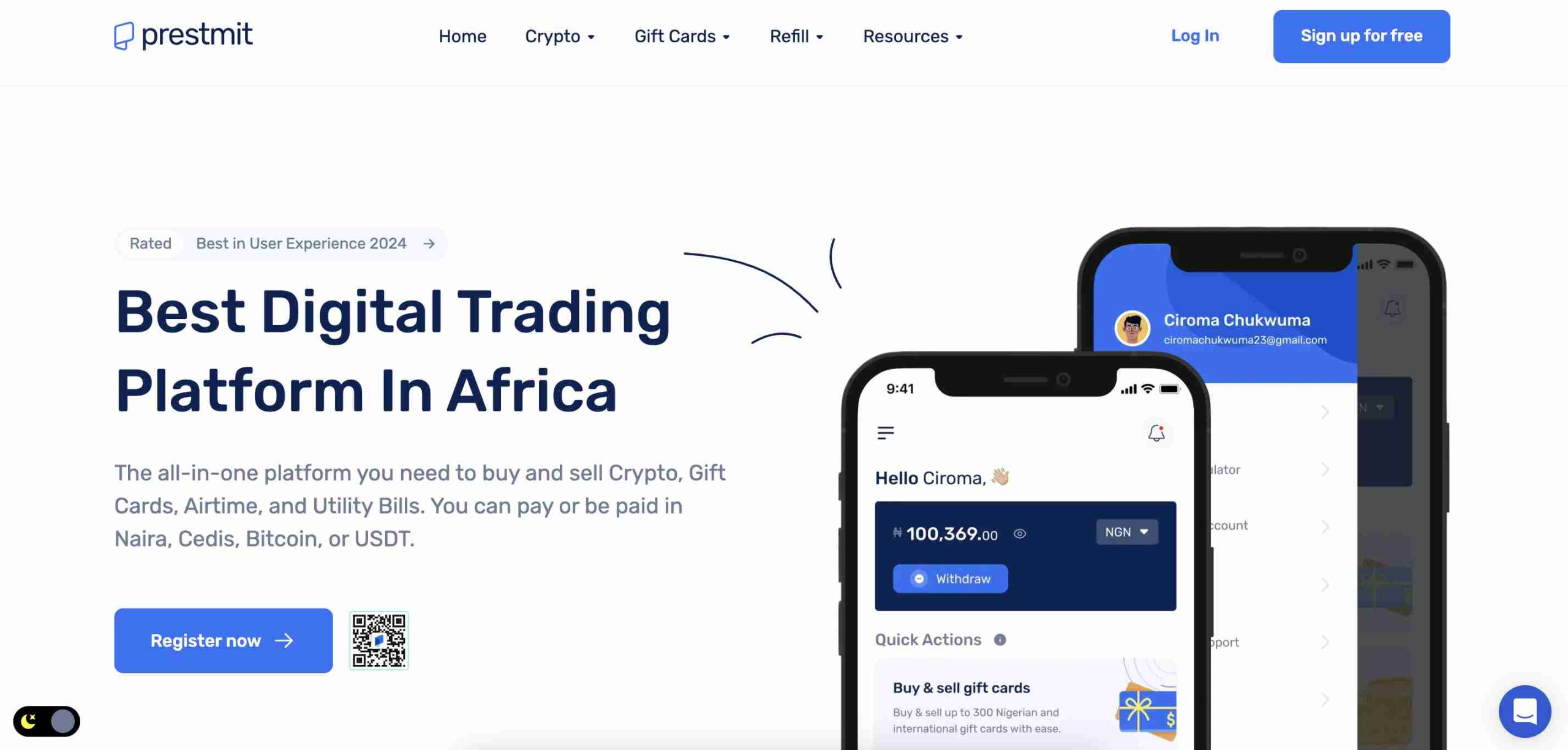
    1. Prestmit

    Prestmit
    • Supports both cash and crypto payments
    • User-friendly mobile app
    • Quick transaction processing
    • Live chat customer support

    Prestmit is one of the most popular platforms in Nigeria for trading gift cards. It allows you to sell various types of gift cards, including Amazon, iTunes, Google Play, and Steam, for either cash or Bitcoin. The app is easy to use, and transactions are usually processed fast.

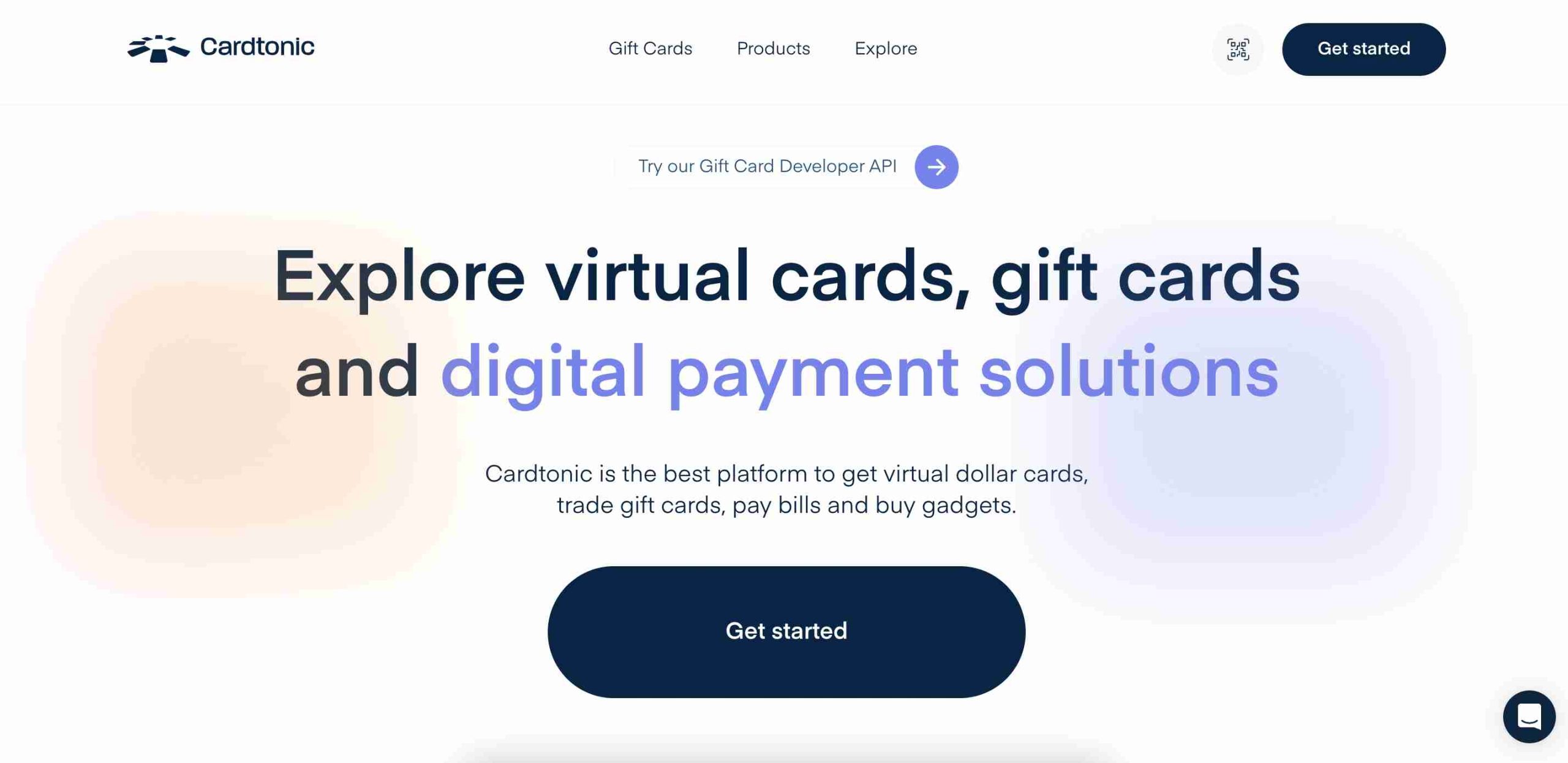
    2. Cardtonic

    Cardtonic
    • Competitive exchange rates
    • Fast transaction process
    • Mobile app for iOS and Android
    • Supports multiple payment options

    Cardtonic is another solid option if you’re looking for great rates and a seamless experience. You can trade directly through their app, and payments are processed quickly. They support a wide range of gift cards, from Visa gift cards to gaming and shopping cards.

    3. GiftCardsToNaira

    GiftCardsToNaira
    • Instant payments
    • 24/7 customer support
    • Simple and fast sign-up process

    This platform specializes in converting gift cards to naira instantly. If you need your money fast, GiftCardsToNaira is a great choice. Their website and app are simple to use, and you can get started in minutes.

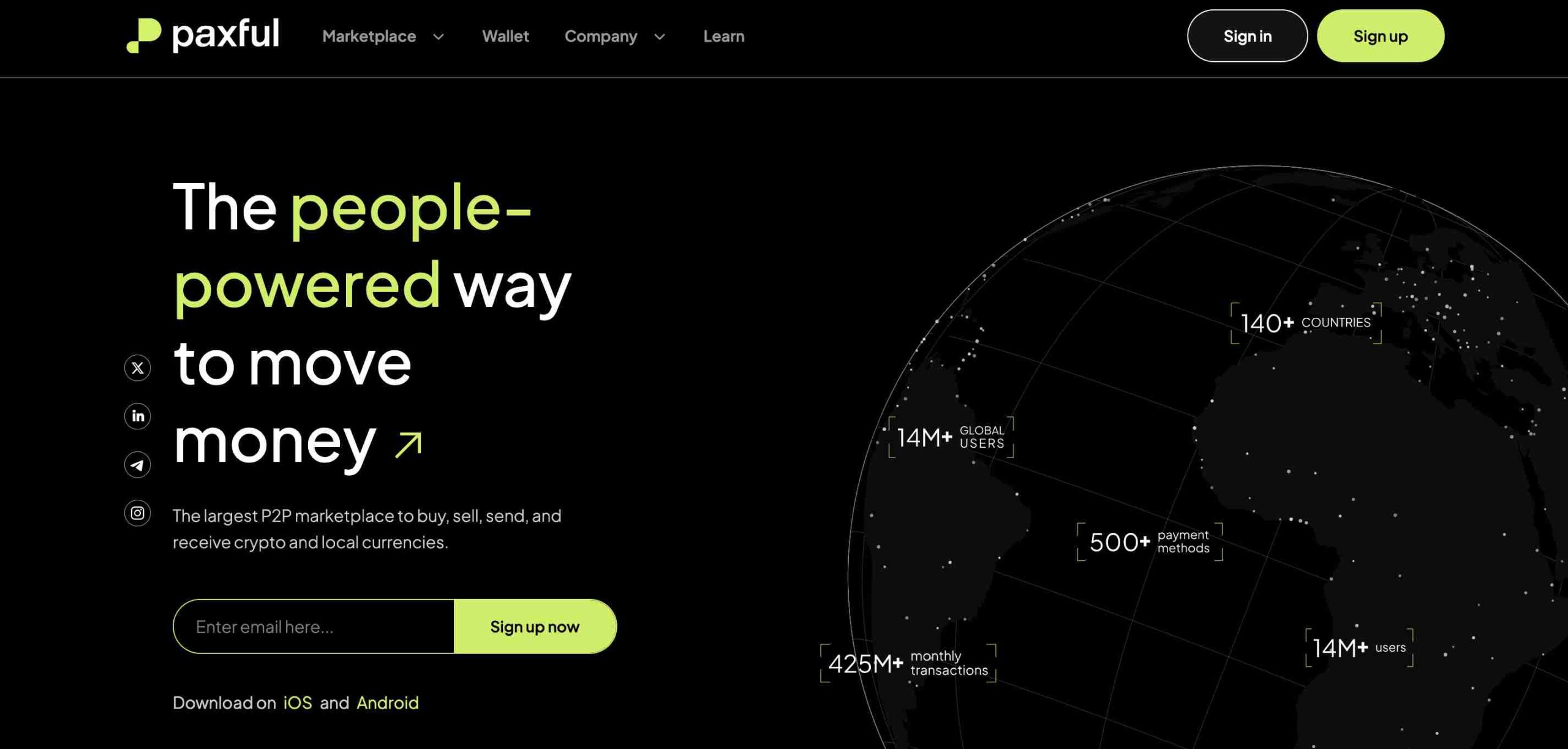
    4. Paxful

    Paxful
    • Peer-to-peer marketplace
    • Trade gift cards for Bitcoin
    • Multiple payment options
    • Highly secure platform

    Paxful works differently from other platforms on this list. It’s a peer-to-peer marketplace where buyers and sellers connect to exchange gift cards for Bitcoin or other digital assets. While it’s secure, you need to be cautious and only trade with verified users.

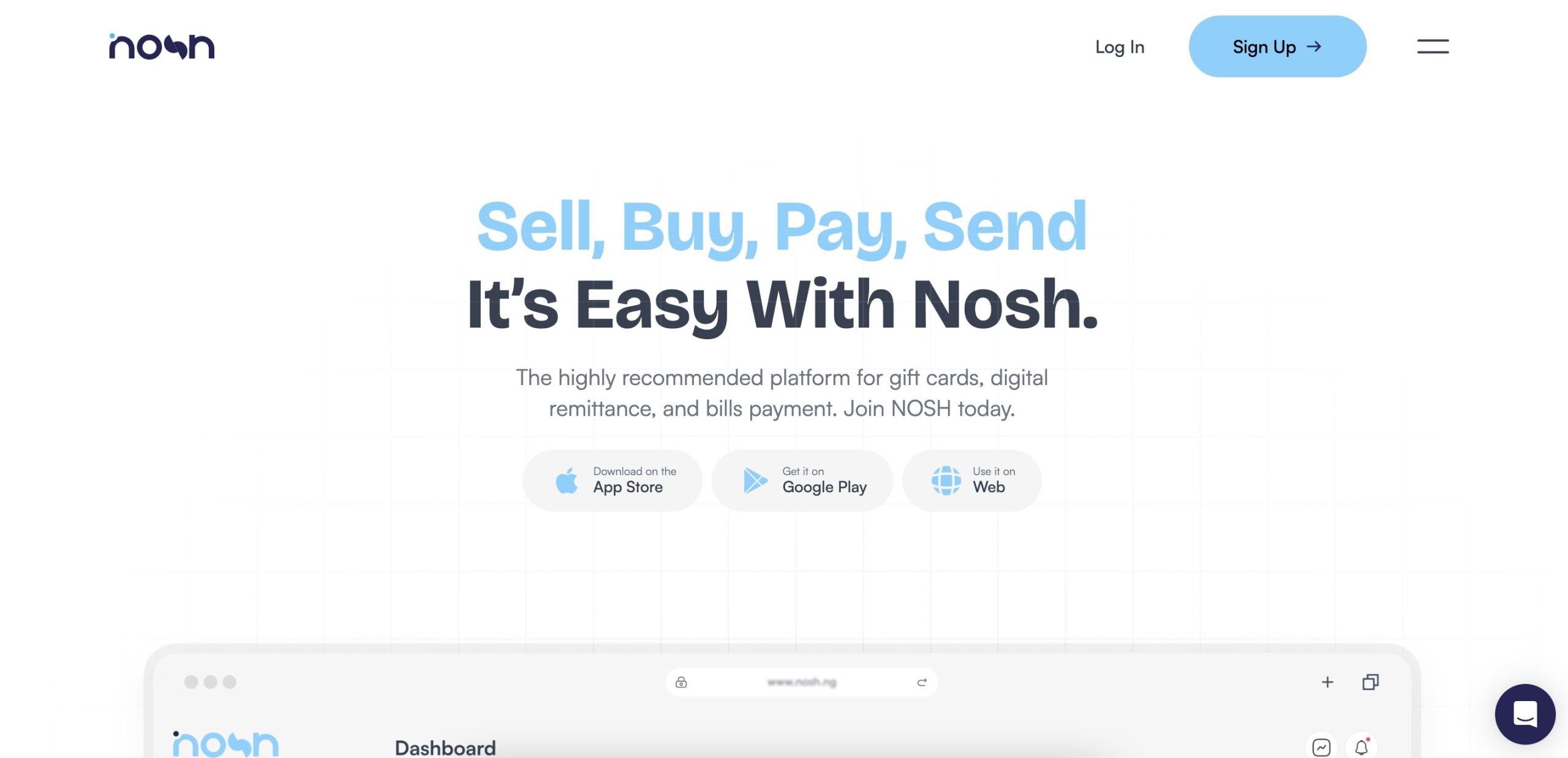
    5. Nosh

    Nosh
    • Competitive rates
    • Fast transactions
    • Mobile app available

    Nosh is known for offering competitive rates on gift card exchanges. Their app makes it easy to complete trades, and they provide a secure environment for transactions.

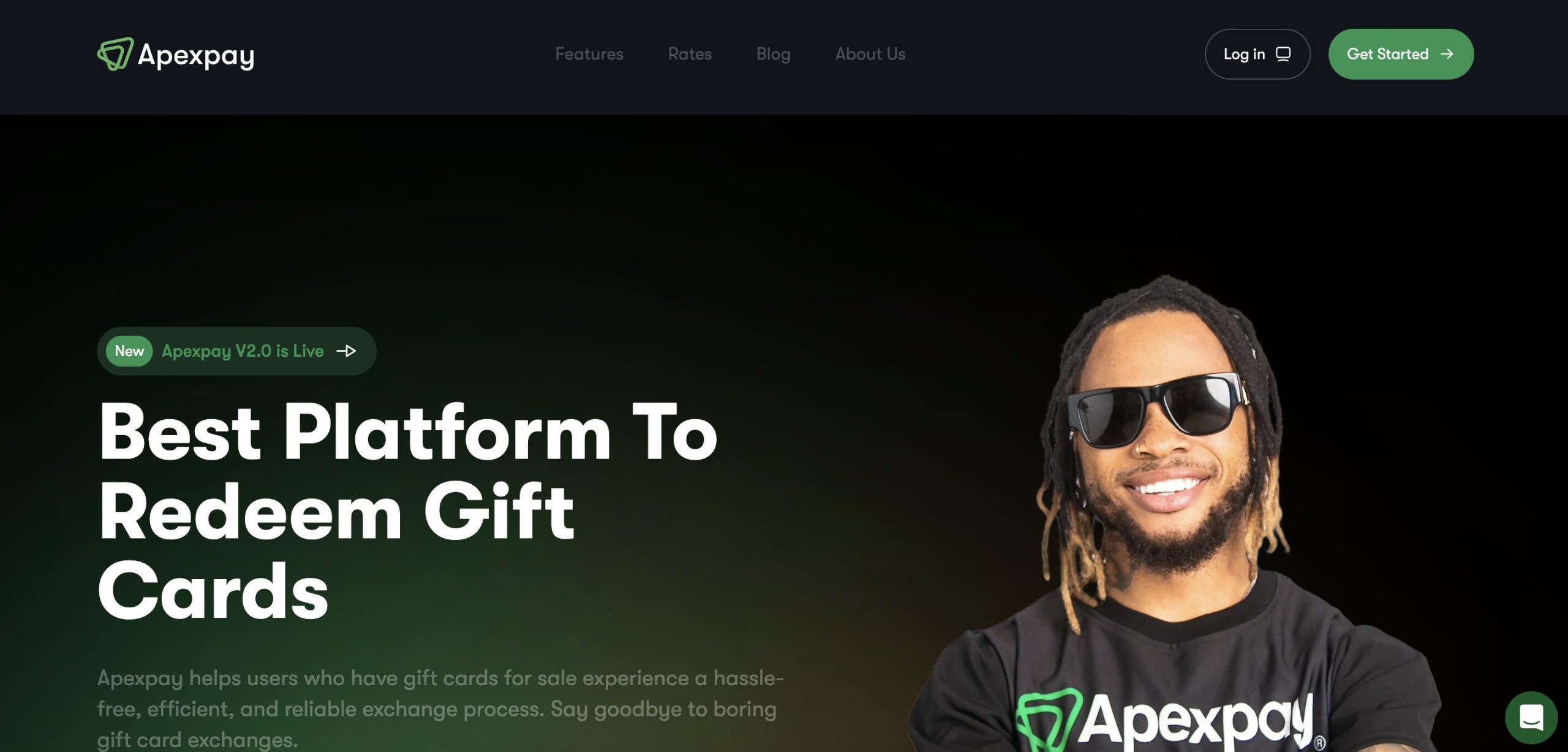
    6. Apexpay

    Apexpay
    • Supports multiple gift card types
    • Easy withdrawal process
    • Secure trading platform

    Apexpay is a reliable option that supports various gift cards, including Steam, eBay, Google Play, and Amazon. They offer good rates and ensure a smooth withdrawal process for users.

    7. GC Buying

    GC Buying
    • High exchange rates
    • Fast processing time
    • Great customer service

    GC Buying is a top choice if you’re looking for some of the best rates in the market. Their customer service is also known to be responsive, making it a trustworthy option for gift card traders in Nigeria.

    How to Trade a Gift Card in Nigeria

    Trading a gift card in Nigeria is simple. Here’s a step-by-step guide to help you:

    1. Choose a Platform: Pick one from the list above based on your needs.
    2. Create an Account: Sign up with your email and phone number.
    3. Select Your Gift Card: Choose the type of gift card you want to trade (Amazon, Steam, iTunes, etc.).
    4. Upload the Gift Card Details: This usually includes the card’s code and value.
    5. Get an Offer: The platform will show you how much they are willing to pay for your card.
    6. Accept and Get Paid: Once you accept the offer, your payment is processed within minutes or hours, depending on the platform.

    Can Gift Cards Be Sent Directly to Friends and Family?

    Yes! Gift cards are designed to be sent directly to friends and family as a way of giving them access to specific stores, services, or digital platforms. Most gift cards come in two forms: physical cards and digital (eGift) cards.

    • Physical Gift Cards: These are plastic cards that you can buy from stores and give to someone in person or by mail.
    • Digital Gift Cards: These are codes sent via email or text, which the recipient can redeem online.
    Top 7 Gift Card Trading Platforms in Nigeria

    How to Send a Gift Card to Someone

    1. Choose the Type: Decide whether you want a physical or digital gift card.
    2. Pick a Brand: Select a gift card for a store or service the recipient will find useful (Amazon, iTunes, Google Play, etc.).
    3. Purchase the Card: Buy it online or in-store.
    4. Send the Card:
      • For digital cards, enter the recipient’s email or phone number during checkout.
      • For physical cards, mail it or hand it to them personally.

    Things to Consider

    • Some gift cards are region-locked, meaning they can only be used in specific countries.
    • Always check the expiration date before sending a gift card.
    • If buying online, ensure you’re purchasing from a trusted website to avoid scams.

    What is the Best Gift Card Site in Nigeria?

    There’s no single “best” site for everyone, but if you want:

    • Best Rates: GC Buying and Cardtonic
    • Fast Payments: GiftCardsToNaira and Prestmit
    • Crypto Payouts: Paxful and Prestmit
    • Ease of Use: Cardtonic and Nosh

    Gift card trading in Nigeria is a great way to turn unused gift cards into cash. With platforms like Prestmit, Cardtonic, and GiftCardsToNaira, you can trade safely and quickly. Always check the current rates and ensure you’re using a trusted platform to avoid scams. Happy trading!
  • 13+ Best Online Banks in Nigeria You Can Trust

    13+ Best Online Banks in Nigeria You Can Trust

    Online banking is changing the way Nigerians save, spend, and manage their money. Whether you’re looking for a bank with free transfers, instant loans, or high savings interest rates, there’s an option for you. This guide breaks down the best online banks in Nigeria, making it easy to choose the one that fits your needs.

    What Makes a Great Online Bank?

    Before we dive into the list, here are key things to look out for when choosing an online bank:

    • Security: The bank should have strong security features like two-factor authentication (2FA) and encryption to keep your money safe.
    • Ease of Use: A simple and user-friendly mobile app is a must.
    • Low or No Fees: Many online banks offer free transfers and zero maintenance fees.
    • Savings & Loans: Some banks offer high-interest savings and quick loans.
    • Reliable Customer Support: You need a bank that responds fast when you have issues.

    Now, let’s explore the best online banks in Nigeria.

    1. Kuda

    Kuda

    Kuda is one of the most popular online banks in Nigeria, offering a smooth, fee-free banking experience.

    Key Features:

    • Free monthly transfers (up to 25)
    • Automated savings with competitive interest rates
    • Instant loans with no collateral
    • Investment options through Bamboo integration

    Best For: People who want a free, easy-to-use digital bank with savings and loan features.

    2. PalmPay

    PalmPay is a digital wallet that makes everyday transactions easy and rewarding.

    Key Features:

    • Cashback and discounts on transactions
    • Quick and simple registration
    • Free and low-cost transfers

    Best For: Anyone looking for a simple digital wallet with rewards.

    3. Sparkle

    Sparkle is a modern digital bank offering personal and business banking.

    Key Features:

    • Smart spending insights and analytics
    • Business banking features for entrepreneurs
    • Virtual and physical debit cards

    Best For: Freelancers and small business owners who need banking and financial insights.

    4. FairMoney

    FairMoney

    FairMoney started as a loan app but has expanded into a full online bank.

    Key Features:

    • Quick, collateral-free loans
    • Bill payments and mobile top-ups
    • Free bank transfers

    Best For: Anyone who frequently needs instant loans.

    5. ALAT by Wema

    ALAT is a pioneer in Nigeria’s online banking space, offering a full range of services.

    Key Features:

    • Virtual dollar card for international payments
    • Automated savings plans with high-interest rates
    • Loans and investment opportunities

    Best For: People who want a full-service digital bank with international payment options.

    6. PocketApp by PiggyVest

    Previously known as Abeg, PocketApp is a social financial app integrated with PiggyVest.

    Key Features:

    • Social payments for easy peer-to-peer transfers
    • High-interest savings of up to 15%
    • Seamless PiggyVest integration

    Best For: Young people and savers looking for a fun, high-interest savings platform.

    7. Sofri

    Sofri is a user-friendly digital bank that focuses on making banking stress-free.

    Key Features:

    • High-interest savings accounts
    • Simple and fast transactions
    • No hidden fees

    Best For: Those looking for a straightforward banking experience.

    8. OPay

    OPay

    OPay is a multifunctional financial platform beyond just banking.

    Key Features:

    • Bill payments, airtime top-ups, and shopping
    • Cashback rewards
    • Easy-to-use mobile app

    Best For: Users who want a digital bank with extra features beyond banking.

    9. Carbon

    Carbon (formerly Paylater) is a top online bank with great savings and credit options.

    Key Features:

    • Instant loans with flexible repayment
    • Free transfers and bill payments
    • High-yield savings accounts

    Best For: People who need both banking and easy access to loans.

    10. Paga

    Paga is a versatile digital bank offering banking services even without internet access.

    Key Features:

    • USSD, app, and web-based transactions
    • Free account maintenance
    • Business and individual banking options

    Best For: Those looking for flexible banking, including USSD options.

    11. Eyowo

    Eyowo is designed to make digital banking accessible to all Nigerians.

    Key Features:

    • Free transfers and bill payments
    • Easy sign-up with just a phone number
    • Multi-channel banking (app, USSD, web)

    Best For: Users who want a simple and inclusive banking platform.

    12. Moniepoint

    Moniepoint

    Moniepoint is widely known for its business-focused banking solutions.

    Key Features:

    • Fast, reliable transactions
    • Business and personal banking accounts
    • Large agent network for easy cash access

    Best For: Business owners and people who need a reliable payment system.

    13. VFD Bank

    VFD Bank is a flexible online bank with great savings and budgeting features.

    Key Features:

    • Up to 10% interest on savings
    • Free transfers
    • Joint and kids’ accounts

    Best For: Savers and professionals who need a high-interest digital bank.

    Best Online Banks in Nigeria You Can Trust

    Choosing the Right Online Bank

    Here’s a quick comparison to help you pick the best online bank for your needs:

    BankBest ForFree TransfersInstant LoansHigh-Interest Savings
    Kuda BankPersonal Banking
    PalmPayCashback Rewards
    SparkleBusiness & Personal Insights
    FairMoneyInstant Loans
    ALATInternational Payments
    PocketAppSocial Savings
    SofriSimple Banking
    OPayMultifunctional Use
    CarbonLoans & Savings
    PagaUSSD Banking
    EyowoEasy Access
    MoniepointBusiness Banking
    VFD BankHigh Interest Savings

    Online banking in Nigeria is growing fast, and these digital banks are leading the way. Whether you need free transfers, easy loans, or high-interest savings, there’s an online bank for you. Before choosing, consider what features matter most to you and pick the one that fits your lifestyle best.

    FAQs:

    1. Which online bank is the most reliable in Nigeria?

    Reliability depends on what you need. Kuda, OPay, and PalmPay are among the most reliable online banks due to their ease of use, fast transactions, and good customer service. Moniepoint is also highly reliable, especially for businesses.

    2. Can a 13-year-old have a bank account in Nigeria?

    Yes, but only with a parent or guardian. Most banks, including online ones, require minors to open an account under parental supervision. Some banks offer special accounts for kids and teens, but full banking services are usually available from age 16 or 18.

    3. What is the most trusted online bank?

    Kuda, ALAT by Wema, and FairMoney are among the most trusted online banks. Kuda is known for zero maintenance fees, ALAT is backed by Wema Bank, and FairMoney is popular for quick loans.

    4. Which is the most trusted bank in Nigeria?

    For traditional banks, Zenith Bank, GTBank, and First Bank are considered the most trusted. Among digital banks, Kuda and Moniepoint are highly rated for security and reliability.

    5. Does Kuda allow under 18?

    No, Kuda requires users to be at least 18 years old to open an account.

    6. At what age can I open an OPay account?

    OPay allows users from 18 years and above to open an account.

    7. Does Kuda need NIN?

    Yes, Kuda requires a National Identification Number (NIN) or another valid ID for account verification.

    8. What is the banking app for 15-year-olds in Nigeria?

    Most online banks in Nigeria require users to be at least 18. However, some traditional banks like GTBank and Access Bank offer teen accounts that can be managed with a parent or guardian.

  • How to Stop Glo Auto Renewal in Nigeria

    How to Stop Glo Auto Renewal in Nigeria

    Are you tired of Glo automatically renewing your data plan when you’re not ready? Maybe you just want to control when and how you buy data. No worries! Stopping auto-renewal on Glo is easy, and I’ll guide you through it step by step.

    By the end of this article, you’ll know exactly how to disable auto-renewal using SMS, USSD codes, the Glo app, or even by contacting customer service. Plus, I’ll share some essential tips to ensure you don’t run into any surprises.

    Methods to Cancel Glo Auto Renewal

    Glo gives you multiple ways to opt out of auto-renewal, so you can pick the one that works best for you. Here are your options:

    MethodHow It Works
    SMSSend “CANCEL” to 127 on your Glo line.
    USSD CodeDial *777# and navigate to cancel auto-renewal.
    Glo Mobile AppLog in, go to “My Plans,” and turn off auto-renewal.
    Customer ServiceCall 121 and ask a representative to disable it for you.

    Let’s break down each method in more detail.

    1. Cancel Auto Renewal via SMS

    This is the simplest method, and it works in seconds.

    Steps:

    1. Open your phone’s messaging app.
    2. Type “CANCEL” (without quotes).
    3. Send it to 127 using your Glo SIM.
    4. You’ll receive a confirmation message from Glo.

    That’s it! Auto-renewal is now disabled.

    2. Cancel Auto Renewal via USSD Code

    If you prefer dialing codes, this method is for you.

    Steps:

    1. Dial *777# on your Glo line.
    2. Select “Data Services.”
    3. Choose “Manage Data” or “Data Plan Auto-Renewal.”
    4. Select “Cancel Auto Renewal.”
    5. Confirm your selection.
    6. You’ll receive a confirmation SMS.

    3. Cancel Auto Renewal via Glo Mobile App

    If you like handling things through apps, here’s how to do it on the Glo app.

    Steps:

    1. Download and install the Glo Mobile App if you don’t have it.
    2. Register or log in with your Glo phone number.
    3. Navigate to “My Account.”
    4. Select “My Plans” to view your active data subscriptions.
    5. Locate the auto-renewal setting and disable it.

    4. Cancel Auto Renewal by Contacting Glo Customer Service

    If none of the above methods work for you, you can call Glo’s customer support and request cancellation.

    Steps:

    1. Dial 121 on your Glo line.
    2. Follow the voice prompts to speak with a customer service agent.
    3. Request auto-renewal cancellation.
    4. The representative will confirm when it’s disabled.
    5. Make sure you receive an SMS confirmation.
    How to Stop Glo Auto Renewal in Nigeria

    Things to Keep in Mind When Canceling Auto Renewal

    Before you turn off auto-renewal, here are some important points to remember:

    TipWhy It Matters
    Cancel EarlyAvoid being charged by canceling at least 24 hours before renewal.
    Your Current Data RemainsDisabling auto-renewal won’t delete your existing data balance.
    No Refund for Unused DataIf you cancel, any remaining data won’t be refunded.
    You Can Reactivate AnytimeIf you change your mind, you can always turn auto-renewal back on.

    FAQs About Stopping Glo Auto Renewal

    1. Can I cancel auto-renewal anytime?

    Yes! You can cancel it whenever you like—just make sure you do it before your data expires to avoid unexpected deductions.

    2. Will I lose my remaining data if I cancel auto-renewal?

    No, your current data remains active until it expires. Canceling only stops automatic renewal.

    3. Can I re-enable auto-renewal later?

    Yes. If you want auto-renewal back, you can activate it using USSD codes, SMS, or the Glo app.

    4. Will I get a refund if I cancel auto-renewal?

    No, Glo doesn’t offer refunds for unused data. Be sure to use your data before it expires.

    Now you have complete control over your Glo data subscriptions! Whether you want to cancel via SMS, USSD, the app, or customer service, the process is quick and easy.

    Just remember to cancel at least 24 hours before your renewal date to avoid unwanted charges. And if you ever change your mind, turning auto-renewal back on is just as simple.

    That’s all there is to it! Now go enjoy your data—on your terms.

  • How to Activate and Use MTN Pulse in Nigeria

    How to Activate and Use MTN Pulse in Nigeria

    If you’re looking for a way to save money on calls and data while enjoying cool bonuses, MTN Pulse is a great option. In fact, we covered it in our Cheapest MTN Call Tariff Plans in Nigeria Right Now article as one of the best value-packed plans available. This guide will show you exactly how to activate and use MTN Pulse in Nigeria—no complicated jargon, just simple steps and useful tips!

    What is MTN Pulse?

    MTN Pulse is a prepaid tariff plan designed for people who love making calls and using data without spending too much. It gives you lower call rates, special data bundles, and exciting bonuses like free social media data and Nightlife Bundles for late-night browsing.

    Here’s a quick breakdown of the key benefits of MTN Pulse:

    FeatureDetails
    Call Rate23 kobo/sec (after the first 90 seconds at 30 kobo/sec)
    Data Rate₦3.07 per MB
    SMS Rate₦6 per SMS
    750MB (3-day plan)₦450
    1.2GB Weekly + 1-hour Bolt-On Bonus₦700
    Pulse Nightlife Bundles500MB for ₦80, up to 2GB
    Social Media Bundles (IG, TikTok, YouTube)1GB for ₦300
    Best ForFrequent callers and data users
    Migration CodeDial *406*1# or text “406” to 312

    Why Choose MTN Pulse?

    If you love long conversations with friends or spend hours on TikTok, Instagram, or YouTube, MTN Pulse is designed for you. Here’s why it stands out:

    1. Cheaper Calls – The longer you talk, the cheaper it gets! After the first 90 seconds, you pay less.
    2. Affordable Data Plans – Get 750MB for ₦450 or 1.2GB for ₦700, among other great offers.
    3. Night Browsing Bonuses – Use up to 2GB at night for just ₦320 (₦80 per 500MB).
    4. Social Media Perks – Special Instagram, TikTok, and YouTube bundles so you can stream and post more.
    5. No Hidden Charges – Unlike some plans, MTN Pulse doesn’t sneak in extra fees.

    How to Activate MTN Pulse

    Activating MTN Pulse is super easy and takes just a few seconds. Here’s how:

    Method 1: Using the USSD Code

    1. Open your phone dialer.
    2. Dial *406*1#.
    3. Wait for a confirmation message that you have successfully migrated.

    Method 2: Using SMS

    1. Open your messaging app.
    2. Type “406” and send it to 312.
    3. You’ll receive a confirmation message when the migration is successful.

    Important Note: Migration is free if you have been on your current plan for at least 30 days. If not, you’ll be charged ₦102.

    How to Use MTN Pulse Effectively

    Making Calls on MTN Pulse

    • When you call someone, the first 90 seconds cost 30 kobo per second.
    • After that, the rate drops to 23 kobo per second—so long conversations cost less!

    Buying MTN Pulse Data Plans

    You can enjoy exclusive data offers designed for Pulse users. Here’s how to subscribe:

    1. Dial *406# and select your preferred data plan.
    2. Follow the on-screen instructions to complete the purchase.
    3. You’ll receive a confirmation message once your data is active.

    Nightlife Bundles (For Late-Night Browsing)

    Want cheap data for streaming, gaming, or downloads at night? MTN Pulse Nightlife Bundles are perfect!

    Data BundlePrice
    500MB₦80
    1GB₦160
    2GB (Max per night)₦320

    To Subscribe:

    • Dial *406#, select “Nightlife Bundles,” and choose your preferred option.
    • These bundles work between 11 PM and 6 AM and do not roll over.

    Social Media Bundles (IG, TikTok, YouTube)

    If you love social media, you can get 1GB for ₦300 to use on Instagram, TikTok, or YouTube.

    To Subscribe:

    • Dial *406#, select “Special Bundles,” and choose your preferred option.
    How to Activate and Use MTN Pulse in Nigeria

    How to Check Your MTN Pulse Balance

    To track your remaining airtime, data, or bonuses, use these simple codes:

    ServiceUSSD Code
    Check Airtime Balance*310#
    Check Data Balance*323#
    Check Pulse Bonuses*406# and select “Balance”

    FAQs About MTN Pulse

    1. Who Can Migrate to MTN Pulse?

    Any MTN prepaid user can switch to MTN Pulse. If you’re on a postpaid plan, you’ll need to switch to prepaid first.

    2. Can I Migrate to MTN Pulse Multiple Times?

    Yes, but if you migrate more than once in 30 days, you’ll be charged ₦102.

    3. Do MTN Pulse Data Plans Work on All Devices?

    Yes! You can use them on smartphones, tablets, and even MiFi devices.

    4. Can I Use Pulse Nightlife Bundles During the Day?

    No, Nightlife Bundles only work between 11 PM and 6 AM.

    5. How Do I Cancel My MTN Pulse Subscription?

    You don’t need to cancel—just migrate to another plan by dialing its activation code.

    MTN Pulse is one of the best prepaid plans in Nigeria for people who make lots of calls and use a lot of data. With cheaper call rates, special data bundles, and awesome bonuses, it’s a smart choice for staying connected without spending too much.

    Now that you know how to activate and use MTN Pulse, why not switch today and start enjoying the benefits? Just dial *406*1# or send “406” to 312—it’s that easy!

  • Cheapest MTN Call Tariff Plans in Nigeria Right Now

    Cheapest MTN Call Tariff Plans in Nigeria Right Now

    Staying connected in Nigeria doesn’t have to cost a fortune. If you’re an MTN user, you have plenty of call tariff plans to choose from, each offering different rates and benefits. However, it’s important to note that MTN Nigeria has recently increased its tariff prices, including adjustments to internet plans that have led to higher costs for subscribers. But with so many options, how do you find the most cost-effective plan that fits your needs? In this guide, we’ll break down the cheapest MTN call tariff plans, their benefits, and how to switch, so you can talk more while spending less.

    What Are MTN Call Tariff Plans?

    MTN call tariff plans determine how much you’re charged per second or minute when making calls. Some plans offer lower call rates, while others provide airtime bonuses, free data, or discounted international calls. The key is to pick a plan that aligns with your calling habits.

    By default, every new MTN SIM comes with a tariff plan. However, you can switch to another plan anytime. Keep in mind that your first migration within a month is free, but subsequent migrations cost ₦102.

    Top Cheapest MTN Call Tariff Plans

    Below are the best MTN tariff plans that offer the lowest call rates and the best value for money.

    1. MTN Pulse

    FeatureDetails
    Call Rate23 kobo/sec (after the first 90 seconds at 30 kobo/sec)
    Data Rate₦3.07/MB
    SMS Rate₦6/SMS
    750MB₦450 (3 day plan)
    1.2GB Weekly + 1 hour bolt-on service bonus₦700
    Pulse Nightlife bundles500MB for ₦80, up to 2GB
    Special IG/TikTok/YouTube Bundles1GB for ₦300
    Best ForPeople who make frequent calls and use data
    Migration CodeDial *406*1# or text “406” to 312

    MTN Pulse is one of the best choices if you want affordable call rates and data bonuses. After the first 90 seconds of calls each day, the rate drops significantly, making it an excellent option for those who talk a lot.

    2. MTN TruTalk

    FeatureDetails
    Call Rate14 kobo/sec
    Daily Fee₦10
    Best ForPeople who make long local calls
    Migration CodeDial *400*1# or text “TT” to 312

    MTN TruTalk charges a flat rate of 11.26k/sec for local calls after a ₦10 daily fee. If you spend a lot of time talking on the phone, this plan can save you money in the long run.

    3. MTN XtraSpecial Prepaid

    FeatureDetails
    Call Rate22 kobo/sec (local calls), 33.33k/sec for Zone 1 and 80k/sec for Zone 2(to 6 international destinations)
    Data₦3.07/MB
    SMS₦6.00/SMS
    Daily FeeNone
    Best ForMaking international calls at reduced rates
    Migration CodeDial *408*1# or text “408” to 312

    The MTN XtraSpecial Prepaid is great if you frequently call family, friends, or business contacts abroad. It offers reduced call rates to 6 countries, including the US, Canada, India and Norway.

    4. MTN AWUF4U

    FeatureDetails
    Call Rate68.80 kobo/sec (from bonus airtime)
    Bonus600% on recharges from ₦100+, 350% on recharges below ₦100
    Best ForPeople who want extra airtime for calls
    Migration CodeDial *888*PIN# when recharging

    With MTN AWUF4U, every time you recharge, you get up to six times your airtime amount (for recharges of ₦100 and above) While the call rate is higher than other plans, the bonus airtime makes it worthwhile.

    5. MTN BetaTalk – Best for Bonus Airtime and Data

    FeatureDetails
    Call Rate32.50 kobo/sec
    Airtime BonusYou get a 250% airtime bonus on every recharge from ₦1 to ₦999, and for recharges of ₦1,000 or more, you also receive an extra ₦2,500 for data usage.
    Data BonusAn additional 250% data bonus is included with every recharge from ₦1 to ₦999
    Best ForPeople who need both airtime and data bonuses
    Migration CodeDial *123*2*1# or text “BT” to 312

    MTN BetaTalk gives you massive airtime bonuses on every recharge, but the call rate is higher than Pulse or TruTalk. This plan is best for those who want a balance of talk time and data.

    Cheapest MTN Call Tariff Plans in Nigeria Right Now

    How to Choose the Best MTN Call Tariff Plan

    When selecting an MTN tariff plan, consider these factors:

    1. Call Rates – If you make long calls often, choose a plan with the lowest call rates (e.g., MTN Pulse or TruTalk).
    2. Bonuses – If you prefer extra airtime or data with each recharge, go for BetaTalk or AWUF4U.
    3. International Calls – If you frequently call abroad, XtraSpecial Prepaid is the best option.
    4. Daily Fees – Some plans, like TruTalk, require a daily fee, which may not be ideal if you don’t make calls every day.

    How to Check Your Current MTN Tariff Plan

    If you’re unsure which MTN plan you’re currently on, you can check using the myMTN NG App or simply dial:

    *323*4#

    This will display your current plan and help you decide if switching is necessary.

    MTN offers a variety of call tariff plans designed to suit different needs. Whether you’re looking for the lowest call rates, international call discounts, or airtime bonuses, there’s a plan for you. By choosing the right plan, you can maximize your talk time and minimize costs.

    If you make frequent long calls, MTN Pulse or TruTalk are your best bets. For international calls, XtraSpecial Prepaid is the way to go. And if you love airtime bonuses, BetaTalk and AWUF4U are great options.

    Take a few minutes to evaluate your calling habits and switch to the plan that saves you the most money. Happy calling!

  • MTN MoMo Interest Rates & Payout in Ghana

    MTN MoMo Interest Rates & Payout in Ghana

    What is MTN MoMo Interest, and How Does It Work?

    Imagine you have a small piggy bank at home. Every time you put money in it and leave it there, someone comes by every three months to add a little extra cash as a reward for saving. That’s basically how MTN MoMo interest works!
    MTN Ghana allows its Mobile Money (MoMo) users to earn interest on the money they keep in their MoMo wallets. This means your balance isn’t just sitting there—it’s actually growing! Unlike traditional bank accounts where you have to actively save in a special account to earn interest, MTN MoMo automatically rewards you based on your wallet balance.

    Who Can Earn Interest on MTN MoMo?

    Earning interest on your MoMo balance is pretty straightforward. You qualify if:

    • You have a registered and verified MTN MoMo account.
    • You actively use your MoMo wallet for transactions.
    • You maintain a balance in your wallet (the more you save, the more you earn!).

    There’s no extra sign-up needed because MTN automatically includes all eligible MoMo users in the interest program. However, if you want to double-check or activate it manually, keep reading!

    How to Activate MTN MoMo Interest

    Most MoMo users are automatically enrolled, but if you suspect you’re not earning interest, here’s how to activate it yourself:

    1. Dial *595# on your phone.
    2. Select the option to activate MoMo interest.
    3. Confirm your selection by choosing ‘Yes’.
    4. Wait for a confirmation message that your interest feature is active.

    That’s it! You’re now set up to earn free money just for keeping a balance in your wallet.

    How is MTN MoMo Interest Calculated?

    Now, let’s talk about how much interest you can actually earn. Your MoMo interest is based on:

    • Your average balance over a three-month period.
    • Your transaction activity (the more you use your wallet, the better your rates may be).
    • Regulatory guidelines set by the Bank of Ghana.

    MTN does not set a fixed interest rate for all users. Instead, your rate is calculated dynamically based on your wallet activity.

    Example Breakdown:

    Let’s say you keep GHS 1,000 in your MoMo wallet for an entire quarter (three months). If the interest rate for that period is 3% per annum (0.75% per quarter), then your earnings will be:

    • GHS 1,000 x 0.75% = GHS 7.50 paid at the end of the quarter.

    If you withdraw often and maintain a lower balance, your interest earnings will be lower.

    When Does MTN MoMo Pay Interest?

    MTN pays out MoMo interest quarterly, meaning once every three months. Your earned interest is automatically added to your wallet without you needing to do anything.

    Interest PeriodPayout Month
    January – MarchApril
    April – JuneJuly
    July – SeptemberOctober
    October – DecemberJanuary

    Each quarter, you get a little reward for keeping money in your MoMo wallet!

    MTN MoMo vs. Yello Save: Which One is Better?

    MTN offers another savings product called Yello Save, which works a little differently from MoMo interest. Here’s a quick comparison:

    FeatureMTN MoMo InterestYello Save
    EligibilityAll MoMo usersMoMo users who sign up
    ActivationMostly automaticRequires manual registration
    Payout FrequencyEvery 3 monthsMonthly
    Interest RateVariableUp to 8% per year (reduces with withdrawals)
    PartnerMTN GhanaFidelity Bank

    If you want a hands-free way to earn interest, MoMo wallet interest is great. But if you’re looking for higher interest rates and don’t mind signing up, Yello Save might be a better option.

    MTN MoMo Interest Rates & Payout in Ghana

    How to Stop MTN MoMo Interest Payments

    Maybe you don’t want to receive MoMo interest (though we can’t imagine why!). To opt-out:

    1. Contact MTN customer support via 100.
    2. Request to deactivate interest payments.

    This will stop future interest payouts to your wallet.

    Is MTN MoMo Interest Worth It?

    Absolutely! MTN MoMo interest is a great way to earn passive income while keeping your money accessible for daily transactions. Whether you use MoMo for business, personal savings, or just as a convenient way to store money, earning interest is a nice bonus.

    Want to maximize your earnings? Try keeping a stable balance and using MoMo frequently to qualify for better rates. If you’re looking for even higher savings potential, consider Yello Save alongside your MoMo wallet.

    Now that you know how it works, go ahead and check if your MoMo interest is active—you might have some extra cash waiting for you!

  • MTN Ghana MiFi: How Much It Costs & Best Data Plans

    MTN Ghana MiFi: How Much It Costs & Best Data Plans

    Imagine carrying your own personal Wi-Fi connection wherever you go. No need to rely on slow public Wi-Fi or burn through your phone’s data. That’s exactly what the MTN Ghana MiFi offers—a portable internet solution that keeps you connected anytime, anywhere. But how much does it cost, and which data plan gives you the best value? Let’s break it all down in a way that’s easy to understand.

    What is the MTN Ghana MiFi?

    MTN’s MiFi is a small, battery-powered wireless router that connects to MTN’s mobile network and creates a Wi-Fi hotspot. It allows multiple devices—like your phone, tablet, or laptop—to access the internet at the same time. Unlike home broadband, which stays in one place, a MiFi is portable, so you can take it wherever there’s MTN network coverage.

    Here’s a quick look at what the MTN MiFi offers:

    FeatureDetails
    Device Type3G & 4G MiFi routers
    Number of DevicesSupports up to 10 devices
    SpeedAverages 10-15 Mbps
    Battery Life6-8 hours per charge
    ConnectivityUses an MTN SIM card

    How Much Does MTN Ghana MiFi Cost?

    The price of the MTN MiFi depends on the model you choose. Generally, you can expect to pay between GHS 300 and GHS 650.

    MiFi TypePrice Range (GHS)
    3G MiFi300 – 400
    4G MiFi500 – 650

    These prices can change depending on where you buy it. If you purchase directly from an MTN service center, you’re guaranteed an authentic product. In Ghana, you may also find MiFi devices on Jiji, Jumia, or other online stores, but be sure to verify that they are genuine MTN products before buying.

    Best MTN Ghana MiFi Data Plans

    Once you have your MiFi, the next step is choosing the right data plan. MTN Ghana offers different options depending on how much data you need and how long you want it to last.

    1. Regular Data Bundles

    If you want straightforward, no-expiry data, this is the best option. These bundles don’t expire, so you can use them until they run out.

    Data AmountPrice (GHS)
    1.5GB10
    3GB20
    10GB100
    20GB200

    2. Just4U & Zone Bundles

    These are discounted bundles that offer extra data at lower prices. The catch? They do expire after a set period.

    Data AmountPrice (GHS)Validity
    2GB524 hours
    5GB153 days
    10GB507 days

    3. MTN MashUp

    If you use both calls and data, MashUp bundles give you a mix of both.

    Data & Call CreditPrice (GHS)
    1GB + 25 minutes10
    2GB + 50 minutes20
    5GB + 150 minutes50

    Which Plan is Best for You?

    • Casual users (checking emails, social media) → Regular small bundles (e.g., 3GB for GHS 20).
    • Heavy streamers/gamers → 10GB or 20GB bundle for uninterrupted use.
    • Budget usersJust4U or Zone bundles when available for cheaper rates.
    • Call & data usersMTN MashUp offers a mix of both.

    How to Buy Data for Your MTN MiFi

    There are three easy ways to purchase data for your MiFi:

    1. Using USSD Code

    1. Dial *138# on another MTN number.
    2. Select Buy Data Bundle.
    3. Choose Buy for Others.
    4. Enter your MiFi’s number.
    5. Pick your preferred data package.
    6. Select payment method and confirm.

    2. Using the myMTN App

    1. Open the myMTN app.
    2. Go to Shop > Data.
    3. Select Data Bundles.
    4. Enter your MiFi’s number as the recipient.
    5. Choose a data package and confirm payment.

    3. Using Mobile Money (MoMo)

    1. Dial *170#.
    2. Select Airtime & Bundles > Internet Bundles.
    3. Choose Buy Data Bundle > Buy for Others.
    4. Enter your MiFi’s number.
    5. Select your preferred package and confirm payment.

    How to Check Your MTN MiFi Data Balance

    Keeping track of your data usage helps you avoid running out unexpectedly. Here are three ways to check your balance:

    1. Through the myMTN App

    1. Connect your phone to the MiFi’s Wi-Fi.
    2. Open the myMTN app.
    3. Your balance appears under the DATA section.

    2. Using USSD Code

    1. Remove the SIM from the MiFi and insert it into a phone.
    2. Dial *124#.
    3. Your remaining data balance will be displayed.

    3. Through the MiFi Admin Portal

    1. Open a web browser and type in the MiFi’s IP address.
    2. Log into the admin dashboard.
    3. Enter *124# in the USSD section.
    4. Your data balance will be displayed.

    Is the MTN MiFi Fast Enough?

    The MiFi’s speed depends on where you are and how strong MTN’s network is in that area. On average, you can expect 10-15 Mbps speeds, which is enough for:

    • Browsing and emails ✔
    • Streaming YouTube & Netflix (standard quality) ✔
    • Online meetings & video calls ✔
    • Ultra HD video streaming ❌
    • Large downloads at high speed ❌

    Frequently Asked Questions (FAQs)

    1. Does MTN MiFi Data Expire?

    Yes, but only certain bundles expire. Just4U and Zone bundles have expiration dates, but regular data bundles do not.

    2. Where Can I Find My MiFi’s Username & Password?

    Check under the battery cover of your MiFi device. It’s printed on a sticker.

    3. Is MTN MiFi Faster Than a Phone Hotspot?

    Yes! MiFi devices are designed for better internet sharing, while phone hotspots can drain battery life quickly and may not be as stable.

    MTN Ghana’s MiFi is a fantastic option if you need portable internet that supports multiple devices. Whether you need it for work, entertainment, or everyday browsing, knowing the costs and best data plans helps you make the right choice. If you’re looking for reliable, on-the-go internet, the MTN MiFi is worth considering!

  • How To Unlock Unlimited Data on MTN Ghana

    How To Unlock Unlimited Data on MTN Ghana

    Imagine never having to worry about running out of data. No more surprise messages saying, “You have 10MB left!” or scrambling to buy a new bundle in the middle of an important Zoom call or Netflix binge. Sounds like a dream, right? Well, if you’re an MTN user, you might just be in luck! MTN offers an unlimited data plan—but it’s not as straightforward as you might think. Let’s break it all down in the simplest way possible.

    What Is MTN’s Unlimited Data Plan?

    MTN’s unlimited data plan is exactly what it sounds like: a plan that gives you internet access without any data caps for a whole month. However, before you get too excited, there’s one important catch—you can only get it through MTN Fibre Broadband. That means it’s not available for regular prepaid or pay-as-you-go users. Instead, it’s meant for people who have installed MTN’s Fibre Broadband at home or work.

    Why Would You Want Unlimited Data?

    Think about how much data you use in a month. Between YouTube videos, Instagram scrolling, work meetings, and downloading your favorite shows, it adds up quickly. Instead of buying multiple data bundles and running out at the worst times, an unlimited plan gives you peace of mind. No limits, no surprises—just endless browsing, streaming, and downloading.

    How to Get MTN’s Unlimited Data Plan

    Alright, so you’re interested. How do you actually get this magical, never-ending data? Here’s the step-by-step process:

    Step 1: Get MTN Fibre Broadband Installed

    First things first, you must have MTN Fibre Broadband. If you don’t already have it, you’ll need to check if MTN offers Fibre Broadband in your area and get it installed at your home or workplace. You can visit an MTN office or check their website to apply.

    Step 2: Choose How You Want to Buy the Plan

    Once you have Fibre Broadband set up, you can purchase an unlimited data plan in three ways:

    1. Through the myMTN App
    2. Using MTN Mobile Money (MoMo)
    3. Via a USSD shortcode

    Let’s go through each method so you can pick the easiest one for you.

    Option 1: Buy Unlimited Data via the myMTN App

    1. Open the myMTN app on your phone. If you don’t have it, download it from the App Store or Google Play.
    2. Tap on Data Bundle.
    3. Select Fibre and Turbonet Bundles.
    4. Choose the Fibre account you want to buy data for.
    5. Select Unlimited Fibre and pick your preferred package.
    6. Choose your payment method: MoMo, airtime, or broadband airtime.
    7. If you’re paying with MoMo, you’ll get a prompt to enter your PIN and confirm the payment.

    That’s it! Once the payment is done, you have unlimited data for the next 30 days.

    Option 2: Buy Unlimited Data via MTN Mobile Money (MoMo)

    If you prefer using MoMo, follow these steps:

    1. Dial *170# on your MTN line.
    2. Select Airtime and Bundles.
    3. Choose Fixed Broadband.
    4. Pick the Fibre Broadband account you want to buy data for.
    5. Select Data Bundles.
    6. Choose UNLIMITED and pick your package.
    7. Confirm your purchase and enter your MoMo PIN to complete the payment.

    Once confirmed, you’re all set with unlimited data!

    Option 3: Buy Unlimited Data Using the Shortcode

    If you don’t want to use an app or MoMo menu, there’s a quicker way:

    1. Dial *5057#.
    2. Select Data Bundles.
    3. Choose UNLIMITED and pick your preferred package.
    4. Select your payment method.
    5. Follow the prompt to complete the payment.

    Easy, right?

    How To Unlock Unlimited Data on MTN Ghana

    How Much Does MTN’s Unlimited Data Cost?

    Now, let’s talk prices. The cost of your unlimited data plan depends on the speed you choose. Here’s a breakdown:

    Speed (Mbps)Price (GHS)
    10 Mbps754.4
    20 Mbps1104
    30 Mbps1972.25
    45 Mbps4059.5
    60 Mbps4634.5

    What Speed Should You Pick?

    • 10 Mbps: Great for light browsing and social media.
    • 20 Mbps: Perfect for HD streaming and video calls.
    • 30 Mbps: Best for multiple users at home using Wi-Fi.
    • 45 Mbps & 60 Mbps: Super-fast speeds for gaming, 4K streaming, and work-from-home setups with heavy usage.

    FAQs:

    1. What’s the code for the MTN Unlimited Data Bundle?

    The USSD code to buy unlimited data is *5057#.

    2. Does the MTN Unlimited Data Plan Expire?

    Yes, the plan lasts 30 days. You’ll need to renew it every month.

    3. Can I Get Unlimited Data on My Phone?

    No, this plan is only for MTN Fibre Broadband users. If you’re using a regular prepaid or pay-as-you-go plan, this won’t work.

    4. How Do I Pay for MTN Unlimited Data?

    You can pay through:

    • The myMTN App
    • MTN Mobile Money (MoMo)
    • USSD code *5057#

    If you’re tired of running out of data and want a hassle-free, unlimited internet experience, MTN’s unlimited Fibre Broadband plan is a solid choice. Just make sure you have Fibre Broadband installed first. Once you do, buying unlimited data is as easy as dialing a code or using the myMTN app.

    So, what are you waiting for? If MTN Fibre is available in your area, unlock unlimited data today and browse without limits!

  • USSD Codes Every South African Mobile User Needs

    USSD Codes Every South African Mobile User Needs

    Ever been stuck without data, trying to check your airtime, or needing to buy a bundle ASAP? That’s where USSD codes come in—they’re like secret cheat codes for your phone that let you get things done in seconds, no app or internet needed!

    USSD (Unstructured Supplementary Service Data) might sound fancy, but it’s really just a simple way to talk to your mobile network using short number combos with * and #. Need to check your balance? There’s a code for that. Want to send a “Please Call Me” when you’re out of airtime? Yep, there’s a code for that too.

    Even with mobile apps and online banking making recharges easier, USSD codes are still a lifesaver—especially when your internet is down or you’re in a hurry. Whether you’re on Vodacom, MTN, Telkom, or Cell C, knowing the right codes can save you time, money, and stress.

    Below, we’ve gathered the must-know USSD codes for South Africa’s biggest mobile networks, so you’ll always be in control of your airtime, data, and more!

    MTN South Africa USSD Codes (Short Codes)

    MTN South Africa USSD CodesDescription
    *136#Airtime balance summary
    *136*0#Master USSD Menu
    *135*5#Check WASP subscriptions
    *#06#View your device IMEI
    *123*888#View your MSISDN
    *121*number#Please Call Me
    *136*1#Detailed balances
    *136*2#Buy data, voice, or SMS bundles
    *136*3#Buy or send airtime to another user
    *136*4#Change Tariff
    *136*5#Check your account details
    *136*10#Recharge balance with bank card
    *135#International roaming, voicemail, SIM swap, RICA SIM card
    *141*voucher number*cellphone number to be chargedRecharge another prepaid number using a voucher
    *127*number#Request reverse-charged call
    *155#Check digital subscriptions
    *136*5*6622#Out-of-bundle barring
    *136*5*7852#Usage limit management

    Vodacom USSD Codes (Short Codes)

    Vodacom USSD CodesDescription
    *100#Airtime balance summary
    *135#Master USSD menu
    *120#Check WASP subscriptions
    *#06#View your device IMEI
    *111*501#View your MSISDN
    *136*01*Recharge voucher PIN#Recharge Prepaid Airtime
    *140#number#Please Call Me
    *140*02*MSISDN#Request airtime from another user
    *135#Send airtime to another user
    *135#Change Tariff
    *135*082#Airtime Advance

    Cell C USSD Codes (Short Codes)

    Cell C USSD CodesDescription
    *101#Airtime balance
    *147#Master USSD menu
    *133*1#Check WASP subscriptions
    *#06#View your device IMEI
    *147*100#View your device MSISDN
    *102*Recharge voucher PIN#Recharge Prepaid Airtime
    *111*recipient cellphone number#Please Call Me
    *147*01*cellphone number of other useramount#Request airtime from another user
    *147*333*cellphone number to be recharged#Send airtime to another user
    *147*8#Change Tariff

    Telkom USSD Codes (Short Codes)

    Telkom USSD CodesDescription
    *188#Airtime balance summary
    *180#Master USSD menu
    *#06#View your device IMEI
    *1#View your device MSISDN
    *188*Recharge voucher PIN#Recharge Prepaid Airtime
    *140*number#Please Call Me
    *180#Request airtime from another user
    *180#Send airtime to another user
    *180#Change Tariff
  • Easy Way to Buy an AirtelTigo SMS Bundle

    Easy Way to Buy an AirtelTigo SMS Bundle

    Staying connected through text messages is still important, whether it’s for a quick “Hey, where are you?” or sending reminders to friends and family. If you use AirtelTigo in Ghana and need SMS bundles, you might be wondering how to get one. Well, here’s the thing: AirtelTigo doesn’t offer standalone SMS bundles, but they do have something called the Too Much Pack, which gives you SMS along with voice minutes and data.

    So, if you’re looking to buy an SMS bundle, this guide will show you the quick and easy way to do it—step by step, without any confusion. Let’s dive in!

    What Is the AirtelTigo Too Much Pack?

    Think of the Too Much Pack as a combo deal. Instead of just buying SMS, you get a package of benefits that includes:

    • SMS (for AirtelTigo numbers)
    • Voice minutes (both on-net and off-net)
    • Mobile data
    • International Direct Dialing (IDD) minutes on higher plans

    It’s like ordering a meal at a restaurant—you don’t just get rice; you get rice, chicken, and maybe even a drink. More value for your money!

    AirtelTigo Too Much Pack Options

    Here’s a breakdown of the different Too Much Pack options you can buy:

    Price (GHS)On-net MinutesSMS (AirtelTigo Only)DataOff-net MinutesIDD MinutesExpiry (Days)
    0.50185 mins1
    1.0090 mins100 SMS15MB4 mins1
    3.50145 mins60 SMS80MB10 mins7
    5.00925 mins100 SMS185MB15 mins3 mins7
    10.001855 mins100 SMS370MB45 mins5 mins30
    20.002785 mins100 SMS695MB95 mins10 mins30

    As you can see, the SMS you get depends on the package you choose. The higher the package, the more benefits you get!

    How to Buy the AirtelTigo Too Much Pack (Step-by-Step Guide)

    You have two easy ways to buy the Too Much Pack: using a shortcode or through the AirtelTigo mobile app. Let’s go through both options.

    Method 1: Buying with a USSD Code

    This is the quickest way to subscribe—just dial a code and follow the steps. Here’s how:

    1. Dial *111# on your AirtelTigo phone. This brings up the main menu.
    2. Enter 0 to go to the next page.
    3. Select Voice & Combo Bundles from the options.
    4. Choose Too Much Packs from the next menu.
    5. Pick your payment method—either Airtime or AirtelTigo Money (AT Money). If you use AT Money, you get a 5% discount!
    6. Select your validity period (Daily, Weekly, or Monthly).
    7. Choose the Too Much Pack you want based on your budget and needs.
    8. Confirm your purchase (if using AT Money, enter your PIN to complete the payment).

    That’s it! You’re all set with your SMS bundle plus extra perks!

    How to Buy an AirtelTigo SMS Bundle

    Method 2: Buying via the AirtelTigo Mobile App

    If you prefer apps over dialing codes, you can also purchase the Too Much Pack through the AirtelTigo app. Here’s how:

    1. Open the AirtelTigo mobile app (download it if you don’t have it yet).
    2. Tap on Products at the bottom left of the homepage.
    3. Choose Voice & Combo Bundles from the menu.
    4. Swipe through the options and select Too Much Packs.
    5. Pick the bundle that suits you best.
    6. Tap Buy Combo and choose to pay with Airtime or AT Money.

    Done! You’ve successfully subscribed.

    How to Check Your SMS Balance

    After purchasing the Too Much Pack, you might want to know how many SMS messages you have left.

    • To check your SMS balance, dial *504# and wait for a text message showing your remaining SMS, call minutes, and data balance.

    FAQs (Frequently Asked Questions)

    Can I buy just an SMS bundle on AirtelTigo?

    No, AirtelTigo doesn’t sell standalone SMS bundles. The Too Much Pack is your best option for getting SMS, along with call minutes and data.

    Does the SMS in the Too Much Pack work for all networks?

    No, the SMS in the Too Much Pack can only be used to send messages to other AirtelTigo numbers.

    What if I run out of SMS before my bundle expires?

    You can buy another Too Much Pack or use regular airtime to send SMS at the standard rate.

    How do I access all AirtelTigo services?

    Just dial *111#, and you’ll see all the available options, including data bundles, call packages, and more.

    The AirtelTigo Too Much Pack is an affordable way to stay connected with text messages, calls, and data—all in one bundle. While you can’t buy SMS separately, this package gives you more value for your money.

    So, the next time you need an SMS bundle, just dial *111# or use the AirtelTigo app to grab a Too Much Pack that works for you!

    Happy texting!

  • How to Buy MTN’s Midnight Bundle in Ghana

    How to Buy MTN’s Midnight Bundle in Ghana

    If you’re a night owl who loves streaming, downloading, or browsing when the world is quiet, MTN’s Midnight Bundle is a game-changer.

    This affordable data plan gives you more for less between 12 a.m. and 5 a.m., making it perfect for students, remote workers, and anyone who enjoys uninterrupted late-night internet access. The best part? You can buy it in seconds using *138# or the MyMTN app. Here’s everything you need to know.

    MTN Midnight Bundle Options

    MTN Ghana offers two types of Midnight Bundles:

    1. Flexi Bundle – This lets you choose how much data to buy, starting from as little as GHS 0.01 for 17.67 MB, up to GHS 2.99 for 5.16 GB.
    2. Standard Bundle – This is a fixed package priced at GHS 3, giving you 7.27 GB of data.

    You can buy as many as you need in a single night, and any unused data rolls over to the next day. Pretty cool, right?

    How to Buy MTN Midnight Bundle

    You have two simple ways to purchase the Midnight Bundle: via USSD code or the MyMTN app.

    Option 1: Using USSD Code (*138#)

    This is the best method if you don’t have internet access. Follow these steps:

    1. Dial *138# on your phone.
    2. Select 1 to proceed with buying a bundle.
    3. Choose Midnight Bundles from the menu.
    4. Press 1 to agree to the terms.
    5. Select Buy for Self (or choose another option if buying for someone else).
    6. Pick your preferred bundle option:
      • Flexi – Enter the amount you want to spend.
      • Standard – Select the GHS 3 package.
    7. Confirm your purchase.
    8. Select your payment method (MoMo, airtime, etc.).
    9. Complete the payment, and you’ll receive a confirmation message.

    Quick and easy!

    How to Buy MTN’s Midnight Bundle in Ghana

    Option 2: Using the MyMTN App

    If you have internet access, this method gives you a smoother experience with a visual interface.

    1. Open the MyMTN app on your phone.
    2. Tap Shop at the bottom menu.
    3. Select Data.
    4. Scroll down and choose Others.
    5. Tap Midnight Bundle and select either Flexi or Standard.
    6. If choosing Flexi, enter the amount you want to buy and press Continue.
    7. Choose Me (your number) and tap Next.
    8. Select your payment method and complete the purchase.

    Boom! Your Midnight Bundle is ready to use.

    How to Check Your Midnight Data Balance

    Keeping track of your data usage is just as easy. You can check your balance using either USSD or the MyMTN app.

    Option 1: USSD Code

    1. Dial *138#.
    2. Select 1 to proceed.
    3. Choose 99 for more options.
    4. Select 7 for additional options.
    5. Choose Check Bundle Balance.
    6. A pop-up will display your data balance, including the Midnight Bundle.

    Option 2: MyMTN App

    1. Open the MyMTN app.
    2. Tap on Data under the Balances section.
    3. Your Midnight Bundle balance will be displayed along with your other data balances.

    Easy, right?

    Frequently Asked Questions (FAQs)

    1. When can I use the Midnight Bundle?

    The MTN Midnight bundle is only valid between 12 a.m. and 5 a.m.

    2. Can I buy multiple Midnight Bundles in one night?

    Yes, you can purchase multiple bundles if you need more data.

    3. Does the MTN Midnight Bundle expire?

    No, unused data rolls over to the next day.

    4. Can I use the Midnight Bundle during the day?

    No, the data can only be used between 12 a.m. and 5 a.m.

    MTN’s Midnight Bundle is a fantastic way to enjoy affordable, high-speed data when the network is less congested. Whether you’re downloading movies, attending late-night Zoom calls, or simply scrolling through social media, this bundle has you covered. Just dial *138# or use the MyMTN app to get started!

    Now go ahead and grab your Midnight Bundle—happy browsing!